The landscape of video production and editing has transformed dramatically over the past few years, with content creators, businesses, and agencies facing unprecedented demand for high-quality video content. Whether you're producing YouTube videos, social media reels, corporate presentations, or marketing campaigns, understanding the full spectrum of production and post-production processes is essential for success. This comprehensive guide explores the technical and creative aspects of creating compelling video content, from initial concept through final delivery, providing actionable insights for professionals at every skill level.
Understanding the Video Production Pipeline
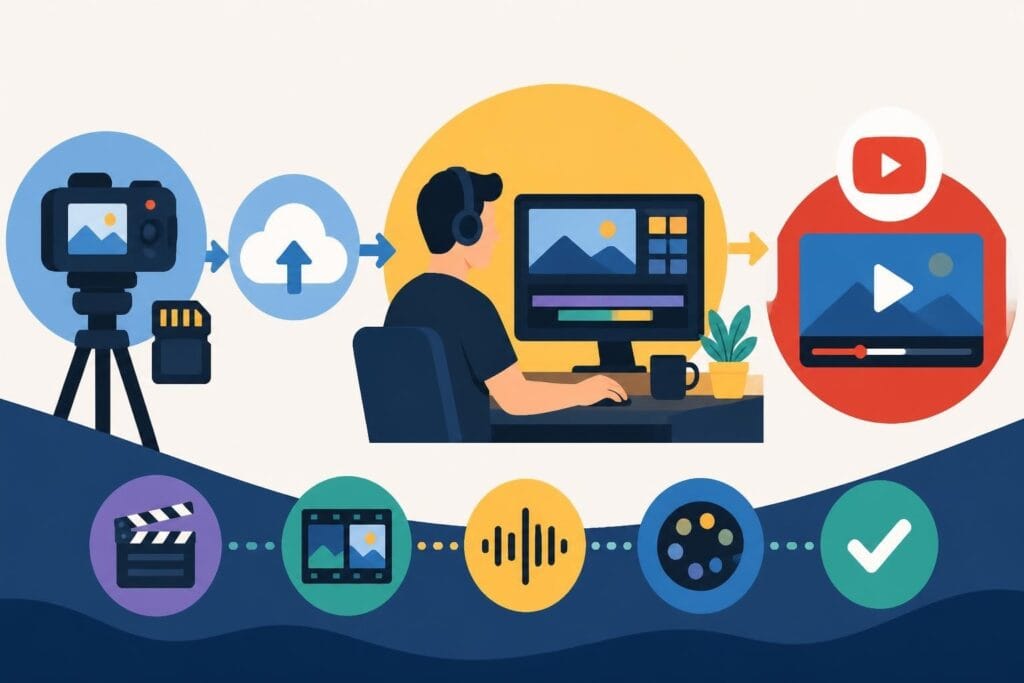
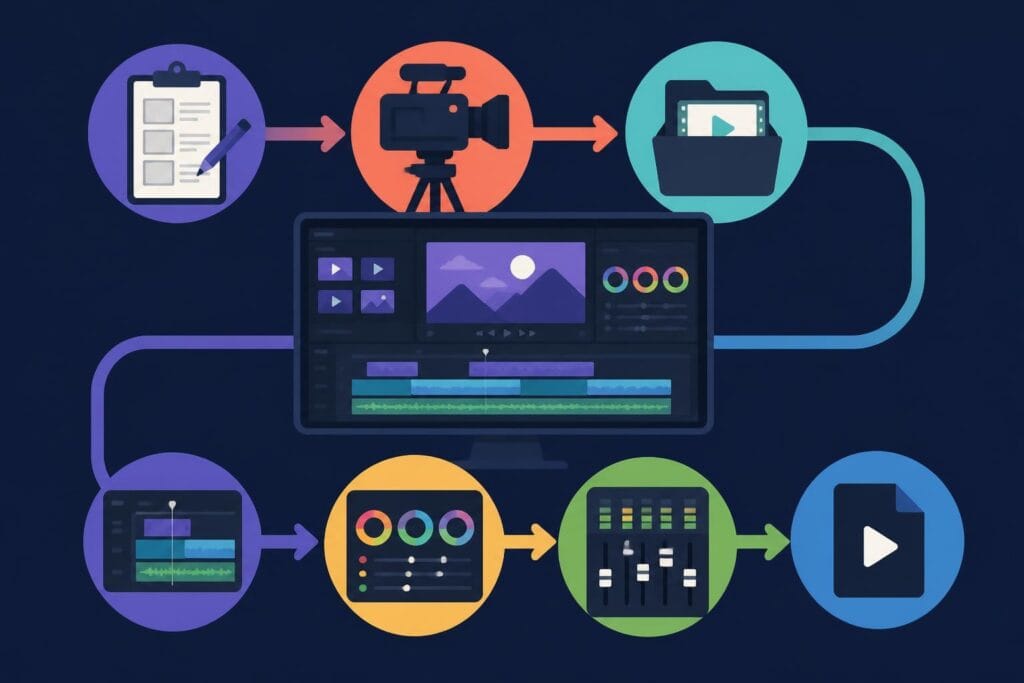
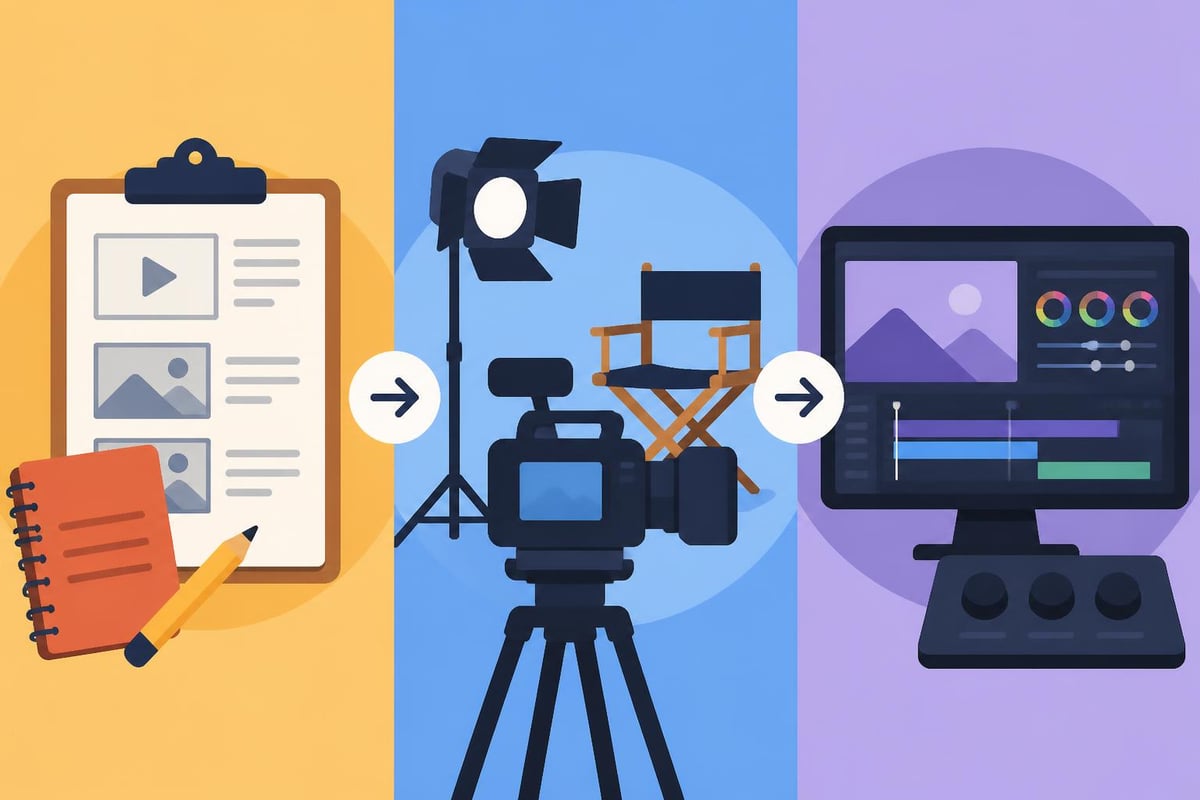
Video production and editing encompasses a multi-stage process that begins long before the camera starts rolling. The production pipeline typically divides into three main phases: pre-production, production, and post-production. Each phase requires careful planning, specific skill sets, and attention to detail.
Pre-production involves concept development, scriptwriting, storyboarding, location scouting, and assembling your production team. This foundational work determines the quality and efficiency of everything that follows. Production encompasses the actual filming or recording process, including camera operation, lighting setup, sound recording, and directing talent. Post-production brings everything together through editing, color grading, audio mixing, and final output.
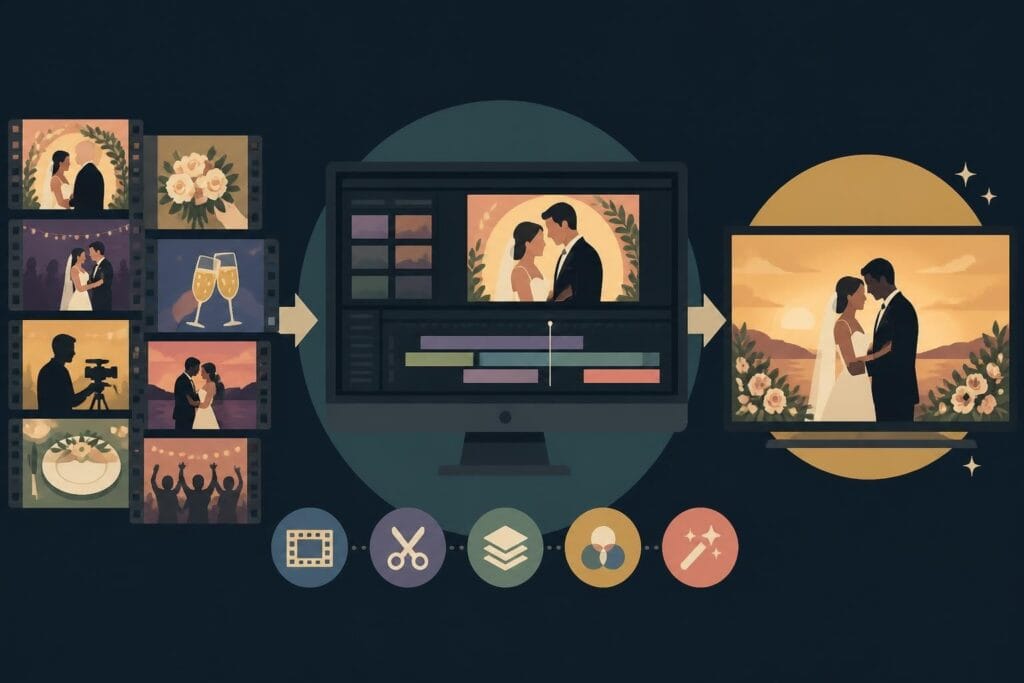
Understanding how video assets work together is crucial for managing complex projects efficiently. Video assets include raw footage, audio files, graphics, animations, and other media elements that combine to create your final product.
Essential Equipment and Software Selection
The tools you choose significantly impact your production quality and workflow efficiency. Camera selection depends on your specific needs, ranging from professional cinema cameras to mirrorless systems or even high-end smartphones. Modern cameras offer 4K and even 8K resolution, high frame rates for slow motion, and advanced autofocus systems.
Key Equipment Categories:
- Cameras and lenses: Primary capture devices with appropriate focal lengths
- Lighting equipment: Key lights, fill lights, backlights, and modifiers
- Audio gear: Microphones, recorders, and monitoring systems
- Stabilization tools: Tripods, gimbals, sliders, and dollies
- Editing workstations: Powerful computers with adequate processing and storage
For editing software, the market offers several professional options. Adobe Premiere Pro dominates commercial production, DaVinci Resolve provides industry-leading color grading, Final Cut Pro X serves Mac users exceptionally well, and Avid Media Composer remains the broadcast standard.
Mastering Pre-Production Planning
Effective pre-production planning prevents costly mistakes and ensures smooth production days. This phase transforms ideas into actionable plans that guide every subsequent decision. Begin by clearly defining your project's goals, target audience, and key messages. What action should viewers take after watching? What emotions should they feel?
Script development forms the backbone of most video projects. Even informal content benefits from outlining key points and transitions. For comprehensive video production guidance, consider how composition, lighting, and sound will support your narrative from the scripting stage.
Storyboarding and Shot Planning
Visual planning through storyboards helps communicate your creative vision to the entire production team. Each frame should indicate camera angle, movement, composition, and any special notes about lighting or action. This process reveals pacing issues, identifies missing shots, and streamlines the production schedule.
Shot lists complement storyboards by providing detailed technical specifications:
- Shot number and description: Scene identification and action
- Camera angle and movement: Wide, medium, close-up, pan, tilt, dolly
- Lens choice: Focal length and aperture requirements
- Lighting notes: Key lighting setups needed
- Audio requirements: Dialogue, sound effects, or music cues
- Estimated time: Duration for setup and capture
Budget planning during pre-production helps allocate resources effectively. Account for equipment rentals, location fees, talent costs, crew wages, props and wardrobe, catering, insurance, and post-production services. Building a 10-15% contingency buffer protects against unexpected expenses.
Production Techniques for Quality Footage
The production phase brings your planning to life through careful execution of technical and creative elements. Successful shoots balance artistic vision with practical efficiency, ensuring you capture everything needed while respecting time and budget constraints.
Lighting establishes mood, directs attention, and ensures technical quality. The classic three-point lighting setup includes a key light (primary illumination), fill light (softens shadows), and backlight (separates subject from background). Natural light can be beautiful but unpredictable, requiring reflectors, diffusers, and awareness of changing conditions.
Audio Quality Considerations:
Sound quality often matters more than visual perfection for viewer retention. Poor audio drives audiences away faster than mediocre visuals. Use external microphones positioned close to your subject, monitor audio levels continuously with headphones, record room tone for editing flexibility, and minimize background noise whenever possible.
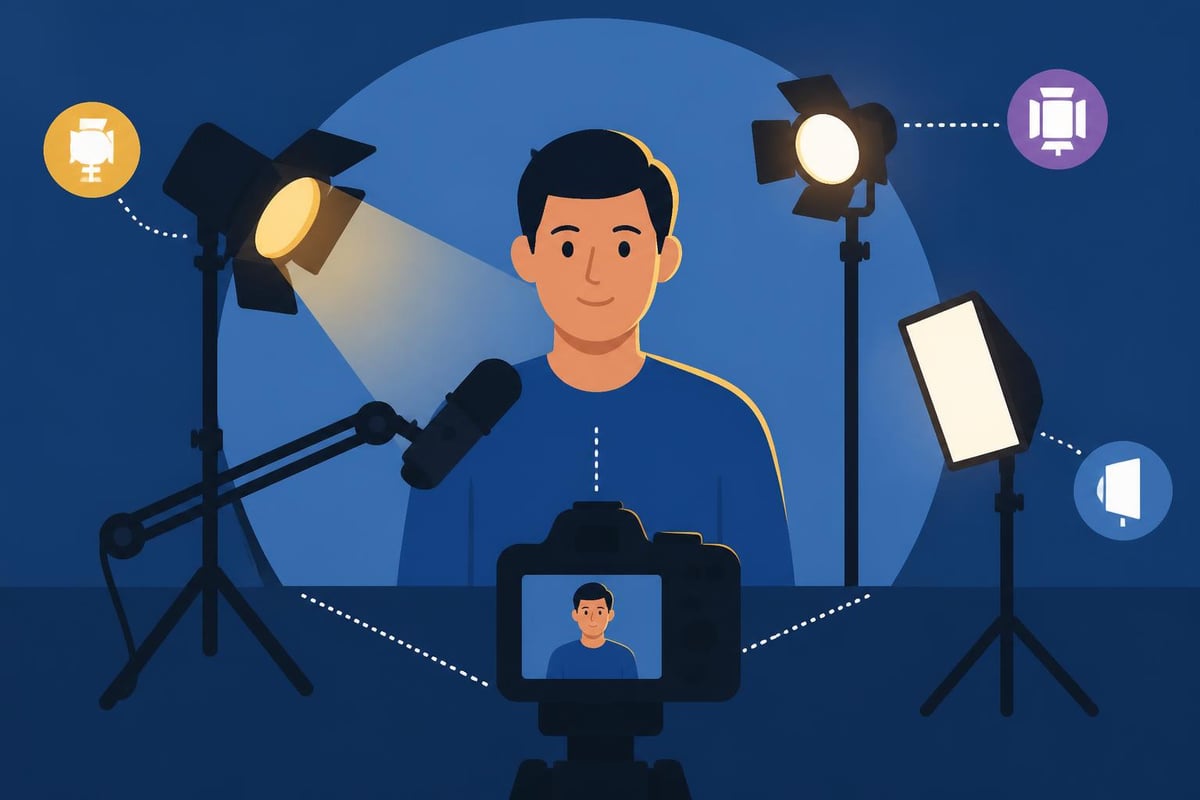
Camera operation techniques directly impact production value. Maintain steady shots using appropriate stabilization, follow the rule of thirds for balanced composition, use depth of field creatively to guide viewer attention, and vary shot sizes to maintain visual interest throughout your content.
The Art and Science of Video Editing
Post-production transforms raw footage into polished, engaging content through editing, color grading, sound design, and effects. Understanding the evolution of motion picture editing provides valuable context for modern techniques that blend technical precision with creative storytelling.
The editing process begins with organization. Import all footage, audio, and assets into your editing software. Create a logical folder structure separating interviews, b-roll, graphics, music, and sound effects. Review all footage and create subclips or markers for standout moments. This organizational foundation saves countless hours during the actual edit.
Assembly and Rough Cut Development
Start with a rough assembly that follows your script or outline. Don't worry about perfect timing or transitions yet-focus on getting the story structure right. Place key interview soundbites or narrative elements on your timeline first, then support them with relevant b-roll and visual elements.
| Editing Stage | Primary Focus | Typical Duration |
|---|---|---|
| Assembly | Story structure | 20-30% of edit time |
| Rough Cut | Pacing and flow | 30-40% of edit time |
| Fine Cut | Refinement | 20-30% of edit time |
| Final Polish | Details and delivery | 10-20% of edit time |
The rough cut refines pacing and rhythm. Cut ruthlessly-if a shot doesn't serve the story, remove it. Trim dead air and unnecessary pauses. Vary shot lengths to maintain energy. Most viewers won't notice individual edits when pacing feels natural, but they'll definitely notice when it drags.
Platforms like beCreatives streamline the entire video production and editing workflow by providing dedicated editors who understand these nuances. Their unlimited service model means you can iterate freely without worrying about hourly costs or revision limits.
Advanced Post-Production Techniques
Color grading transforms the mood and visual cohesion of your video. Start with color correction to balance exposure and white balance across all shots, then apply creative grading to establish your desired aesthetic. Modern color grading workflows typically use node-based systems or adjustment layers for non-destructive editing.
Sound design and audio mixing often separate amateur content from professional work. Layer multiple audio elements including dialogue or voiceover, music tracks, ambient sound, and sound effects. Use EQ to reduce muddiness and enhance clarity, compression to even out volume levels, and reverb sparingly to add space when appropriate.
Motion Graphics and Visual Effects
Graphics and animations enhance storytelling by emphasizing key points, providing context, and maintaining visual interest. Lower thirds identify speakers or locations, animated statistics make data engaging, logo animations reinforce branding, and transition effects guide viewers between segments.
For specialized content formats like TikTok video editing or Instagram Reels editing, platform-specific requirements demand particular attention to vertical formats, rapid pacing, and hook-driven openings.
Rendering and Export Settings:
- Choose the appropriate codec (H.264 for web, ProRes for archival)
- Set resolution matching your delivery platform requirements
- Configure frame rate consistent with source footage
- Adjust bitrate for quality versus file size balance
- Embed proper metadata and timecode when needed
Workflow Optimization for Maximum Efficiency
Efficient workflows separate professional operations from amateur efforts. Standardizing your processes reduces decision fatigue and ensures consistent quality across projects. Develop templates for common project types, keyboard shortcuts for frequent actions, and naming conventions that make assets instantly identifiable.
For more detailed guidance on video editing best practices, consider how lighting, b-roll footage, and editing platform selection impact your overall efficiency and output quality.
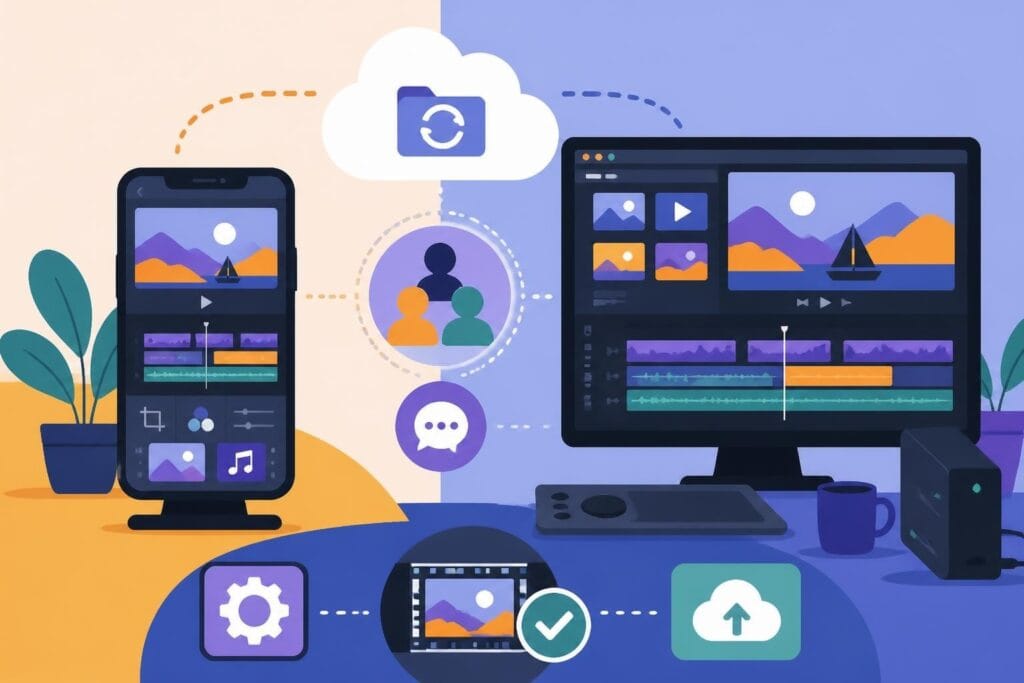
Collaboration tools become essential when working with teams or clients. Cloud-based review platforms enable stakeholder feedback directly on video timelines, project management software tracks deliverables and deadlines, shared storage solutions ensure everyone accesses current assets, and version control prevents overwriting previous work.
Many businesses and creators find that outsourcing to specialized services dramatically improves their workflow. Professional video editors bring technical expertise, creative perspective, and efficient processes that accelerate project completion while elevating quality.
Platform-Specific Content Strategies
Different distribution platforms require tailored approaches to video production and editing. YouTube prioritizes longer-form content with strong retention metrics, demanding compelling hooks in the first 15 seconds and strategic pacing throughout. YouTube Shorts editing follows different rules, emphasizing vertical formats and rapid-fire delivery similar to TikTok.
Platform Specifications Comparison:
| Platform | Optimal Length | Aspect Ratio | Key Features |
|---|---|---|---|
| YouTube | 7-15 minutes | 16:9 | Chapters, end screens, cards |
| TikTok | 30-60 seconds | 9:16 | Trends, sounds, effects |
| Instagram Reels | 15-90 seconds | 9:16 | Music integration, stickers |
| 1-3 minutes | 16:9 or 1:1 | Professional tone, captions | |
| 1-2 minutes | 1:1 or 16:9 | Native upload, captions |
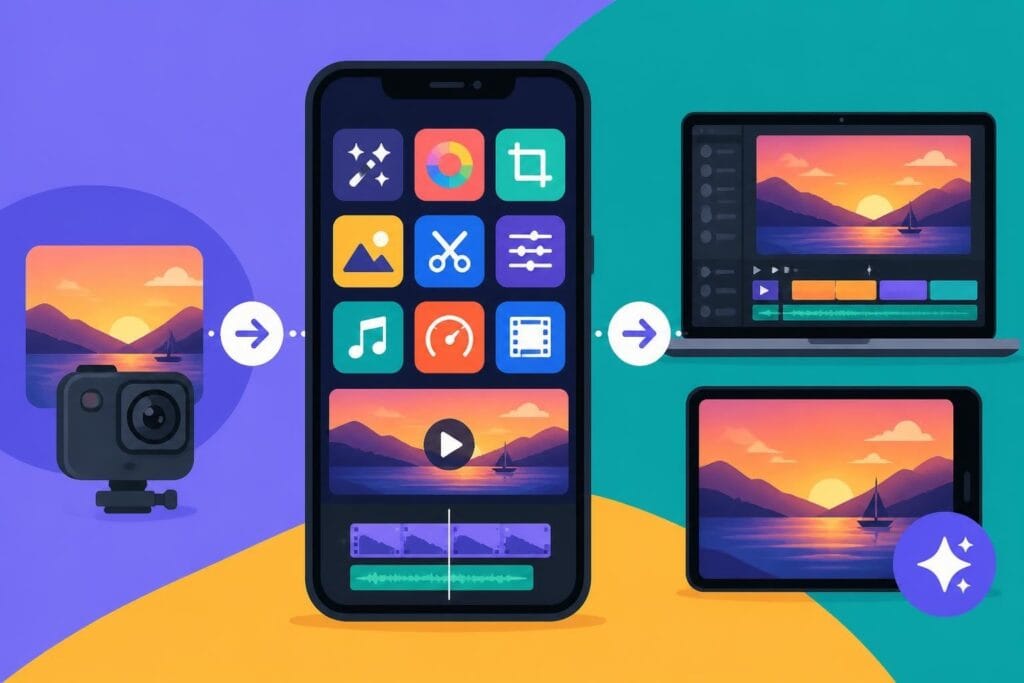
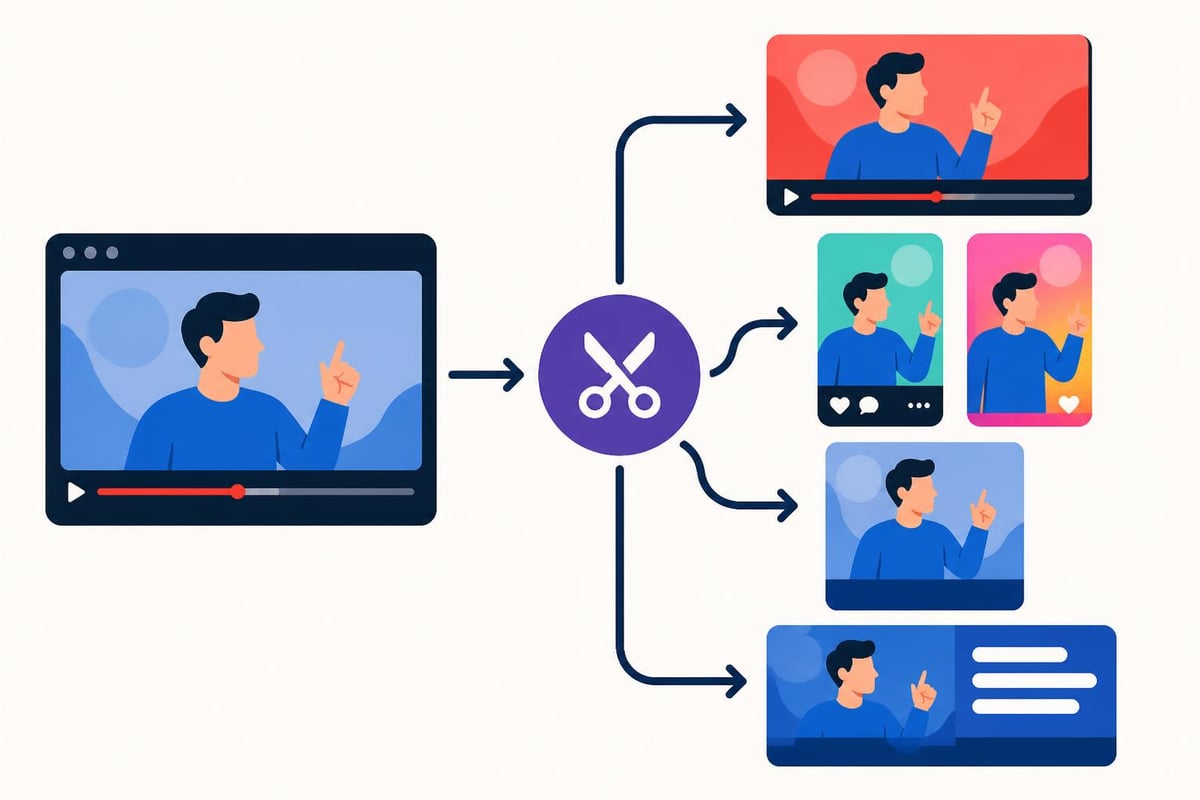
Understanding these platform differences allows you to repurpose content effectively. A single production session can yield material for multiple platforms when edited appropriately. Extract vertical segments from horizontal footage, create teaser clips from longer videos, and adjust pacing and graphics for each platform's audience expectations.
Building Sustainable Production Systems
Long-term success in video production and editing requires sustainable systems that scale with your needs. Content calendars help plan production schedules weeks or months ahead, batch filming maximizes location and setup efficiency by capturing multiple videos in single sessions, and template-driven editing accelerates turnaround for recurring content formats.
Resource management becomes increasingly important as production volume grows. Organize your asset libraries with consistent naming conventions and metadata tagging, archive completed projects to free active storage while maintaining accessibility, and maintain equipment through regular cleaning and calibration to prevent failures during critical shoots.
Businesses like One Big Happy Photo, LLC demonstrate how specialized creative services build systems that deliver consistent quality. While they focus on newborn photography, the principle of systematic excellence applies equally to video production and editing workflows.
For those creating educational or faith-based content, organizations like Journeys of Faith showcase how Catholic media companies leverage video production and editing to spread their message across books, DVDs, and digital platforms. Their multi-format approach demonstrates the versatility required in modern content creation.
Developing Your Creative Voice
Technical proficiency provides the foundation, but creative vision drives memorable content. Study content you admire and analyze what makes it effective. Notice pacing choices, music selection, color palettes, and storytelling techniques. Incorporate these insights while developing your unique style.
Experimentation accelerates creative growth. Try unconventional transitions, test different color grades on the same footage, experiment with varying music genres against identical visuals, and push beyond comfortable editing techniques regularly.
Feedback loops refine your creative instincts. Share work-in-progress cuts with trusted colleagues, analyze audience engagement metrics to identify what resonates, review your older work to track improvement over time, and remain open to constructive criticism even when it challenges your choices.
Monetizing Video Production Skills
Understanding video production and editing opens numerous revenue opportunities. Freelance editing serves individual clients on per-project basis, content creation builds your own audience and brand partnerships, corporate production addresses business training and marketing needs, and specialized niches like gaming video editing command premium rates.
The digital product economy offers additional paths to monetization. Platforms like CreateSell teach creators how to package their knowledge into digital products that generate passive income. Video editors can create tutorial courses, template packs, LUT collections, or sound effect libraries that sell while they sleep.
Pricing Structure Considerations:
- Hourly rates: $50-150+ depending on experience and market
- Project-based fees: Scope complexity, deliverables, and usage rights
- Retainer agreements: Ongoing monthly services for consistent clients
- Value-based pricing: Align cost with client ROI rather than time invested
Building a sustainable editing business requires balancing creative fulfillment with financial viability. Diversify your client base across industries, establish clear contracts and payment terms, invest in continuing education to stay current with trends, and consider your pricing structure carefully to ensure profitability.
Staying Current with Industry Evolution
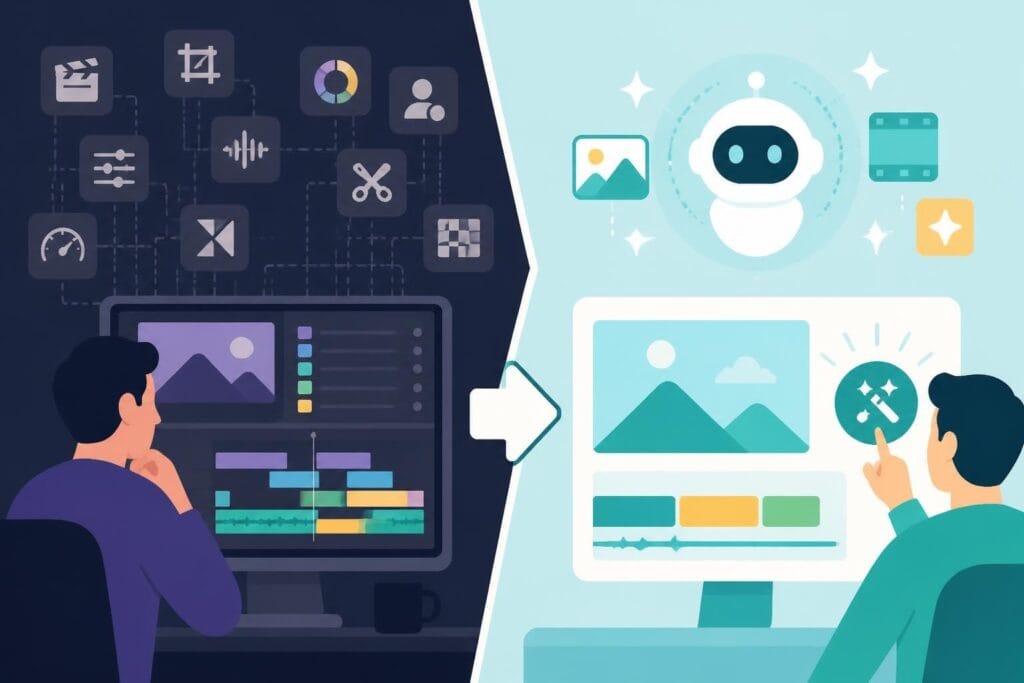
Video production and editing technology evolves rapidly, demanding continuous learning. AI-powered tools now assist with tasks like automatic transcription and caption generation, color matching across footage, audio cleanup and enhancement, and even rough cut assembly based on script analysis.
Cloud-based collaboration has transformed how teams work together. Editors access powerful systems remotely, multiple team members review and comment simultaneously, version control prevents conflicts and lost work, and render farms accelerate export times for complex projects.
According to comprehensive video production resources, mastering the full production cycle from camera use through distribution positions professionals for long-term success regardless of technological changes.
Emerging formats demand adaptation. Virtual reality and 360-degree video create immersive experiences, interactive video allows viewer choice and engagement, live streaming continues growing across platforms, and short-form vertical video dominates social media consumption.
Mastering video production and editing requires balancing technical skill with creative vision while building efficient workflows that scale with your ambitions. Whether you're creating content for your own brand or serving clients, understanding the complete production pipeline positions you for success in 2026's competitive landscape. If you're ready to elevate your video content without the overhead of managing in-house editors, beCreatives offers unlimited video editing services with dedicated editors, unlimited storage, and streamlined revision systems that help you focus on creating while they handle the technical execution.