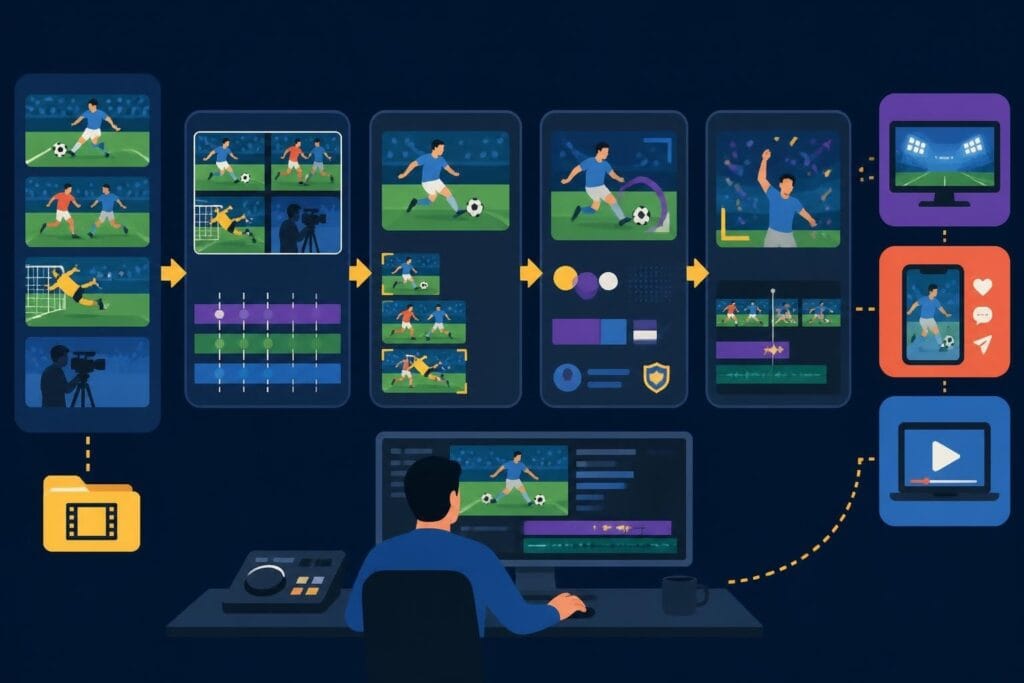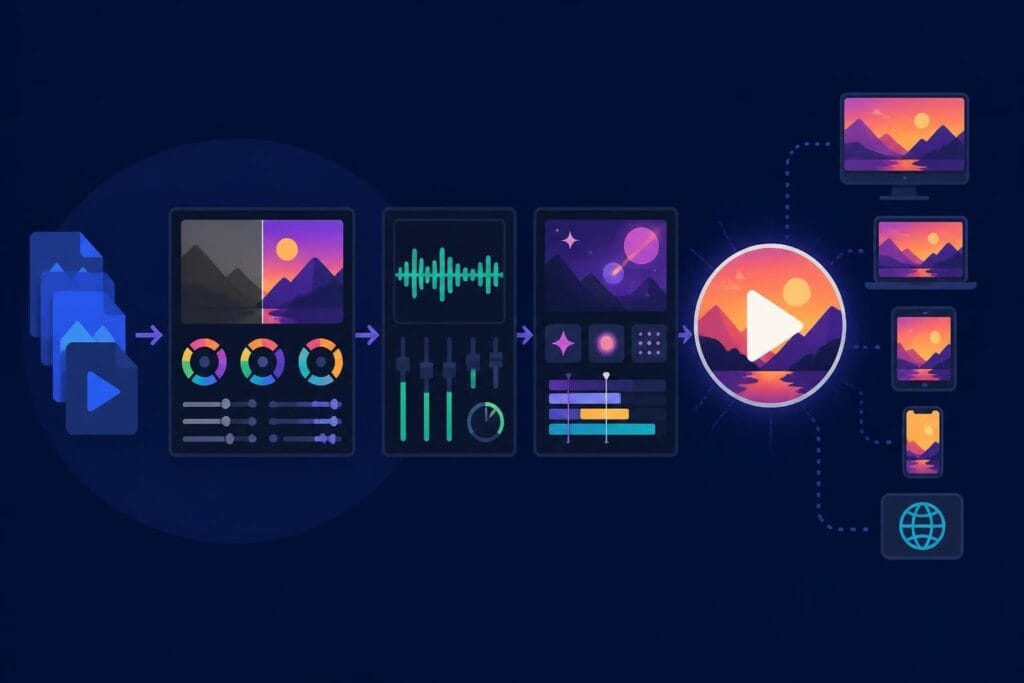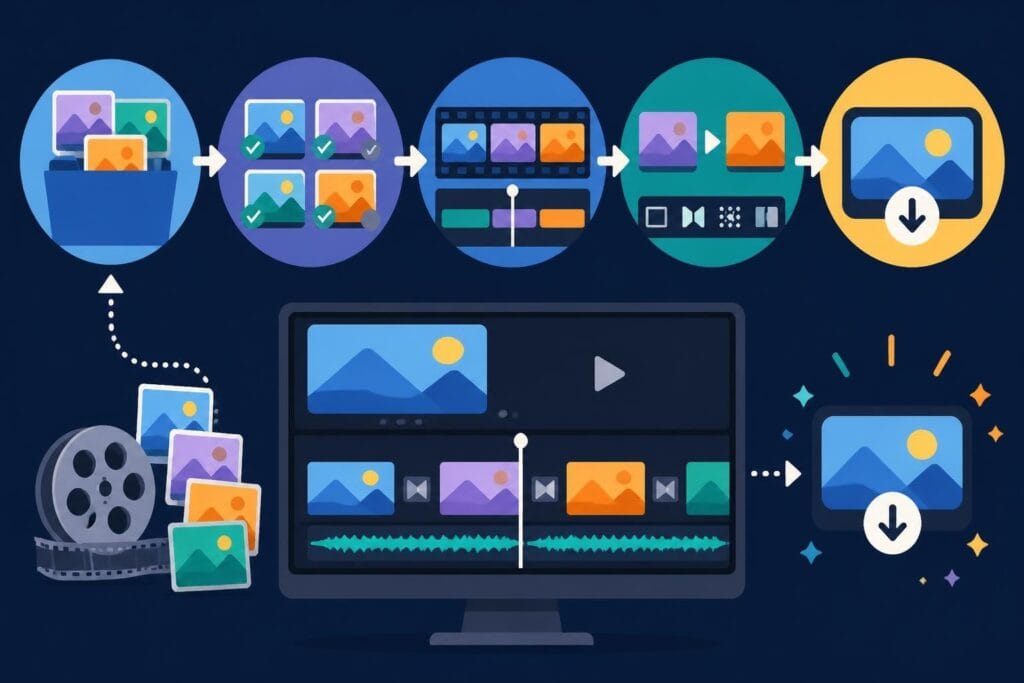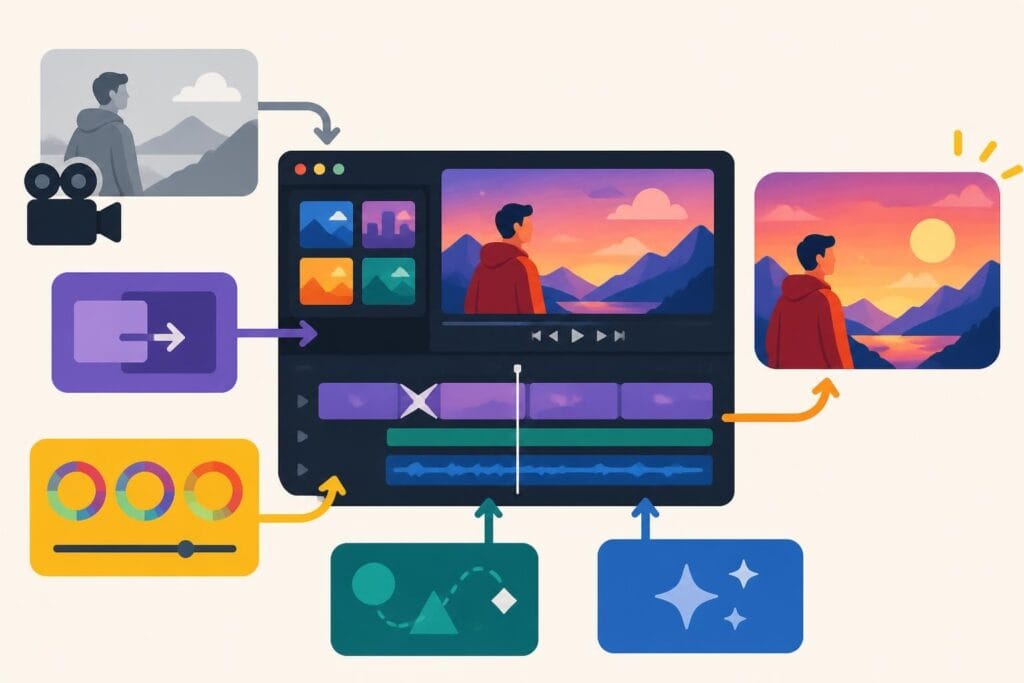
Video content dominates digital platforms in 2026, making creative editing essential for standing out in crowded feeds. Whether you're a content creator, marketer, or business owner, mastering innovative video editing ideas can transform ordinary footage into compelling stories that capture attention and drive engagement. The right editing techniques elevate production value, strengthen brand identity, and maximize viewer retention across YouTube, TikTok, Instagram, and other platforms.
Understanding Modern Video Editing Fundamentals
The foundation of impactful video content lies in understanding how editing techniques influence viewer perception and engagement. Modern audiences expect polished, dynamic content that delivers value within the first three seconds. This shift has transformed video editing from a technical skill into a creative storytelling discipline that combines aesthetic choices with strategic communication goals.
Essential Editing Techniques Every Creator Should Master
Professional video editing builds upon core techniques that serve as building blocks for more complex creative work. These foundational skills enable you to execute sophisticated video editing ideas for engaging your audience while maintaining production efficiency.
Key techniques include:
- Jump cuts for pacing control and dead space elimination
- L-cuts and J-cuts for natural audio transitions
- Color correction to establish consistent visual tone
- Speed ramping to emphasize action or create dramatic effect
- Split-screen compositions for comparative storytelling
These techniques form the backbone of professional editing workflows. Mastering them creates opportunities for more experimental approaches that distinguish your content from competitors.
Creative Transition Techniques That Captivate Viewers
Transitions serve as connective tissue between shots, scenes, and ideas. While standard cuts remain the most common editing choice, creative transitions add visual interest and reinforce thematic elements throughout your content. The key lies in selecting transitions that enhance storytelling rather than distract from your message.
Motion-Based Transitions
Motion transitions use camera movement or subject movement to create seamless visual flow between disparate shots. A subject exiting frame right can transition naturally into a new subject entering frame left, creating visual continuity that feels organic rather than manufactured.
| Transition Type | Best Use Case | Complexity Level |
|---|---|---|
| Whip Pan | High-energy content, vlogs | Beginner |
| Match Cut | Thematic connections | Intermediate |
| Invisible Cut | Long-form narratives | Advanced |
| Zoom Transition | Product reveals, tutorials | Beginner |
Digital transitions like morphing, glitch effects, and geometric wipes work particularly well for tech-focused content or modern brand aesthetics. These effects communicate innovation and forward-thinking values that resonate with digital-native audiences.
Leveraging Text and Typography for Impact
Text overlays have evolved from simple captions into powerful design elements that reinforce messaging and accommodate sound-off viewing. Approximately 85% of social media videos are watched without sound, making strategic text placement essential for content performance. Choosing the right video editing software that offers robust typography tools becomes critical for implementing these video editing ideas effectively.
Dynamic Text Animation Strategies
Static text fails to capture attention in fast-moving social feeds. Animated typography creates visual hierarchy, emphasizes key points, and guides viewer attention throughout your content. Kinetic text treatments should complement your brand identity while remaining readable across device sizes.
- Typewriter effects for building suspense or revealing information
- Bounce animations for energetic, playful content
- Fade and scale combinations for elegant, professional aesthetics
- Tracking adjustments synchronized with audio peaks
Consider how platforms like beCreatives enable consistent text styling across multiple videos through template systems and dedicated editing support. This consistency strengthens brand recognition while reducing production time.
Audio Design as a Storytelling Device
Visual elements capture initial attention, but audio design sustains engagement and creates emotional resonance. Strategic audio editing transforms acceptable content into memorable experiences that viewers share and revisit. This encompasses music selection, sound effects, dialogue treatment, and the interplay between all audio elements.
Music Synchronization Techniques
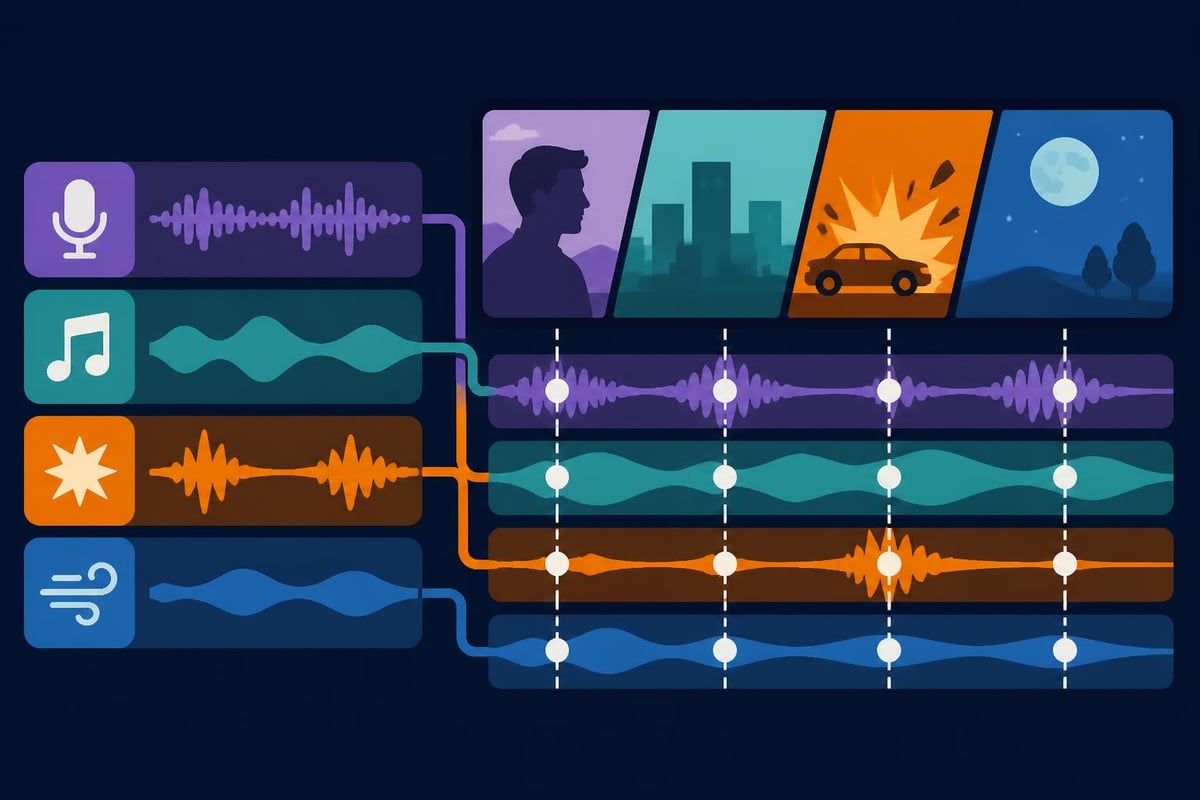
Editing to the beat creates rhythm that viewers perceive as professional and intentional. Musical synchronization involves aligning visual cuts, transitions, and motion graphics with musical beats, creating a cohesive audiovisual experience. This technique works particularly well for product showcases, travel content, and narrative storytelling.
Professional editors identify musical markers-downbeats, crescendos, drops-then build visual sequences around these anchor points. The result feels choreographed and purposeful, elevating perceived production value significantly.
Color Grading for Mood and Brand Identity
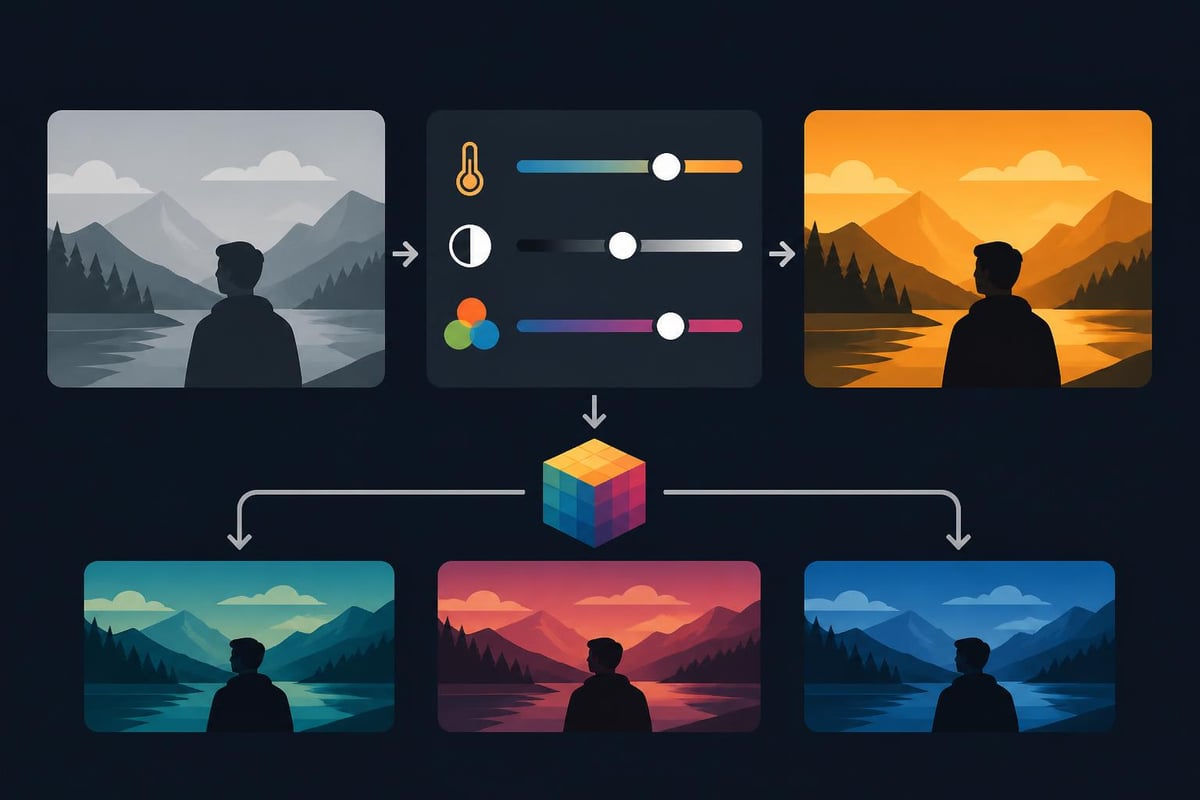
Color grading separates amateur content from professional productions. This process involves adjusting color temperature, saturation, contrast, and luminance to create specific moods while maintaining visual consistency across shots. Effective color grading reinforces brand identity and guides viewer emotional responses throughout your content.
Creating Custom LUTs for Brand Consistency
Look-Up Tables (LUTs) enable rapid color grading across multiple projects while maintaining visual consistency. Creating custom LUTs based on brand guidelines ensures every video aligns with your established aesthetic identity. This approach proves particularly valuable for content creators producing daily or weekly videos who need efficient workflows without sacrificing quality.
Popular color grading approaches include:
- Cinematic teal and orange for dramatic narratives
- Desaturated looks for serious or documentary content
- Vibrant, saturated palettes for lifestyle and entertainment
- Vintage film emulations for nostalgic storytelling
- High-contrast monochrome for artistic emphasis
Organizations like beCreatives help maintain color consistency through dedicated editors who understand your brand requirements and apply grading systematically across content libraries.
Motion Graphics and Animation Integration
Motion graphics communicate complex information quickly while adding production polish that static titles cannot achieve. From lower thirds identifying speakers to animated infographics explaining data, motion graphics serve functional and aesthetic purposes. These video editing ideas work exceptionally well for educational content, product demonstrations, and marketing materials.
Data Visualization Techniques
Transforming statistics into animated charts, graphs, and visual metaphors makes information digestible and shareable. Animated data visualization helps viewers understand trends, comparisons, and key metrics without requiring extensive explanation or lengthy text blocks.
| Graphic Type | Information Best Suited | Viewer Engagement |
|---|---|---|
| Bar Charts | Comparisons, rankings | Medium |
| Line Graphs | Trends over time | High |
| Pie Charts | Proportional data | Low |
| Animated Icons | Process steps, features | Very High |
Modern tools enable creators to implement beginner-friendly video editing techniques including motion graphics without extensive animation experience. Pre-built templates and motion presets accelerate production while maintaining professional quality standards.
Strategic B-Roll Integration for Enhanced Storytelling
B-roll footage provides visual variety, supports narrative points, and covers edit points in interview-based content. Strategic B-roll selection and placement transforms talking-head videos into dynamic visual experiences that maintain viewer attention. The key lies in selecting supplementary footage that reinforces rather than distracts from primary messaging.
B-Roll Selection Criteria
Effective B-roll serves specific purposes within your edit. Each clip should illustrate concepts mentioned in dialogue, provide context for locations or subjects, or create visual breathing room between intensive information segments. Random or loosely connected B-roll confuses viewers and weakens narrative cohesion.
Consider these applications:
- Product close-ups during feature explanations
- Environmental shots establishing location or atmosphere
- Action sequences demonstrating processes or techniques
- Reaction shots adding emotional dimension to narratives
- Time-lapse footage showing progression or transformation
Professional platforms like AdsRaw demonstrate how strategic B-roll and user-generated content styles create authentic, engaging video ads that resonate with modern audiences. This approach applies equally to organic content and paid advertising campaigns.
Implementing AI-Assisted Editing Workflows
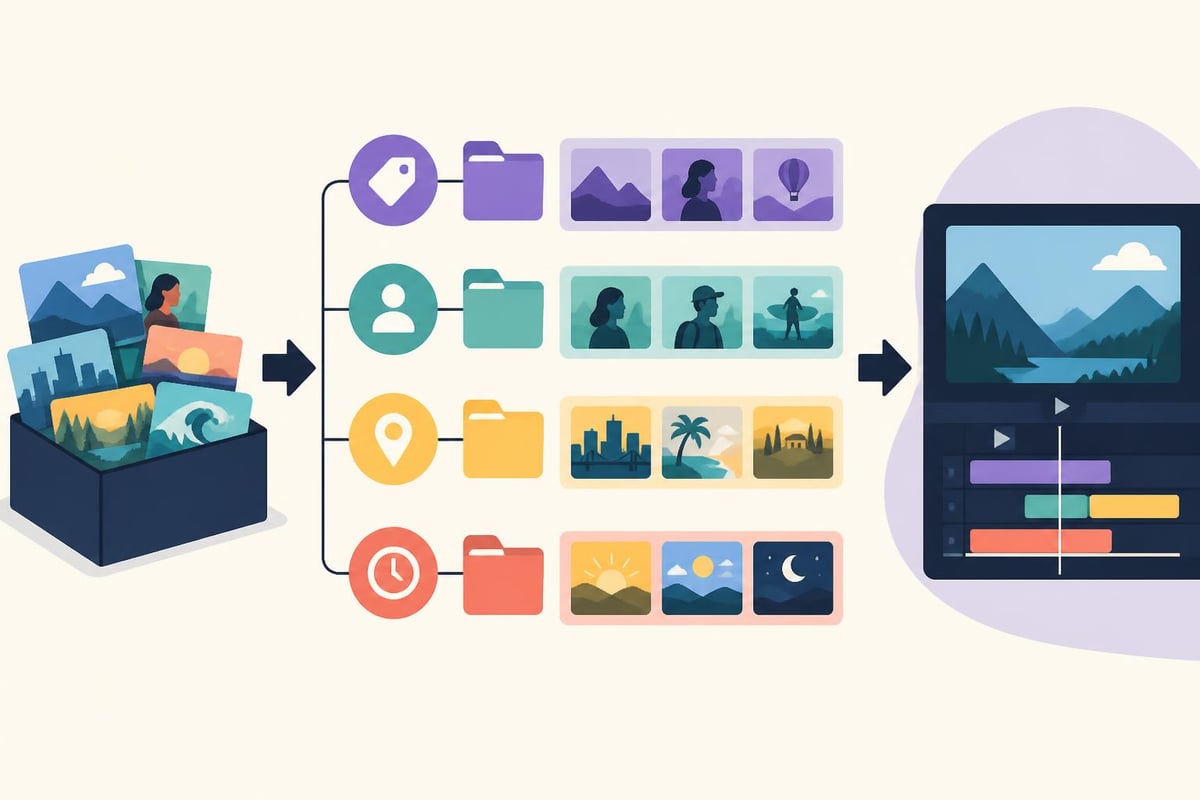
Artificial intelligence has revolutionized video editing workflows in 2026, automating time-consuming tasks while enabling creative experimentation. AI-powered tools handle color matching, audio leveling, scene detection, and even content-aware editing suggestions. These technologies free editors to focus on creative decisions rather than technical adjustments.
Automated Editing Features Worth Exploring
Modern editing platforms incorporate machine learning algorithms that analyze footage and suggest edits based on content type, pacing preferences, and platform requirements. AI assistance accelerates production without sacrificing creative control, making professional techniques accessible to creators at all skill levels.
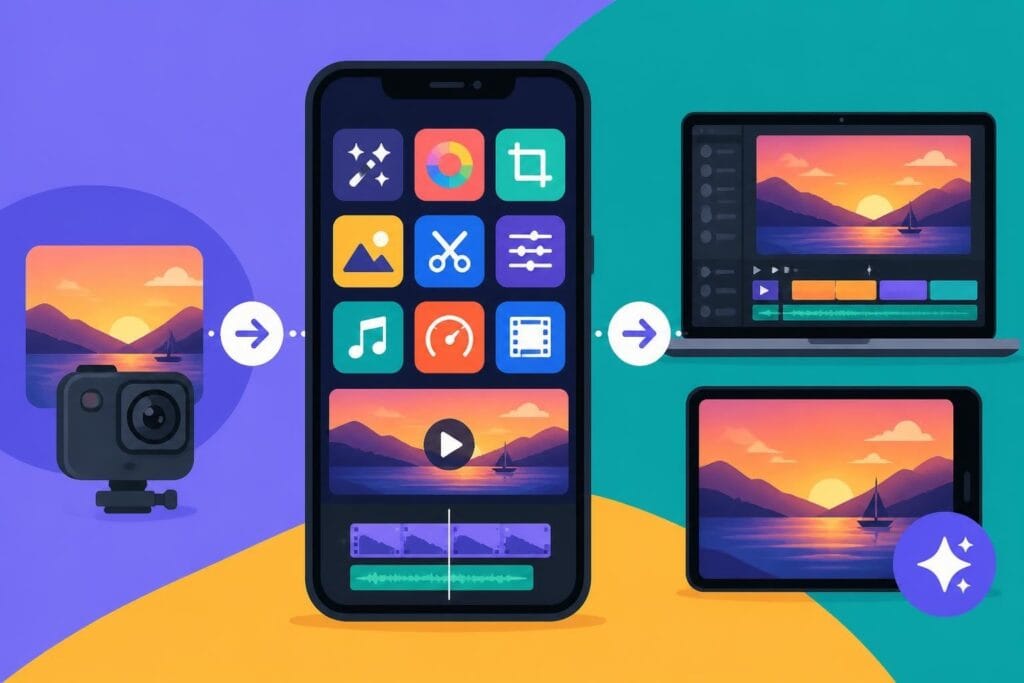
Exploring mobile video editing apps reveals how AI features enable sophisticated editing directly from smartphones, democratizing professional-quality production for creators everywhere.
Platform-Specific Optimization Strategies
Different platforms require distinct editorial approaches based on audience expectations, technical specifications, and algorithmic preferences. Video editing ideas that perform well on YouTube may fail on TikTok or Instagram Reels. Understanding platform nuances ensures your content meets technical requirements while aligning with viewer expectations for each channel.
Aspect Ratio and Format Considerations
Vertical 9:16 video dominates mobile-first platforms while horizontal 16:9 remains standard for YouTube and traditional viewing. Square 1:1 formats maximize feed visibility on Instagram and Facebook. Strategic creators produce content in multiple aspect ratios or use dynamic reframing to repurpose content efficiently across platforms.
Platform-specific strategies include:
- YouTube: Longer watch times through chapter markers and timestamps
- TikTok: Hook within one second, trending audio integration
- Instagram Reels: Text overlays for sound-off viewing
- LinkedIn: Professional tone, value-focused messaging
- Facebook: Captions and native uploads for algorithm preference
Leveraging professional video editing services enables creators to maintain presence across multiple platforms without multiplying production workload proportionally.
Advanced Compositing and Special Effects
Compositing techniques blend multiple visual elements into seamless final images, enabling impossible shots and creative visual metaphors. From green screen replacement to particle effects, advanced compositing expands creative possibilities beyond practical filming limitations. These video editing ideas particularly benefit product launches, brand campaigns, and entertainment content.
Practical Compositing Applications
While Hollywood-level effects require specialized software and expertise, accessible compositing techniques deliver impressive results for everyday creators. Sky replacement improves outdoor footage shot under unfavorable conditions. Screen replacements showcase digital products or demonstrate software without complicated screen recording setups.
Common compositing techniques include:
- Chroma key replacement for location flexibility
- Motion tracking for text or graphics following moving subjects
- Masking and rotoscoping for selective adjustments
- Particle systems for environmental effects
- 3D camera tracking for realistic element integration
Professional editing support through services offering unlimited revisions and storage allows creators to experiment with advanced techniques without project abandonment when challenges arise.
Storytelling Through Pacing and Rhythm
Pacing determines how information unfolds and when viewers experience emotional peaks and valleys. Deliberate pacing choices transform raw footage into structured narratives that maintain engagement from opening frame to final call-to-action. This editorial dimension separates competent editing from exceptional storytelling that drives measurable results.
Building Tension and Release Patterns
Human attention operates in cycles requiring variation between intensity and rest. Videos that maintain constant high energy exhaust viewers, while monotonous pacing fails to sustain interest. Effective editors orchestrate rhythm through shot duration, transition frequency, audio intensity, and information density.
Consider how implementing professional video editing tips helps creators balance these elements systematically rather than relying on instinct alone. Structured approaches to pacing ensure consistent quality across content libraries.
Creating Templates for Production Efficiency
Template-based workflows dramatically reduce editing time while maintaining creative flexibility. Reusable templates establish consistent branding, standardize technical specifications, and eliminate repetitive setup tasks for regular content series. This efficiency proves particularly valuable for creators publishing multiple videos weekly or managing content across multiple channels.
Template Components Worth Standardizing
Effective templates balance consistency with flexibility, providing structure while accommodating unique content requirements. Lower thirds, intro sequences, outro cards, and transition packages form the foundation of efficient template systems that accelerate production without constraining creativity.
| Template Element | Time Saved Per Edit | Customization Flexibility |
|---|---|---|
| Intro Sequence | 15-30 minutes | Low |
| Lower Thirds | 5-10 minutes | High |
| Transition Pack | 10-20 minutes | Medium |
| Outro Template | 10-15 minutes | Low |
| Color Grade LUT | 20-40 minutes | Medium |
Organizations utilizing dedicated editing support can develop comprehensive template libraries that evolve with brand guidelines while maintaining production consistency across team members and time periods.
Collaborative Editing Workflows for Teams
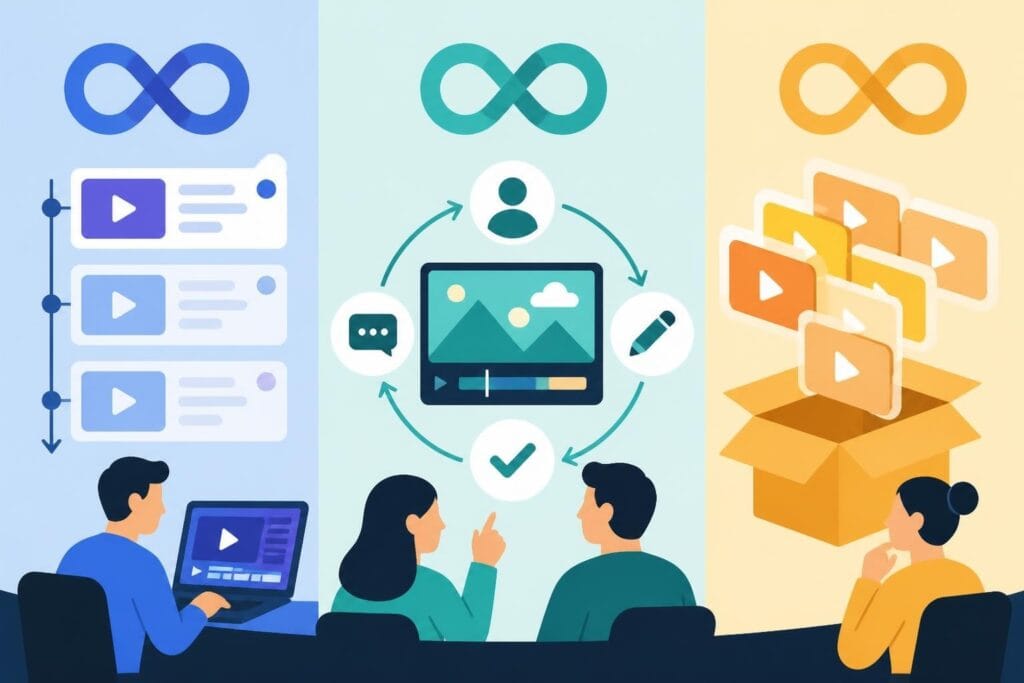
Team-based content production requires systems enabling multiple contributors to work efficiently without version conflicts or communication breakdowns. Cloud-based collaboration tools and structured feedback processes ensure creative vision translates accurately from concept through final delivery, even across distributed teams.
Communication Systems That Streamline Revisions
Clear revision processes prevent endless edit cycles while ensuring stakeholder feedback receives appropriate consideration. Time-coded comments, visual markup tools, and structured approval workflows replace ambiguous email threads with actionable, specific guidance that editors can implement confidently.
Platforms offering dedicated video editors and revision systems eliminate common collaboration friction points, enabling creators to focus on strategy and content development rather than project management logistics.
Implementing diverse video editing ideas transforms content from functional information delivery into compelling visual experiences that capture attention and drive results. Whether you're experimenting with dynamic transitions, perfecting color grading workflows, or optimizing content for specific platforms, strategic editing choices directly impact viewer engagement and business outcomes. beCreatives provides dedicated video editors, unlimited storage, and streamlined revision systems that help content creators, marketers, and agencies execute sophisticated video editing ideas consistently without the overhead of building internal production teams.
Article written using RankPill.