Creating online courses has never been more popular, but there's a huge gap between recording your knowledge and delivering a polished learning experience. Course editing video is where the magic happens-it's the difference between viewers clicking away after two minutes and students actually finishing your modules. Whether you're a coach packaging your expertise, an agency creating client training programs, or a business building internal educational content, understanding what makes course videos work (and what doesn't) can transform your content from "meh" to must-watch.
Why Course Video Editing Matters More Than Ever
The online learning market is absolutely packed right now. Your competition isn't just other experts in your field-it's Netflix, YouTube, and every other platform competing for your students' attention.
Here's what makes course editing video different from regular content:
- Students expect professional quality even from solo creators
- Attention spans are shorter than ever (we're talking seconds, not minutes)
- Poor editing creates cognitive overload that kills learning
- One awkward pause or technical glitch can tank your credibility
Think about the last online course you actually completed versus the ones gathering digital dust in your account. The difference probably wasn't the information-it was the delivery.
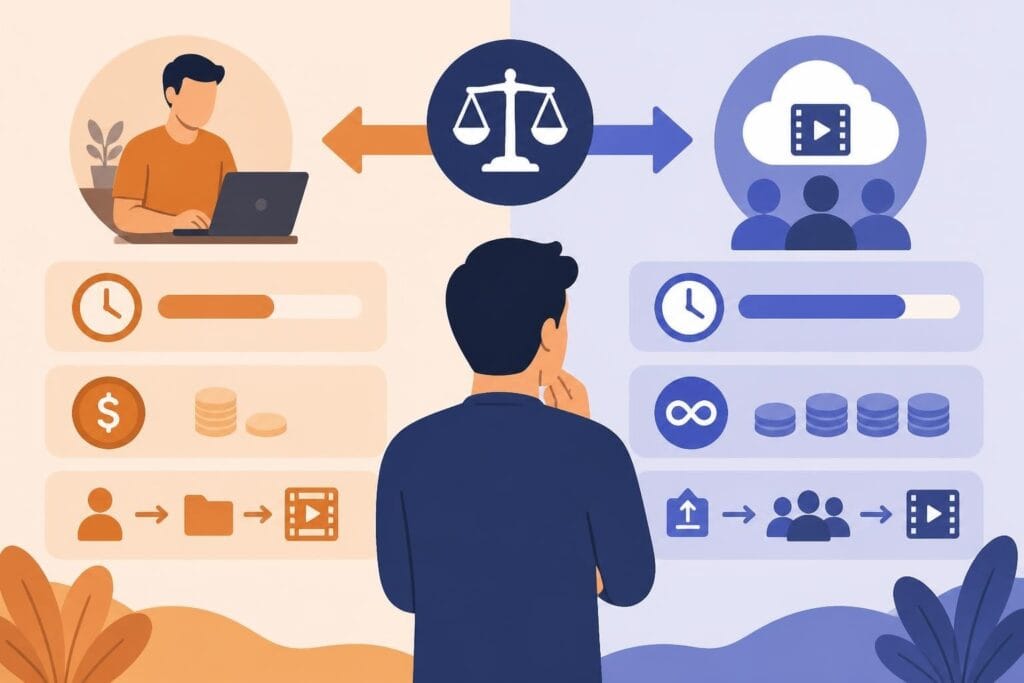
The Real Cost of DIY Course Editing
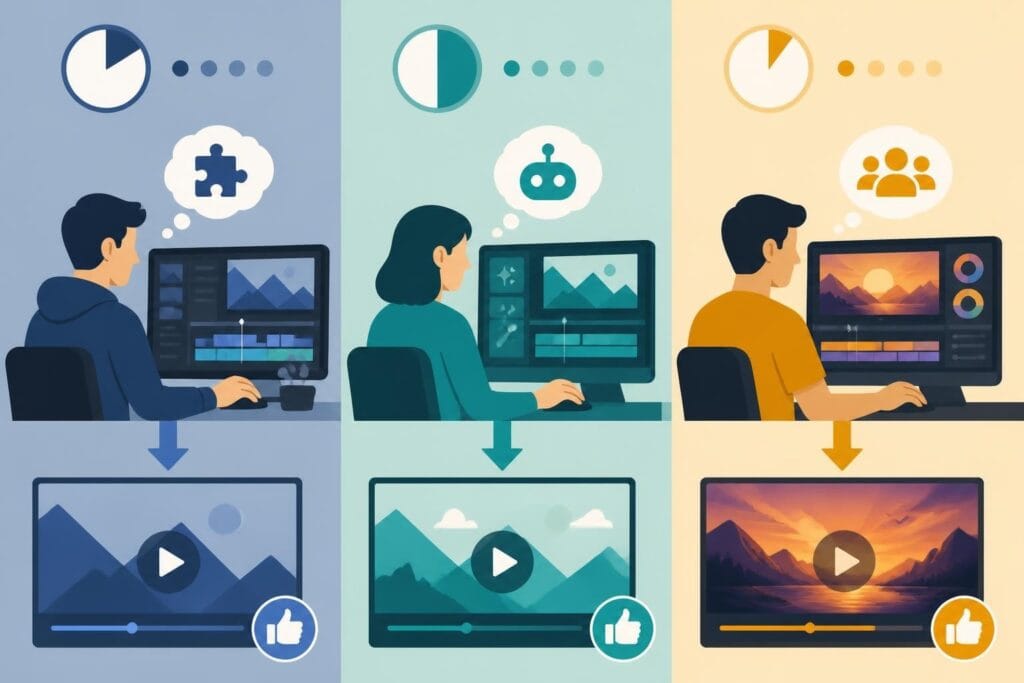
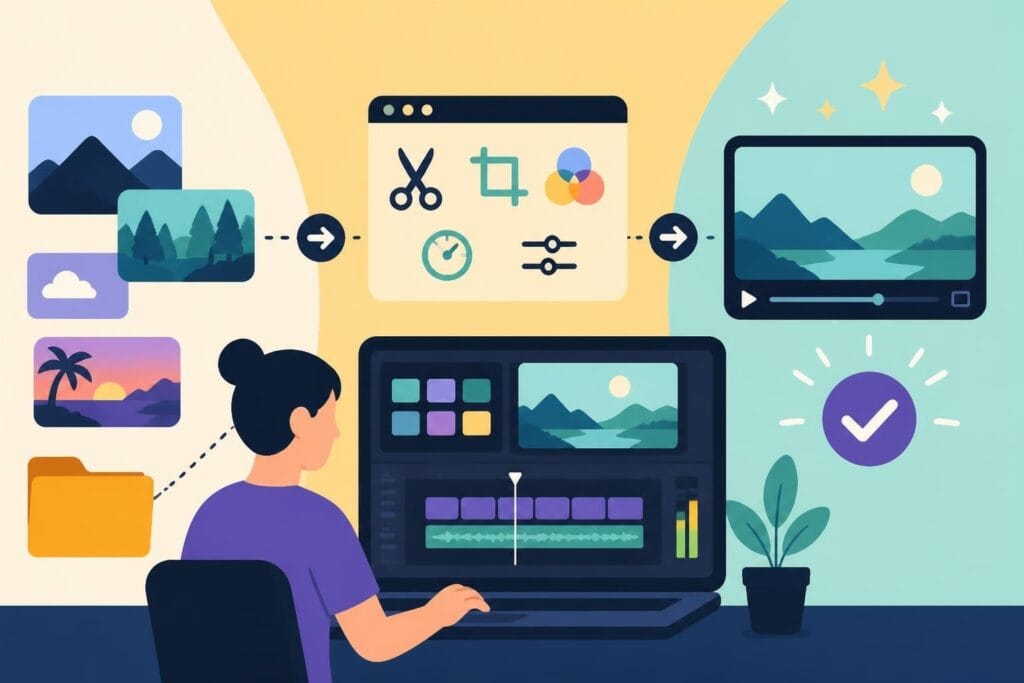
Most course creators underestimate the editing timeline by about 300%. What seems like a quick cleanup job turns into weeks of tweaking transitions, color correcting, and re-rendering files.
You're not just editing-you're making hundreds of micro-decisions about pacing, visual hierarchy, and learner engagement. Each module might require different approaches depending on whether you're teaching concepts, demonstrating processes, or sharing case studies.
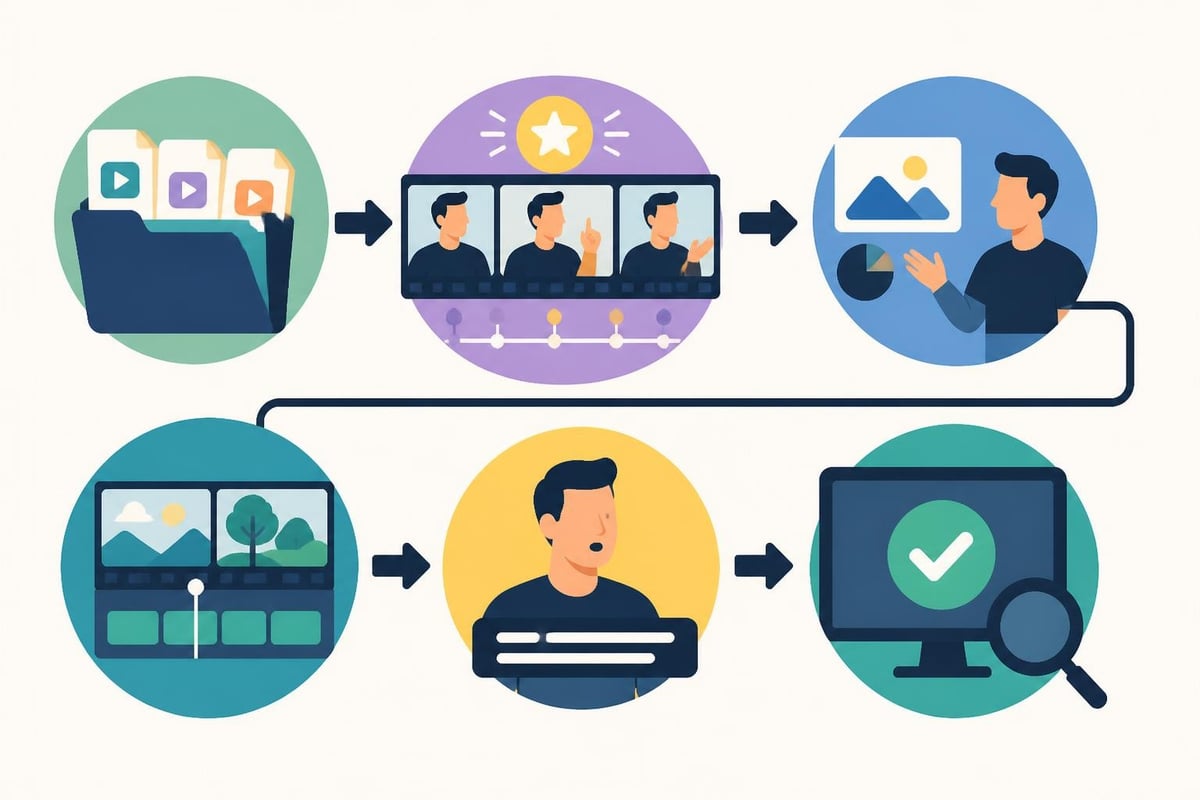
Essential Elements of Professional Course Videos
Educational institutions have spent decades figuring out what works. Take Sessions College’s Digital Video Editing course, which emphasizes story structure and editing concepts-principles that apply whether you're editing Hollywood films or training modules.
Structure and Segmentation
Breaking content into digestible chunks isn't just nice-it's neuroscience. Your brain can only hold so much new information before it needs processing time.
Effective course editing video includes:
- Clear module introductions (tell them what they'll learn)
- Focused teaching segments (5-8 minutes maximum)
- Visual breaks between concepts
- Recap moments that reinforce key points
- Clear transitions to the next topic
Nobody wants to watch a 45-minute lecture dump. Even if your content is amazing, the format matters just as much as the information.
Visual Variety Keeps Brains Engaged
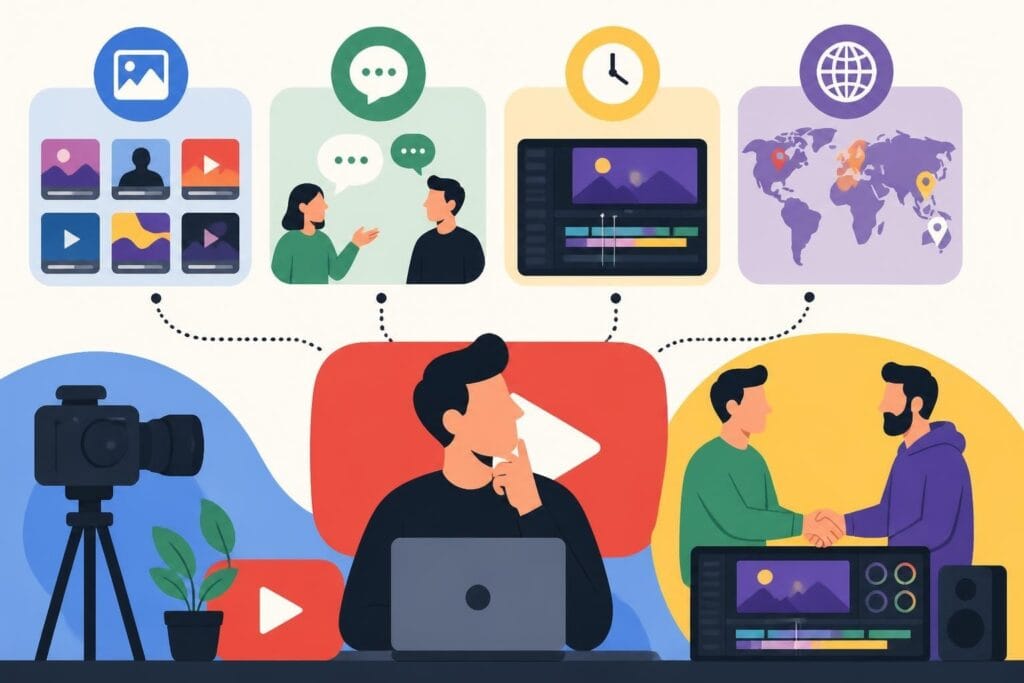
Here's something most creators miss: even if you're the most charismatic teacher ever, staring at a talking head gets old fast. Course editing video needs strategic visual variation.
| Visual Element | When to Use | Impact on Learning |
|---|---|---|
| Screen recordings | Demonstrating software or processes | High retention for procedural content |
| B-roll footage | Illustrating concepts or providing mental breaks | Reduces cognitive fatigue |
| Graphics and animations | Explaining abstract ideas or data | Increases comprehension by 60% |
| Text overlays | Emphasizing key terms or takeaways | Reinforces verbal information |
| Presenter close-ups | Building connection during stories | Strengthens emotional engagement |
The editing choices you make directly affect whether students actually learn or just watch passively.
The Technical Side That Students Never See
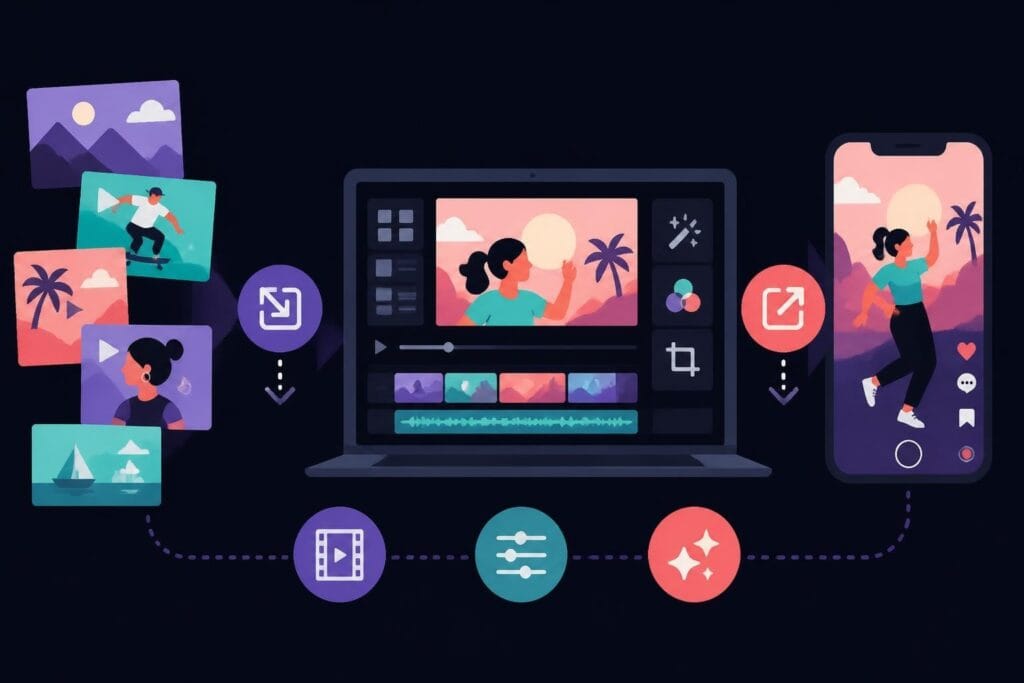
Professional course editing video requires way more than slapping clips together. You're managing multiple technical requirements simultaneously while keeping the learning experience smooth.
Audio Quality Makes or Breaks Credibility
Students will forgive mediocre video quality, but bad audio is a dealbreaker. Period.
Your course editing video process needs to include:
- Background noise reduction without making you sound robotic
- Consistent volume levels across all modules
- Strategic use of music that doesn't compete with your voice
- Clean cuts that don't create awkward audio pops
Programs like Adobe Premiere covered in this course description offer powerful audio tools, but knowing which tools to use when is what separates amateur from professional results.
Managing File Organization and Workflow
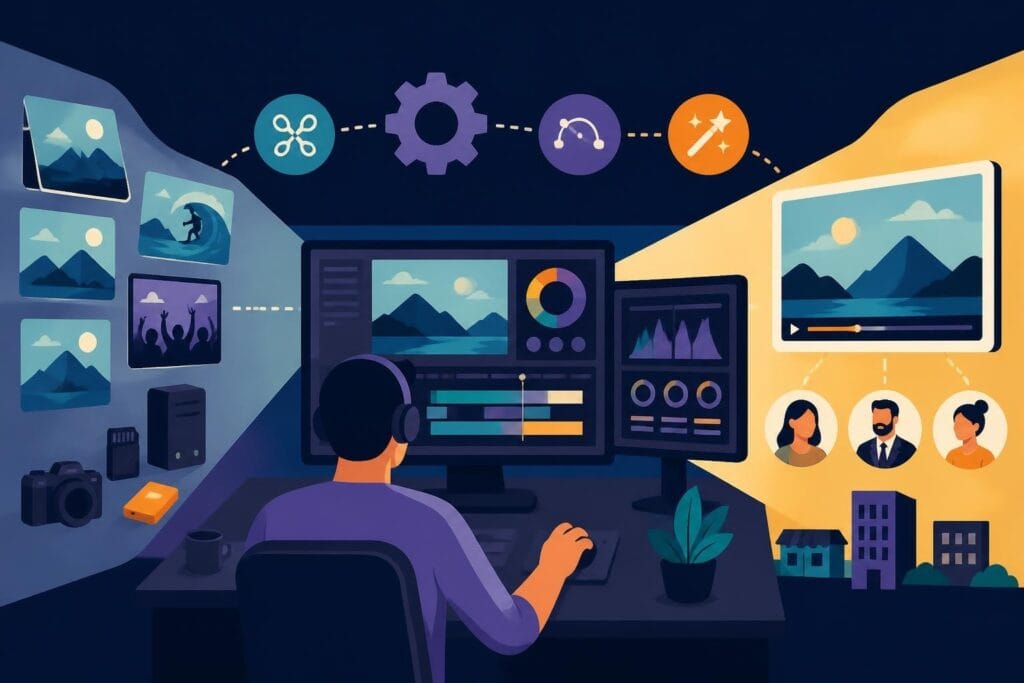
Here's where most course creators lose their minds: file management. You've got dozens (maybe hundreds) of video clips, graphics, music tracks, and project files.
One disorganized editing project can cost you hours of searching for that one perfect take you recorded three weeks ago. Professional course editing video workflows include naming conventions, folder structures, and backup systems that seem boring until they save your entire project.
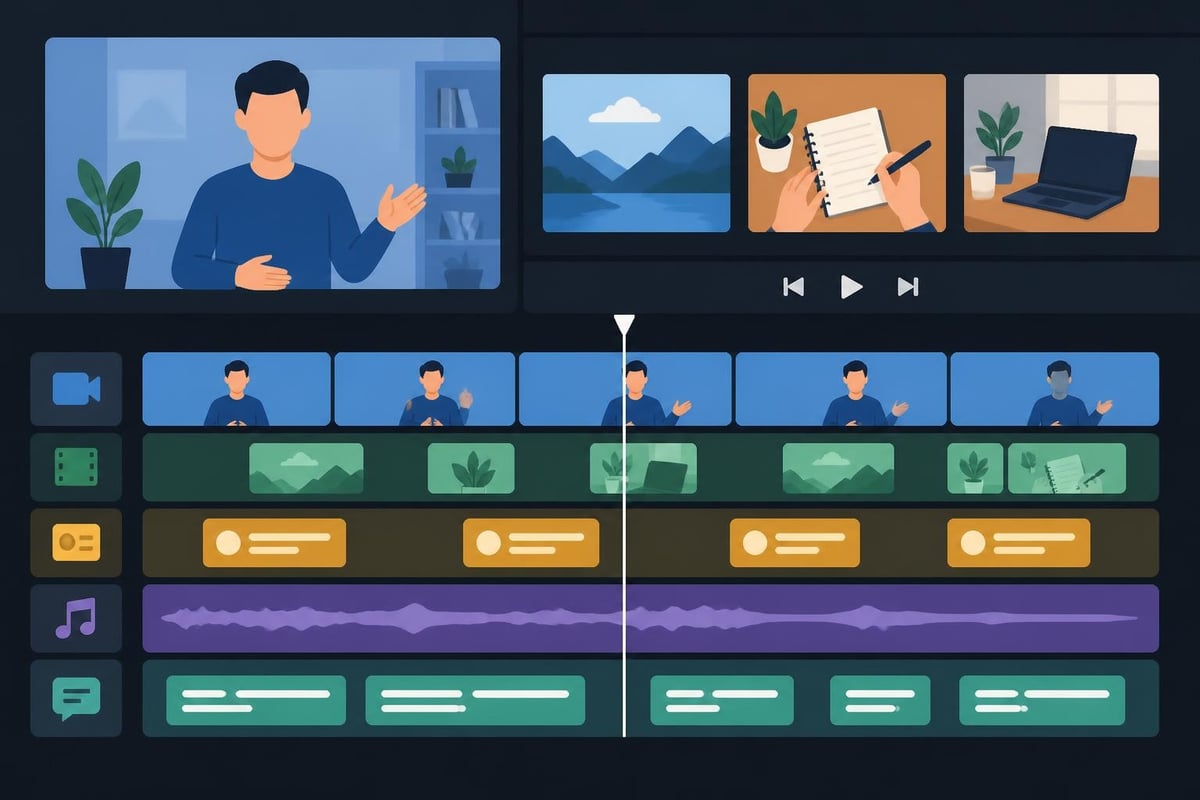
Advanced Techniques That Boost Course Completion Rates
The difference between courses people buy and courses people finish often comes down to editing sophistication. These aren't tricks-they're strategic choices based on how humans actually learn.
Pattern Interrupts and Attention Resets
Every 7-10 minutes, viewer attention naturally dips. Smart course editing video anticipates this with intentional pattern interrupts.
Effective attention resets include:
- Quick recap animations
- Student success story clips
- Challenge or reflection prompts
- Format shifts (like switching from lecture to demonstration)
- Strategic humor or personal anecdotes
Research on instructional video editing explores frameworks that optimize how viewers process and retain educational content through strategic editing choices.
Accessibility Features That Serve Everyone
Captions aren't just for accessibility-they increase comprehension for everyone, especially when teaching complex topics or unfamiliar terminology.
Professional course editing video includes:
- Accurate, synchronized captions (not auto-generated garbage)
- Clear on-screen text for important concepts
- Color choices that work for colorblind viewers
- Appropriate pacing for note-taking
- Visual clarity for mobile viewing
Your students are watching on phones during commutes, on tablets in coffee shops, and on laptops while juggling kids. Your editing needs to work in all these contexts.
Common Course Editing Mistakes (And How to Avoid Them)
Even experienced creators fall into these traps when editing educational content. Recognizing them early saves massive amounts of revision time.
Over-Editing That Destroys Natural Flow
There's a sweet spot between polished and robotic. If you cut every single "um" and natural pause, you end up sounding like a weird AI version of yourself.
Course editing video should enhance your teaching style, not erase your personality. Students connect with humans, not perfectly scripted robots reading from a teleprompter.
Inconsistent Production Values Between Modules
Nothing screams "I got tired of editing" louder than wildly different production quality across your course modules. Maybe module one has custom graphics and smooth transitions, while module six looks like it was edited in 20 minutes before a deadline.
Maintain consistency across:
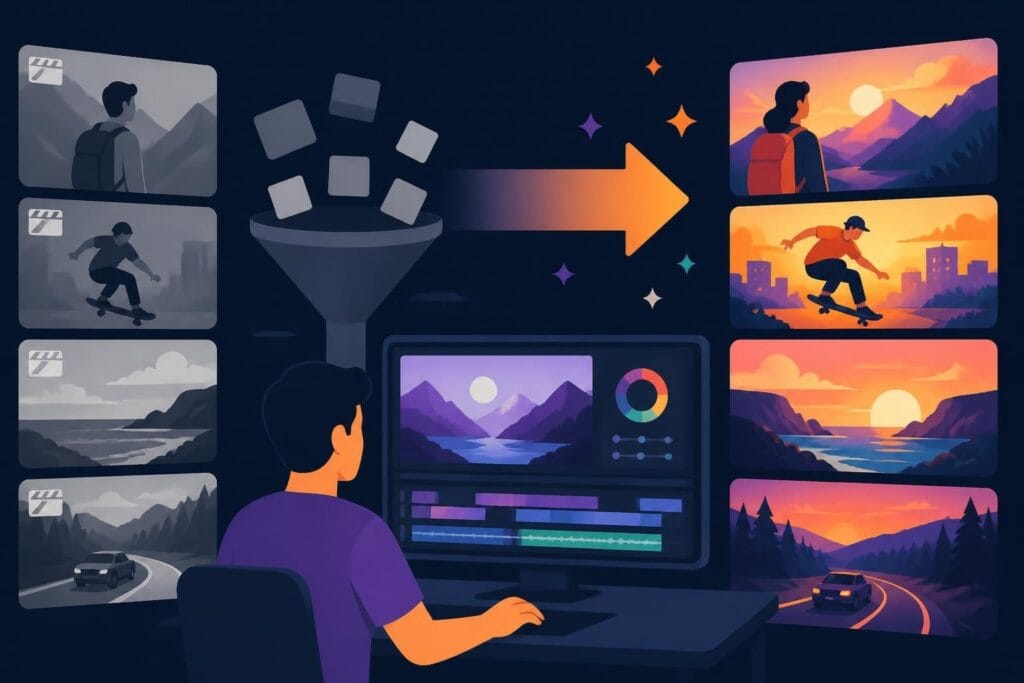
- Color grading and lighting correction
- Intro and outro sequences
- Graphic styles and fonts
- Music choices and volume levels
- Pacing and segment length
Students notice these inconsistencies even if they can't articulate what feels "off."
Ignoring the Learning Objectives
Here's the thing about course editing video: every cut, every graphic, every transition should support the learning objective. If it doesn't help students understand or remember the content, it's decoration at best and distraction at worst.
Before you add that cool transition effect, ask yourself: does this make the concept clearer or just look fancy? Both can be valid reasons, but know which you're doing.
The Strategic Value of Outsourcing Course Editing
Let's talk about the math that nobody wants to do. If you're billing $200/hour for your expertise but spending 20 hours editing a course module, that's $4,000 in opportunity cost.
What You Gain Beyond Time
Professional course editing video services don't just free up your calendar-they bring specialized expertise you don't have time to develop.
A dedicated editor knows:
- Which format specs work best on different platforms
- How to optimize file sizes without quality loss
- Current design trends that look professional versus dated
- Keyboard shortcuts that turn 3-hour tasks into 30-minute ones
They're also not emotionally attached to that brilliant tangent you went on that needs to be cut for pacing. Sometimes you need someone who can make objective decisions about your content.
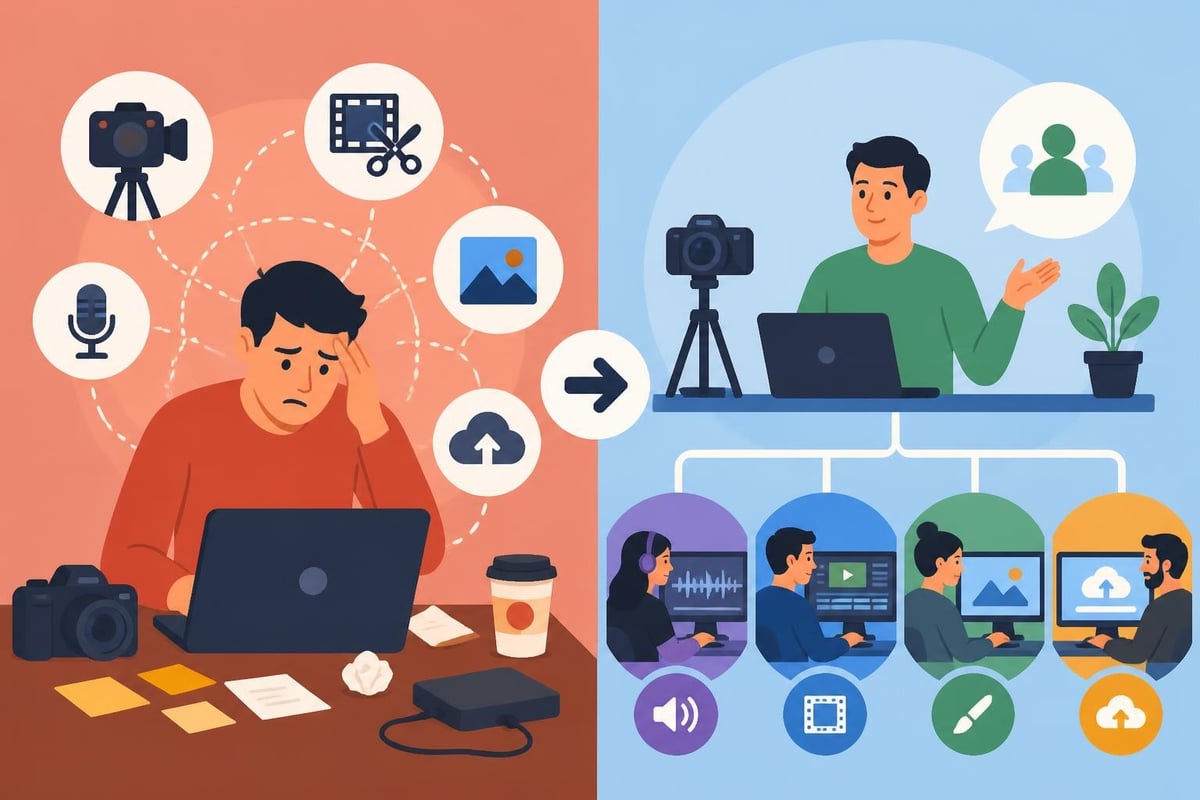
Focus on What Actually Makes You Money
Your genius isn't in trimming video clips-it's in the knowledge you're sharing and your ability to explain complex topics simply. That's what students pay for.
When you outsource course editing video work, you get to spend your energy on:
- Refining your teaching and examples
- Creating additional student resources
- Marketing your course to more people
- Building relationships with your community
- Actually having time to implement what you teach
The coaching and education sector has figured this out-successful educators focus on education, not video production.
Platform-Specific Editing Considerations
Where you're hosting your course affects editing decisions more than most creators realize. Each platform has its own quirks, optimal specs, and viewer expectations.
Course Platform Requirements and Best Practices
Different learning platforms handle video differently. What looks perfect on Teachable might have issues on Kajabi or Thinkific.
| Platform | Recommended Format | Max File Size | Optimal Length | Special Considerations |
|---|---|---|---|---|
| Teachable | MP4 (H.264) | 2GB | 5-15 min | Requires specific encoding for mobile |
| Thinkific | MP4 | 5GB | 8-12 min | Best with chapter markers |
| Kajabi | MP4/MOV | 1GB | 10-20 min | Automatic transcoding can affect quality |
| Podia | MP4 | 5GB | Flexible | Handles higher quality well |
Your editing workflow needs to account for these technical requirements upfront, not after you've rendered everything.
Editing for Different Course Types
A software tutorial needs completely different editing approaches than a mindset coaching course. Course editing video strategies should match your teaching style and subject matter.
Technical/software courses need:
- Clear screen recordings at high resolution
- Zooms on specific interface elements
- Slow-motion for complex sequences
- Keyboard shortcut displays
- Retry demonstrations from multiple angles
Concept-based courses benefit from:
- Strong graphics and visual metaphors
- B-roll that illustrates abstract ideas
- Strategic pacing for reflection
- Whiteboard or animation sequences
- Personal story integration
Understanding these distinctions prevents the cookie-cutter approach that makes courses feel generic.
Emerging Trends in Course Video Production
The educational video landscape changes fast. What looked cutting-edge in 2024 might feel dated by late 2026. Staying current matters if you want your course to feel fresh and professional.
Interactive Elements and Engagement Features
Static video is evolving. Modern course editing video increasingly incorporates interactive elements that turn passive watching into active participation.
Smart creators are adding:
- Clickable chapter markers for easy navigation
- Embedded quizzes that pause the video
- Branching scenarios based on student choices
- On-screen action prompts and exercises
- Resource links that appear at relevant moments
These features require more sophisticated editing but dramatically improve completion rates and learning outcomes.
AI-Assisted Editing Tools
Full transparency: AI editing tools have gotten surprisingly good at specific tasks. They're not replacing human editors (especially for educational content), but they're changing workflows.
Recent research on video editing models shows how AI can assist with tasks like auto-captioning, scene detection, and even suggesting cuts based on content analysis.
The smart approach? Use AI for time-consuming technical tasks while humans make the creative and pedagogical decisions. Nobody wants an AI making choices about learning objectives.
Building Your Course Editing Workflow
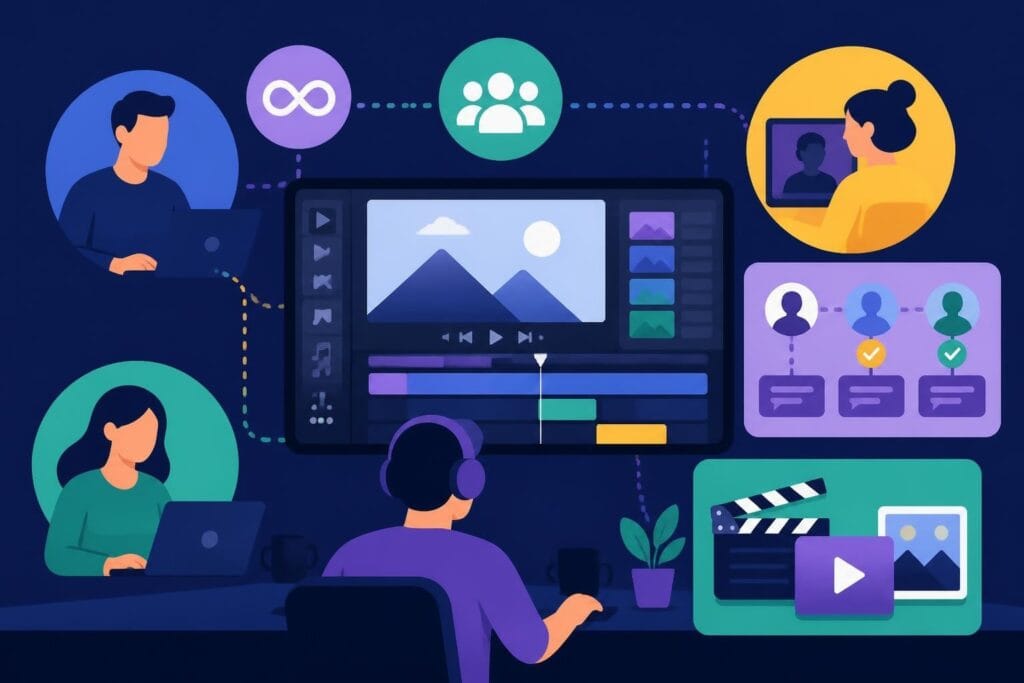
Whether you're editing yourself or working with an editor, having a clear workflow prevents chaos and ensures consistent quality across all your modules.
Pre-Production Preparation Saves Editing Time
Most editing problems start before you hit record. Course editing video becomes exponentially easier when you prepare properly.
Set yourself up for success:
- Script or outline key points (even loosely)
- Test all equipment before recording
- Record in a consistent environment
- Shoot B-roll footage in advance
- Gather all graphics and resources beforehand
- Create a shot list for multi-angle content
An hour of pre-production planning can save ten hours of editing frustration.
The Editing Review Process
Don't just edit and publish. Professional course editing video includes multiple review stages that catch issues before students see them.
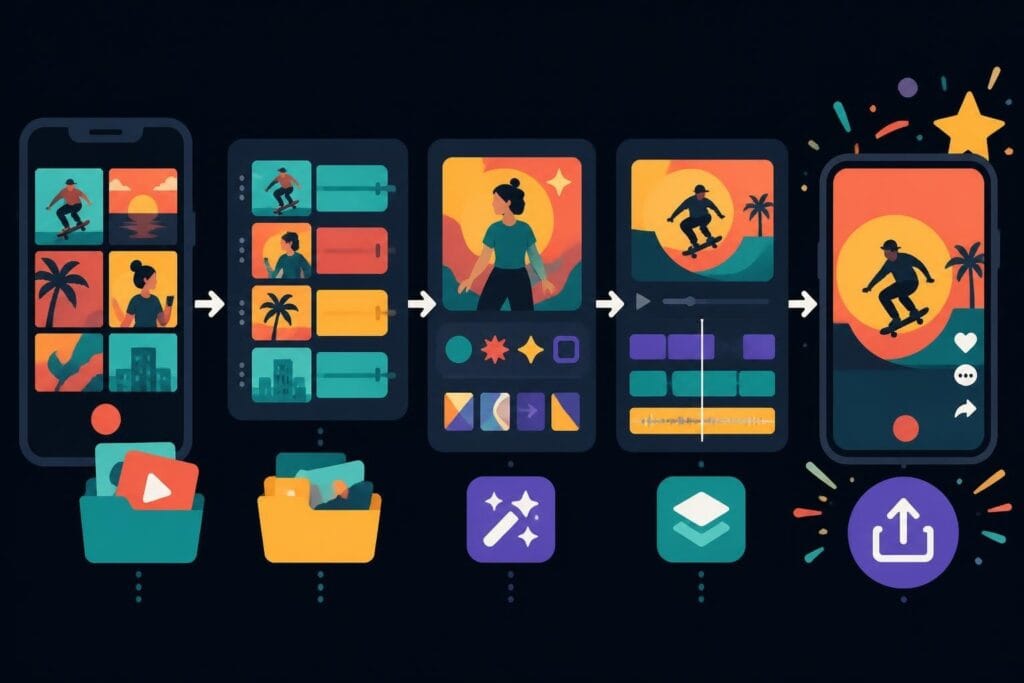
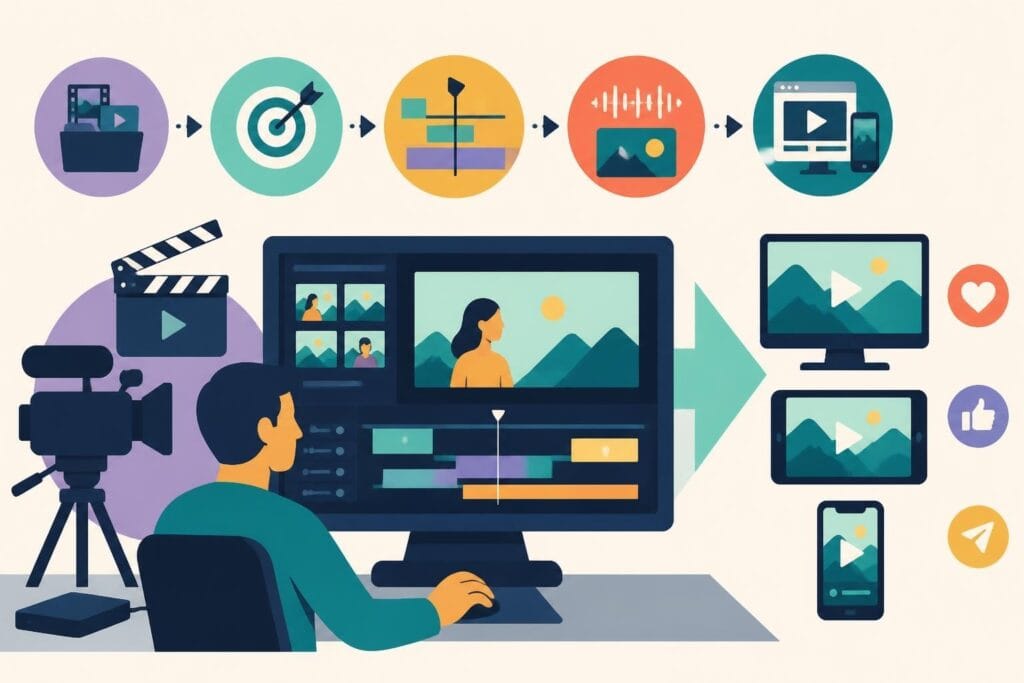
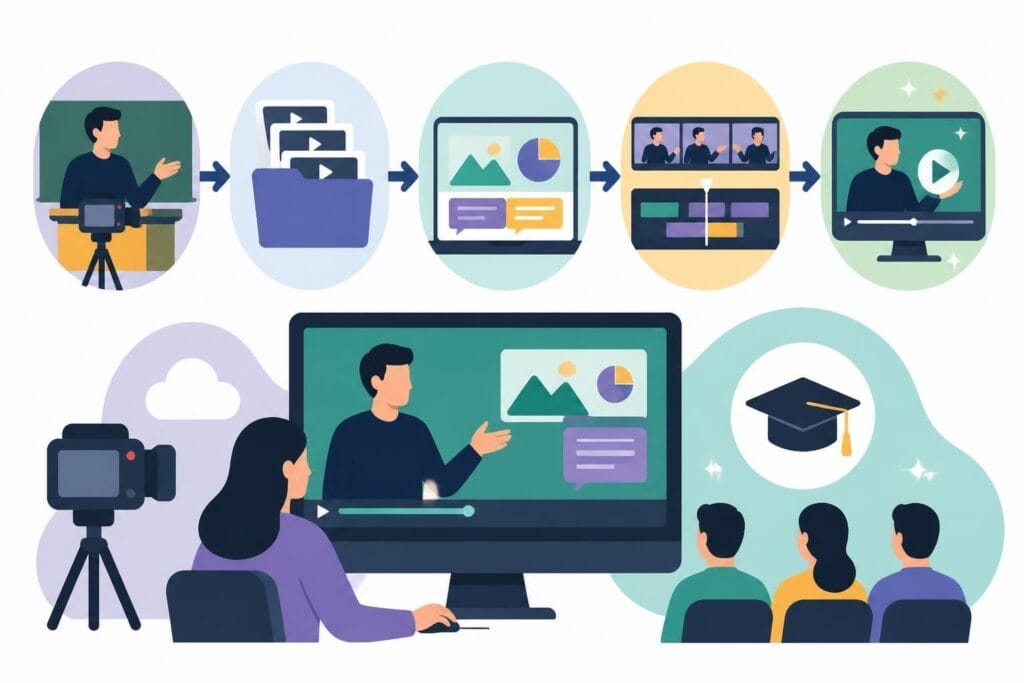
Standard review workflow:
- Rough cut: Structure and content flow
- Fine cut: Timing, pacing, and transitions
- Audio pass: Sound quality and levels
- Graphics pass: Visual elements and text
- Final polish: Color, effects, and rendering
- QA check: Platform compatibility and playback
Each stage focuses on different elements so you're not trying to do everything at once.
Scaling Your Course Production
Once you've got one course edited and published, how do you create more without the timeline spiraling out of control? Course editing video at scale requires systems, not just skills.
Creating Templates and Style Guides
Consistency across multiple courses gets easier when you have documented standards. Create templates for intros, outros, lower thirds, and transition styles.
Your style guide should specify:
- Brand colors and fonts
- Music choices and volume levels
- Graphic treatments and animations
- Caption formatting and positioning
- Export settings for each platform
This documentation means you (or your editor) aren't reinventing the wheel for every single module. Many successful creators working with video editing services provide these guides upfront to ensure brand consistency.
Batch Recording and Editing Strategies
Recording all your courses in random order whenever inspiration strikes might feel creative, but it's editing hell. Batch production makes everything more efficient.
The smart approach:
- Record similar course modules together
- Maintain the same setup for consistency
- Edit in batches using the same project settings
- Create graphics for multiple modules at once
- Establish a predictable production schedule
This approach turns course creation from an overwhelming project into a manageable process.
Measuring Success Beyond Completion Rates
How do you know if your course editing video choices actually work? Student completion rates matter, but they're not the whole story.
Key Metrics for Educational Video Performance
Modern course platforms provide analytics that reveal exactly where students engage and where they bail.
Watch for patterns in:
- Drop-off points (where do people stop watching?)
- Rewatch sections (what's confusing or valuable?)
- Playback speed choices (are you too slow or fast?)
- Skip patterns (what are people consistently jumping over?)
- Engagement time versus video length
These insights should directly inform your editing decisions for future content.
Student Feedback and Iteration
The best course editors stay curious about what works. Create simple feedback loops where students can share what they loved and what confused them.
Sometimes the editing choice that seemed brilliant to you is actually creating comprehension barriers. Other times, that simple approach you worried was too basic is exactly what students needed.
Creating compelling course content means balancing educational effectiveness with production quality-and that balance requires time, expertise, and technical skills most educators would rather spend on teaching. If you're ready to focus on what you do best while ensuring your courses look and feel professional, beCreatives offers unlimited video editing services specifically designed for content creators and educators who need reliable, high-quality editing without the headaches of managing it themselves.