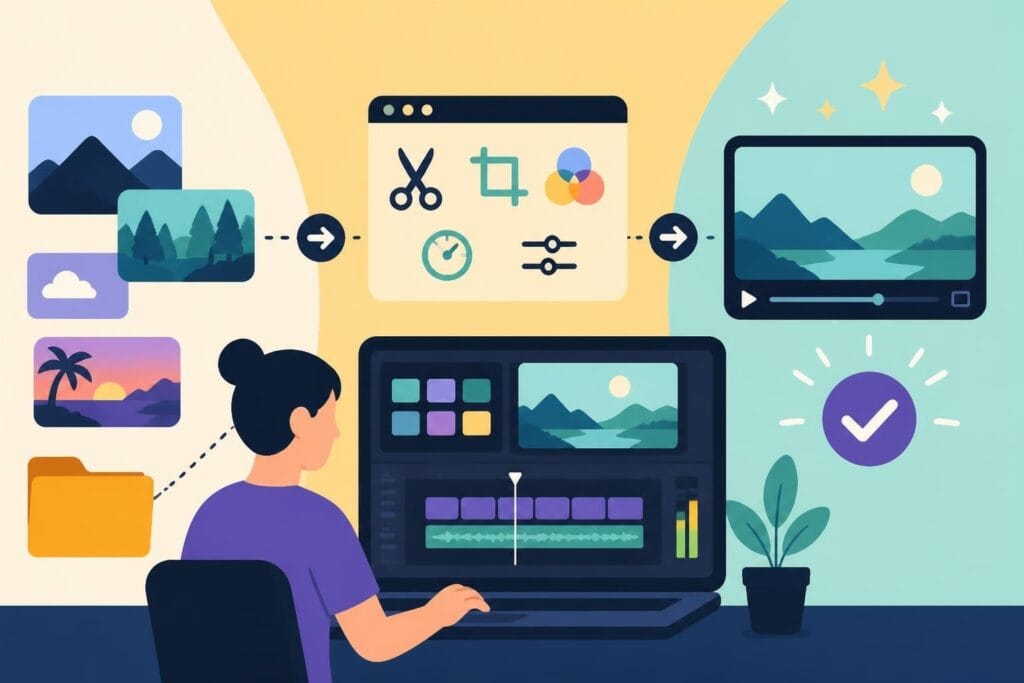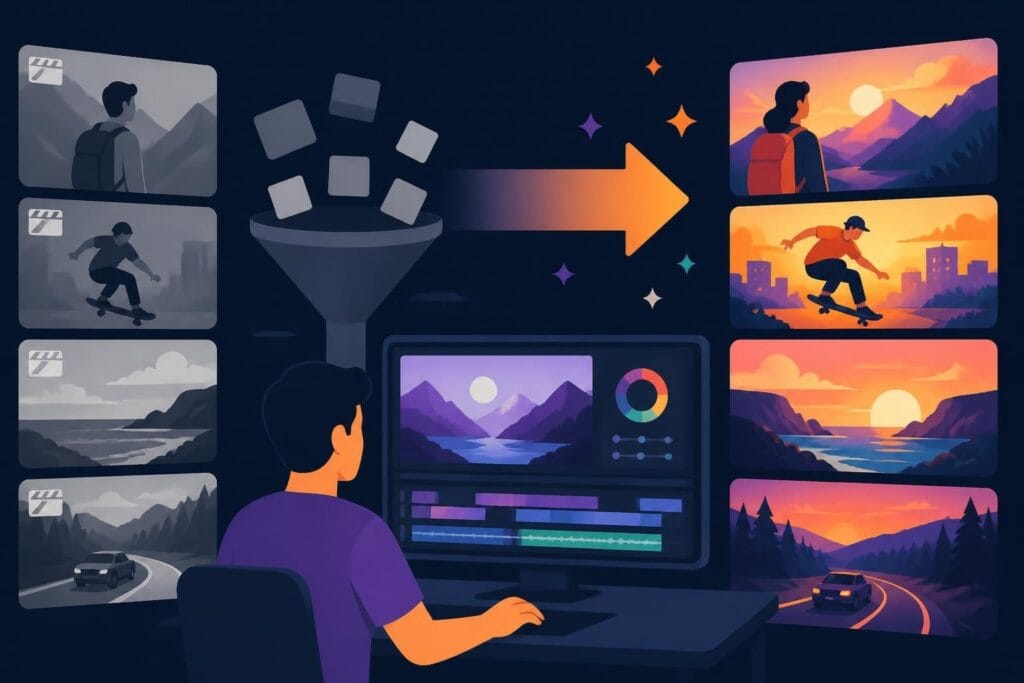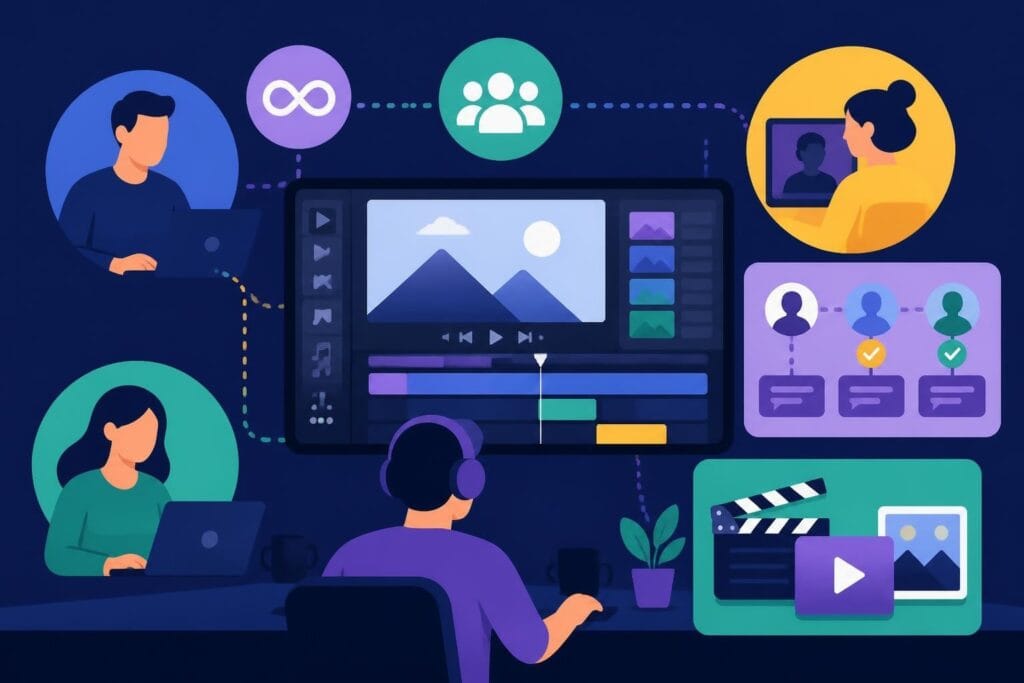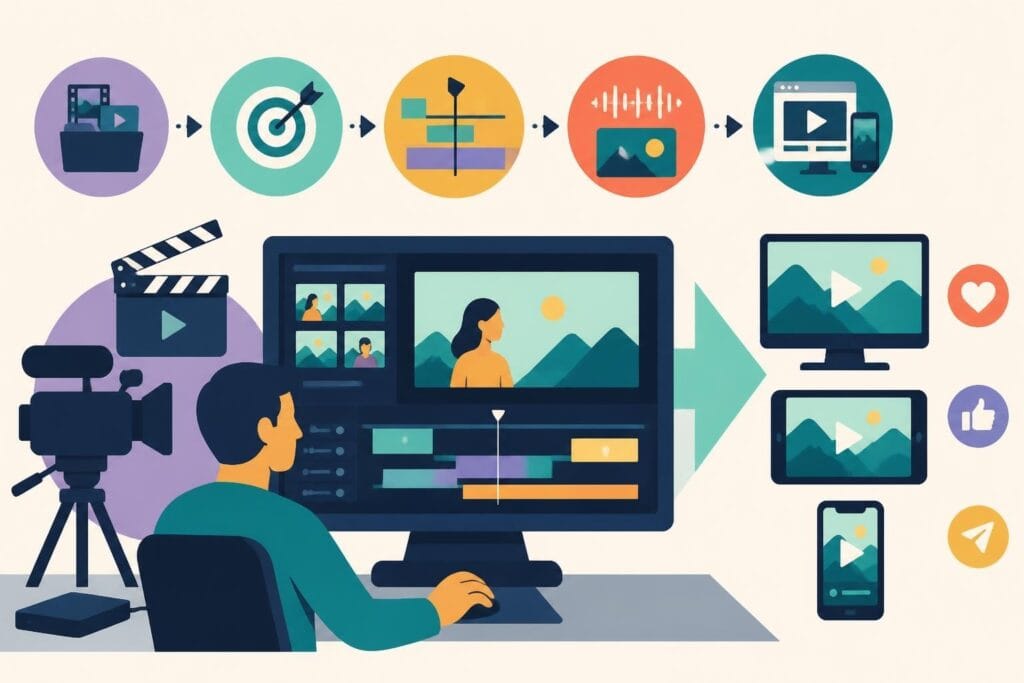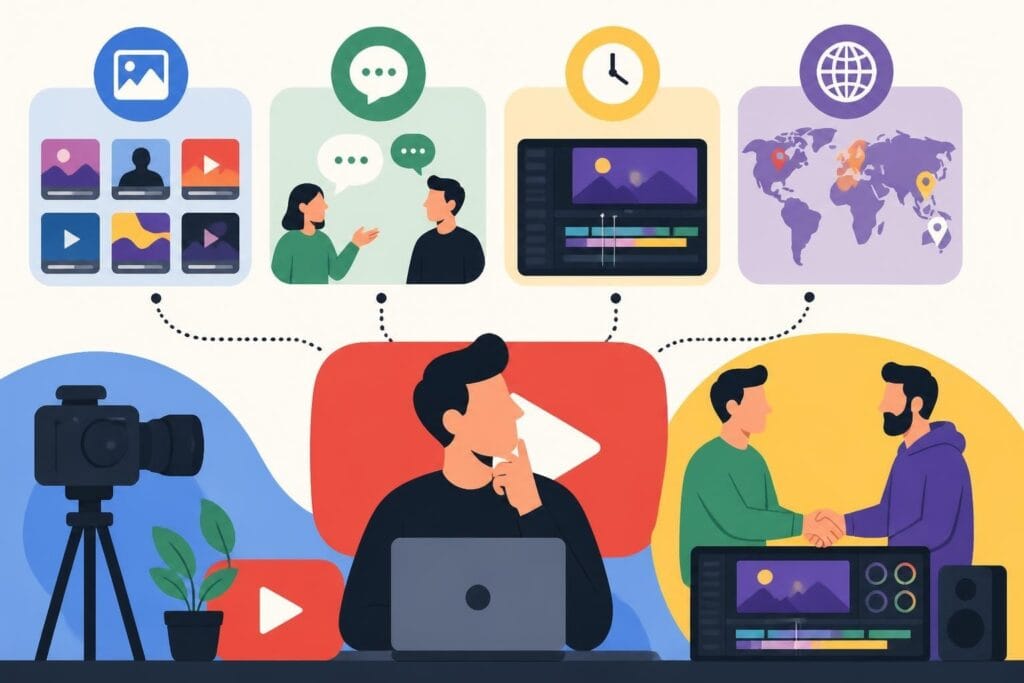
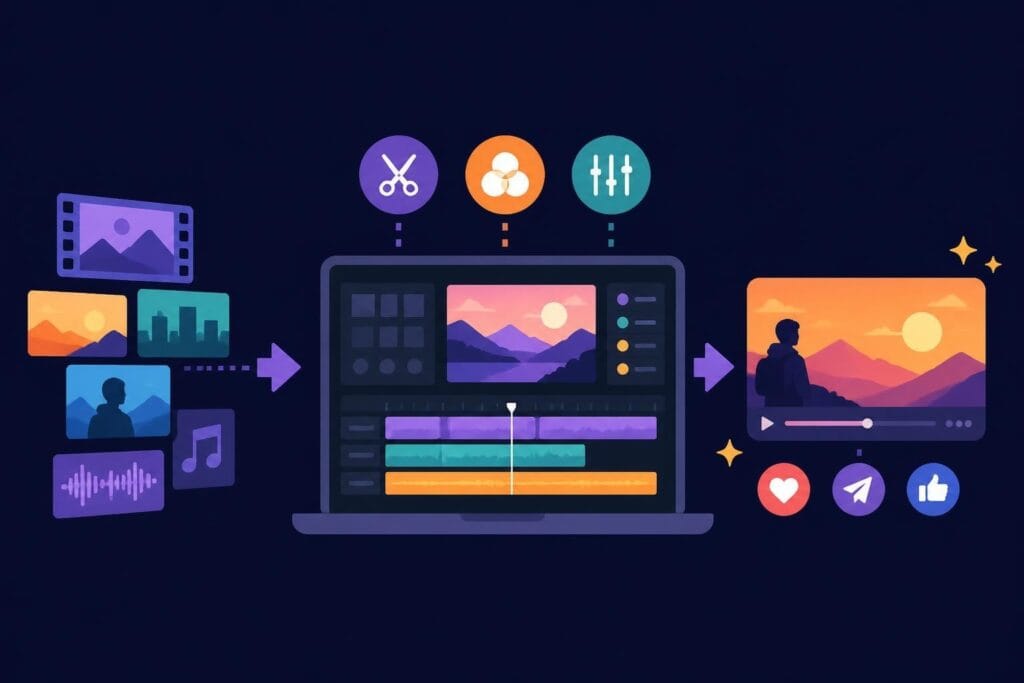
Let's be honest: editing clips is where good ideas either become scroll-stopping content or vanish into the abyss of abandoned projects. You've got the footage, you've got the vision, but somewhere between importing files and exporting the final cut, things get complicated. Whether you're a content creator racing to meet daily upload schedules, a marketer trying to squeeze ROI from every campaign, or an agency juggling multiple clients, the clip editing process can feel like a bottleneck that never quite clears. The good news? It doesn't have to be that way.
Why Editing Clips Matters More Than Ever in 2026
The digital landscape has shifted dramatically. Attention spans have shrunk, platform algorithms favor snappy content, and audiences expect production quality that used to require entire teams and budgets.
When you're editing clips effectively, you're not just cutting footage. You're crafting stories that stop thumbs mid-scroll, build trust with viewers, and convert passive watchers into engaged followers or customers.
Here's what makes clip editing critical right now:
- Short-form video dominates every platform from TikTok to LinkedIn
- Audiences decide whether to keep watching within the first 2-3 seconds
- Authentic, well-paced content outperforms overproduced corporate videos
- Repurposing long-form content into clips maximizes your content ROI
The challenge? Most video editing software for professionals comes with a steep learning curve, and mastering the technical side takes time you probably don't have.
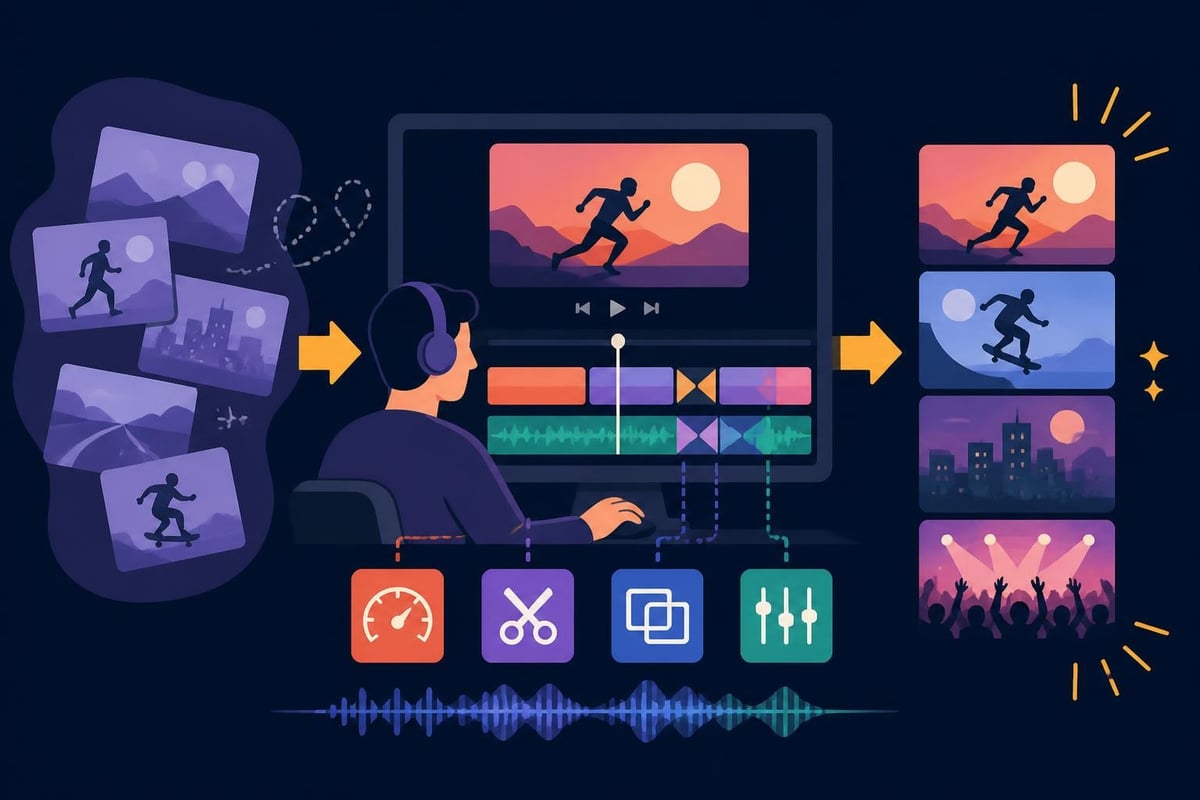
Understanding the Anatomy of Great Clip Editing
Before diving into techniques, let's break down what separates amateur clips from professional-grade content. It's not always about fancy effects or expensive gear.
The Opening Hook
Your first three seconds determine everything. When editing clips for social platforms, this opening moment needs to grab attention instantly.
| Element | Purpose | Example |
|---|---|---|
| Visual punch | Stop the scroll | Bold text, dynamic movement, unexpected imagery |
| Audio hook | Engage ears immediately | Music drop, compelling question, intriguing statement |
| Context clarity | Answer "why should I care?" | Clear value proposition within 5 seconds |
Pacing and Rhythm
Great editing clips means understanding rhythm. Not every moment deserves equal screen time.
Fast cuts work for:
- Action sequences
- Tutorials with multiple steps
- High-energy product showcases
- Testimonial highlights
Longer holds work for:
- Emotional moments
- Key information delivery
- Before-and-after reveals
- Expert insights
The secret sauce? Variation. Mixing fast and slow creates dynamic content that feels alive rather than robotic.
Technical Fundamentals That Actually Matter
You don't need to become a professional editor to produce quality content, but understanding a few technical basics helps immensely when communicating with your editing team or evaluating your output.
Resolution and Aspect Ratios
Different platforms demand different specifications. When editing clips in 2026, you're likely working with multiple formats simultaneously.
- 9:16 vertical: Instagram Reels, TikTok, YouTube Shorts
- 1:1 square: Instagram feed posts, Facebook
- 16:9 landscape: YouTube main content, LinkedIn native video
- 4:5 portrait: Instagram feed (better mobile visibility)
Smart creators shoot once and repurpose everywhere. That means planning your framing to accommodate multiple crops or working with editors who understand platform-specific editing requirements.
Audio is Half the Experience
Most viewers watch with sound on nowadays, especially for educational or entertainment content. When editing clips, audio quality can't be an afterthought.
Audio editing essentials:
- Normalize audio levels across all clips
- Remove background noise and room echo
- Add music that matches your brand vibe
- Use sound effects sparingly but strategically
- Include captions for accessibility (and algorithm favor)
Research from proven video editing techniques shows that videos with optimized audio retain viewers 40% longer than those with unpolished sound.
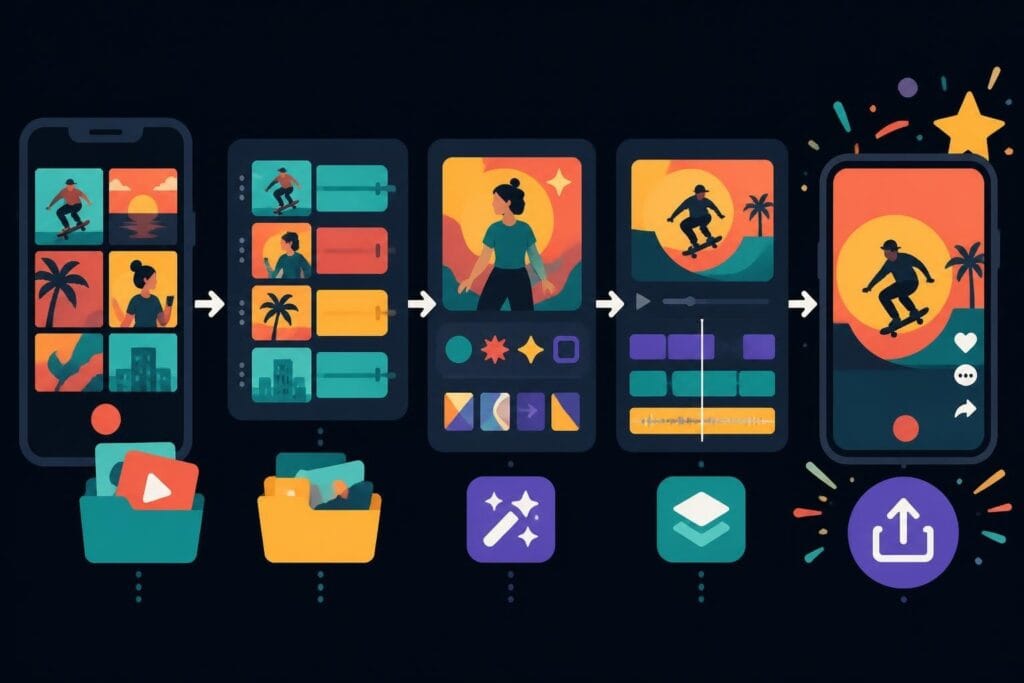
Streamlining Your Clip Editing Workflow
Here's where most people get stuck. The actual editing process becomes a time sink that kills productivity and creativity.
Organization is Everything
Before touching a timeline, organize your assets. This single step saves hours of frustration.
File organization framework:
- Create project folders with clear naming conventions
- Separate raw footage, audio, graphics, and exports
- Use consistent naming for clips (date_project_clip-number)
- Keep a master folder of frequently used assets (logos, intros, music)
- Back up everything to cloud storage (seriously, do this)
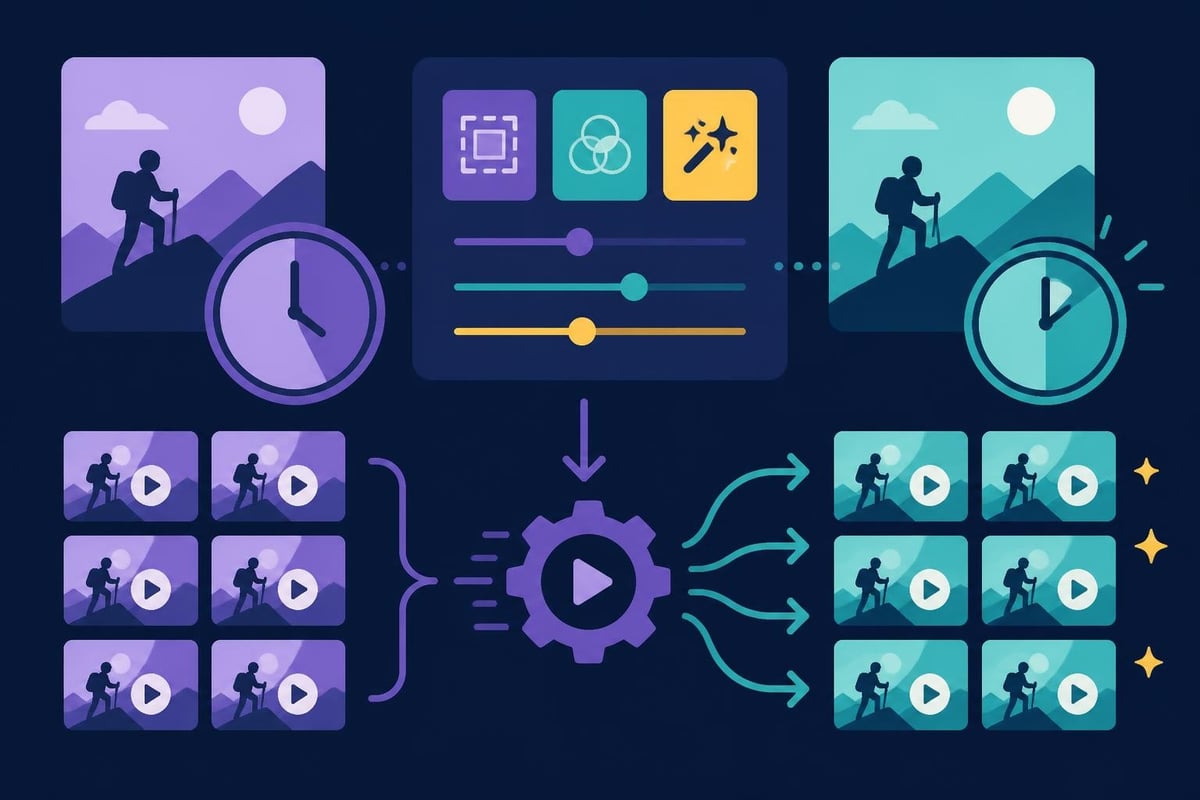
Batch Processing for Efficiency
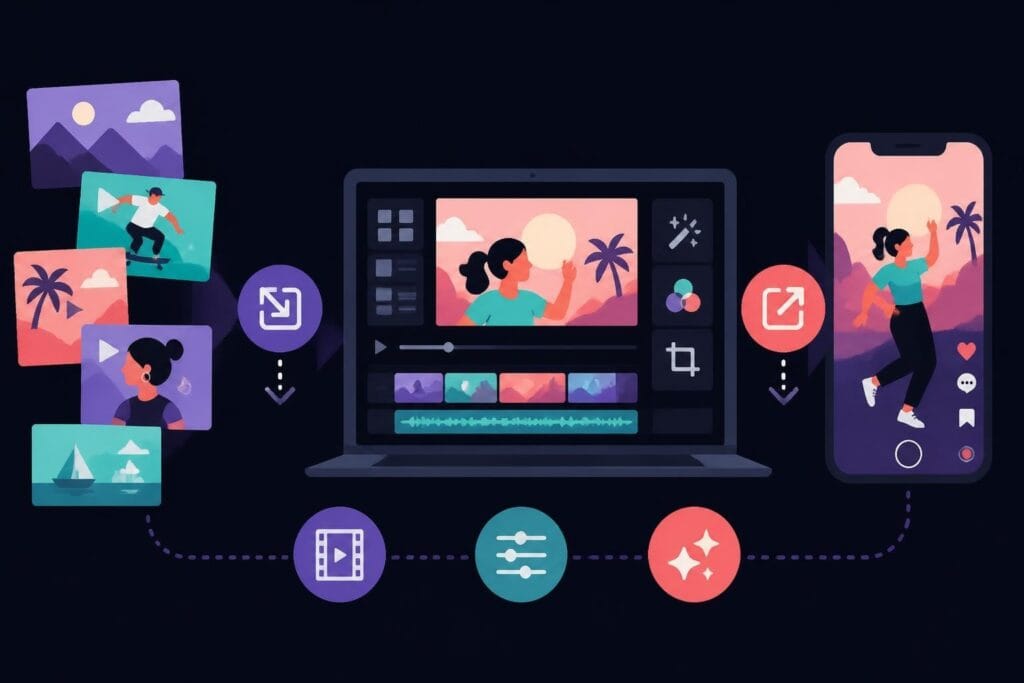
If you're creating multiple similar videos, batch processing is your best friend. This applies whether you're editing video content for TikTok or producing weekly YouTube tutorials.
Batch editing strategies:
- Template creation: Build reusable templates for intros, outros, and graphics
- Preset application: Save color grades, audio settings, and transitions
- Assembly line approach: Edit all similar sections across multiple videos at once
- Keyboard shortcuts: Master 10-15 essential shortcuts to double your speed
Creative Techniques That Make Clips Pop
Technical skill gets you to competent. Creative choices make content memorable.
Strategic Jump Cuts
Jump cuts used to be considered sloppy editing. Now they're a stylistic choice that speeds up pacing and maintains energy. When editing clips for social platforms, removing dead air and verbal pauses keeps viewers engaged.
When to use jump cuts:
- Remove "ums" and "ahs" in talking-head content
- Compress time in process videos
- Add energy to slower segments
- Create a casual, authentic vibe
Transitions That Serve Purpose
Not every cut needs a fancy transition, but intentional transitions guide viewer attention and smooth jarring changes.
| Transition Type | Best Use Case | Avoid When |
|---|---|---|
| Hard cut | Fast-paced content, matching action | Drastic scene changes without context |
| Crossfade | Time passage, mood shift | High-energy content (slows momentum) |
| Zoom transition | Topic change, emphasis | Overused (becomes distracting) |
| Whip pan | Dynamic scene change | Viewer might get motion sickness |
The creative editing techniques that work best serve the story rather than showcasing your technical ability.
Text and Graphics Integration
In 2026, on-screen text isn't optional. It improves accessibility, boosts retention, and helps with platform algorithms.
Effective text usage when editing clips:
- Keep it large enough to read on mobile screens
- Use high contrast (dark text on light backgrounds or vice versa)
- Limit to 5-7 words per screen maximum
- Animate in/out rather than static placement
- Match font choices to your brand personality
Color Grading for Brand Consistency
Color might seem like a finishing touch, but it's actually a powerful branding tool. When people recognize your content before seeing your logo, you've nailed visual consistency.
Building Your Color Profile
You don't need expensive color grading software to develop a signature look. Most modern editing platforms include basic color correction tools.
Simple color grading workflow:
- Correct exposure and white balance first
- Adjust contrast for depth
- Tweak saturation (usually reduce slightly for professional look)
- Apply a subtle color grade that matches your brand
- Save as a preset for future clips
Consistent color grading makes your content feel cohesive, whether viewers find you through drone footage edits or standard talking-head videos.
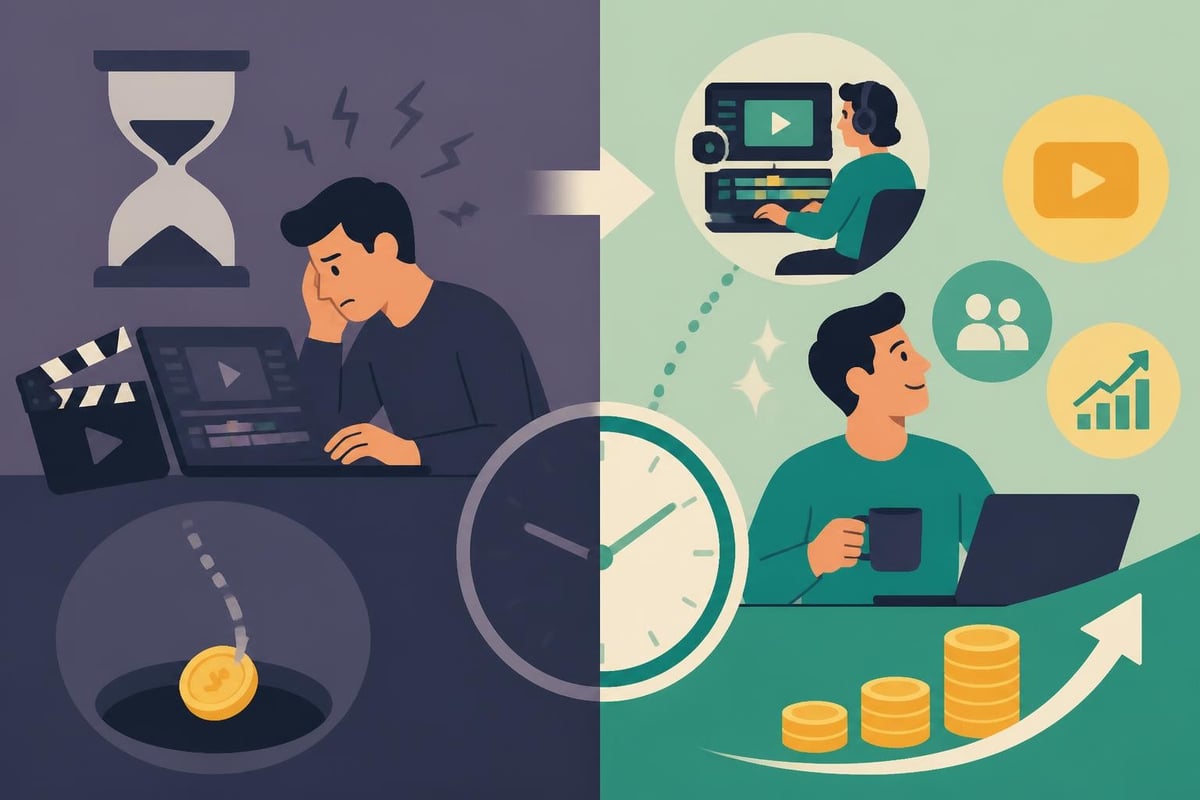
The Hidden Cost of DIY Editing
Let's talk numbers for a second. Time is money, especially if you're running a business or building a personal brand.
Average time investment for editing clips:
- 10-minute video: 2-4 hours of editing
- Social media reel (30-60 seconds): 45-90 minutes
- Professional polish: Add 50% more time
- Learning new software: 20-40 hours before efficiency
If your time is worth $50-100+ per hour, spending 4 hours on a single video edit costs you $200-400 in opportunity cost. That's time you could spend creating more content, serving clients, or actually running your business.
When to Outsource
Not every creator or business needs to master editing clips personally. Following video editing best practices matters more than who does the actual cutting.
Signs it's time to outsource editing:
- You're spending more time editing than creating
- Your upload schedule is inconsistent due to editing backlog
- You dread the editing process and avoid filming
- Technical quality is holding back your content performance
- You're missing revenue opportunities while stuck in editing software
Platform-Specific Editing Strategies
Not all clips are created equal. What works on YouTube bombs on TikTok, and vice versa.
TikTok and Instagram Reels
These platforms reward fast-paced, hook-driven content. When editing clips for short-form platforms:
- Open with movement or text in the first frame
- Use trending audio (check platform discovery pages)
- Cut aggressively (every 2-3 seconds minimum)
- Add captions that appear word-by-word
- End with a clear call to action
YouTube and Long-Form Content
YouTube rewards watch time and audience retention. Your editing should encourage viewers to stick around.
YouTube editing priorities:
- Strong intro that promises value (first 15 seconds)
- Pattern interrupts every 30-60 seconds (B-roll, graphics, music changes)
- Chapter markers for longer content
- End screens and cards to guide viewers
- Consistent branding elements (intro, outro, lower thirds)
LinkedIn and Professional Platforms
LinkedIn's audience expects value-first content with professional polish. When editing clips for business platforms:
- Lead with the insight, not a lengthy intro
- Use lower thirds to establish credibility
- Keep text professional (avoid overly casual fonts)
- Include subtle branding without being salesy
- Focus on education and thought leadership
Professional services like LinkedIn video editing ensure your content matches platform expectations while maintaining your brand voice.
Optimizing for Performance
Great editing means nothing if the file won't upload or buffers endlessly. Export settings matter.
Compression Without Quality Loss
Finding the sweet spot between file size and visual quality takes experimentation.
| Platform | Recommended Format | Max Resolution | Bitrate Range |
|---|---|---|---|
| Instagram/TikTok | MP4 (H.264) | 1080p | 5-8 Mbps |
| YouTube | MP4 (H.264) | 4K | 15-25 Mbps |
| MP4 (H.264) | 1080p | 5-10 Mbps | |
| MP4 (H.264) | 1080p | 4-8 Mbps |
Higher isn't always better. Oversized files slow upload times and can cause processing delays on platforms.
Leveraging AI and Automation Tools
In 2026, AI tools have matured significantly. They won't replace human creativity, but they can handle repetitive tasks when editing clips.
AI-assisted editing features worth using:
- Auto-captioning with high accuracy rates
- Background noise removal
- Smart cropping for different aspect ratios
- Scene detection and auto-cutting
- Audio ducking (lowering music when dialogue plays)
The key is knowing which tasks benefit from automation and which require human judgment. Video editing software for beginners now includes many AI features that used to require professional-grade tools.
Building a Sustainable Content System
The creators and businesses winning in 2026 aren't necessarily the most talented editors. They're the ones with systems that keep content flowing consistently.
Content Batching and Planning
Rather than editing clips one at a time as you film them, batch your production.
Batching workflow example:
- Film 4-8 videos in a single session
- Organize all footage with consistent naming
- Edit similar content types together
- Schedule exports to run overnight
- Queue uploads across platforms
This approach reduces context-switching and lets you get into a creative flow state.
Quality Control Checklist
Before publishing any edited clip, run through this quick checklist:
- Audio is clear and balanced
- Text is readable on mobile
- Branding elements are present
- Aspect ratio matches the platform
- File meets platform specifications
- Captions are accurate
- Thumbnail is eye-catching
- Call to action is clear
Consistency in quality builds audience trust faster than viral moments.
The Real ROI of Professional Editing
When you invest in quality editing clips, whether through skill development or outsourcing, the returns compound.
Measurable benefits:
- Higher engagement rates (likes, shares, comments)
- Improved watch time and retention
- Increased follower growth
- Better conversion on CTAs
- Enhanced brand perception
- More time for strategy and content creation
Many businesses discover that dedicating budget to specialized editing services delivers better ROI than trying to build in-house expertise, especially when content needs span multiple niches like fitness training videos or e-commerce product showcases.
Common Editing Mistakes to Avoid
Even experienced creators fall into these traps when editing clips. Awareness helps you catch and correct them.
Over-Editing
More effects don't equal better content. Every transition, graphic, and effect should serve a purpose.
Signs you're over-editing:
- Viewers comment on the editing instead of the content
- Effects distract from your message
- Videos feel cluttered or chaotic
- You're spending hours on minor details nobody notices
Ignoring Audio
We mentioned this earlier, but it's worth repeating: bad audio kills good content faster than mediocre visuals.
Inconsistent Branding
If every video looks different, you're building content instead of a brand. Develop style guidelines for:
- Font choices and sizing
- Color palette
- Music genre and energy level
- Intro/outro format
- Graphics style
Neglecting Mobile Optimization
Over 80% of video content is consumed on mobile devices. If you're editing clips while viewing on a desktop monitor, check the mobile preview before publishing.
Future-Proofing Your Editing Approach
The tools and platforms will keep evolving, but core principles remain constant.
Timeless editing principles:
- Story comes before style
- Respect your audience's time
- Maintain consistent quality standards
- Optimize for the viewer's experience
- Test, measure, and iterate based on performance data
Stay flexible with your tools while remaining committed to these fundamentals.
Editing clips effectively isn't about becoming a technical wizard or spending endless hours in editing software. It's about understanding what makes content engaging, developing efficient systems, and focusing your energy where it creates the most value. If you're ready to maintain consistent content quality without the editing burnout, beCreatives provides dedicated video editors, unlimited storage, and streamlined revision systems designed specifically for creators, marketers, and agencies who need professional results without the professional headaches.