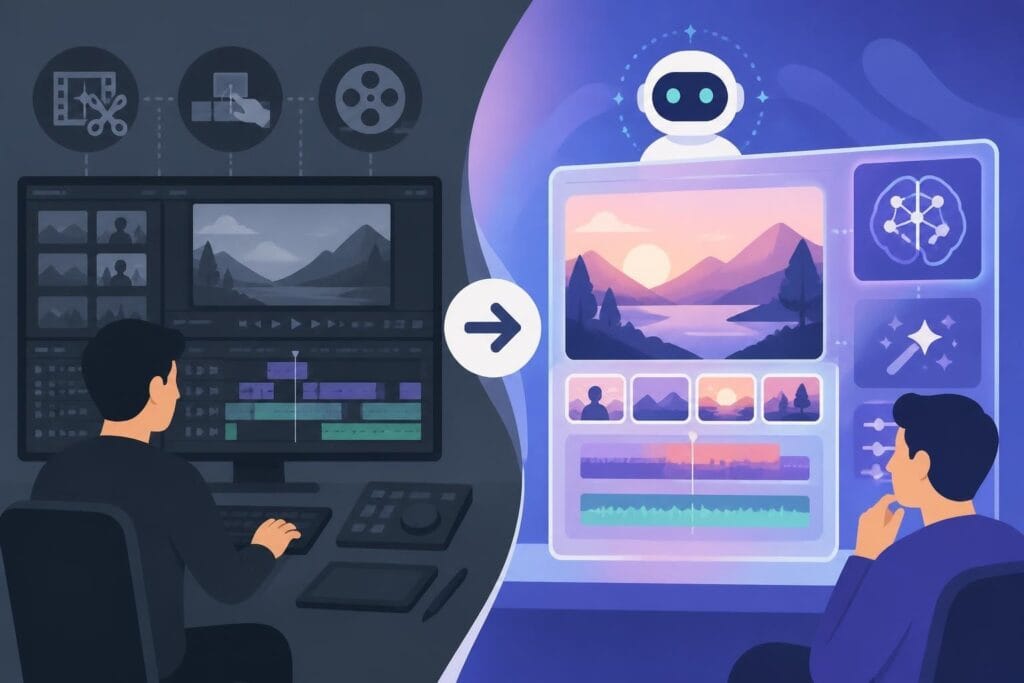
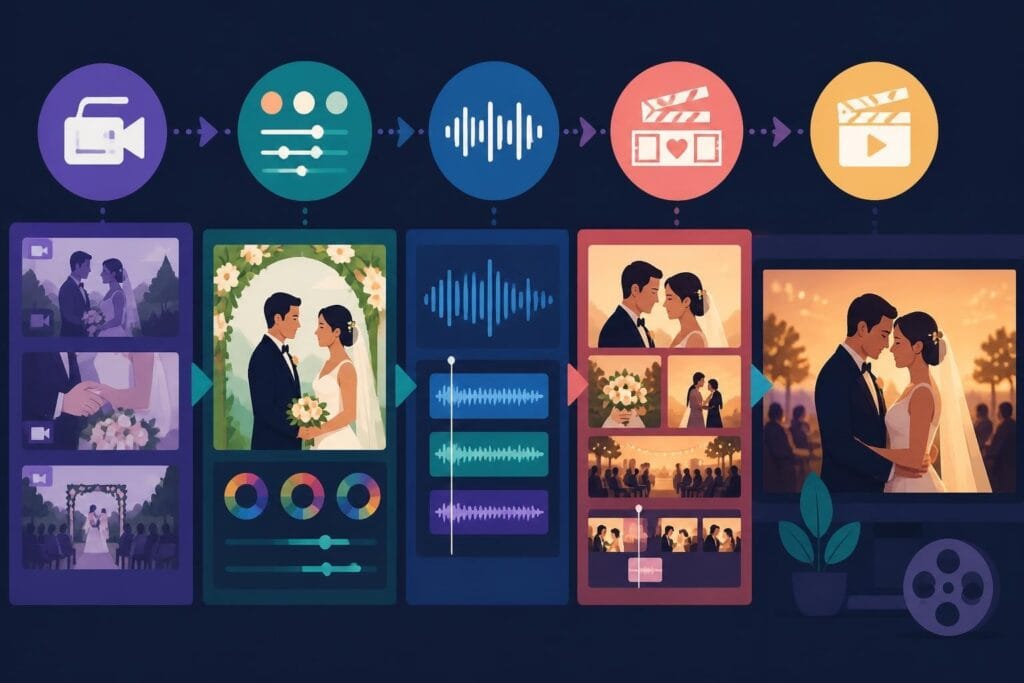
Wedding videos capture some of life's most precious moments, but raw footage alone doesn't tell the story. The magic happens in post-production, where hours of clips transform into an emotional, cinematic experience that couples will treasure forever. Whether you're a wedding videographer building your business or a creative agency handling multiple projects, understanding the intricacies of wedding video editing can make the difference between a forgettable slideshow and a stunning keepsake that gets shared across social media and recommended to every engaged friend.
Why Wedding Video Editing Demands a Different Approach
Wedding video editing isn't like cutting together a corporate promo or a quick social media clip. You're working with genuine emotion, unpredictable moments, and footage that spans an entire day (sometimes multiple days). Couples expect their video to feel both authentic and cinematic, which means balancing documentary-style coverage with artistic storytelling.
The stakes are incredibly high. Unlike other video projects where you can reshoot or revise, weddings happen once. You get one chance to capture those vows, that first dance, those tears of joy. This puts enormous pressure on the editing process to compensate for any filming challenges while highlighting the day's best moments.
The Emotional Architecture of Wedding Films
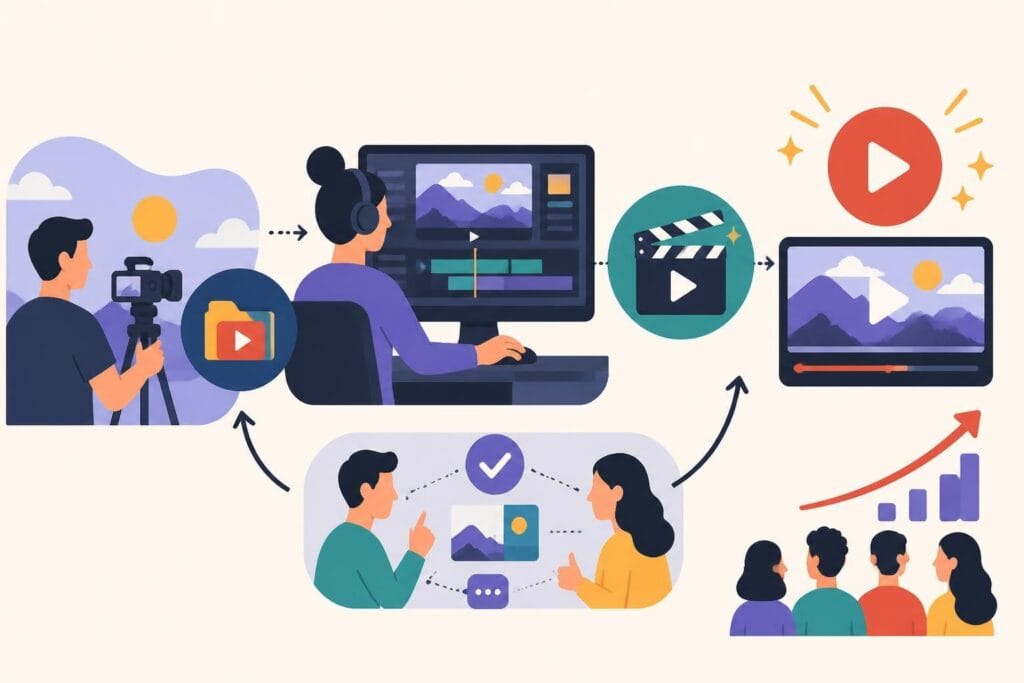
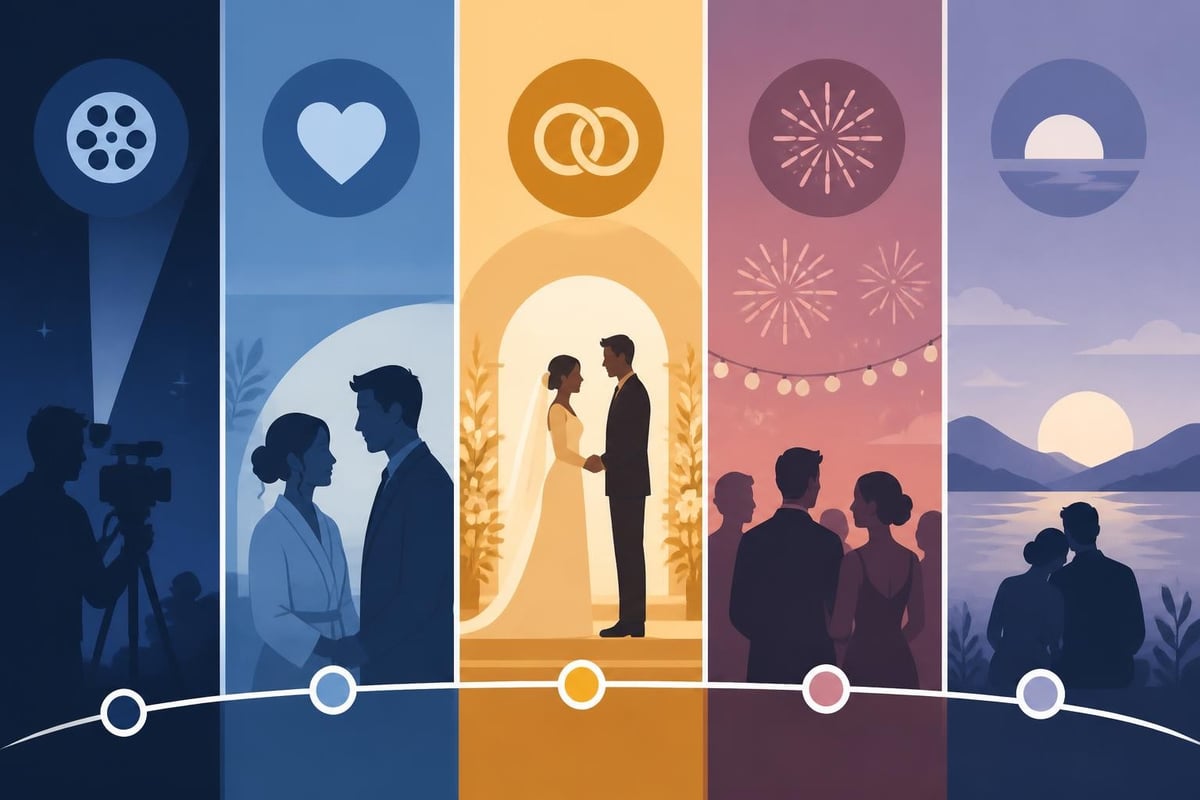
Every wedding video needs emotional pacing. You can't just dump clips in chronological order and call it done. Think about structure:
- The opening hook that immediately draws viewers in with stunning visuals or a powerful audio moment
- The build-up that introduces the couple, their preparation, and the anticipation
- The ceremony climax where emotion peaks during vows and the first kiss
- The celebration energy that showcases dancing, speeches, and candid joy
- The reflective closing that brings everything full circle with a meaningful moment
This narrative flow requires careful selection from potentially 6-8 hours of raw footage. Effective post-production editing focuses on creating that smoothly flowing final product rather than relying solely on perfect in-camera work.
The Technical Foundation of Professional Wedding Edits
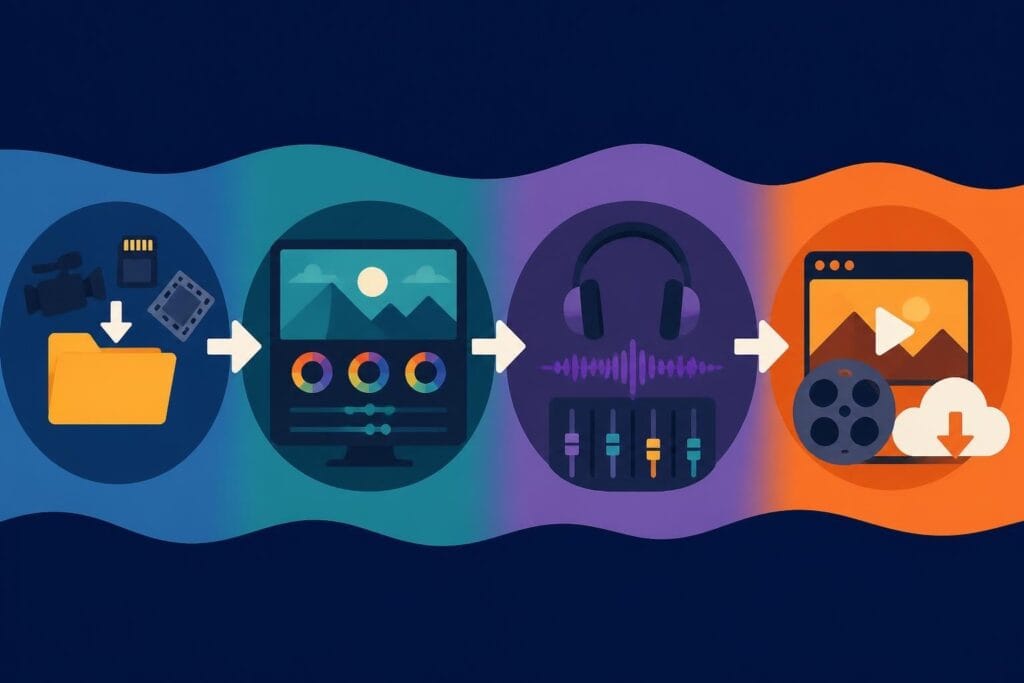
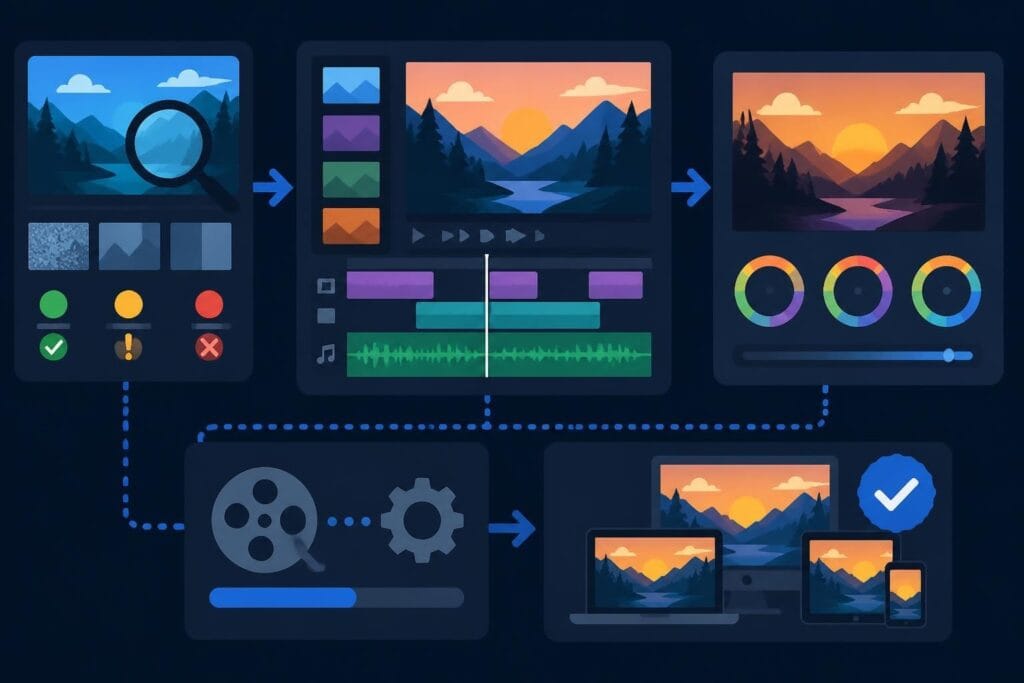
Before you dive into creative decisions, you need solid technical processes. Wedding video editing in 2026 means managing massive file sizes, multiple camera angles, and various audio sources while maintaining consistency across the entire project.
Organization Makes or Breaks Your Workflow
Starting with a messy folder structure guarantees headaches later. Here's what actually works:
- Create a master folder structure before importing anything: Ceremony, Reception, Getting Ready, B-Roll, Audio
- Label everything immediately with descriptive names, not just camera-generated codes
- Sync all footage at the beginning so multicam angles align perfectly
- Create proxy files for 4K or higher resolution footage to keep your editing smooth
- Back up religiously because losing wedding footage is career-ending
Professional editors use proxy footage to dramatically speed up the editing process, especially when working with high-resolution files from multiple cameras. This technique lets you edit smoothly on nearly any system while preserving the full quality for final export.
The Audio Layer That Everyone Overlooks
Great wedding video editing pays as much attention to sound as visuals. You're juggling multiple audio elements:
- Ceremony audio from lapel mics on the officiant and couple
- Ambient room sound that captures guest reactions
- DJ or band music during reception
- Speech audio from toasts and readings
- Background music that ties everything together
Poor audio ruins even the most beautiful footage. Invest time in cleaning up background noise, balancing levels between different sources, and ensuring dialogue stays clear and present in the mix.
Choosing Your Editing Style and Sticking to It
The wedding film industry has evolved beyond simple documentation. Couples now expect a specific aesthetic that matches their vision. Choosing the right editing style early in the process ensures consistency throughout the final product.
Documentary vs. Cinematic vs. Highlight Reel
Each style serves a different purpose and appeals to different couples:
| Style | Characteristics | Best For | Typical Length |
|---|---|---|---|
| Documentary | Chronological, complete coverage, minimal music | Couples who want everything captured | 60-90 minutes |
| Cinematic | Artistic angles, heavy color grading, dramatic music | Couples seeking film-quality aesthetics | 20-30 minutes |
| Highlight Reel | Fast-paced, social media-ready, music-driven | Sharing online, quick emotional impact | 3-5 minutes |
| Hybrid | Combines documentary coverage with cinematic moments | Most modern couples | 45 minutes + short reel |
Understanding what the couple expects before you start editing saves massive amounts of revision time. Some videographers deliver multiple versions, giving couples both the complete ceremony footage and a shareable highlight version.
Color Grading That Enhances Without Overwhelming
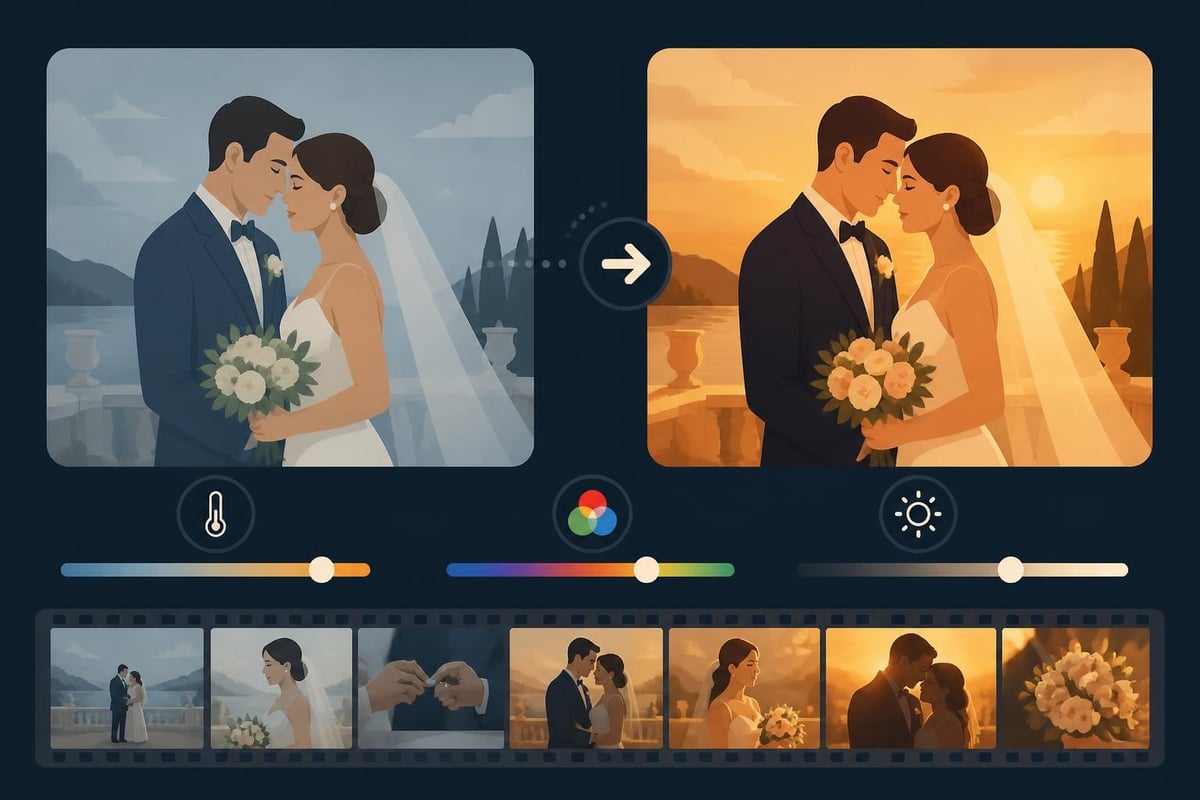
Color correction and grading separate amateur wedding videos from professional films. But there's a fine line between enhancing natural beauty and creating an over-processed look that feels dated within months.
Start with basic corrections:
- White balance adjustment to ensure skin tones look natural across all clips
- Exposure matching so indoor and outdoor scenes flow seamlessly
- Contrast balancing to avoid blown-out highlights during ceremony scenes
Then move into creative grading that establishes mood. Warm tones typically work well for romantic moments, while cooler grades can emphasize formal elegance during ceremony coverage.
Software and Tools That Actually Matter in 2026
The wedding video editing software landscape has exploded with options. The best video editing software of 2026 includes everything from professional-grade platforms to accessible tools for newer editors.
Professional-Grade Options
Adobe Premiere Pro remains the industry standard for wedding videographers who need reliable multicam editing, extensive plugin support, and seamless integration with After Effects for motion graphics. The learning curve is steep, but the control is unmatched.
DaVinci Resolve has become incredibly popular because its free version includes professional color grading tools that used to cost thousands. Wedding editors particularly love the dedicated color page that makes grading workflows intuitive and powerful.
Final Cut Pro still dominates among Mac users who want blazing-fast performance with optimized media handling. Its magnetic timeline can speed up rough cuts significantly, though some editors find it less flexible for complex projects.
Specialized wedding video editing tools offer templates and presets specifically designed for wedding films, which can dramatically reduce editing time while maintaining professional quality.
The Plugin and Preset Ecosystem
Nobody edits weddings from scratch anymore. Smart editors build libraries of:
- Transition presets that maintain consistency between sections
- Color LUTs developed specifically for wedding lighting conditions
- Audio cleanup plugins that remove echo and background noise automatically
- Title templates for couple names, dates, and lower thirds
- Music libraries with properly licensed tracks that match different moods
This isn't about taking shortcuts. It's about working efficiently so you can deliver more projects without sacrificing quality or burning out. Video editing services often maintain extensive preset libraries that ensure consistency across multiple editors working on different projects.
Storytelling Techniques That Make Weddings Memorable
Technical skills only take you halfway. The best wedding video editing creates an emotional journey that resonates with the couple and their families for decades. This requires intentional storytelling choices.
Building Tension and Release
Even though everyone knows how a wedding ends, you can still create dramatic tension through editing choices. Cut away right before the big kiss. Hold on close-ups of nervous hands. Use audio from the vows to build anticipation before showing the corresponding visuals.
Effective tension-building techniques:
- Cross-cutting between the couple getting ready in separate locations
- Using slow-motion to extend emotional peaks like the first look or kiss
- Strategic silence that makes viewers lean in before a powerful moment
- Reaction shots that show guests experiencing the emotion alongside the couple
The Power of Audio-Driven Editing
Sometimes the best wedding video editing lets the actual wedding audio carry the narrative. Vows, speeches, and readings provide natural story arcs that music can't replicate.
Try building sequences around:
- Ceremony audio that drives the edit while visuals show corresponding moments and reactions
- Toast excerpts that introduce the couple's story and personality
- Laughter and tears captured in ambient audio that music would otherwise cover
- The couple's own words from vows or letters they've written to each other
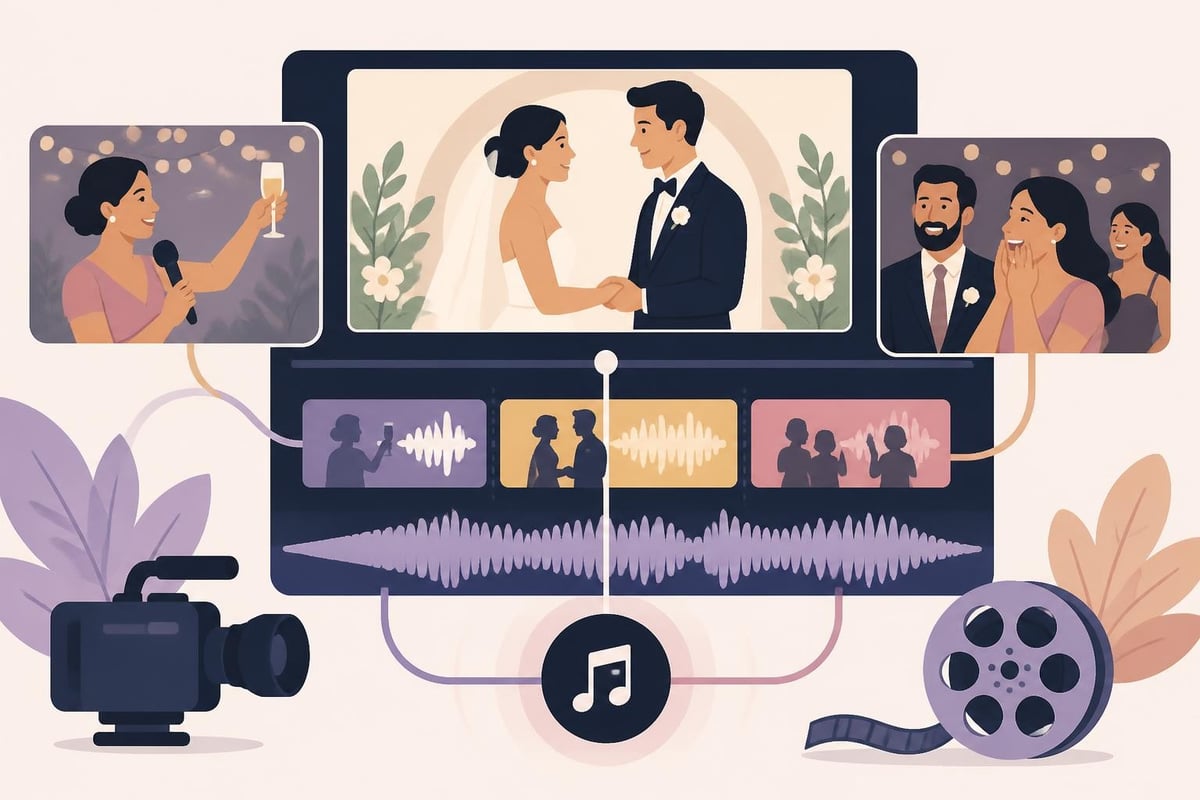
Smooth transitions like crossfades help blend these audio-driven moments with music-backed sequences, creating a cohesive flow throughout the entire film.
Common Wedding Video Editing Challenges and Solutions
Every wedding presents unique editing challenges. Knowing how to handle these common issues separates professionals from amateurs struggling through their first project.
Problem: Inconsistent Lighting Across Venues
Wedding days span multiple locations with wildly different lighting conditions. Outdoor ceremony in bright sunlight, indoor reception with colored uplighting, dimly lit first dance. Your footage might have different white balance, exposure, and color temperature in every scene.
Solution: Create adjustment layers or color presets for each location type in your project. Apply these as a starting point, then fine-tune individual clips. Consider using secondary color correction to isolate and adjust specific elements (like overly warm skin tones under tungsten lights) without affecting the entire frame.
Problem: Boring Moments You Can't Cut
Some weddings have ceremony or reception elements that drag on forever, but the couple still wants them included. Twenty-minute processionals, lengthy religious rituals, or uncle's rambling toast.
Solution: Use creative editing to condense time without feeling like you're rushing. Combine wide shots with cutaways to guest reactions. Use J-cuts and L-cuts to start the next section's audio before cutting away visually. Speed ramping can subtly accelerate less critical moments without feeling jarring.
Problem: Multiple Camera Angles That Don't Match
When you're working with footage from multiple shooters or cameras, you'll find different color profiles, white balance settings, and even frame rates. Cutting between them creates a disjointed viewing experience.
Solution: Establish a primary camera as your color reference and match all other footage to it. Use waveform monitors and vectorscopes rather than just eyeballing it. If frame rates differ, conform everything to your delivery frame rate before starting the edit. Professional video production workflows standardize these technical specs before shooting to prevent mismatches.
The Business Side: Delivering Wedding Videos Efficiently
Wedding video editing can consume your entire life if you let it. A single wedding might generate 6-10 hours of footage that needs to be cut down to a 30-minute film. Without systems and boundaries, you'll find yourself spending 40+ hours on each project, destroying your effective hourly rate.
Time Management and Realistic Deadlines
Be honest about turnaround times. Most professional wedding videographers deliver within 6-12 weeks, not because the editing takes that long, but because they're juggling multiple weddings during busy season.
Efficient delivery strategies:
- Batch similar tasks across multiple projects (color grading day, audio day, rough cut day)
- Deliver a short highlight reel within 1-2 weeks to keep couples excited while you finish the full film
- Set clear expectations about revision policies before signing the contract
- Use project management tools to track each wedding through your workflow stages
The Outsourcing Option That Saves Your Sanity
Here's the truth: you don't have to do it all yourself. Many successful wedding videographers focus on shooting and client relationships while outsourcing the time-intensive editing work. Video editing services like beCreatives provide dedicated editors who can handle the technical heavy lifting while you focus on growing your business.
This isn't admitting defeat. It's smart business. If you can book two additional weddings per month because you're not buried in editing, and outsourcing costs less than that revenue, you've found a winning formula. Plus, professional editors bring fresh creative perspectives and stay current with the latest techniques and trends.
Pricing Your Wedding Video Editing Services
If you're offering wedding video editing as a standalone service, pricing requires balancing your time investment against market rates. Consider these factors:
| Pricing Factor | Impact on Rate |
|---|---|
| Raw footage hours | More footage = higher price |
| Final delivery length | 5-minute highlight vs. 60-minute feature |
| Number of revisions included | Unlimited revisions require higher rates |
| Turnaround speed | Rush jobs command premium pricing |
| Complexity requested | Simple cuts vs. heavy effects and motion graphics |
| Location/market | Urban markets support higher rates |
Research what competitors charge in your area, but don't race to the bottom. Wedding video editing requires specialized skills and emotional intelligence that deserves fair compensation.
Staying Current with Editing Trends and Technology
Wedding video styles evolve quickly. What looked cutting-edge in 2024 might feel dated by late 2026. Staying current means continually learning while maintaining timeless storytelling fundamentals.
AI-Assisted Editing Tools Entering the Workflow
Artificial intelligence is transforming wedding video editing workflows in practical ways. AI-powered editing solutions now offer temporally coherent video editing that can enhance wedding films with consistent color grading and automated scene detection.
Current AI applications that actually help:
- Auto-scene detection that identifies ceremony key moments, first dance, cake cutting
- Face recognition that helps you quickly find shots of specific people throughout hours of footage
- Audio transcription that makes searching toast content possible without scrubbing through every minute
- Smart color matching that analyzes your selected look and applies it consistently across clips
These tools don't replace your creative vision. They just free you from tedious technical tasks so you can focus on storytelling.
The Vertical Video Challenge
With couples increasingly wanting wedding content optimized for Instagram Stories, TikTok, and mobile viewing, wedding video editing now often includes reformatting for vertical 9:16 aspect ratios. This isn't as simple as cropping your 16:9 footage.
Vertical wedding videos require rethinking composition, framing subjects differently, and sometimes creating entirely separate edits that emphasize different moments than the traditional horizontal version. Smart editors now shoot with both orientations in mind, protecting vertical-safe areas during filming.
Social media video editing services have become essential for wedding videographers who want to provide comprehensive deliverables that couples can share across all platforms.
Quality Control and Final Delivery Standards
Before you export and deliver that wedding video, thorough quality control prevents embarrassing mistakes and unhappy clients. Create a checklist you follow for every project.
Essential QC checks:
- Watch the entire video straight through without stopping (you'll catch pacing issues this way)
- Verify all names are spelled correctly in any text or title cards
- Check audio levels to ensure dialogue is clear and music doesn't overwhelm key moments
- Look for visual glitches like dropped frames, render errors, or accidental jump cuts
- Confirm the couple appears throughout and neither partner gets significantly less screen time
- Test your export file on multiple devices to ensure compatibility
Export in the highest quality format that's practical for delivery. Most couples want files they can keep forever, so provide both a high-quality master file and web-optimized versions for sharing. Include clear instructions about how to store and back up the files.
Proper video production and editing workflows include version control and backup systems that prevent disasters when hard drives fail or files corrupt.
Building Systems That Scale Your Wedding Video Business
If you want to grow beyond editing one wedding at a time, you need repeatable systems. Successful wedding video editing businesses don't just have talented editors; they have documented processes that maintain quality across multiple projects.
Template-Based Workflows That Preserve Creativity
Templates don't mean cookie-cutter videos. They mean starting points that establish structure while leaving room for customization. Create templates for:
- Project file organization with pre-labeled bins and folders
- Color grading starting points for different venue types and lighting conditions
- Audio mixing setups with proper channel routing already configured
- Title and graphic styles that can be personalized with each couple's information
- Music bed structures that establish pacing for different film lengths
These templates eliminate repetitive setup work so you can jump straight into creative decision-making. You're not starting from scratch each time, but you're not sacrificing uniqueness either.
Team Building and Editor Training
When you're ready to expand beyond solo editing, bringing on additional editors requires careful training to maintain consistency. Exploring video editing resources and courses can help new team members develop the specific skills wedding projects demand.
Successful training includes:
- Detailed style guides that show your preferred aesthetic with examples
- Standard operating procedures for every workflow stage
- Regular feedback sessions where you review work and provide specific direction
- Access to your template library and preset collections
- Clear communication channels for questions during projects
The investment in proper training pays off when you can confidently take on multiple simultaneous projects without quality suffering.
Wedding video editing transforms raw footage into emotional keepsakes that couples treasure for decades, but the process demands both technical expertise and emotional intelligence that can overwhelm even experienced editors. Whether you're building a wedding videography business or managing content for multiple clients, having the right systems and support makes all the difference. beCreatives offers unlimited video editing services with dedicated editors who understand the unique demands of wedding films, providing the support you need to deliver stunning results without sacrificing your work-life balance or taking on more than you can handle.