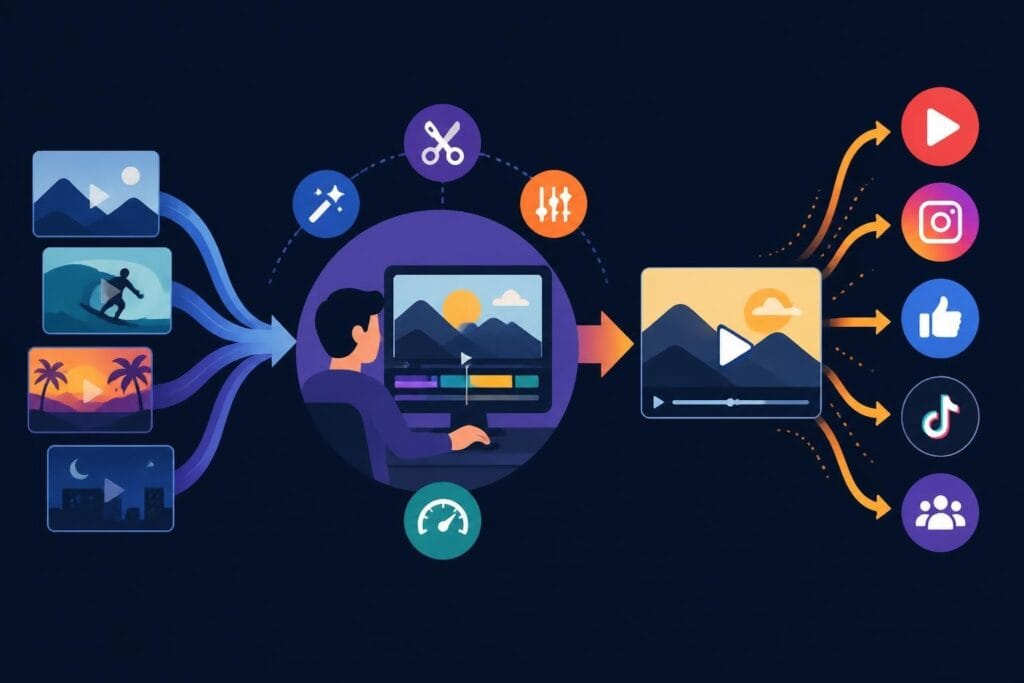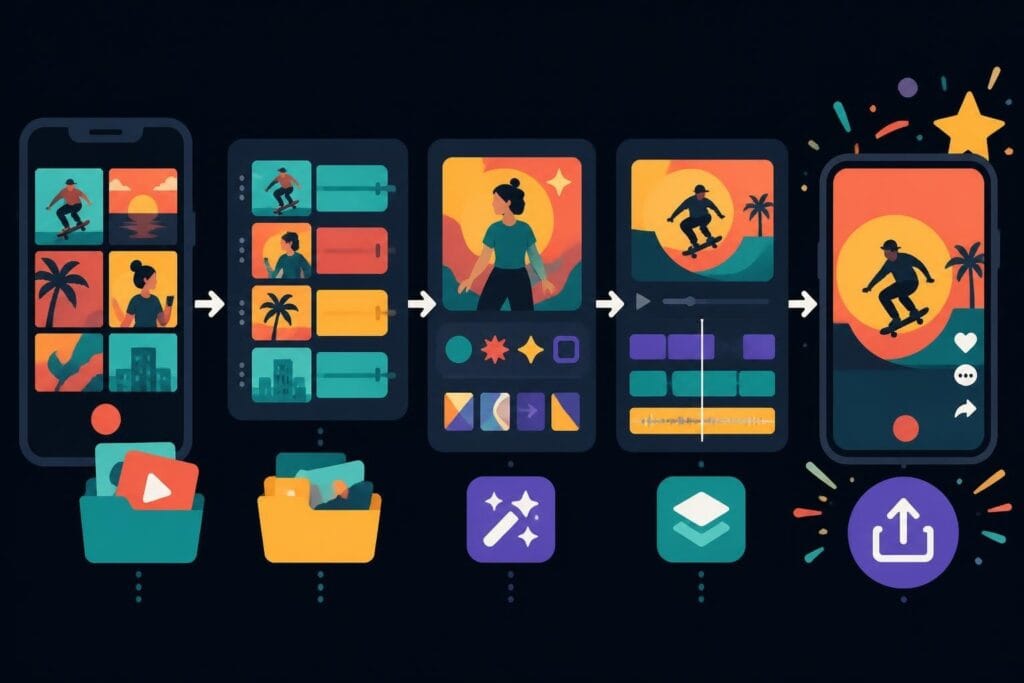
Creating scroll-stopping content on TikTok isn't just about hitting record anymore. The platform has evolved into a sophisticated content ecosystem where video editing TikTok skills can make or break your visibility. Whether you're a business owner trying to reach younger audiences, a content creator building your personal brand, or an agency managing multiple clients, understanding how to approach TikTok editing in 2026 is essential. But here's the thing: you don't necessarily need to become an editing wizard yourself. Smart creators are finding ways to produce incredible content without spending hours learning complex software or burning through their weekends hunched over editing timelines.
Why Video Editing TikTok Matters More Than Ever
TikTok's algorithm has become incredibly sophisticated at detecting quality content. The platform doesn't just look at view counts anymore – it analyzes watch time, completion rates, and engagement patterns within the first few seconds of your video.
What this means for your editing approach:
- Your hook needs to land within 0.5 seconds
- Transition quality affects viewer retention
- Audio sync impacts perceived professionalism
- Export settings influence video quality after upload
The competition for attention has intensified dramatically since 2024. According to editing strategies that focus on hooks and transitions, creators who optimize their first three seconds see engagement rates up to 300% higher than those who don't.
The Time Investment Reality
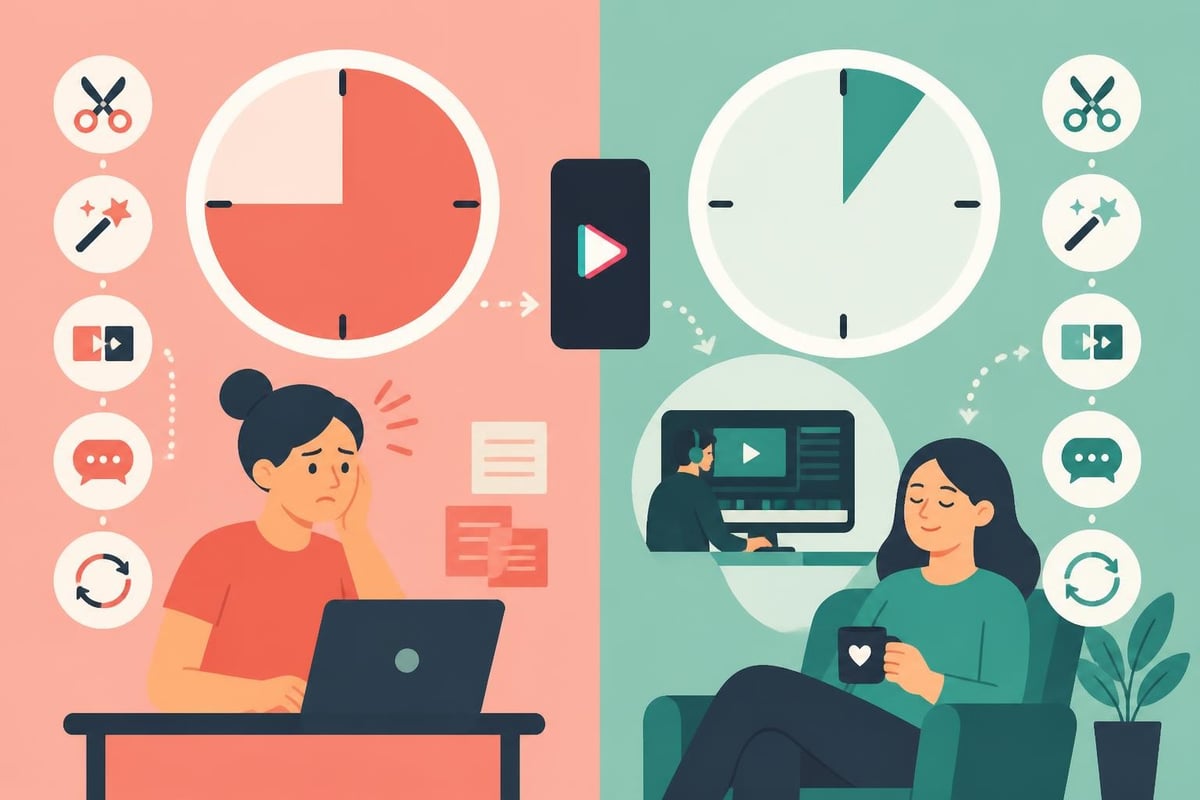
Let's talk numbers. The average TikTok creator spends 45-90 minutes editing a single video when they're doing everything themselves. If you're posting daily (which the algorithm loves), that's 7.5 to 15 hours per week just on editing.
For business owners and agencies, this creates a brutal choice: sacrifice content quality, reduce posting frequency, or burn out trying to maintain both.
Essential Video Editing TikTok Features You Need to Know
TikTok's native editing tools have improved significantly, but knowing which features actually move the needle for engagement makes all the difference.
Built-In Tools That Actually Work
The platform offers several editing capabilities directly within the app. TechRadar’s comprehensive guide breaks down how to use these native features effectively, but here's what matters most:
| Feature | Best Use Case | Engagement Impact |
|---|---|---|
| Quick trim | Removing dead air at start/end | High (improves completion rate) |
| Speed adjustments | Creating dynamic pacing | Medium (adds variety) |
| Effects library | Trending visual hooks | High (catches attention) |
| Text overlays | Reinforcing key messages | Very High (aids comprehension) |
| Voiceover | Adding personality without appearing on camera | Medium (builds connection) |
The reality? Most successful TikTok accounts don't rely solely on in-app editing. They use external tools to create more polished, professional content that stands out in crowded feeds.
External Editing Software Worth Considering
The editing software landscape has exploded with options specifically designed for short-form vertical content. When exploring the best editing platforms available, you'll find tools ranging from beginner-friendly mobile apps to professional-grade desktop software.
Popular choices in 2026 include:
- CapCut – Free, TikTok-integrated, template-heavy
- Adobe Premiere Rush – Mobile-friendly, cloud syncing
- Final Cut Pro – Professional features, Mac-only
- DaVinci Resolve – Industry-standard color grading
- Movavi Video Editor – As highlighted in Digital Camera World’s review, it offers affordable, feature-packed editing
Each tool has strengths, but here's what nobody tells you: the software doesn't matter nearly as much as consistent execution. The best editing tool is the one you'll actually use every single day.
Trending Video Editing TikTok Techniques for 2026
TikTok trends move at lightning speed, but certain editing techniques have proven staying power because they fundamentally align with how people consume content on their phones.
Hook Architecture That Stops Scrolls
Your first frame matters more than your entire middle section. Period.
Successful hooks in 2026 follow predictable patterns:
- Pattern interrupts (unexpected visuals or sounds)
- Curiosity gaps (posing questions without immediate answers)
- Bold statements (controversial or surprising claims)
- Immediate value (showing the payoff upfront)
The editing technique here isn't complicated – it's about ruthlessly cutting anything before your best moment. If your most compelling content happens 8 seconds in, that needs to become second 0.5.
Transition Mastery Without Overcomplicating
Smooth transitions keep viewers engaged without them realizing why they're still watching. The mistake most creators make? Over-editing with flashy transitions that distract rather than enhance.
Effective transition types:
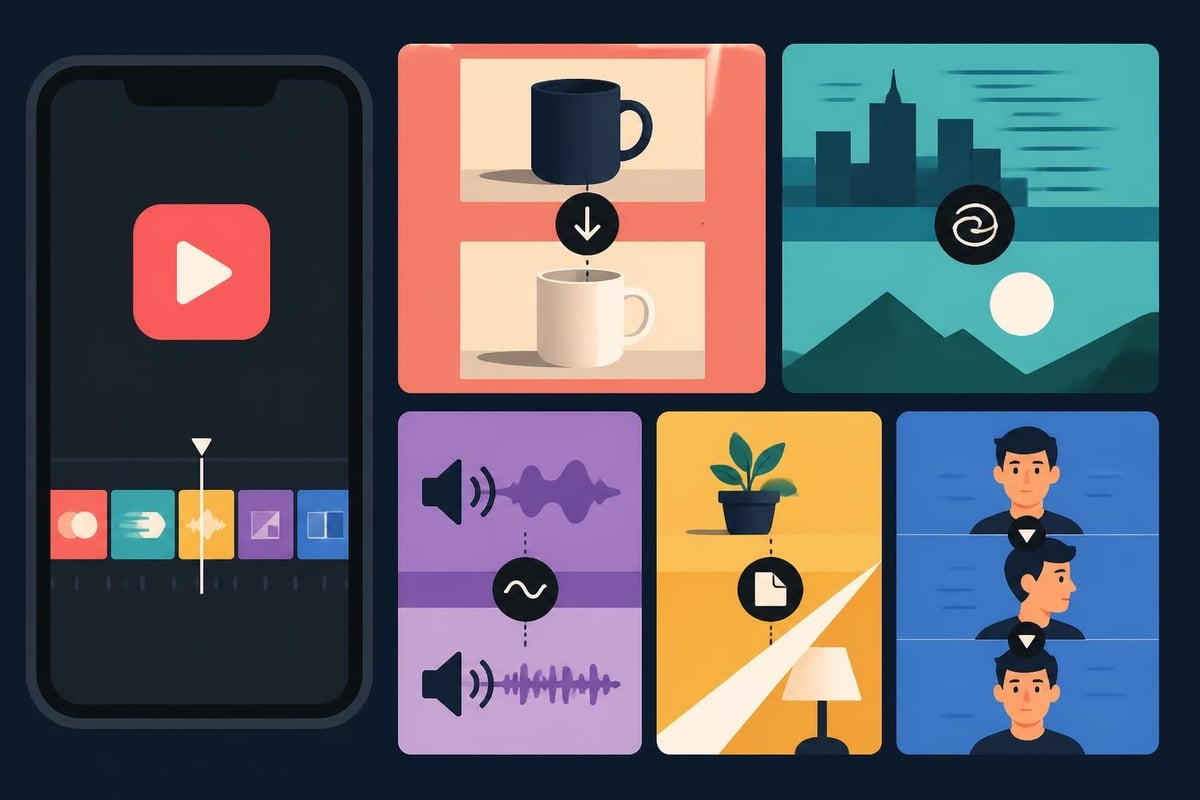
- Match cuts – Matching similar elements between scenes
- Whip pans – Quick camera movements that hide cuts
- Sound bridges – Audio that carries across visual changes
- Object wipes – Using foreground elements to transition
The key is making transitions feel invisible. When viewers notice your transitions, you've already lost them.
Text and Caption Strategy
Captions aren't optional anymore – they're essential. Over 80% of TikTok videos are watched without sound initially. Your text needs to carry the message even when audio doesn't.
Caption best practices:
- Position text in the safe zone (avoiding TikTok's UI elements)
- Use high-contrast colors for readability
- Keep text on screen long enough to read twice
- Sync text appearance with voiceover or music beats
- Use fonts that match your brand personality
Many creators discover they spend more time on captions than any other editing element. That's completely normal and worth the investment.
The Business Case for Outsourcing Video Editing TikTok
Here's where we get real about the economics of content creation. When you review video editing prices across different service models, the numbers tell an interesting story.
Time vs. Money Calculation
Let's do the math for a business posting 5 TikToks per week:
| Scenario | Time Invested | Opportunity Cost | Quality Level |
|---|---|---|---|
| DIY Editing | 7.5 hours/week | $500-2000/week | Inconsistent |
| Freelancer per video | 1 hour/week managing | $150-500/week | Variable |
| Unlimited editing service | 30 mins/week uploading | Fixed monthly rate | Consistent |
The opportunity cost is what kills most business owners. Those 7.5 hours could be spent on client acquisition, product development, or strategy – activities that directly generate revenue.
Consistency Beats Perfection
The TikTok algorithm rewards consistent posting more than perfect videos. But maintaining consistency while running a business? Nearly impossible without systems.
This is where unlimited video editing models change the game. Instead of agonizing over each video or choosing between quality and frequency, you can maintain both by having dedicated editors who understand your brand.
What consistent posting actually requires:
- Regular content capture (filming or recording)
- Organized file storage and transfer
- Clear brand guidelines and style preferences
- Quick revision cycles for timely content
- Reliable export and upload systems
Most creators can handle filming consistently. The editing pipeline is where things fall apart.
Advanced Strategies From Successful TikTok Creators
The creators crushing it on TikTok in 2026 aren't necessarily more talented – they're more systematic about their editing approach.
Batch Filming and Editing Workflows
Smart creators film multiple videos in single sessions, then edit in batches. This approach leverages context switching economics and maintains visual consistency.
Typical batch workflow:
- Film 10-15 videos in one 2-hour session
- Organize footage with clear naming conventions
- Edit 5 videos per editing session
- Schedule releases throughout the week
- Review analytics and adjust approach
The editing phase becomes more efficient because you're in "editing mode" rather than constantly switching between creative and technical thinking.
For creators managing multiple content types, specialized services like fashion video editing or adventure video editing can maintain niche-specific quality standards without requiring you to master every editing style.
Template Systems That Scale
Creating reusable templates dramatically reduces editing time while maintaining brand consistency. According to QuickFrame’s review of top TikTok video editors, software with robust template features can cut editing time by 60%.
Template elements to standardize:
- Intro and outro sequences
- Lower third text styles
- Color grading presets
- Transition timings
- Music bed selections
- Caption positioning and fonts
The beauty of templates? They make your content instantly recognizable while removing decision fatigue from the editing process.
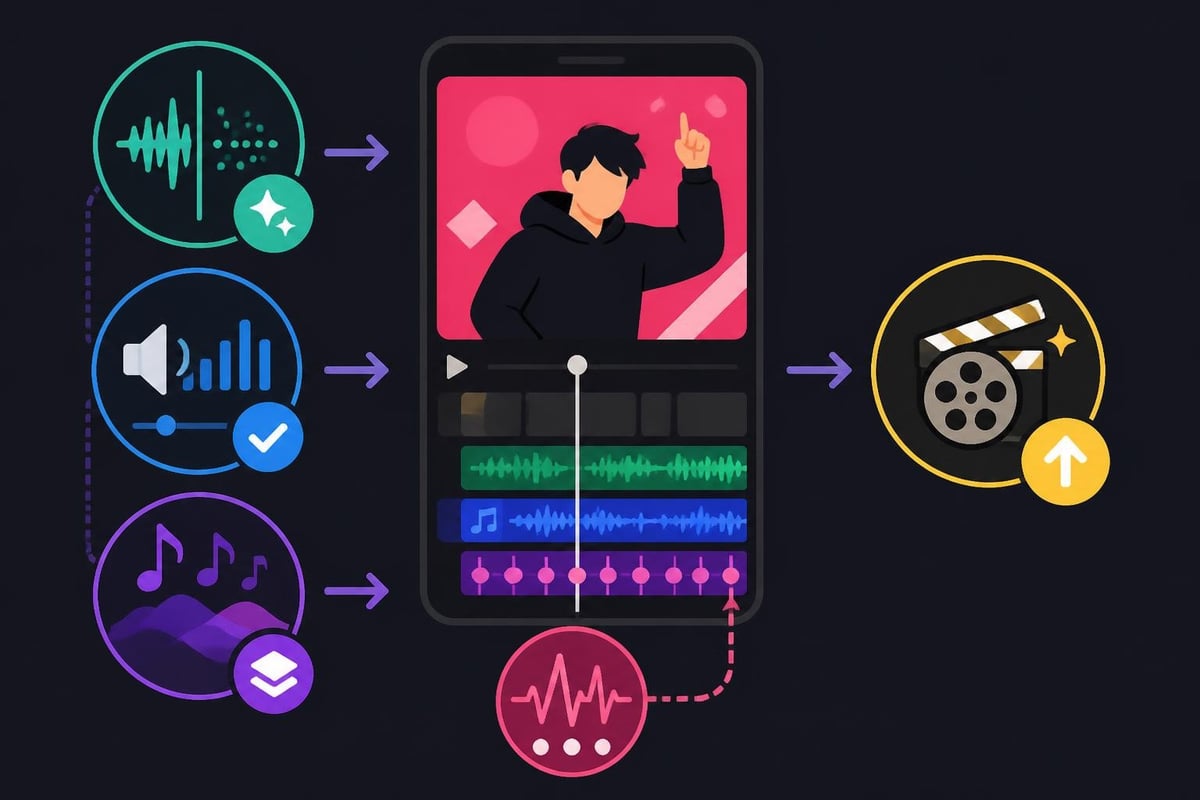
Audio Editing Secrets
Audio quality separates amateur content from professional TikToks more than any visual element. Poor audio makes viewers scroll immediately, regardless of how good your video looks.
Critical audio editing steps:
- Remove background noise and echo
- Normalize volume levels across clips
- Add subtle background music under dialogue
- Sync visual cuts with audio beats
- Export with optimal bitrate settings
Many creators overlook audio entirely, then wonder why their engagement suffers. The ear is unforgiving – viewers notice bad audio even when they can't articulate why something feels "off."
Mobile vs Desktop Editing: The 2026 Reality
The debate between mobile and desktop editing continues, but the answer depends entirely on your content complexity and volume.
When Mobile Editing Works
Mobile editing makes sense for creators who:
- Post primarily spontaneous, reactive content
- Use heavy trending effects and filters
- Prefer filming and editing in the same environment
- Create shorter, simpler videos
- Value speed over complex editing capabilities
Apps like those featured in Creative Bloq’s mobile editing guide have become surprisingly powerful, offering features that rivaled desktop software just two years ago.
Why Desktop Still Dominates for Serious Creators
Desktop editing provides advantages mobile can't match:
- Precision control – Frame-by-frame accuracy for cuts and effects
- Screen real estate – Seeing your timeline and preview simultaneously
- Processing power – Handling 4K footage without lag
- Advanced features – Color grading, multi-track audio, complex effects
- Workflow integration – Connecting with storage, analytics, and planning tools
Business accounts and agencies almost universally use desktop workflows because the efficiency gains compound with volume.
Common Video Editing TikTok Mistakes to Avoid
Even experienced creators fall into these traps, especially when trying to maintain consistent output.
Over-Editing Syndrome
Adding every transition, effect, and filter available doesn't make your video better – it makes it exhausting to watch. TikTok audiences have trained themselves to detect authentic content, and over-produced videos often perform worse than simpler, genuine ones.
Signs you're over-editing:
- Transitions between every single clip
- Multiple text overlays competing for attention
- Clashing sound effects layered on music
- Color grading that looks unnatural
- Effects that distract from your message
Restraint is a skill. The best editors know what to leave out.
Ignoring Platform Specifications
TikTok has specific technical requirements that affect video quality after upload. Ignoring these means the algorithm receives a compressed, lower-quality version of your content.
| Specification | Optimal Setting | Why It Matters |
|---|---|---|
| Resolution | 1080×1920 (9:16) | Fills screen without cropping |
| Frame rate | 30fps or 60fps | Smooth motion, natural playback |
| Bitrate | 10-15 Mbps | Quality retention after compression |
| Audio | 192-320 kbps, 44.1kHz | Clear sound without distortion |
| File format | MP4 (H.264) | Universal compatibility |
Uploading videos that don't match these specs means TikTok recompresses them, degrading quality and potentially hurting distribution.
Neglecting A/B Testing
Different editing approaches resonate with different audiences. The only way to know what works for YOUR specific audience is systematic testing.
Elements worth testing:
- Hook duration (0.5s vs 2s vs 5s)
- Caption timing (appearing immediately vs staggered)
- Music choices (trending vs niche vs none)
- Video length (15s vs 30s vs 60s)
- Color grading styles (warm vs cool vs natural)
Smart creators treat every post as a learning opportunity, tracking which editing decisions correlate with higher engagement.
Building Your Video Editing TikTok System for Long-Term Success
The difference between occasional viral hits and sustained growth comes down to systems. Random success isn't scalable – systematic execution is.
Content Planning Integration
Your editing workflow should connect directly to your content planning. When you plan content themes in advance, you can batch film and create editing templates that accelerate production.
Integrated workflow components:
- Monthly content themes aligned with business goals
- Weekly filming schedules with specific topics
- Asset libraries (music, graphics, templates)
- Editing checklists for consistency
- Performance review cycles informing future content
This level of organization might seem excessive, but it's how successful creators maintain daily posting schedules without burning out.
Team Collaboration Models
Whether you're working with in-house team members, freelancers, or dedicated video editing services, clear communication systems prevent bottlenecks and revision loops.
Essential collaboration tools:
- Cloud storage for raw footage and finished videos
- Project management for tracking video status
- Style guides documenting brand preferences
- Revision systems for efficient feedback
- Asset libraries for approved music, graphics, and templates
Many agencies find that using specialized services for different content types (like LinkedIn video editing for professional content versus TikTok editing for brand personality) maintains appropriate tone across platforms.
Analytics-Driven Improvement
The editing choices that worked in January 2026 might not work in June 2026. Platform trends, audience preferences, and algorithm priorities shift constantly.
Metrics to track for editing insights:
- Average watch time by video style
- Completion rate correlation with length
- Engagement rate by editing complexity
- Follower conversion by hook type
- Share rate by content format
This data should inform your editing decisions. If your 15-second videos consistently outperform 60-second ones, that's your audience telling you something valuable.
Future-Proofing Your Video Editing TikTok Approach
TikTok will continue evolving, but certain principles remain constant regardless of platform changes.
Focus on Storytelling, Not Just Technique
Technical editing skills matter, but they're secondary to compelling storytelling. A poorly edited video with an amazing story will outperform a technically perfect video with no emotional resonance.
Story elements that transcend editing:
- Clear problem identification
- Relatable struggles or desires
- Unexpected insights or solutions
- Authentic personality and voice
- Genuine value delivery
Master these elements, and your editing just needs to support them without getting in the way.
Embrace AI-Assisted Editing Tools
Artificial intelligence is transforming video editing faster than any other creative field. Research like MagicEdit’s approach to video editing demonstrates how AI can handle temporal coherence and high-fidelity edits that previously required expert-level skills.
By 2026, AI tools can:
- Auto-generate captions with accurate timing
- Suggest optimal cut points based on content analysis
- Color grade footage to match style preferences
- Identify and remove filler words from dialogue
- Recommend trending sounds for your content type
The creators who thrive will use AI to handle technical execution while focusing their creative energy on strategy, storytelling, and audience connection.
Build Scalable Systems Over Hero Efforts
The creator economy rewards consistency, and consistency requires systems that don't depend on superhuman effort.
Whether you're exploring different video editing software options or considering outsourcing entirely, the goal is creating sustainable production capacity that grows with your business rather than burning you out.
Scalable system characteristics:
- Doesn't require your personal involvement in every step
- Maintains quality standards without constant oversight
- Adapts to volume increases without proportional time increases
- Captures institutional knowledge in documented processes
- Creates space for creativity rather than consuming it
The best creators aren't the ones grinding 80-hour weeks on editing. They're the ones who built systems that let them focus on what only they can do – creating compelling content that connects with their audience.
Mastering video editing TikTok strategies gives you a competitive edge, but the real secret is building sustainable systems that let you focus on creativity instead of technical execution. Whether you're managing content for your personal brand, business, or clients, the time you spend editing is time away from growth activities that move the needle. That's exactly why beCreatives exists – to handle the editing grind so you can focus on creating content that actually matters to your audience, without sacrificing quality or consistency along the way.