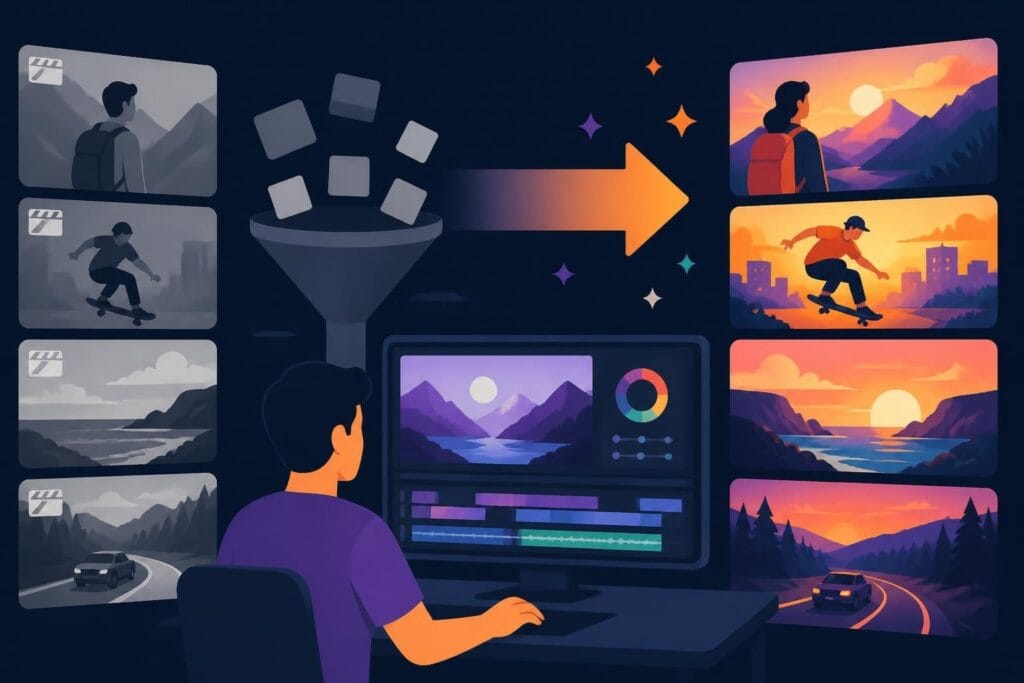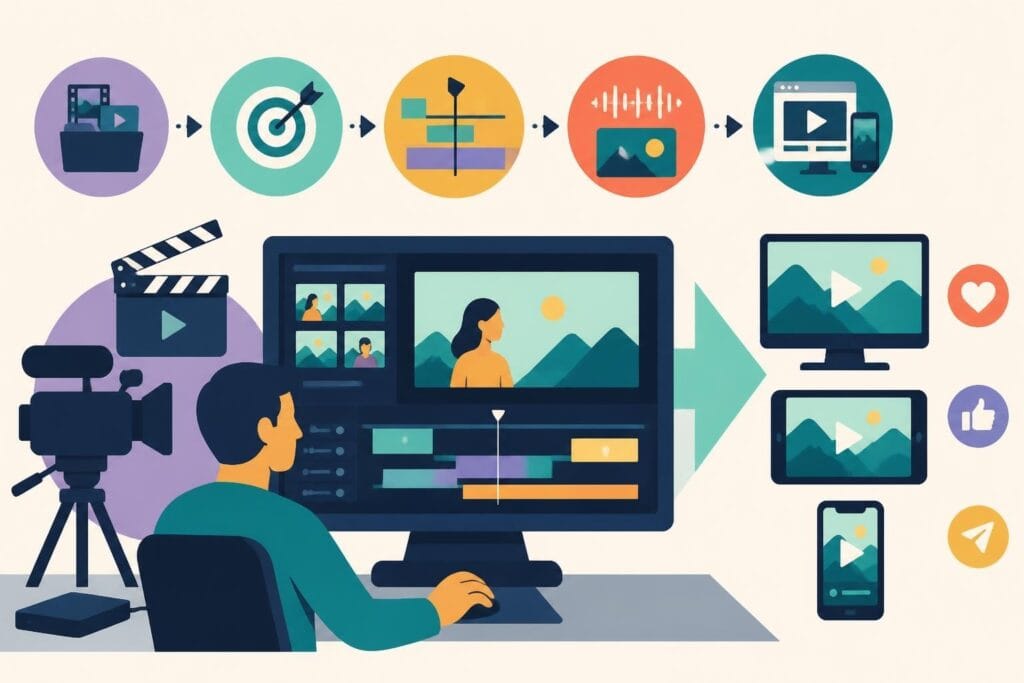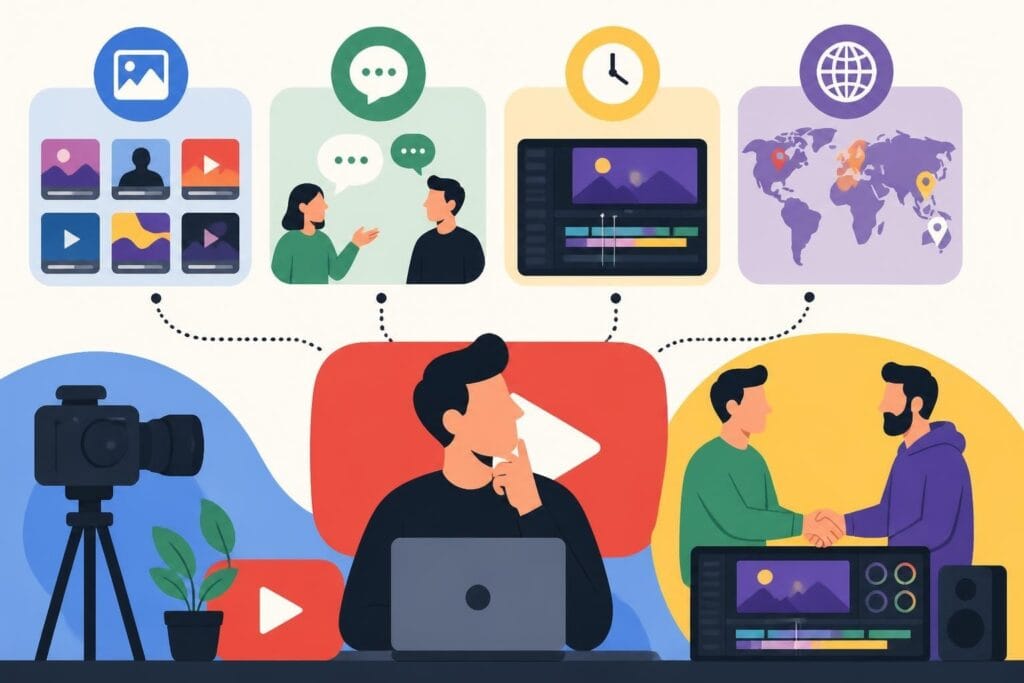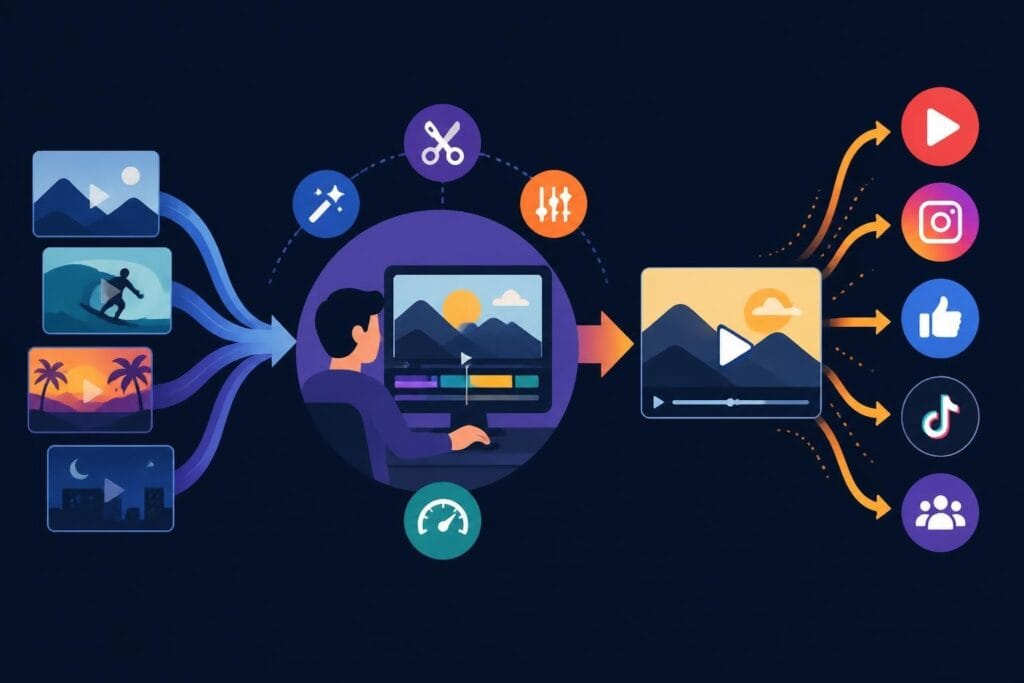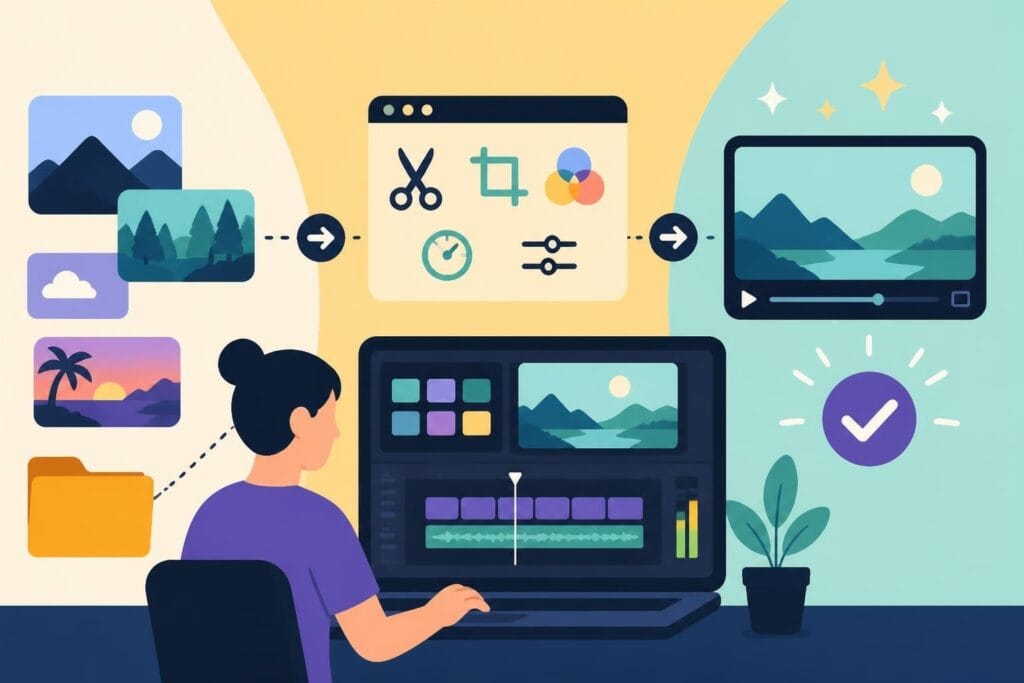
Finding the best easy video editor feels like searching for a unicorn when you're drowning in footage and deadlines. You want something powerful enough to make your content look professional, but simple enough that you're not spending three weeks learning keyboard shortcuts. Whether you're a busy entrepreneur filming product demos, a marketer creating social ads, or an agency juggling multiple client projects, the right editing tool can save you hours of frustration. But here's the real question: should you be editing at all, or is there a smarter way to get your content out there?
What Makes a Video Editor Actually Easy to Use
The best easy video editor isn't just about drag-and-drop features or pretty interfaces. It's about reducing the cognitive load between your creative vision and the finished video.
Key characteristics that separate truly easy editors from pretenders:
- Intuitive timeline navigation that doesn't require a manual
- Pre-built templates for common video types (social posts, ads, tutorials)
- Smart AI features that handle tedious tasks automatically
- Quick export presets for different platforms
- Minimal learning curve from installation to first finished video
The difference between "easy" and "simple" matters here. Simple tools might limit what you can create. Easy tools give you professional capabilities without the professional complexity. That's the sweet spot most content creators need.
The Real Cost of DIY Video Editing
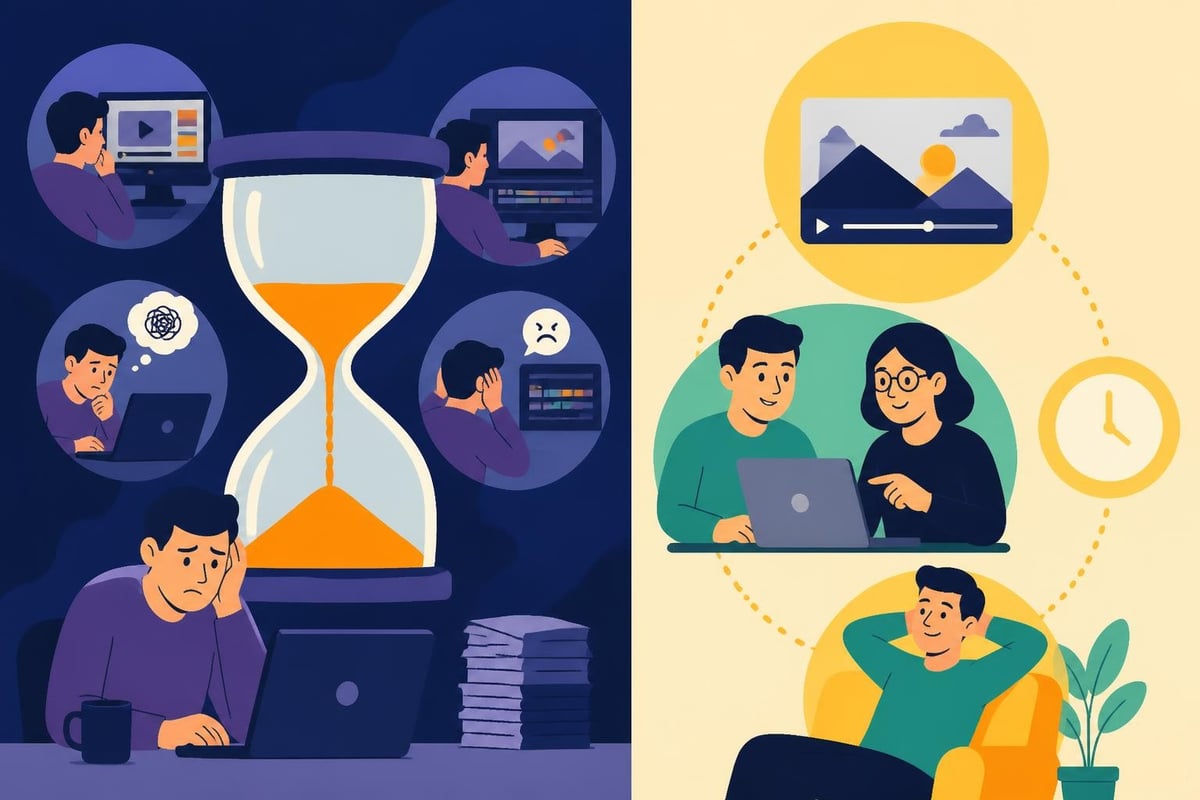
Before we dive into specific tools, let's talk about something nobody mentions in those cheerful software reviews: your time has a dollar value.
If you're spending 4-6 hours editing a 10-minute video, that's 4-6 hours you're not:
- Creating more content
- Connecting with your audience
- Building your business
- Actually living your life
Many creators start with free or cheap editing software, thinking they're saving money. But when you calculate hourly rates, that "free" editor might be costing you thousands in opportunity cost. This is exactly why services offering unlimited video editing have exploded in popularity-they turn editing from a time sink into a predictable monthly expense.
Top Beginner-Friendly Editing Software for 2026
Let's break down the actual options if you're determined to edit yourself. These tools represent the current landscape of accessible video editing.
Browser-Based Editors: Edit Anywhere, Anytime
Clipchamp has become Microsoft's official answer to beginner video editing. According to TechRadar’s Clipchamp review, its AI-powered features and Microsoft 365 integration make it particularly appealing for business users who already live in that ecosystem. The interface feels familiar if you've used PowerPoint, which lowers the intimidation factor significantly.
Kapwing takes a different approach, focusing heavily on social media content. TechRadar’s analysis of Kapwing highlights how its AI tools automatically resize videos for different platforms and generate subtitles-massive time-savers for multi-platform creators.
| Editor | Best For | Price Range | Key Advantage |
|---|---|---|---|
| Clipchamp | Microsoft users | Free – $12/month | Office integration |
| Kapwing | Social media creators | Free – $24/month | AI auto-captioning |
| Canva Video | Design-focused brands | Free – $15/month | Template library |
Desktop Software: More Power, Steeper Learning
Adobe Premiere Elements 2026 sits in an interesting middle ground. Digital Camera World’s review points out that while it's marketed as beginner-friendly, the feature-rich interface can overwhelm new editors quickly. It's powerful, but "easy" might be overselling it.
Movavi Video Editor 2026 gets praised for striking a better balance. According to reviews, it offers professional-level features without the professional-level headaches. The affordable pricing makes it accessible for creators testing the waters.
For comprehensive comparisons of beginner tools, Miracamp’s guide breaks down the nuances between different software options based on specific use cases.
Features That Actually Matter for Content Creators
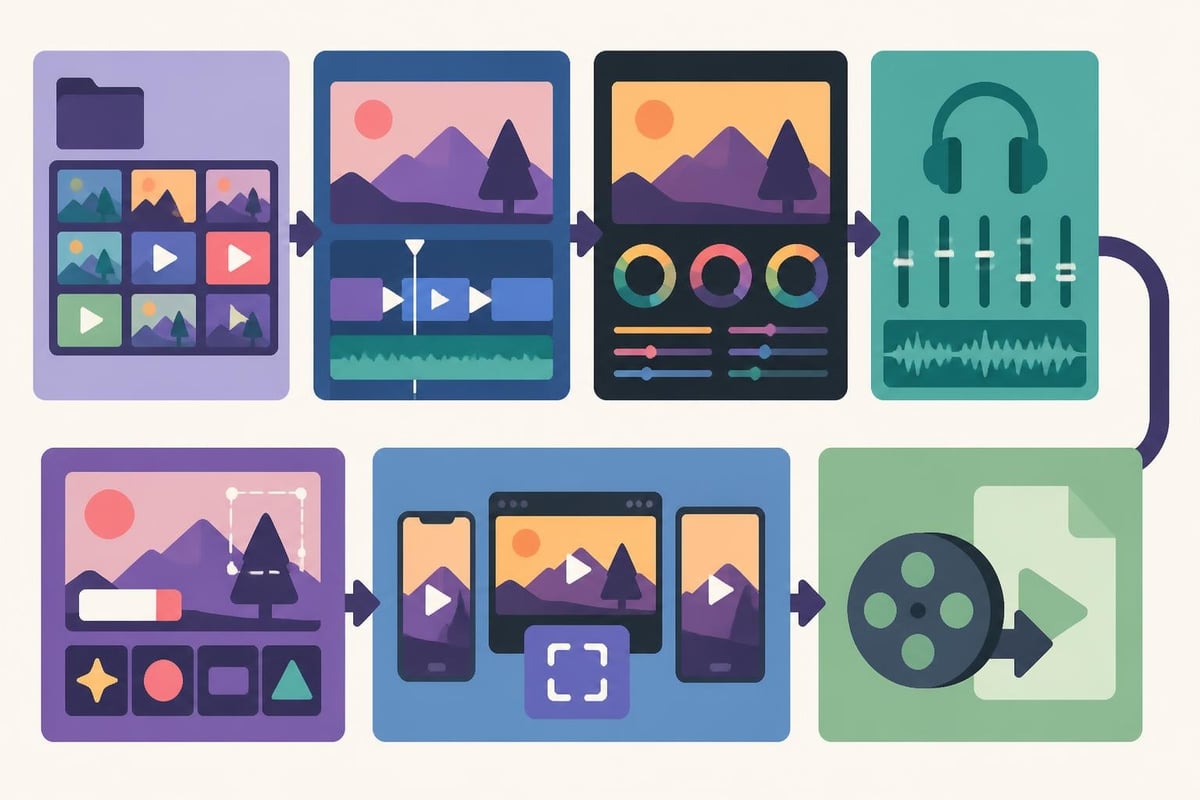
Forget 8K support and 360-degree VR editing. The best easy video editor for most creators needs these practical features:
Speed-Focused Tools
- Instant templates for platform specs (YouTube, Instagram Reels, TikTok)
- One-click color correction that doesn't require color theory knowledge
- Audio normalization to fix inconsistent sound levels
- Batch export for creating multiple versions simultaneously
- Smart scene detection that auto-cuts based on content changes
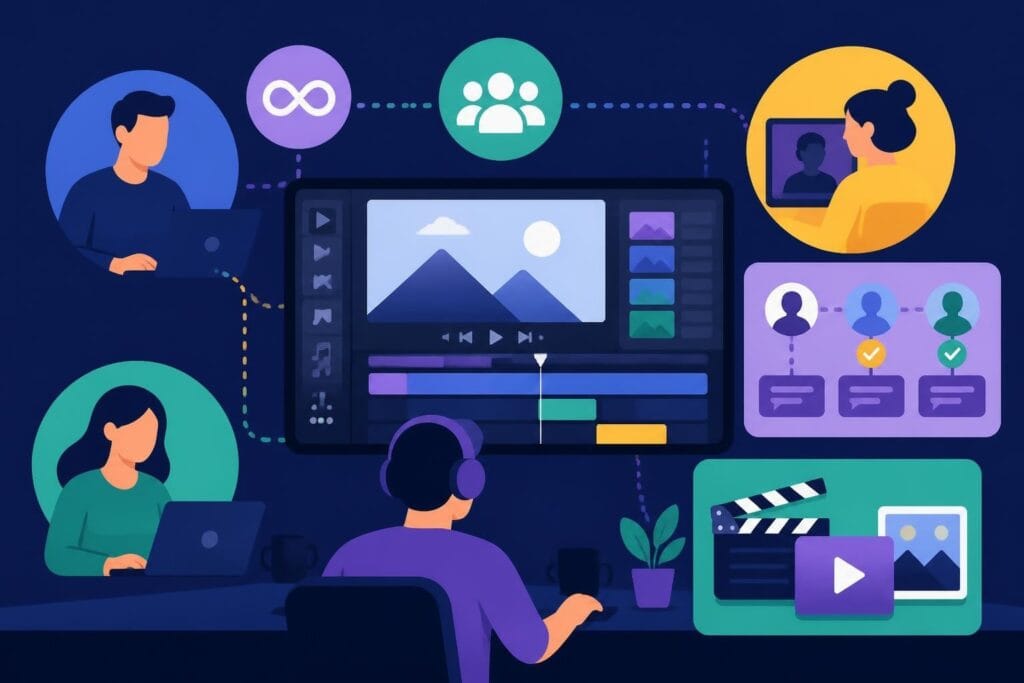
Collaboration and Workflow
Modern content creation isn't a solo sport. You need:
- Cloud storage that doesn't eat your hard drive
- Easy sharing for feedback (without file-size nightmares)
- Version control so you can revert bad decisions
- Comment systems for clear revision requests
- Asset libraries to maintain brand consistency
This is where DIY editing starts showing cracks. Even the best easy video editor becomes complicated when you're managing feedback from clients, maintaining brand guidelines across projects, and trying to scale production.
When "Easy" Editing Still Isn't Easy Enough
Here's what the software reviews won't tell you: learning any editing tool takes time. Even the most beginner-friendly option requires:
- Initial setup time (2-4 hours minimum)
- Tutorial watching (4-8 hours to understand features)
- Trial and error (dozens of hours making mistakes)
- Staying updated (software changes constantly)
For creators producing weekly content, that's an enormous ongoing investment. You're not just learning once-you're maintaining a technical skill that isn't your core business.
The Outsourcing Alternative
Smart creators are asking: "What if I just film, and someone else handles the technical stuff?"
This is where professional video editing services change the equation entirely. Instead of spending 20 hours learning software, you spend 20 minutes communicating your vision to an experienced editor who already knows every shortcut, every effect, and every export setting.
Consider this comparison:
| Approach | Monthly Time Investment | Learning Curve | Consistency | Scalability |
|---|---|---|---|---|
| DIY Editing | 40-60 hours | Ongoing | Variable | Limited |
| Outsourced Editing | 5-10 hours | Minimal | Professional | Unlimited |
The numbers don't lie. When you check video editing prices, the cost often matches what you'd pay for software subscriptions-except you get back 40+ hours monthly to focus on what actually grows your business.
Matching Tools to Content Types
Different content demands different editing approaches. The best easy video editor for YouTube long-form isn't ideal for Instagram Reels.
Social Media Short-Form Content
Speed is everything. You need quick turnarounds for trending topics and platform-specific formatting.
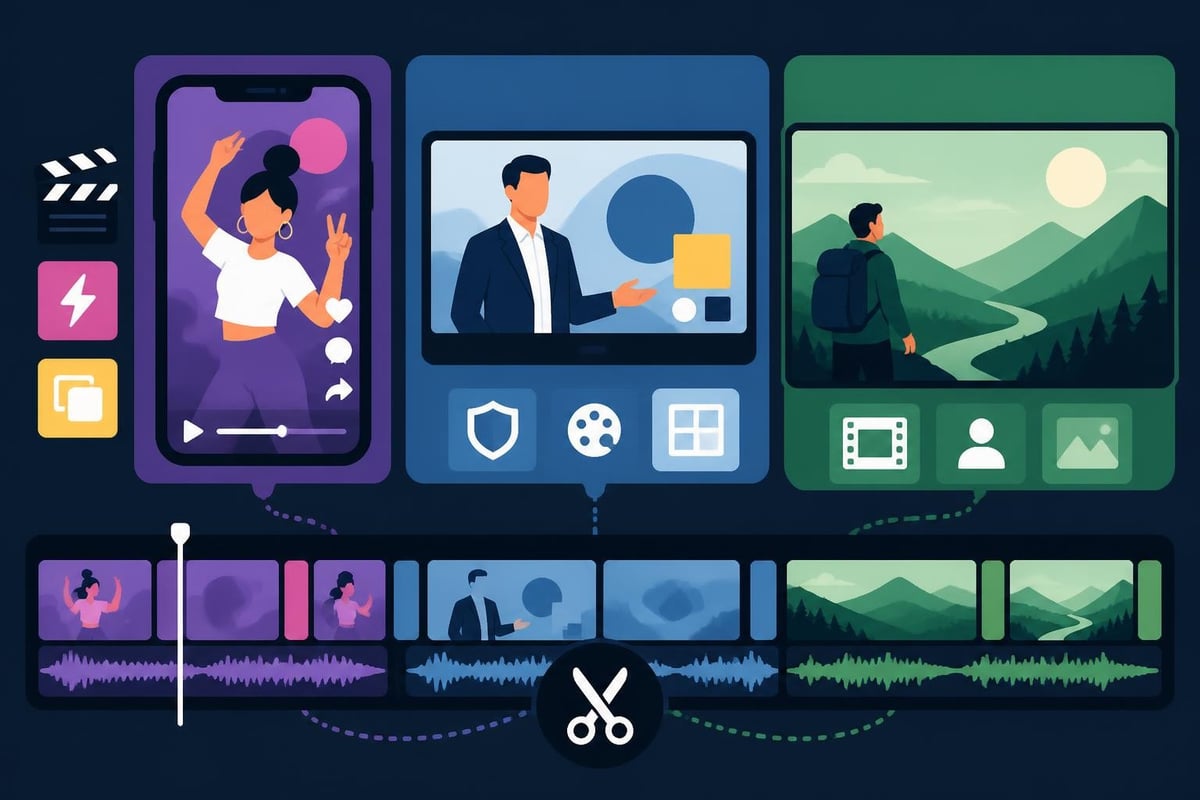
Tools like Kapwing and CapCut dominate here because they understand social video DNA. Auto-captions, aspect ratio switching, and trending effect libraries are built-in. For creators managing multiple platforms, social media video editing services eliminate the platform-juggling headache.
Business and Marketing Videos
Brand consistency matters most. Your product demos, testimonials, and ads need to match your visual identity perfectly.
This is where template-based tools help-until you need custom animations or specific brand guidelines. Many businesses discover that e-commerce video editing specialists deliver better ROI than in-house editing attempts.
YouTube and Long-Form Content
Storytelling and pacing determine success. A 20-minute video requires different skills than a 30-second clip.
The challenge? This is where "easy" editors often fall short. Maintaining narrative flow, balancing multiple storylines, and managing viewer attention requires editorial judgment, not just technical skill. Many successful YouTube creators hire dedicated editors who understand platform-specific retention strategies.
The Skills Gap Nobody Talks About
Even with the best easy video editor, there's a massive gap between using the software and creating compelling content.
Technical skills you need:
- Color grading fundamentals
- Audio mixing and sound design
- Transition timing and pacing
- Graphics and motion design basics
- Codec and compression knowledge
Creative skills that matter more:
- Story structure and narrative flow
- Viewer retention strategies
- Platform-specific best practices
- Trend awareness and adaptation
- Brand voice consistency
That second list? Those are skills professional editors develop over years. You can learn software in weeks, but editorial judgment takes considerably longer.
Free vs. Paid: What You Actually Get
The free tier of any video editor isn't really free-it costs you in limitations, watermarks, and upgrade pressure.
Typical free tier restrictions:
- Watermarked exports (unprofessional for business content)
- Limited resolution (720p when everyone expects 1080p minimum)
- Restricted effects and transitions
- No customer support when things break
- Storage limits that fill up fast
Paid tier realities:
Most "affordable" video editors cost $15-30 monthly. Add cloud storage ($10-20), stock footage subscriptions ($15-30), and audio libraries ($10-20), and you're easily at $50-100 monthly before you've edited a single frame.
Compare that to unlimited editing services that include everything-editing, revisions, storage, and asset management-for a flat monthly rate. The math starts making a lot more sense.
Platform-Specific Considerations for 2026
The best easy video editor needs to keep pace with constantly changing platform requirements.
Current platform demands:
- YouTube Shorts: Vertical video, <60 seconds, strong hooks in first 3 seconds
- Instagram Reels: 9:16 ratio, trending audio integration, text overlay reliance
- TikTok: Native feel over polished production, authentic over perfect
- LinkedIn: Professional tone, subtitles required, square or vertical formats
- Facebook: First 3 seconds without sound must work, longer content gaining traction
Staying current with these requirements takes constant attention. Software helps with technical specs, but understanding what actually performs on each platform requires different expertise. Many agencies discovered that LinkedIn video editing specialists deliver better engagement than generic edits.
Integration and Workflow Efficiency
The best easy video editor doesn't exist in isolation-it needs to play nice with your entire content creation workflow.
Essential Integrations
- Cloud storage (Google Drive, Dropbox, OneDrive)
- Project management (Asana, Trello, Monday)
- Stock media libraries (Unsplash, Pexels, Artgrid)
- Social schedulers (Buffer, Hootsuite, Later)
- Analytics platforms (YouTube Studio, Instagram Insights)
When you're jumping between five tools to get one video published, something's broken. This fragmented workflow is why many creators eventually migrate to dedicated services that handle the entire pipeline.
Making the Smart Choice for Your Situation
Choosing the best easy video editor depends on honest assessment of your situation.
Choose DIY software if:
- You genuinely enjoy the editing process
- You have 10+ hours weekly for editing
- You're creating low-volume content (1-2 videos monthly)
- Budget is extremely tight (<$100 monthly)
- You want complete creative control over every frame
Consider outsourcing if:
- Editing feels like a chore stealing your time
- You need consistent weekly content output
- Your hourly rate exceeds the service cost
- You're scaling an agency or business
- You want predictable quality and turnaround
For those exploring professional editing platforms, the decision often comes down to valuing your time correctly. If you bill $100/hour for client work but spend 6 hours editing a video you could outsource for $150, you're losing money.
AI Features: Helpful or Hype?
Every video editor in 2026 claims AI-powered features. Some actually deliver value.
Actually useful AI features:
- Auto-captioning with high accuracy (90%+)
- Smart scene detection and cutting
- Audio ducking when dialogue appears
- Background removal without green screens
- Noise reduction and audio cleanup
Still-developing AI features:
- Full auto-editing from raw footage (rarely matches human judgment)
- Automatic b-roll selection (often misses context)
- AI-generated motion graphics (usually generic-looking)
- Predictive editing suggestions (hit-or-miss relevance)
The sweet spot? AI handling tedious technical tasks while humans make creative decisions. This is exactly how professional services work-combining AI efficiency with human editorial judgment.
The Hidden Costs of DIY Editing
Beyond software subscriptions, DIY editing carries costs that don't appear on invoices:
Opportunity costs:
- Lost content creation time
- Delayed publishing schedules
- Missed trending opportunities
- Reduced output quantity
Mental costs:
- Learning curve frustration
- Decision fatigue from endless options
- Perfectionism paralysis
- Technical troubleshooting stress
Quality costs:
- Inconsistent output as you learn
- Amateur-looking early projects
- Platform-specific mistakes
- Missed optimization opportunities
When you add up the real costs, the best easy video editor might not be software at all-it might be a dedicated person or team handling it for you.
For those setting up custom home cinema systems from ANR Media, having professionally edited content to showcase your installations becomes crucial for attracting high-end clients.
Mobile Editing: Legitimate Option or Last Resort?
Mobile editing apps have improved dramatically, but they're still not replacements for proper editing workflows.
When mobile editing works:
- Quick social media clips
- On-location immediate posting
- Simple cuts and transitions
- Emergency backup option
When mobile editing fails:
- Color grading precision
- Audio mixing complexity
- Multi-layer compositions
- Longer-form content
Mobile apps are great supplements, terrible primary tools. They're perfect for the content creator filming a quick Instagram Story, not ideal for anyone producing regular long-form content.
Training, Support, and Community
The best easy video editor includes quality learning resources. Software without good tutorials becomes unusable software.
Evaluation criteria:
- Built-in tutorial quality and coverage
- Active user community for troubleshooting
- Responsive customer support
- Regular update communication
- Template and preset libraries
Check how software companies support beginners. Do they have comprehensive video libraries? Active forums? Or just generic "contact us" forms that go nowhere?
Compare that to working with dedicated editors who communicate directly, understand your feedback, and implement changes without requiring you to learn technical terminology.
Finding the best easy video editor ultimately depends on whether you want to be a video editor or a content creator. The tools exist, they're better than ever, and they can absolutely help you create great content. But they require time, energy, and ongoing learning that pulls you away from your core business. If you'd rather spend your time creating content, building relationships, and growing your brand instead of wrestling with timelines and render settings, beCreatives offers unlimited video editing with dedicated editors who handle the technical complexity while you focus on what you do best. No software to learn, no rendering to wait for-just send your footage and get back polished videos ready to publish.