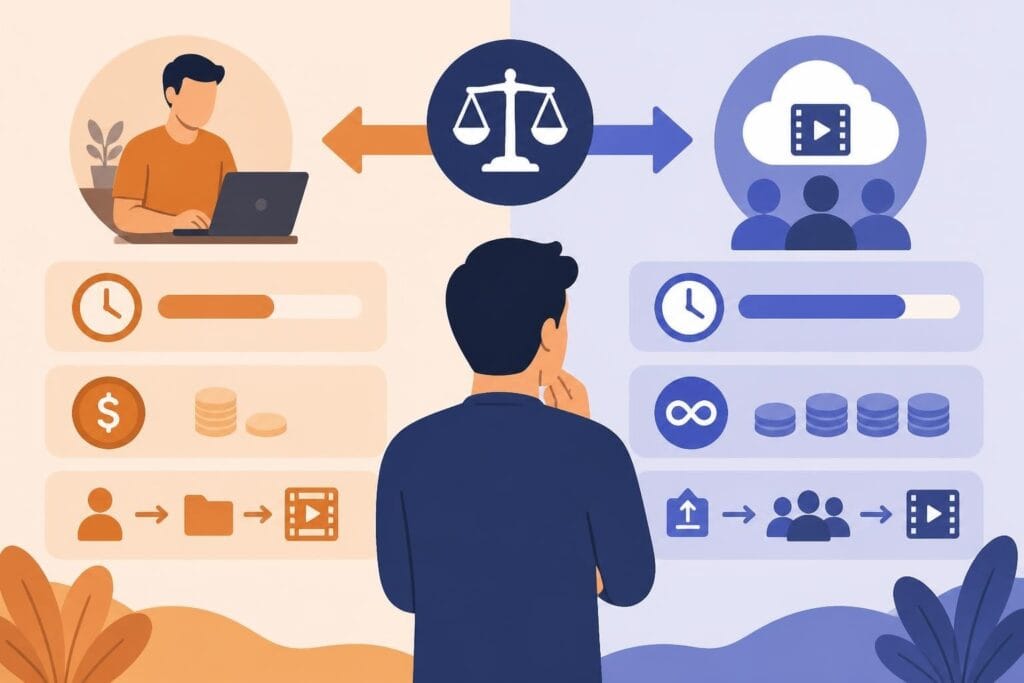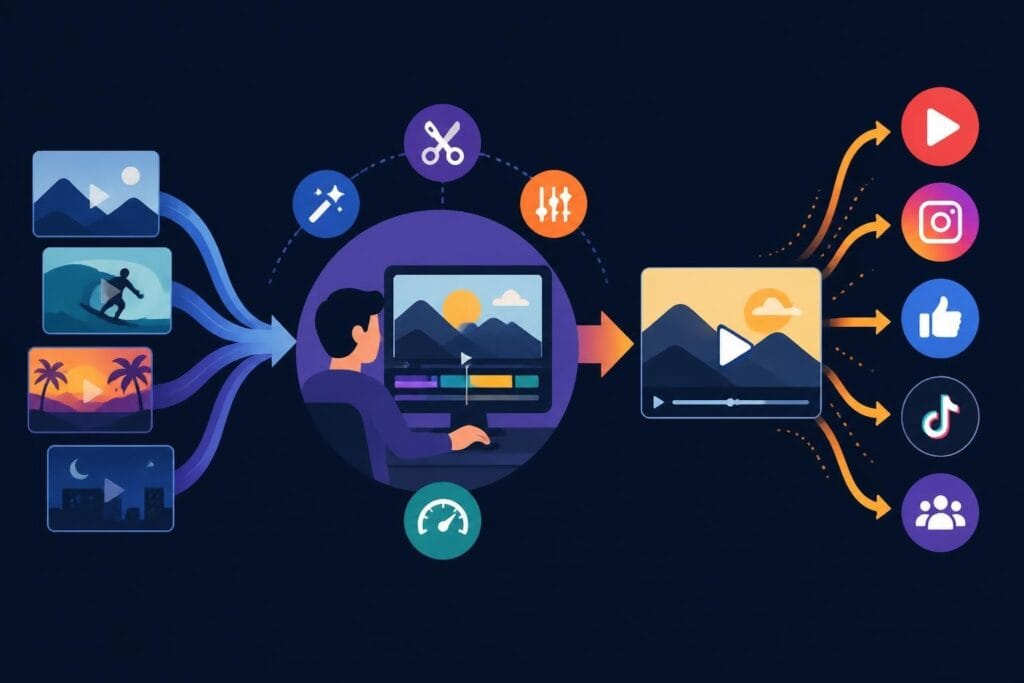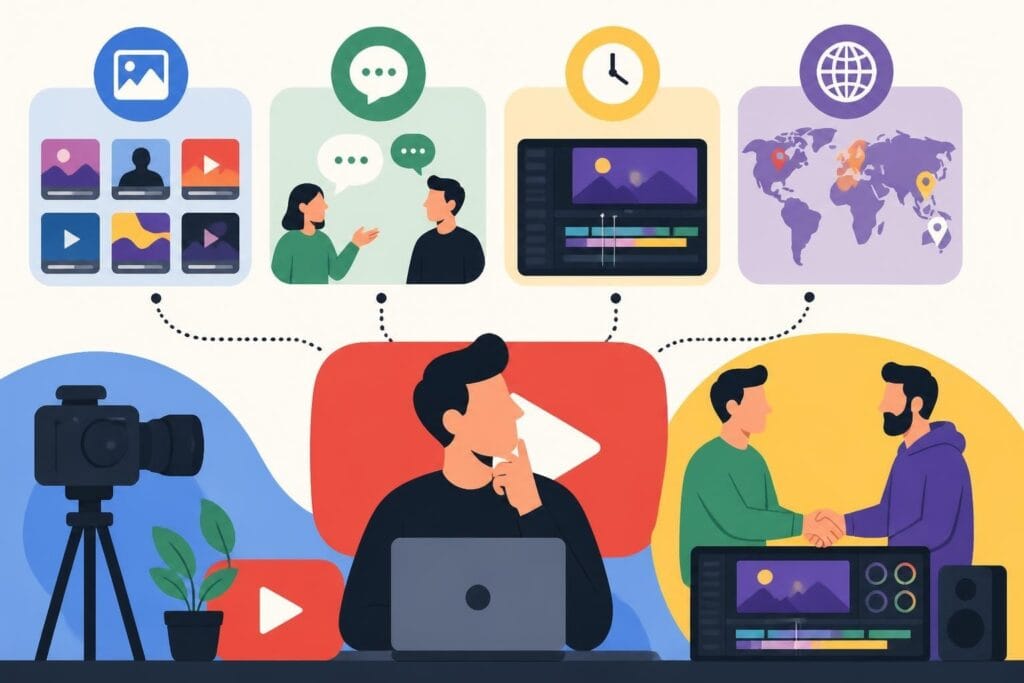
You've got content ideas piling up, subscribers waiting, and that upload schedule mocking you from your calendar. The footage is sitting there, and so are you – staring at editing software you barely understand, wondering if there's a better way. If you're looking for a YouTube editor, you're already ahead of the game. Recognizing that editing isn't your zone of genius (or your best use of time) is the first step toward growing your channel without burning out.
Why Looking for a YouTube Editor Changes Everything
Most creators think hiring an editor is a luxury. It's not. It's a strategic move that separates hobbyists from professionals.
When you're looking for a YouTube editor, you're really investing in three things: time, consistency, and quality. Time you get back to brainstorm, film, and engage with your audience. Consistency because your upload schedule won't tank every time life gets busy. Quality because a skilled editor knows pacing, retention tricks, and platform-specific editing styles that keep viewers hooked.
Here's what happens when you don't outsource:
- You spend 6-10 hours editing a single video (time you could spend creating three more)
- Your upload schedule becomes erratic because editing feels overwhelming
- You miss trending topics because you're stuck in post-production
- Burnout sneaks up faster than you think
When hiring freelance video editors, many creators discover they've been underestimating the true cost of DIY editing – not just in hours, but in missed opportunities and creative energy.
What to Actually Look For When You're Shopping Around
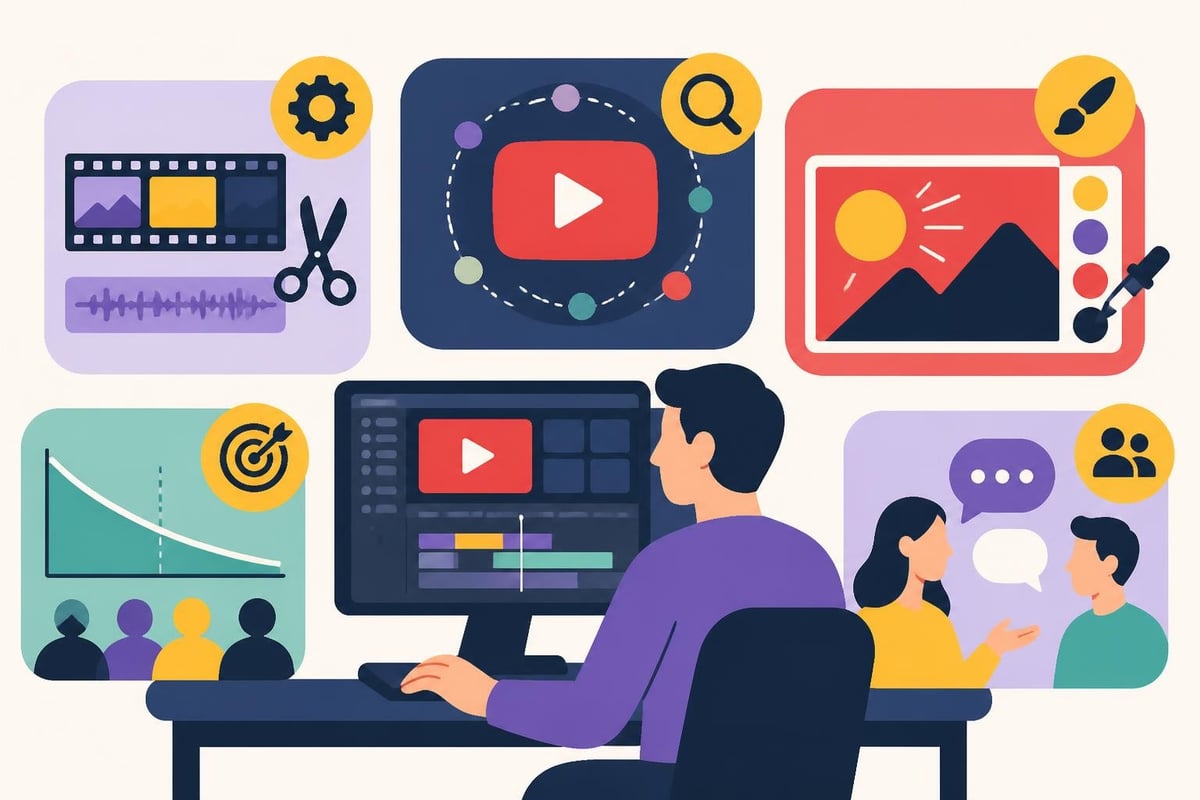
Not all editors are created equal, especially for YouTube. You need someone who gets the platform, not just the software.
Technical Skills That Matter
Your ideal editor should be fluent in:
- Premiere Pro, Final Cut Pro, or DaVinci Resolve (industry standards)
- Color grading and audio mixing (because bad sound kills retention)
- Motion graphics and text animations (for that professional polish)
- Thumbnail creation (first impressions matter)
But here's the thing: technical chops are baseline. What separates good from great?
Platform-Specific Knowledge
YouTube has its own language. Your editor needs to understand:
- Pacing for retention – the first 30 seconds make or break your video
- Pattern interrupts – cuts, zooms, and graphics that keep eyes glued
- End screens and cards – strategically placed calls-to-action that boost watch time
- Algorithm-friendly formatting – chapter markers, hooks, and metadata optimization
When you're looking for a YouTube editor, ask to see their previous work. Watch for videos that hold your attention, not just look pretty.
Where to Find Your Perfect Editor Match
You've got options. Lots of them. The trick is knowing which platform fits your needs and budget.
Freelance Marketplaces
| Platform | Best For | Price Range | Pros | Cons |
|---|---|---|---|---|
| Upwork | One-off projects | $25-$150/hour | Large talent pool | Inconsistent quality |
| Fiverr | Budget-conscious creators | $50-$500/video | Quick turnaround | Hit or miss results |
| Freelancer | Global talent search | $20-$100/hour | Competitive bidding | Time-intensive vetting |
Various platforms offer different advantages when you're searching, but they all require significant time investment upfront.
Dedicated Video Editing Services
This is where things get interesting. Services like beCreatives flip the traditional model. Instead of project-by-project hiring, you get unlimited editing with a dedicated team. No more posting jobs, reviewing applications, or worrying about your editor ghosting mid-project.
The unlimited model works because:
- You submit as many videos as you need
- Revisions are included (no awkward negotiation conversations)
- Turnaround times are predictable
- Storage and project management are handled for you
For creators publishing 2+ videos weekly, the math makes sense fast.
Social Media and Communities
Don't sleep on organic discovery:
- Facebook groups for content creators often have editor recommendations
- Reddit's r/VideoEditing has talent showcases
- LinkedIn for more corporate or business-focused editors
- Twitter/X where editors share work samples regularly
The downside? You're doing all the vetting yourself with zero guarantee of reliability.
The Real Questions to Ask Before You Commit
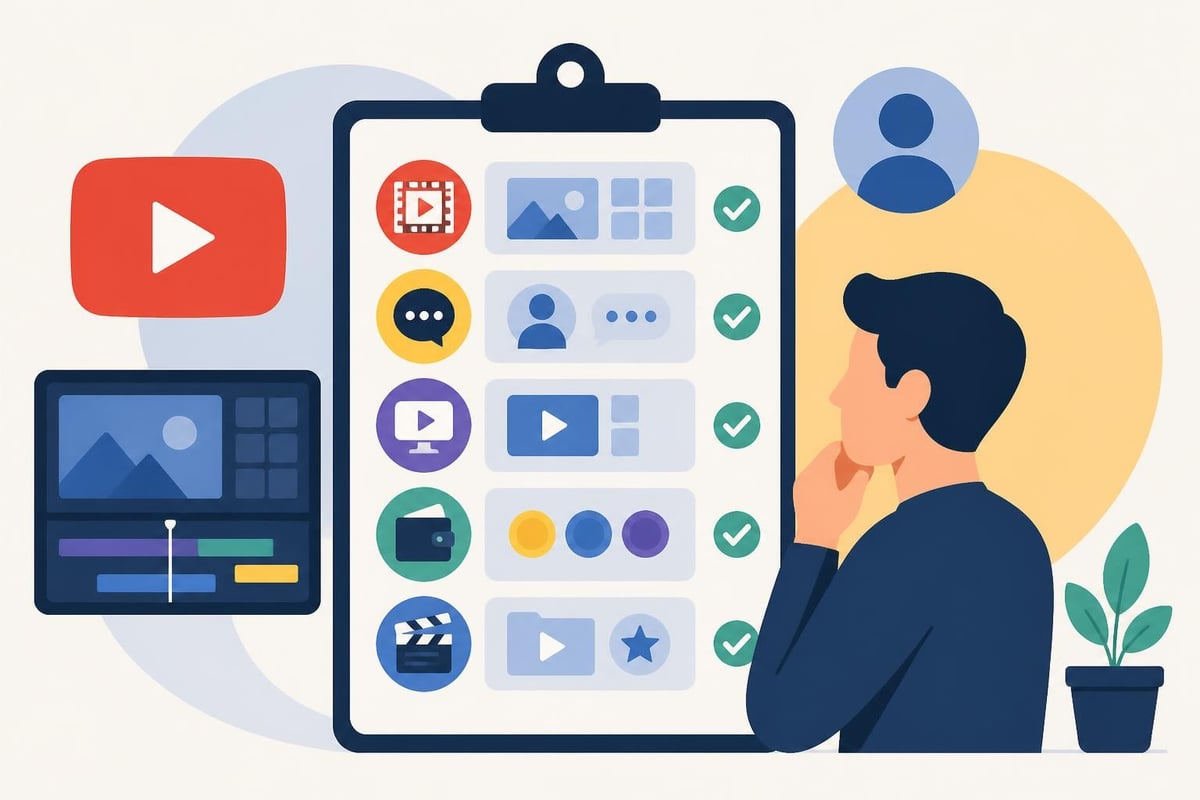
You've found some promising candidates. Now what? Skip the generic interview questions and dig into what actually matters.
Portfolio Deep Dive
Don't just glance at their reel. Watch full videos they've edited. Ask yourself:
- Does the pacing match the content type?
- Are transitions smooth or distracting?
- How's the audio quality?
- Do graphics feel dated or current?
- Would I watch this video all the way through?
Request examples in your specific niche. An editor who crushes gaming content might struggle with educational tutorials or beauty vlogs. When evaluating what to look for in a video editor, niche experience often trumps general skill.
Communication Style
This relationship is ongoing. You need someone who:
- Responds within 24-48 hours (communication delays kill momentum)
- Asks clarifying questions (shows they care about getting it right)
- Provides realistic timelines (overpromising leads to disappointment)
- Handles feedback professionally (revisions are inevitable)
Schedule a video call before hiring. You'll learn more in 15 minutes than in a dozen emails.
Pricing Structures Decoded
Editors typically charge in three ways:
- Per video – $75 to $500+ depending on complexity and length
- Hourly – $25 to $150+ based on experience and location
- Monthly retainer – $1,000 to $5,000+ for ongoing work
Here's the catch: per-video pricing sounds straightforward until you need revisions or your video runs longer than expected. Hourly can spiral. Retainers offer predictability but might leave you paying for unused capacity.
The unlimited editing model solves this by offering flat-rate access to editing services regardless of volume – perfect for creators who want to scale without financial surprises.
Red Flags That Should Make You Run
Not everyone claiming to be a YouTube editor actually knows what they're doing. Watch for these warning signs:
- No contracts or terms of service (professionalism matters)
- Asking for 100% payment upfront (reasonable deposits are fine; full payment isn't)
- Can't provide client references (everyone has to start somewhere, but zero testimonials is sketchy)
- Overly cheap rates (you get what you pay for applies here)
- Poor communication from day one (it won't improve magically)
When you're looking for a YouTube editor, trust your gut. If something feels off during initial conversations, it probably is.
Making the Final Decision Without Analysis Paralysis
You've done the research, vetted candidates, and asked the tough questions. Now you're stuck choosing between options that all seem decent. Here's how to move forward.
Trial Projects Work Wonders
Before committing long-term, run a paid test:
- Choose a typical video (not your most complex or easiest)
- Provide the same brief you'd give for any project
- Set clear expectations for turnaround and revisions
- Evaluate both the final product and the process
Comprehensive guides on hiring video editors emphasize the importance of trial projects in finding the right creative fit.
One trial tells you everything about working style, attention to detail, and whether their aesthetic matches your brand.
The Scalability Test
Think six months ahead:
- Will this editor grow with your channel?
- Can they handle increased volume as you scale?
- Do they offer additional services like TikTok editing or shorts creation?
- What happens if they get sick or go on vacation?
Solo editors are great until they're not. Services with teams built in offer continuity you can't get from individuals.
Trust Your Content Vision
You know your audience better than anyone. The right editor enhances your vision – they don't impose theirs.
During conversations, notice whether they:
- Ask about your audience and goals (shows strategic thinking)
- Suggest ideas that align with your brand (collaborative mindset)
- Respect your creative direction (partnership over dictatorship)
If an editor dismisses your feedback or pushes styles that feel wrong, keep looking.
What Happens After You Hire
Congratulations – you found your editor! Now the real work begins: building a productive partnership.
Onboarding Sets the Tone
Share everything upfront:
- Brand guidelines – colors, fonts, logo usage
- Style references – videos you love (yours or others')
- Music preferences – upbeat, chill, no music, specific artists
- Thumbnail approach – text-heavy, face-focused, minimalist
- Upload schedule – so they know your deadlines
The more information you provide initially, the fewer revisions you'll need later. Many creators using unlimited video editing services find that comprehensive onboarding dramatically reduces the back-and-forth on early projects.
Feedback That Gets Results
Vague notes create frustration. Instead of "make it pop," try:
- "Add a zoom at 2:14 when I mention the surprising statistic"
- "The music feels too intense for this tutorial – something mellower"
- "Can we try a different color for the lower third text? Current one's hard to read"
Specific, timestamp-based feedback helps editors understand exactly what you want.
Building Long-Term Success
The editor relationship is like any other – it requires maintenance:
- Regular check-ins keep everyone aligned
- Shared inspiration boards help evolve your style together
- Performance discussions address what's working and what isn't
- Fair compensation respects their expertise and ensures priority treatment
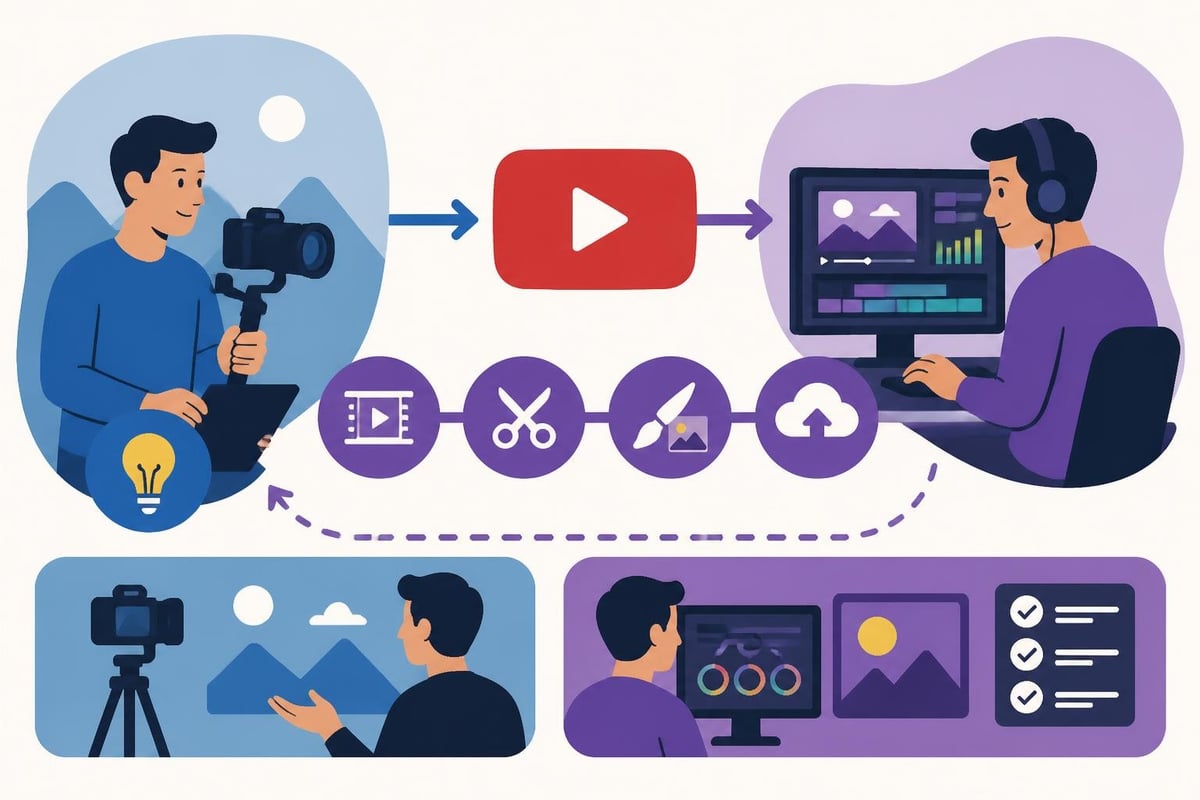
When you're looking for a YouTube editor, you're not just filling a role. You're finding a creative partner who helps your channel thrive while you focus on what you do best: creating content and connecting with your audience.
The Numbers Game: ROI of Hiring an Editor
Let's talk money. Because hiring feels expensive until you calculate what DIY editing actually costs.
Your Time Has Value
If you spend 8 hours editing a video and could use that time to:
- Film three more videos
- Engage with sponsors
- Build community on social media
- Develop new content strategies
What's the opportunity cost? For most creators, it's massive.
Sample calculation:
| Activity | DIY Time | With Editor | Time Saved |
|---|---|---|---|
| Filming | 3 hours | 3 hours | 0 hours |
| Editing | 8 hours | 0 hours | 8 hours |
| Thumbnails | 1 hour | 0 hours | 1 hour |
| Uploading/optimization | 1 hour | 0.5 hours | 0.5 hours |
| Total per video | 13 hours | 3.5 hours | 9.5 hours |
Multiply that across four videos per month. That's 38 hours back in your schedule – almost a full work week.
Quality Impact on Growth
Professional editing isn't vanity. It directly impacts metrics YouTube's algorithm cares about:
- Average view duration increases with better pacing
- Click-through rate improves with compelling thumbnails
- Watch time grows when content holds attention
- Subscriber conversion rises with consistent quality
One viral video pays for months of editing services. One brand deal covers your entire year. The ROI isn't just possible – it's probable when you're consistently publishing quality content.
Different Creator Types, Different Needs
What works for a daily vlogger won't work for an educational channel publishing weekly deep dives. Here's how to think about your specific situation.
High-Volume Creators (4+ Videos/Week)
You need speed and reliability above all else. Look for:
- Services with team-based editing (no single-person bottlenecks)
- Quick turnaround guarantees
- Template-based workflows for consistency
- Unlimited revisions included
The traditional freelancer model often breaks down at this volume. You'll end up managing multiple editors or dealing with burnout.
Educational and Tutorial Channels
Your editing needs are different. Prioritize editors who excel at:
- Screen recording integration
- Clear text overlays and callouts
- Chapter marker creation
- B-roll sourcing and placement
Attention to detail matters more than flashy transitions here.
Entertainment and Commentary Channels
Fast pacing and personality-driven editing win. Find editors who understand:
- Meme culture and trending formats
- Reaction video pacing
- Commentary overlay techniques
- Music timing for comedic effect
Watch their portfolio for evidence of personality and energy.
Looking for a YouTube editor doesn't have to feel overwhelming or risky. With the right approach – clear criteria, thorough vetting, and honest communication – you'll find a creative partner who gets your vision and frees you up to focus on what actually grows your channel. If you want to skip the endless searching and get matched with experienced editors who understand YouTube inside and out, beCreatives offers unlimited editing designed specifically for creators who are serious about scaling without the stress.