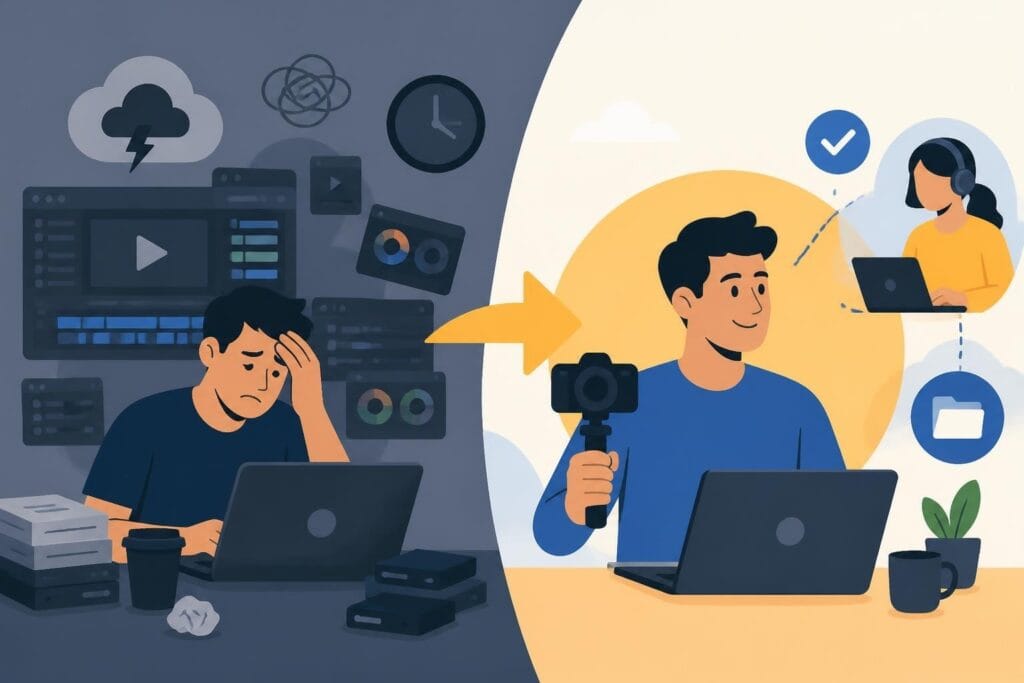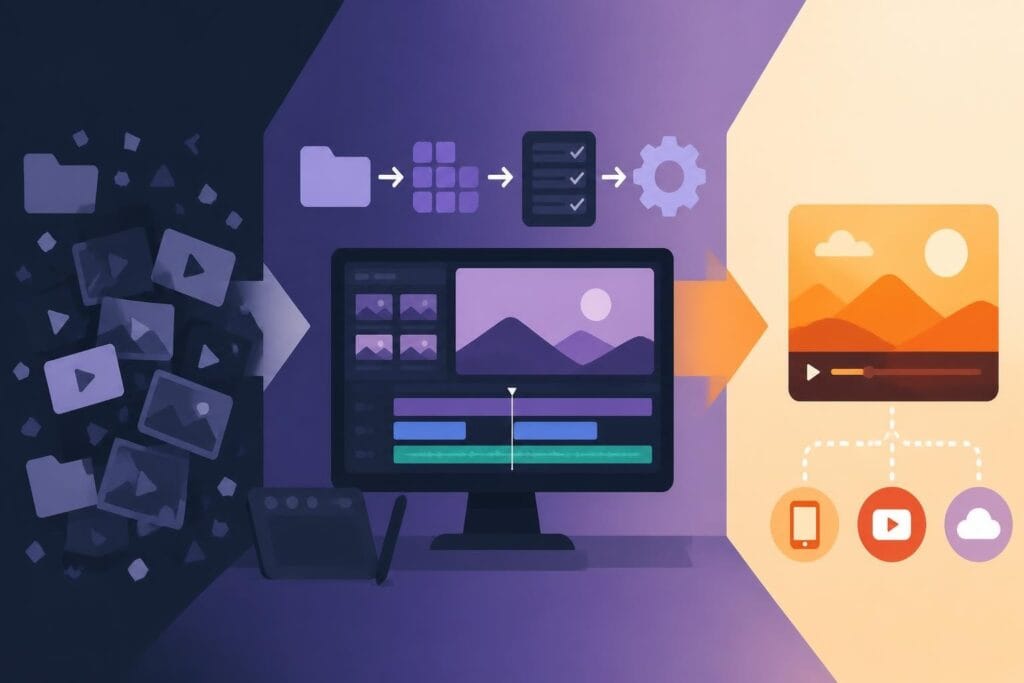
Speed is the currency of content creation in 2026. While everyone's talking about consistency and showing up daily, the real bottleneck isn't ideas or filming – it's the endless hours spent in the editing suite. Whether you're a content creator racing against the algorithm, a marketer juggling multiple campaigns, or an agency serving demanding clients, learning to edit fast can transform your entire output. The question isn't whether you should speed up your editing process. It's how you do it without turning your videos into rushed, choppy messes that viewers scroll past in seconds.
Why Editing Speed Actually Matters More Than You Think
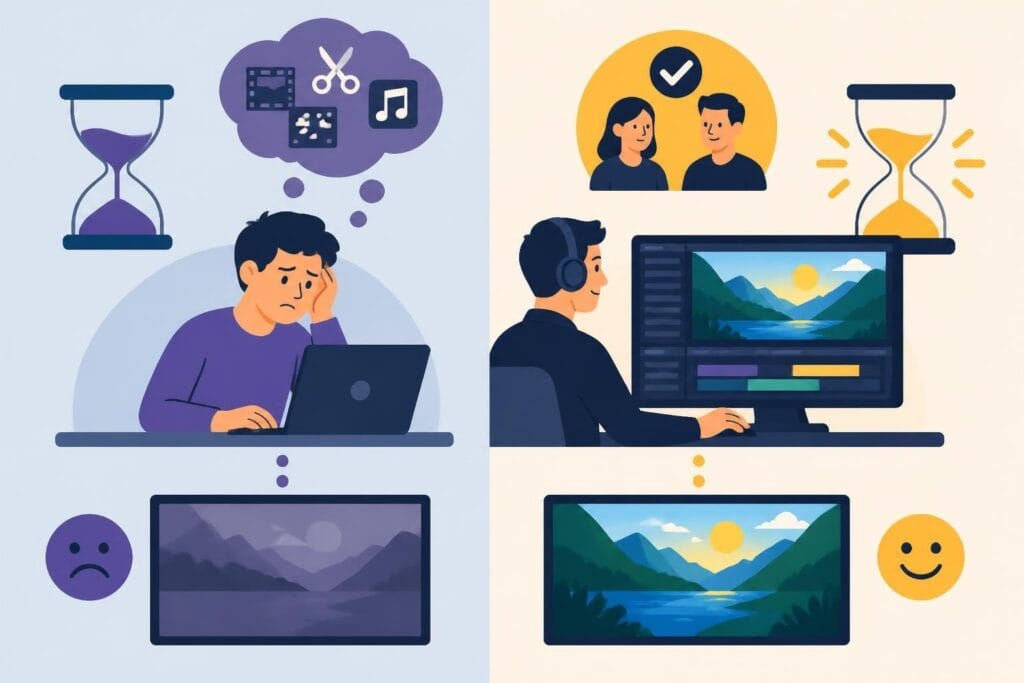
Let's be real: nobody cares how long you spent on a video. Your audience doesn't award bonus points for the twelve hours you invested in color grading or the perfectionist frame-by-frame audio sync. They care about one thing – is this worth watching?
The business case for faster editing is simple:
- Publish more frequently and stay top-of-mind with your audience
- Test content variations quickly to find what resonates
- Reduce production costs per video dramatically
- Maintain your sanity and avoid creator burnout
- Respond to trends while they're still relevant
Here's the uncomfortable truth: the content creator who publishes three good videos will always outperform the perfectionist who publishes one masterpiece. Volume creates data, data creates insights, and insights create growth.

The Hidden Cost of Slow Editing Workflows
Time spent editing doesn't just disappear into your schedule. It compounds. Every extra hour you spend tweaking transitions or debating font choices is an hour you're not filming new content, engaging with your community, or working on your business. When you schedule a strategy call with successful creators, they'll tell you the same thing: editing is where momentum goes to die.
The math is brutal. If you spend eight hours editing a video that generates the same results as one you could edit in two hours, you've wasted six hours of potential growth. Multiply that across fifty-two weeks, and you've lost an entire quarter of productivity.
Proven Systems to Edit Fast Without Cutting Corners
Speed without strategy is just chaos. The creators and businesses who edit fast consistently use specific systems that compress timelines while maintaining quality standards. These aren't shortcuts – they're smarter workflows.
Pre-Production Planning Saves Hours in Post
The fastest way to edit fast is to make fewer editing decisions during post-production. Sound backwards? It's not. Every "I'll fix it in post" moment adds cognitive load and decision fatigue to your editing session.
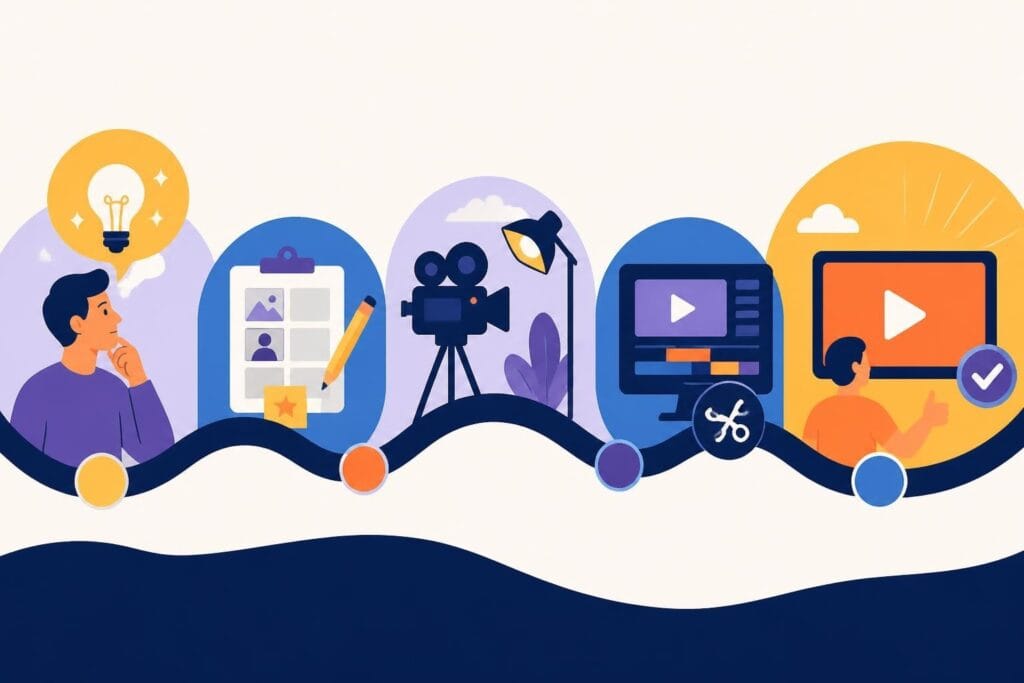
Structure your content before you hit record:
- Script or outline key talking points so you film tighter takes
- Use shot lists to capture exactly what you need (nothing more)
- Mark good takes in-camera with hand claps or verbal cues
- Film with editing in mind – know your cuts, transitions, and B-roll needs
- Batch similar content types to reuse templates and settings
When you walk into the editing suite knowing exactly what you need, the work becomes assembly instead of archaeology. You're not digging through hours of footage hoping to find gold – you filmed the gold on purpose.
Template-Based Editing for Consistent Output
Create once, reuse forever. That's the template philosophy, and it's how professional teams maintain quality across high-volume projects. Templates aren't about making everything look identical. They're about removing repetitive decisions.
| Template Type | Time Saved Per Video | Best For |
|---|---|---|
| Intro/Outro Sequences | 15-30 minutes | Branded series content |
| Lower Third Graphics | 10-20 minutes | Interview or talking-head videos |
| Color Grade Presets | 20-45 minutes | Consistent brand aesthetics |
| Audio Mixing Templates | 15-25 minutes | Podcast-style content |
| Transition Packs | 10-15 minutes | Fast-paced social content |
Build your template library gradually. Every time you solve an editing challenge well, save it. Future-you will thank present-you when you're racing a deadline.
Technical Shortcuts That Actually Work
Technology should make editing faster, not more complicated. The right tools and techniques can shave hours off your timeline without anyone noticing the difference in the final product.
Keyboard Shortcuts Are Your Superpower
If you're still clicking through menus to perform basic edits, you're hemorrhaging time. Professionals edit fast because their hands never leave the keyboard. Expert editing techniques show that keyboard fluency can reduce editing time by forty to sixty percent.
Essential shortcuts to master this week:
- Ripple delete removes clips and auto-closes gaps
- Blade/razor tool for lightning-fast cuts
- Copy/paste attributes to match settings across clips
- Playhead navigation jumps between markers instantly
- Track selection moves multiple elements simultaneously
Set aside twenty minutes to drill these shortcuts until they're muscle memory. Your future editing sessions will fly.
Proxy Editing for Smooth Performance
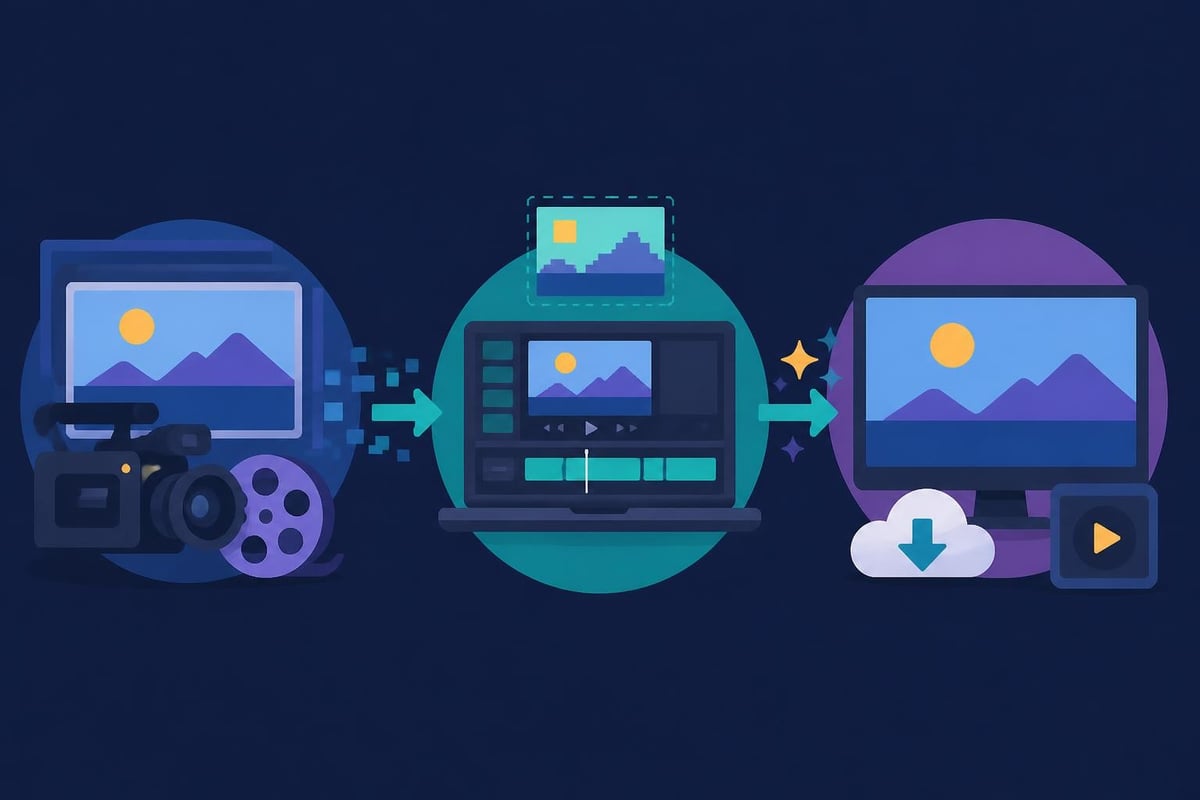
Nothing kills momentum like laggy playback and render delays. High-resolution footage is gorgeous but brutal on editing systems. Proxy workflows let you edit fast with lightweight files, then reconnect to high-res media for export.
Modern editing software handles proxy creation automatically, but the productivity boost is manual. Editors working with 4K or higher footage report fifty to seventy percent faster timeline performance with proxies enabled.
Smart Content Assembly Techniques
Once your technical foundation is solid, advanced assembly techniques separate efficient editors from slow ones. These approaches focus on decision-making speed and creative efficiency.
The "Good Enough" Philosophy
Perfectionism is expensive. Every revision pass beyond "this works" delivers diminishing returns. The difference between a ninety-percent video and a ninety-five-percent video might be invisible to viewers but cost you two extra hours.
Professional editors know when to stop. They hit quality thresholds and ship. This doesn't mean sloppy work – it means understanding that finished is better than perfect, especially when you optimize video content for social platforms where most viewers watch on mobile screens.
Batch Processing for Repetitive Tasks
Your brain works faster when focused on one type of task. Switch between cutting, color grading, audio mixing, and graphics placement constantly, and you waste mental energy on context switching.
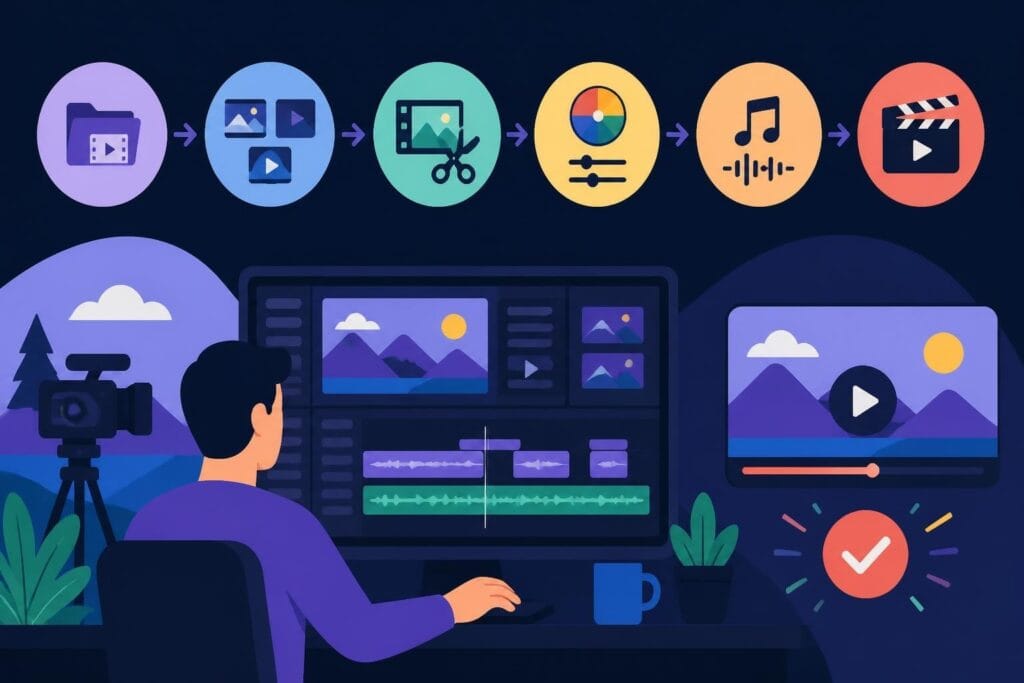
The batch editing approach:
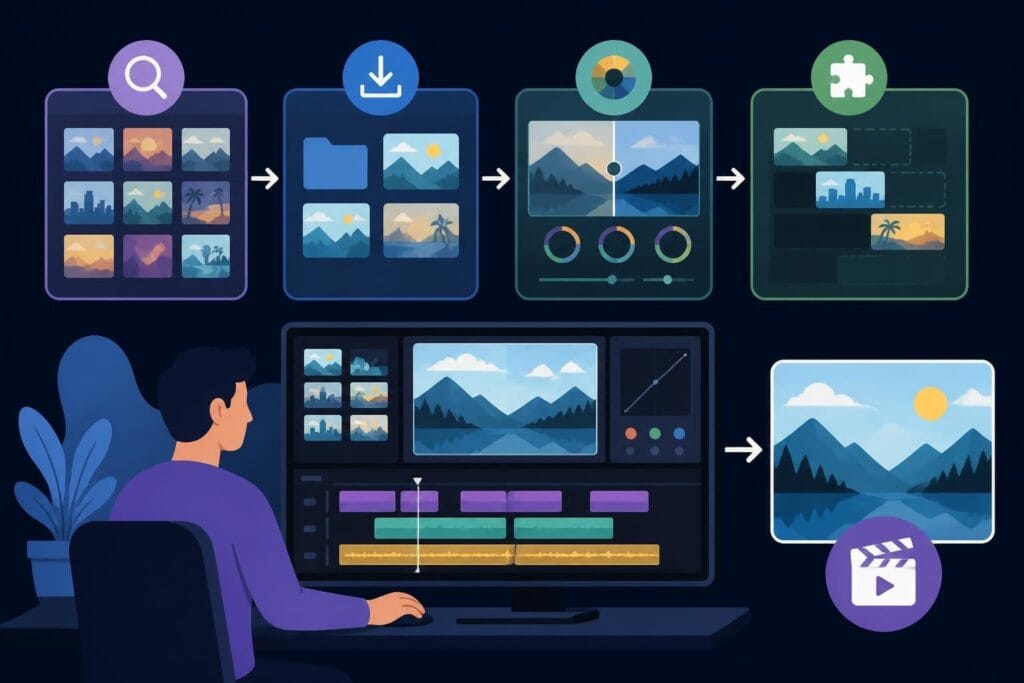
- Complete all rough cuts across multiple videos first
- Handle all audio cleanup in one session
- Apply color corrections sequentially
- Add graphics and text overlays together
- Perform final reviews and exports as a batch
This assembly-line approach might feel robotic, but it's how professional editing services maintain speed and consistency across hundreds of projects monthly.
Strategic Outsourcing for Maximum Leverage
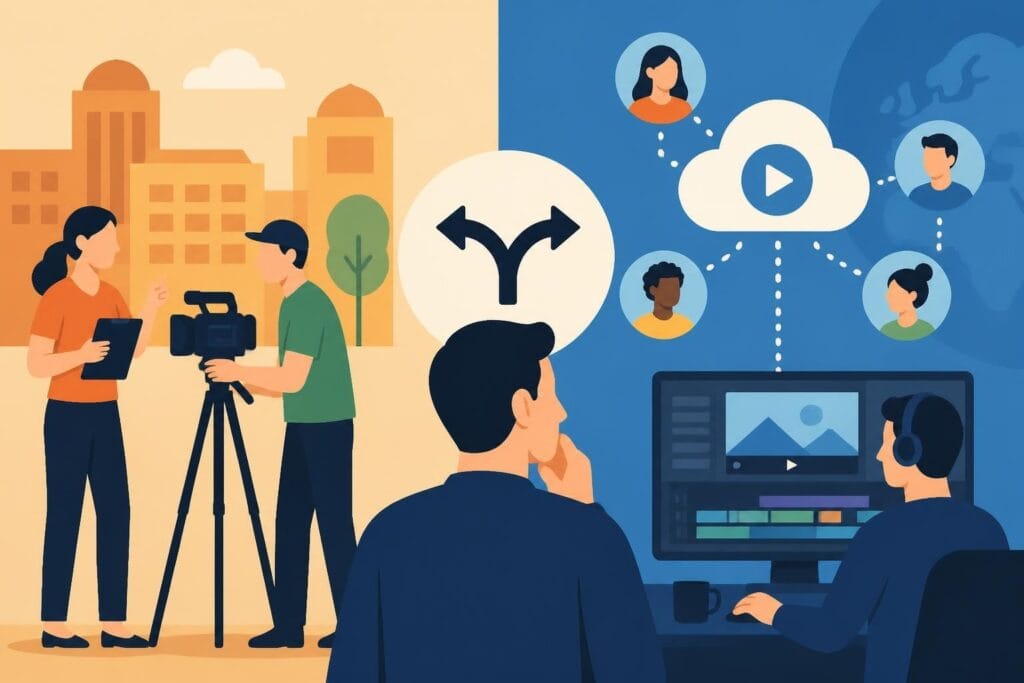
Here's the truth nobody wants to admit: you might not be the best person to edit your content. Not because you lack skills, but because your time is worth more elsewhere. Every hour you spend editing is an hour you're not creating, strategizing, or growing your business.
When outsourcing makes financial sense:
- Your billable rate exceeds editing costs
- Editing bottlenecks content publication schedules
- You lack specialized skills (motion graphics, sound design)
- Scaling content volume beyond your capacity
- Editing drains your creative energy
The beCreatives platform demonstrates this perfectly – unlimited editing services mean you focus on what only you can do while dedicated editors handle the technical execution. They edit fast because it's their specialty, not a side task squeezed between other responsibilities.
Quality Control Without the Time Drain
Speed means nothing if you're publishing broken videos. The goal is to edit fast while maintaining standards, not sacrifice quality for velocity.
The Two-Pass Review System
Professional editors use lightweight review processes that catch ninety-five percent of issues without frame-by-frame scrutiny. The first pass watches at normal speed, checking flow and pacing. The second pass focuses on technical elements.
| Review Pass | Focus Areas | Duration |
|---|---|---|
| Pass One: Flow | Pacing, storytelling, transitions, overall watchability | 1x video length |
| Pass Two: Technical | Audio levels, color consistency, text accuracy, export settings | 0.5x video length |
This systematic approach finds problems efficiently without the obsessive pixel-peeping that turns twenty-minute reviews into two-hour sessions.
Automated Quality Checks
Let technology handle the tedious stuff. Modern editing software includes tools that automatically detect audio issues, color imbalances, and technical problems. Industry-standard editing software now includes AI-powered assistance that flags potential issues before export.

Advanced Workflow Optimization Strategies
Once basic speed techniques become habit, these advanced strategies unlock another level of efficiency.
Asset Organization That Scales
Disorganized projects kill speed. Searching for files, recreating lost work, and managing versions eats hours weekly. Professional editors maintain strict organizational systems that make everything findable instantly.
Folder structure for fast retrieval:
- Raw Footage (organized by shoot date or scene)
- Audio (dialogue, music, sound effects separated)
- Graphics (logos, lower thirds, templates)
- Exports (dated versions with clear naming)
- Project Files (auto-saved backups)
File naming conventions matter too. "FinalEdit_V3_ACTUAL_FINAL_USE_THIS.mp4" is comedy, not organization. Use dates, version numbers, and descriptive names: "2026-07-13_ProductDemo_v03_Review.mp4"
Collaborative Editing for Team Speed
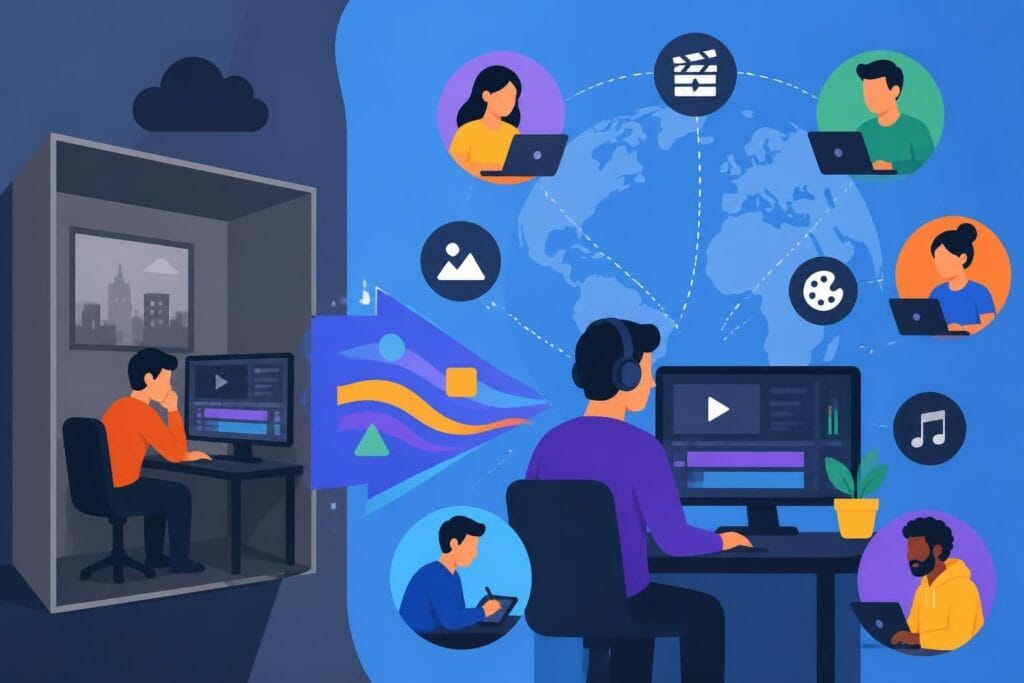
Solo editing forces you to handle every task. Team-based workflows distribute work according to strengths. One person cuts, another handles audio, a third does color and graphics. Projects that take individuals eight hours finish in three with proper task distribution.
The unlimited editing approach takes this further – dedicated specialists handle different aspects simultaneously, compressing timelines while maintaining expertise across every element.
Learning From Data, Not Feelings
Your gut isn't the best judge of what works. Analytics tell you which videos perform, and therefore which editing approaches deserve your time. If your audience watches ninety percent of three-minute videos but abandons ten-minute videos at the two-minute mark, that's data telling you to edit fast and tight.
Metrics that inform editing decisions:
- Average view duration reveals pacing problems
- Drop-off points show where you lose viewers
- Engagement rates indicate content resonance
- Click-through rates measure thumbnail and hook effectiveness
- Rewatch rates identify particularly compelling segments
Successful creators don't guess – they test, measure, and iterate based on evidence from professional production workflows.
Building Sustainable Speed Into Your Process
Short-term speed hacks eventually fail. Sustainable velocity requires systems that work consistently, not just during motivated sprints.
Energy Management Over Time Management
You can't edit fast when you're exhausted. Creative work demands mental energy, and editing requires sustained focus. Schedule editing sessions when your brain works best, not whenever you have free time.
Morning people should edit before noon. Night owls should block evening hours. Forcing editing sessions during low-energy periods guarantees slow, frustrating work that takes twice as long and delivers half the quality.
The Power of Constraints
Unlimited time creates unlimited tinkering. Set hard deadlines for each editing phase. If you allow two hours for a rough cut, you'll use two hours efficiently. Give yourself six hours for the same task, and you'll waste four hours second-guessing decisions.
Effective time constraints for standard content:
- Rough cut: 60-90 minutes per finished minute
- Fine cut: 30-45 minutes per finished minute
- Color and audio: 20-30 minutes per finished minute
- Graphics and text: 15-20 minutes per finished minute
- Final review: 10-15 minutes total
These aren't universal rules – adjust based on content complexity. But constraints force focus and prevent perfectionist spirals.
Continuous Skill Development
The fastest way to edit fast long-term is to get better at editing. Every new technique learned, every keyboard shortcut mastered, every workflow optimized compounds into permanent speed gains. Dedicate thirty minutes weekly to learning new approaches through expert editing resources and industry updates.
Skills have permanent ROI. Templates and tools help today, but expertise helps forever.
Making the Edit-Fast Decision
Speed isn't accidental. It's designed. Whether you build internal systems, upgrade technical skills, or partner with specialized editing teams, the decision to prioritize editing velocity changes everything about your content operation.
Content creators who edit fast publish more, learn faster, and grow bigger audiences. Businesses that edit fast respond to market opportunities while competitors are still rendering. Agencies that edit fast serve more clients profitably and sustainably.
The question isn't whether to edit fast. It's whether you're willing to challenge comfortable habits that keep you slow. Every inefficient click, every unnecessary revision pass, every disorganized file search – they're all choices. Different choices create different results.
Your competition is already making those different choices. They're publishing while you're perfecting. They're testing while you're tweaking. They're growing while you're still in the editing suite.
Learning to edit fast transforms your entire content strategy, but building those systems takes time and discipline. If you'd rather focus on creating while experts handle the technical execution, beCreatives offers unlimited video editing services designed for creators, marketers, and agencies who need professional results without the production bottlenecks. With dedicated editors, streamlined revision systems, and unlimited storage, you get the speed and quality that growth demands – without sacrificing your evenings and weekends to the editing timeline.