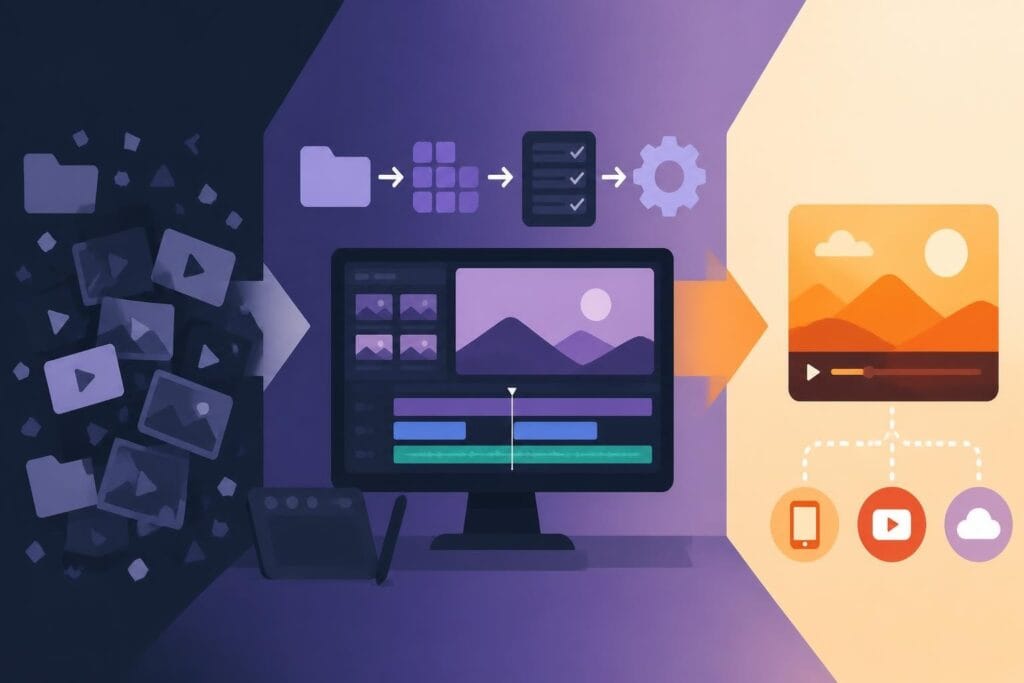
You've got great footage, a solid concept, and the drive to create content that actually connects with your audience. But then reality hits: you need to edit that video, and professional editing software costs a fortune. Thankfully, a free video editing application can get you started without draining your budget. Whether you're building your first YouTube channel, testing content strategies, or bootstrapping a business, these tools can help you transform raw clips into polished videos. The catch? Understanding which free option matches your needs and knowing when it's time to level up.
Why Free Video Editing Software Makes Sense in 2026
The video editing landscape has changed dramatically. What used to require expensive hardware and professional-grade software now lives on your phone, tablet, or browser. A free video editing application today offers capabilities that would have cost thousands just a few years ago.
Here's what makes free editing tools viable:
- No upfront investment means you can start creating immediately
- Learning curve variety from absolute beginner to semi-professional
- Cloud-based options that work without powerful computers
- Mobile flexibility for editing on the go
But here's the reality check: free doesn't mean unlimited. Most free video editing applications come with trade-offs that impact your workflow, output quality, or time investment. Understanding these limitations helps you make smarter choices about where to spend your energy.
The question isn't whether free tools are "good enough." It's whether the time you'll spend wrestling with limitations is worth the money you'll save. For many creators, the answer changes as their business grows.
Top Free Video Editing Applications Worth Trying
Let's cut through the noise and focus on tools that actually deliver results. TechRadar’s comprehensive guide to free video editing software breaks down the best options for 2026, but here's what matters for busy creators.
DaVinci Resolve: The Professional's Free Choice
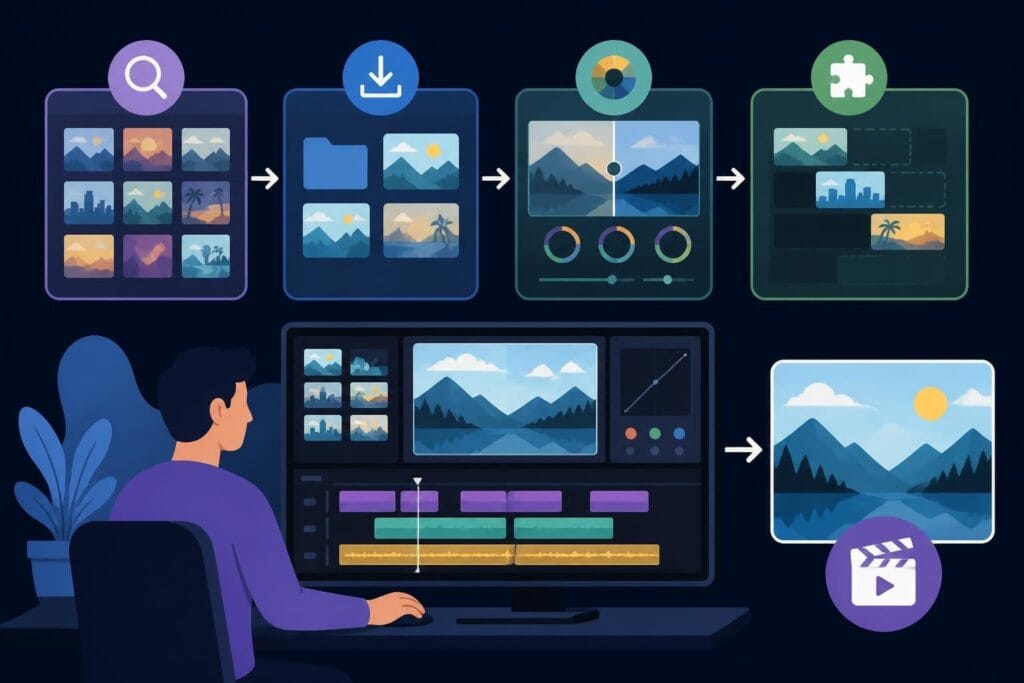
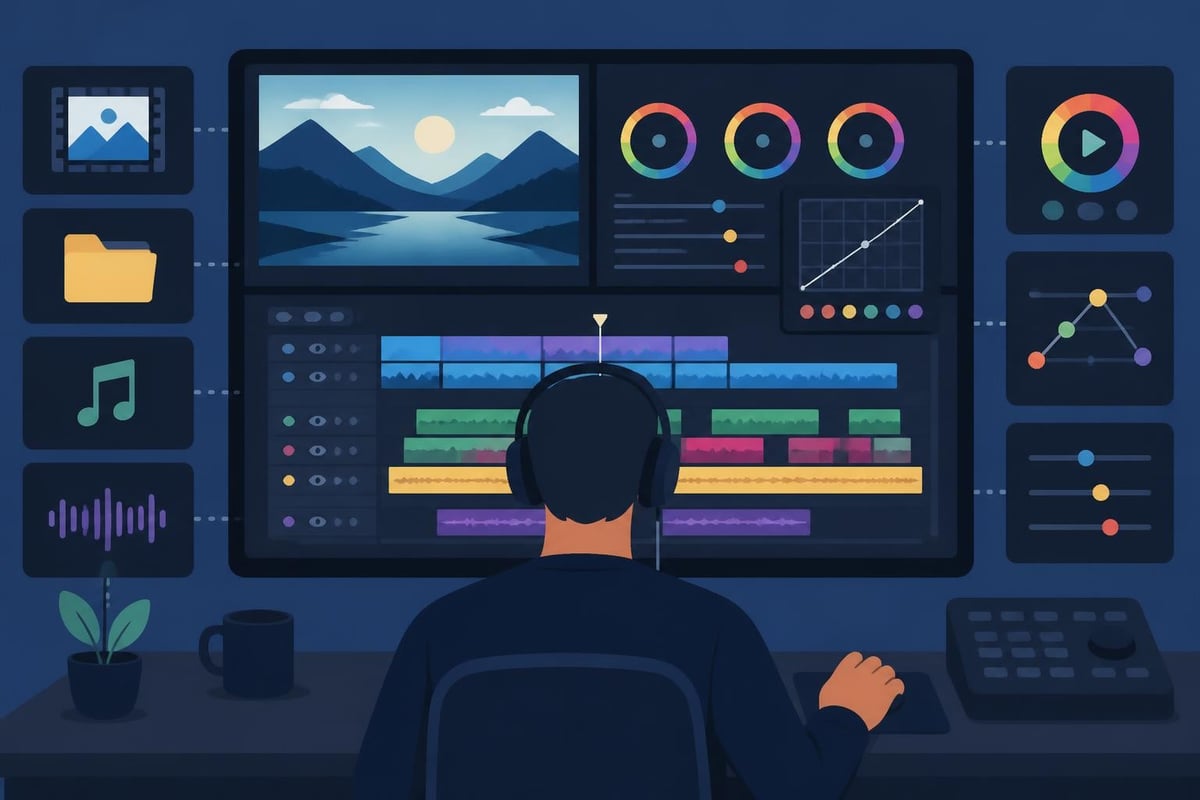
DaVinci Resolve stands out as arguably the most powerful free video editing application available. This detailed review of DaVinci Resolve 20 highlights how it delivers professional-grade features without watermarks or ads.
Key strengths:
- Advanced color grading tools that rival paid software
- Multi-cam editing capabilities
- Professional audio post-production
- No export limitations or forced branding
The reality:
DaVinci Resolve requires significant learning time and decent computer specs. If you're juggling content creation with running a business, the learning curve can eat weeks of productive time.
VSDC Free Video Editor: Windows User Favorite
VSDC offers a solid middle ground for Windows users. This complete VSDC tutorial for beginners walks through the basics, but even "beginner-friendly" tools demand hours of practice.
| Feature | Free Version | What You Get |
|---|---|---|
| Effects | Limited selection | Basic transitions, filters |
| Export | HD quality | No watermark |
| Audio | Basic tools | Sufficient for most content |
| Learning curve | Moderate | Several hours to proficiency |
The free version handles most standard editing tasks, but you'll hit walls with advanced features that might be crucial for certain projects.
Mobile Editing: Creating Content Anywhere
Mobile apps have revolutionized how creators approach video. Creative Bloq’s roundup of video editing apps shows how smartphones can handle serious editing work.
Popular mobile options include:
- CapCut (iOS and Android)
- InShot (cross-platform)
- Adobe Premiere Rush (mobile version)
These apps excel at quick social media content but struggle with longer-form videos or complex projects. They're perfect for testing content ideas or creating stories, but less ideal for polished marketing videos.
When Free Editing Tools Start Costing You Money
Here's the uncomfortable truth nobody mentions: a free video editing application isn't actually free when you factor in your time. Let's break down the hidden costs.
The Time Investment Reality
Learning any editing software takes time. Even supposedly "easy" tools require:
- Initial learning: 10-20 hours to understand basics
- Proficiency development: 40-60 hours of practice
- Problem-solving: Countless hours troubleshooting issues
- Staying current: Ongoing learning as tools update
For entrepreneurs and business owners, that time has a dollar value. If you bill at $100 per hour, spending 30 hours learning to edit means you've actually invested $3,000 in "free" software.
Common time drains include:
- Searching YouTube tutorials for specific problems
- Re-rendering videos after discovering export issues
- Troubleshooting crashes or compatibility problems
- Redoing work because you didn't understand a feature
This is exactly the challenge that professional video editing services solve by removing the technical burden entirely.
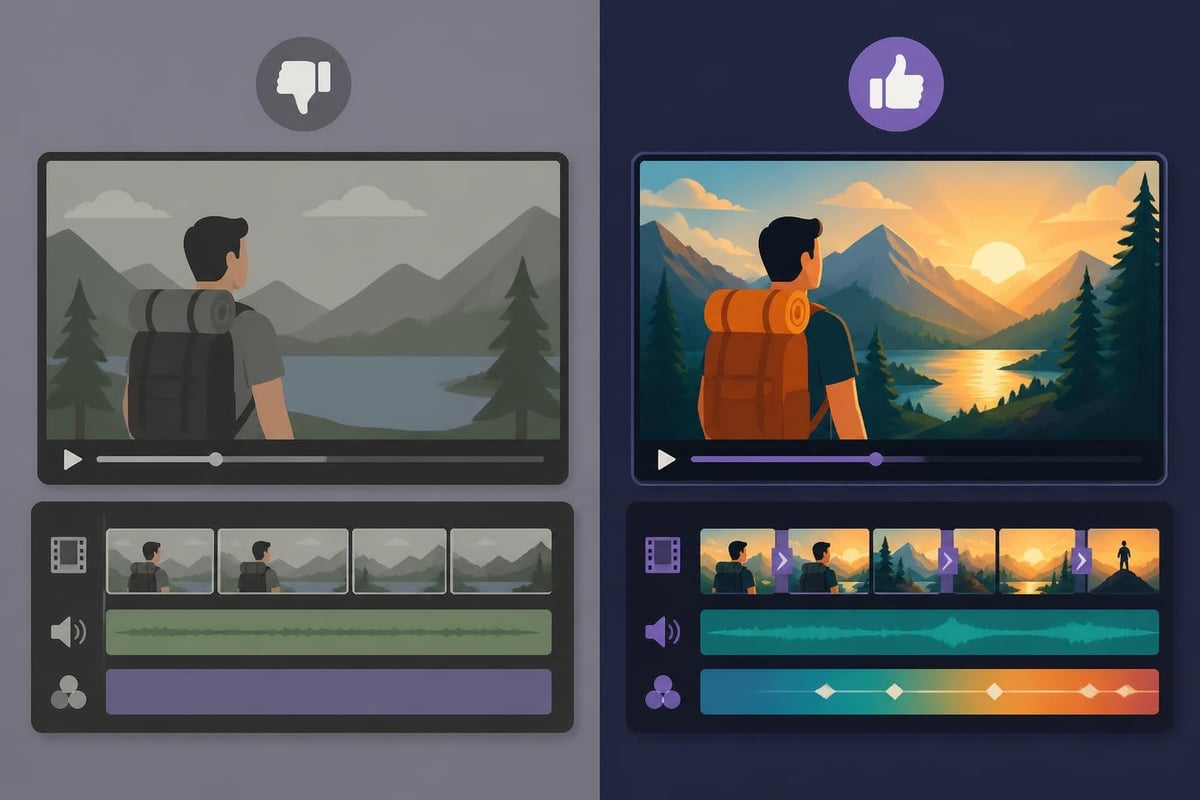
Feature Limitations That Impact Quality
Free versions typically restrict capabilities that separate amateur content from professional results:
| Limitation | Impact on Your Content | Workaround Difficulty |
|---|---|---|
| Export resolution | Lower quality output | High (needs paid upgrade) |
| Effects library | Generic-looking videos | Medium (find third-party) |
| Multi-track audio | Poor sound mixing | High (complex manual work) |
| Advanced transitions | Choppy scene changes | Medium (creative editing) |
| Color grading | Flat, unprofessional look | High (requires expertise) |
Each limitation adds time or reduces quality. Eventually, you're choosing between spending money on upgrades or accepting subpar results.
The Learning Curve vs. Outsourcing Equation
Let's get practical about the decision you're really facing. Should you invest time mastering a free video editing application, or should you focus on what you do best and outsource the editing?
When DIY Editing Makes Sense
You should probably edit your own videos if:
- You're creating 1-2 simple videos per month
- Your content is primarily for testing and learning
- You genuinely enjoy the creative editing process
- Budget is extremely tight (sub-$500/month for content)
- Your videos require minimal post-production
For creators in this category, spending time with a free video editing application builds valuable skills. You'll understand what makes good video work, even if you eventually outsource.
When Outsourcing Beats DIY Every Time
Professional editing becomes the smarter choice when:
- Volume increases: You need 4+ videos weekly
- Quality matters: Your videos represent your brand
- Time is limited: You're already stretched thin
- ROI is clear: Your videos generate leads or revenue
- Consistency counts: Your audience expects regular content
The math changes dramatically as your content strategy scales. If you're spending 4 hours editing each video and creating 4 videos weekly, that's 64 hours monthly. At even a modest hourly rate, unlimited video editing services become cost-effective.
Understanding the True Cost of Your Time
Most creators undervalue their editing time because they don't track it properly. Here's a realistic calculation framework:
Hidden costs in DIY editing:
- Learning and skill development
- Rendering and export time (computer's working, you're waiting)
- Revision cycles when you're unhappy with results
- Mental energy and decision fatigue
- Opportunity cost of not creating more content
If you're a business owner or marketer, every hour editing is an hour not spent on:
- Client acquisition
- Strategy development
- Content creation (filming new material)
- Business growth activities
This is why video editing prices often make financial sense even when free tools exist. You're paying for expertise, speed, and the freedom to focus elsewhere.
Making Smart Choices About Video Editing Tools
Whether you choose a free video editing application or professional services depends on your specific situation. Here's how to decide intelligently.
Questions to Ask Yourself
About your content goals:
- How many videos do you need monthly?
- What's the ROI of each video you publish?
- Does video quality directly impact your brand perception?
- Are you creating content for leads, sales, or awareness?
About your resources:
- What's your true hourly value for business activities?
- How much editing time can you realistically allocate?
- Do you have budget flexibility for outsourcing?
- Would faster turnaround help you publish more consistently?
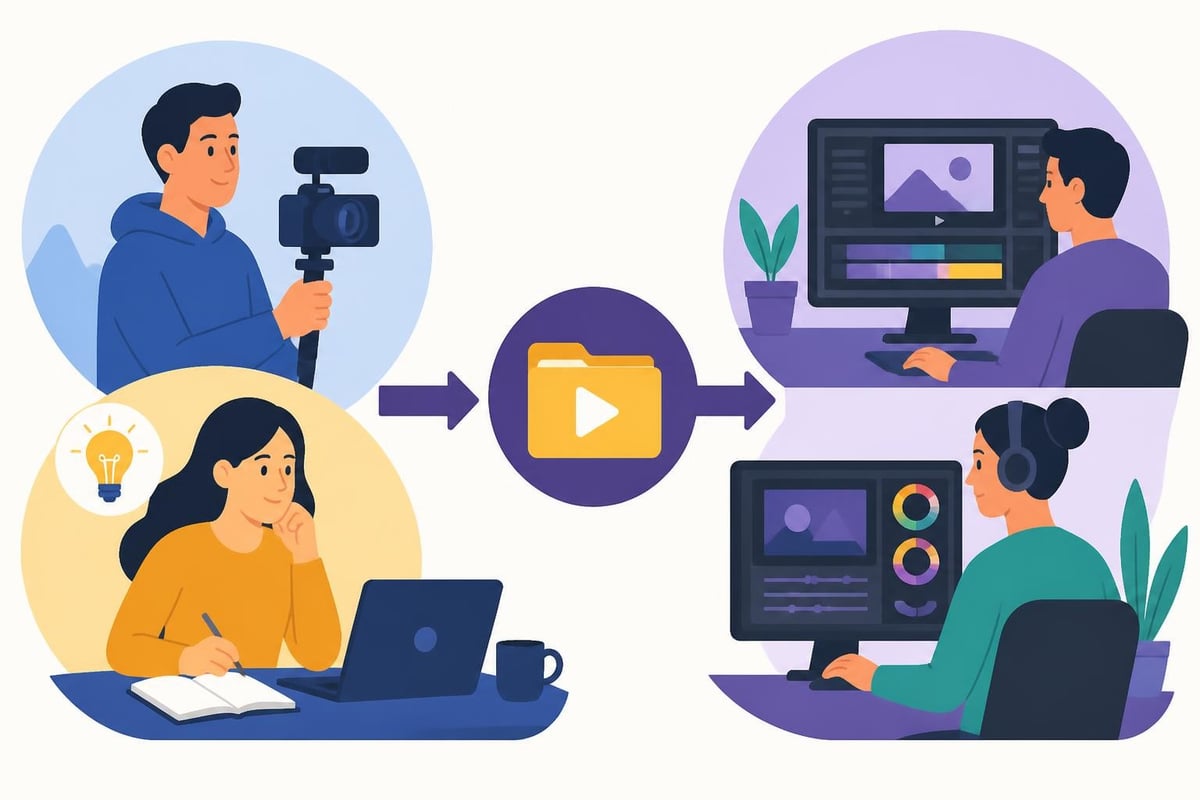
The Hybrid Approach That Works
Many successful creators use a combination strategy:
- Film everything yourself (you know your message best)
- Do rough cuts for extremely simple content
- Outsource polished pieces that represent your brand
- Save your energy for strategy and creation
This approach lets you stay involved creatively while avoiding the time sink of technical editing work. You maintain control over your message without becoming a full-time editor.
Transitioning From Free Tools to Professional Results
If you've been using a free video editing application and you're ready to level up, the transition doesn't have to be jarring or expensive.
Signs You've Outgrown Free Software
Watch for these indicators:
- Export times are eating hours of your day
- Feature limitations prevent you from executing your creative vision
- Quality gaps between your videos and competitors' are obvious
- Revision cycles take multiple attempts because of technical issues
- Mental bandwidth for editing is depleting your creative energy
When these signs appear, you're not just losing time. You're potentially losing audience and revenue because your content can't compete with better-produced alternatives.
What Professional Editing Actually Delivers
Working with dedicated editors transforms your content creation process:
Immediate benefits:
- Consistent output quality across all videos
- Faster turnaround (often 24-48 hours)
- Professional polish without the learning curve
- Freedom to focus on filming and strategy
- Scalability (create more without working more)
The editors who specialize in short-form video content understand platform-specific requirements, trending styles, and what makes content perform. That expertise would take years to develop on your own.
Planning Your Video Editing Strategy for Growth
The smartest creators think strategically about editing from day one. Your approach should evolve as your business grows.
Starter Phase Strategy
When you're just beginning:
- Use free tools to learn what good editing looks like
- Create simple content that doesn't require advanced techniques
- Focus on consistency over perfection
- Track your time so you understand the real cost
- Study professional content in your niche
This phase builds foundation skills and helps you understand your editing needs before committing to paid solutions.
Growth Phase Strategy
As your content gains traction:
Evaluate these factors quarterly:
| Metric | What to Track | Action Threshold |
|---|---|---|
| Hours editing monthly | Time spent in software | >20 hours = consider outsourcing |
| Videos published | Output consistency | Missing deadlines = get help |
| Video performance | Engagement vs. competitors | Quality gap = upgrade |
| Revenue per video | Direct or attributed income | Positive ROI = invest more |
When your metrics show content is working, reinvesting in better production becomes an obvious business decision rather than an expense.
Scale Phase Strategy
Once video is driving real business results:
- Outsource all technical editing to reclaim creative energy
- Focus on volume and consistency
- Test new formats without worrying about learning curves
- Build content systems that can scale indefinitely
- Measure everything to optimize ROI
At this stage, the question isn't whether to outsource but how to build the most efficient content operation possible. Scheduling a strategy call helps you design systems that match your growth goals.
Avoiding Common Free Editing Tool Mistakes
Even with capable free software, creators make predictable errors that waste time and hurt results.
Technical Mistakes That Kill Productivity
Top issues to avoid:
- Wrong export settings leading to re-renders
- Insufficient computer specs causing constant crashes
- No backup system risking hours of lost work
- Overcomplicating edits with unnecessary effects
- Ignoring audio quality (bad sound kills good video)
Each mistake costs hours. The cumulative effect can make "free" editing far more expensive than professional services.
Strategic Mistakes That Limit Growth
Beyond technical issues, strategic errors compound over time:
- Editing perfectionism that delays publishing
- Style inconsistency from experiment overload
- Trend chasing without understanding your audience
- Ignoring analytics and editing in a vacuum
- Burnout from trying to do everything yourself
The creators who succeed with video understand it's a marathon, not a sprint. Sustainable systems beat heroic individual effort every time.
Building a Sustainable Video Content System
Whether you use a free video editing application or professional editors, success requires systematic thinking.
Core Components of Effective Video Systems
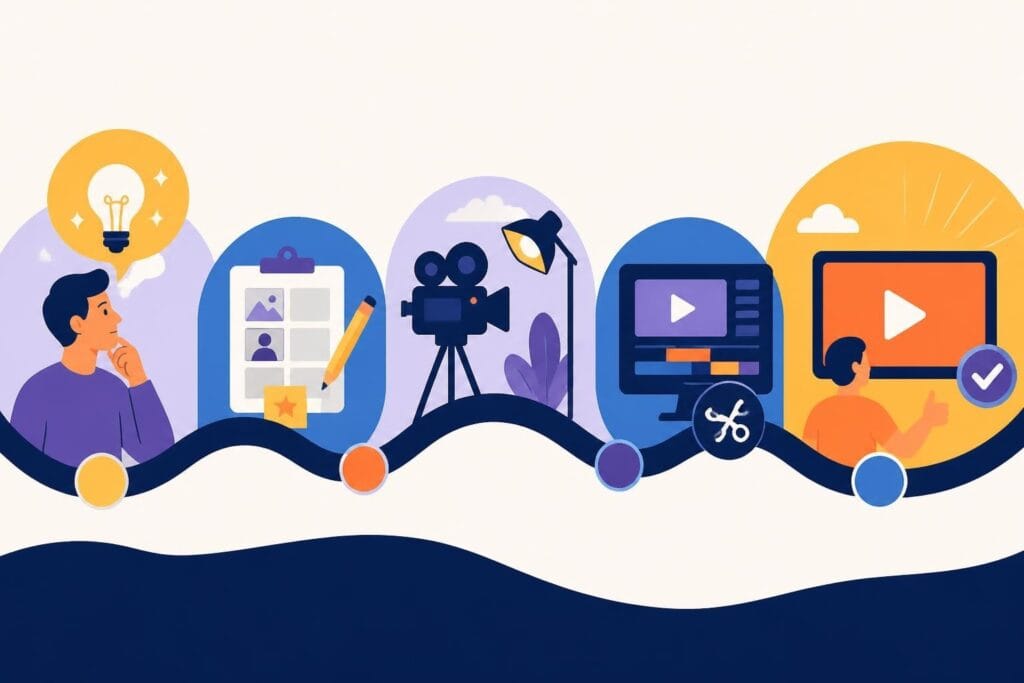
Every sustainable content operation needs:
- Clear content strategy and calendar
- Efficient filming workflows and templates
- Organized asset management and storage
- Reliable editing process (DIY or outsourced)
- Distribution and promotion systems
- Analytics and optimization loops
Weakness in any component creates bottlenecks. Most creators focus exclusively on editing when the real constraint is usually strategy or consistency.
When Tools Matter Less Than Process
Here's a truth bomb: the editing tool matters far less than your content process. A creator with clear systems using basic free software will outperform someone with professional tools but chaotic workflows.
Focus on these fundamentals first:
- Know exactly what you're creating and why
- Batch filming to maximize efficiency
- Organize footage so editing is straightforward
- Create templates for recurring content types
- Build feedback loops to improve continually
Once your process is solid, the editing tool becomes almost interchangeable. You're optimizing a functioning system rather than building from scratch each time.
The Future of Video Editing: AI and Automation
Looking ahead, the line between free and paid tools will blur even more. AI-powered editing is changing what's possible at every price point.
Emerging Technologies Worth Watching
Current developments include:
- Automatic b-roll selection and placement
- AI-driven audio cleanup and enhancement
- Smart color grading that adapts to footage
- Automated caption generation and synchronization
- Template systems that reduce manual work
These technologies are democratizing video editing further. But they also raise the bar for what "good enough" means. As free tools improve, audience expectations rise proportionally.
What AI Can't Replace
Despite technological advances, certain elements still require human judgment:
- Story pacing and emotional resonance
- Brand alignment and message consistency
- Creative decisions that reflect your unique voice
- Strategic choices about what to emphasize
- Audience understanding that shapes editing choices
This is why professional video editors remain valuable even as tools improve. Technology handles technical tasks; humans handle meaning and connection.
Choosing the right video editing approach comes down to understanding your true costs and business priorities. Free video editing applications offer a legitimate starting point, but sustainable content creation usually requires either significant time investment or professional support. If you're ready to scale your video content without sacrificing your sanity or your schedule, beCreatives provides unlimited editing services with dedicated editors who understand your brand, unlimited storage for all your footage, and a streamlined revision system that keeps you in creative control while handling all the technical heavy lifting.