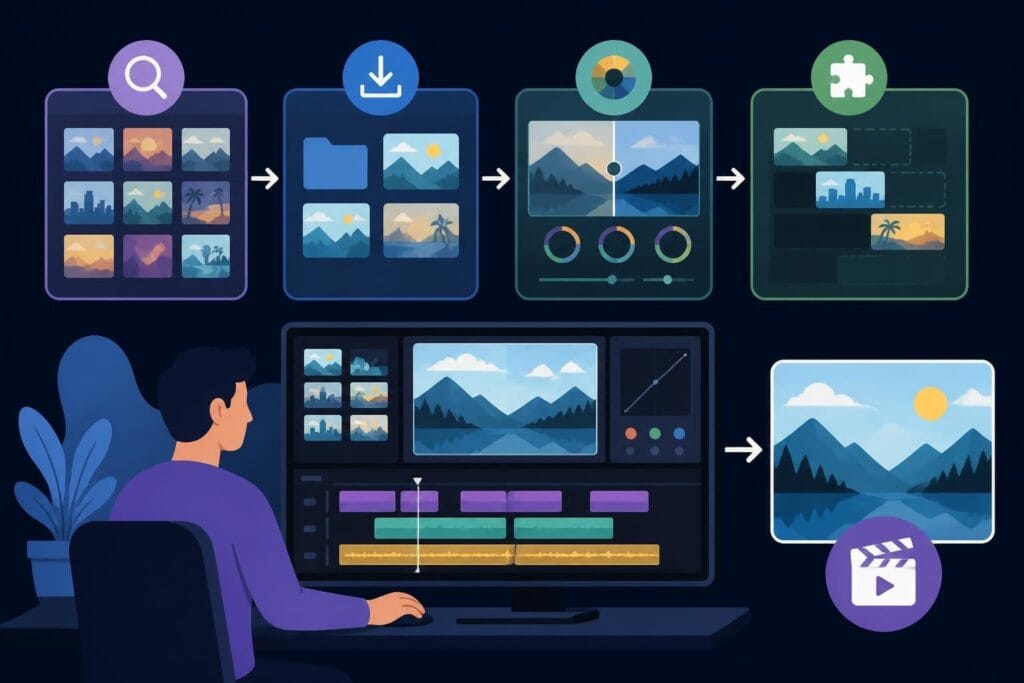
You've got amazing footage sitting on your hard drive, but the thought of opening up complex editing software makes you want to scroll Instagram instead. Sound familiar? Finding easy film editing software that actually makes sense without requiring a film degree is one of the biggest hurdles content creators face in 2026. The good news is that software companies have finally caught on, and there's never been a better time to dive into video editing without the headache.
What Makes Film Editing Software Actually Easy to Use
The term "easy" means different things to different people, but when it comes to editing software, there are specific features that separate the accessible tools from the ones that'll have you Googling tutorials at 2 AM.
Intuitive drag-and-drop interfaces sit at the top of the list. If you're spending more time hunting for features than actually editing, that's a problem. The best easy film editing software puts everything you need within two clicks maximum.
A clear timeline is non-negotiable. You should be able to see your clips, understand what's happening when, and move things around without accidentally deleting your entire project. Modern software has gotten much better at this, with visual cues and smart snapping that actually helps instead of getting in your way.
Key Features That Signal User-Friendly Software
- Pre-built templates and transitions that look professional without manual tweaking
- One-click color correction and audio balancing tools
- Built-in stock libraries for music, sound effects, and B-roll footage
- Automatic backup and cloud saving so you never lose work
- Straightforward export options with platform-specific presets (YouTube, Instagram, TikTok)
Another huge factor is learning curve versus capability. You want software that's simple to start with but grows with you. Starting with basic cuts and transitions is fine, but you don't want to outgrow your software in three months and have to start over with something new.
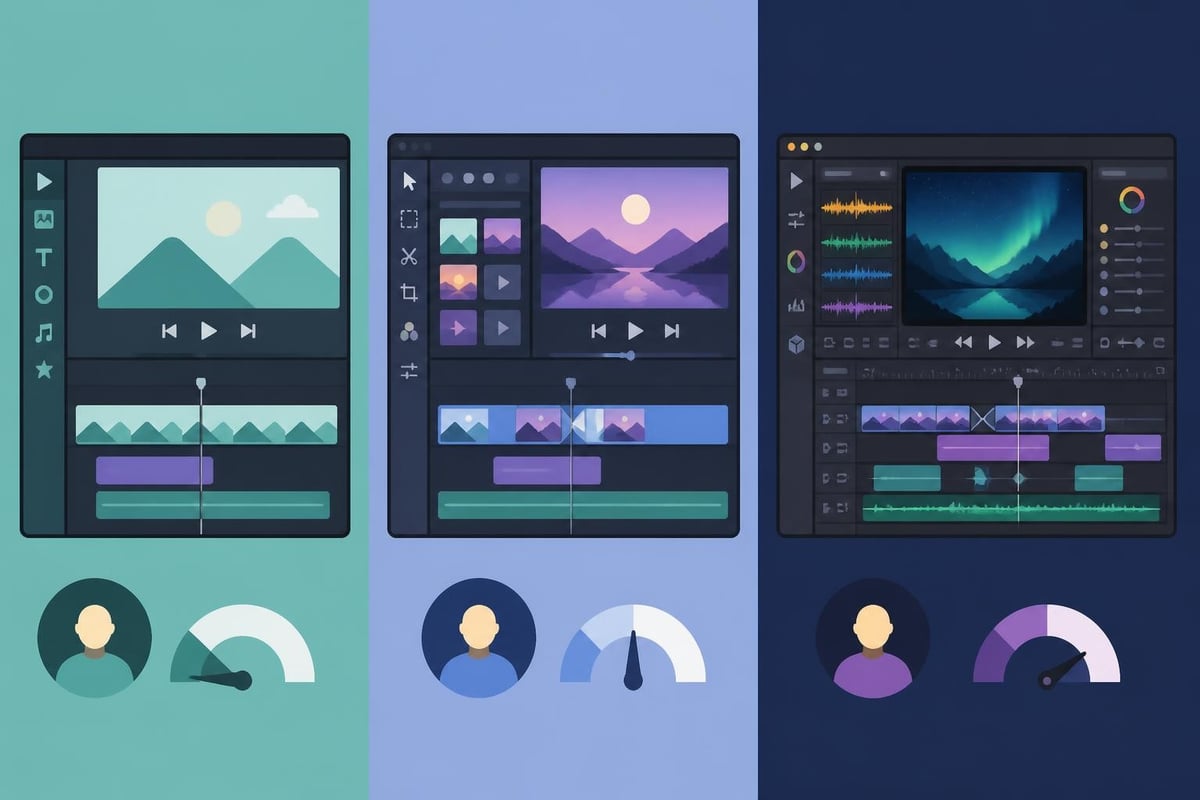
Top Easy Film Editing Software Options for 2026
Let's break down the actual software you should be considering if you're prioritizing ease of use without sacrificing quality.
| Software | Best For | Price Range | Learning Curve |
|---|---|---|---|
| Adobe Premiere Elements | Beginners wanting Adobe power | $99 one-time | Low-Medium |
| DaVinci Resolve | Free power users | Free-$295 | Medium |
| Movavi Video Suite | All-in-one simplicity | $79.95/year | Low |
| PowerDirector 365 | Fast template-based editing | $69.99/year | Low |
| iMovie | Mac users starting out | Free | Very Low |
Adobe Premiere Elements 2026 has refined its approach to make professional-grade editing accessible. The guided edits walk you through complex effects step-by-step, which is perfect when you're learning. However, as the feature set expands, it can get overwhelming quickly if you're not careful about which tools you actually need.
DaVinci Resolve's Free Tier Is Surprisingly Robust
DaVinci Resolve deserves special attention because it offers professional capabilities completely free. The latest updates include photography-style color tools that make color grading feel less technical and more creative.
The catch? It's more powerful than most beginners need, which means the interface can feel cluttered at first. But if you're willing to invest a weekend watching tutorials, you'll have software that never needs upgrading.
Budget-Friendly Options That Don't Look Cheap
Movavi Video Suite 2025 strikes an excellent balance between power and accessibility. It's particularly strong for creators who want to do quick edits without diving deep into advanced features. The interface feels modern, and the included effects library means you're not starting from scratch.
PowerDirector 365 continues to impress with its template-driven approach. If you're creating similar content repeatedly (think weekly vlogs or product reviews), templates save massive amounts of time. The subscription pricing might seem like a downside, but the regular updates and cloud storage actually make it worthwhile for active creators.
The Hidden Costs of "Easy" Software
Here's where things get real. Easy film editing software can actually slow you down in ways that aren't immediately obvious.
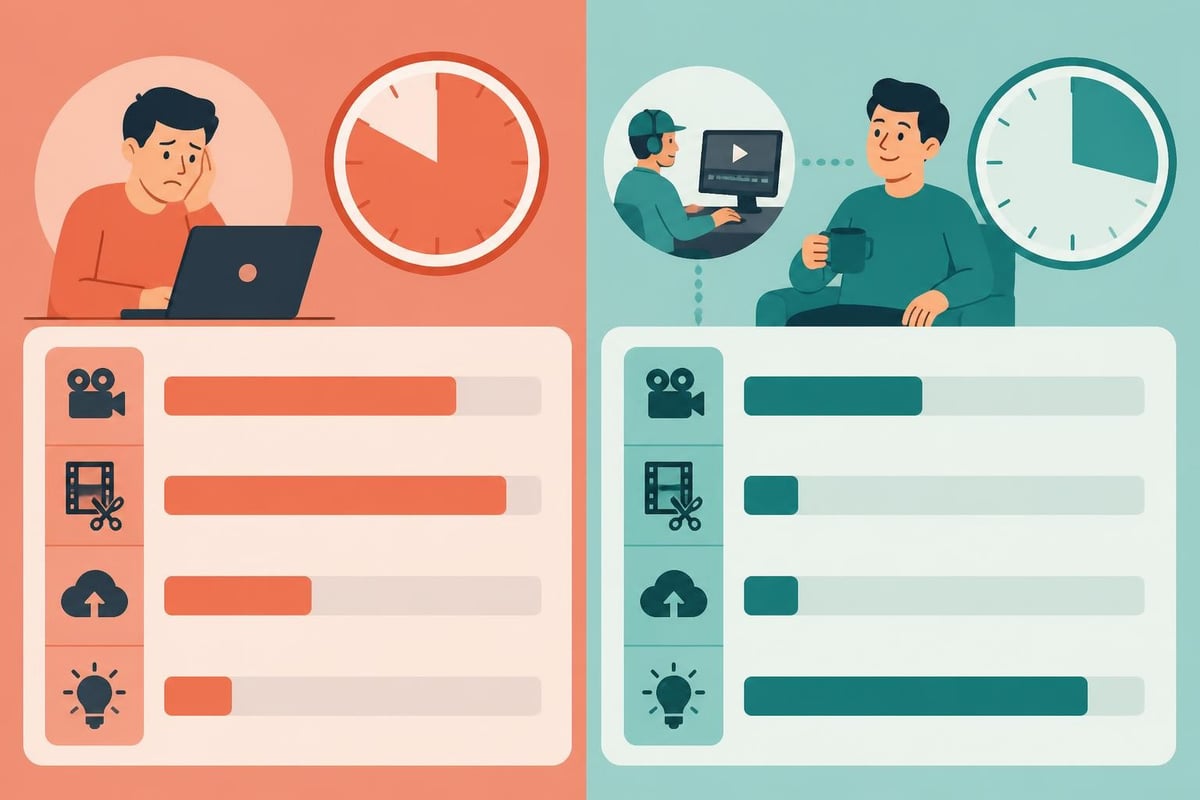
Time investment isn't just about learning the software. It's about the entire workflow. Every video you edit yourself is time you're not spending on:
- Creating new content
- Building your audience
- Developing your brand strategy
- Actually running your business
Even with the most user-friendly software, a 10-minute finished video typically requires 2-4 hours of editing time for someone who's reasonably proficient. If you're still learning, double that.
The Skill Ceiling Problem
You'll eventually hit a wall where your vision exceeds your technical ability. That's when "easy" software becomes frustrating instead of empowering. You know what you want the video to look like, but you don't know how to make it happen, and the simplified tools aren't giving you the control you need.
This is where many creators make a choice: invest serious time learning advanced techniques, or work with professional video editing services that already have the expertise.
Matching Software to Your Content Type
Not all easy film editing software handles every type of content equally well. Your choice should align with what you're actually creating.
Social Media and Short-Form Content
If you're focusing on TikTok editing or Instagram Reels, you need software with vertical video presets and quick export options. PowerDirector and Adobe Premiere Elements both excel here.
Must-have features for social content:
- Vertical aspect ratio templates (9:16)
- Text animation presets that match platform trends
- Quick audio ducking for voiceovers
- Direct upload to social platforms
- Mobile app integration for on-the-go editing
Long-Form YouTube or Educational Content
Longer content requires better organization tools. You're dealing with more footage, multiple audio tracks, and more complex storytelling.
DaVinci Resolve and Adobe Premiere Elements handle this better than simplified options. The ability to create bins and organize footage becomes crucial when you're working with 2-3 hours of raw footage for a 15-minute video.
Product Videos and E-Commerce Content
E-commerce video editing demands consistency and speed. You're creating similar videos repeatedly with different products.
Template-based software like PowerDirector or Movavi shines here. Set up your template once with your brand colors, intro, and outro, then swap out the product footage. This approach works brilliantly for Amazon video editing where consistency across your catalog matters.
Free vs. Paid: What You're Really Getting
The best video editing software options span from completely free to several hundred dollars. Understanding what you gain with paid options helps make smarter decisions.
| Feature | Free Software | Paid Software |
|---|---|---|
| Watermarks | Usually present | None |
| Export quality | Often limited to 720p | Full 4K or higher |
| Effects library | Basic selection | Extensive, regularly updated |
| Technical support | Community forums only | Direct support channels |
| Commercial use | Sometimes restricted | Fully licensed |
| Updates | Sporadic | Regular feature additions |
Free options like Shotcut or DaVinci Resolve Free are genuinely capable. Shotcut’s tutorial library makes learning relatively painless, and there's no catch beyond the steeper learning curve.
The main limitation with free software isn't capability, it's support and convenience. When something breaks or you need help, you're hunting through forums instead of chatting with support. That time cost adds up quickly.
When Paid Software Pays for Itself
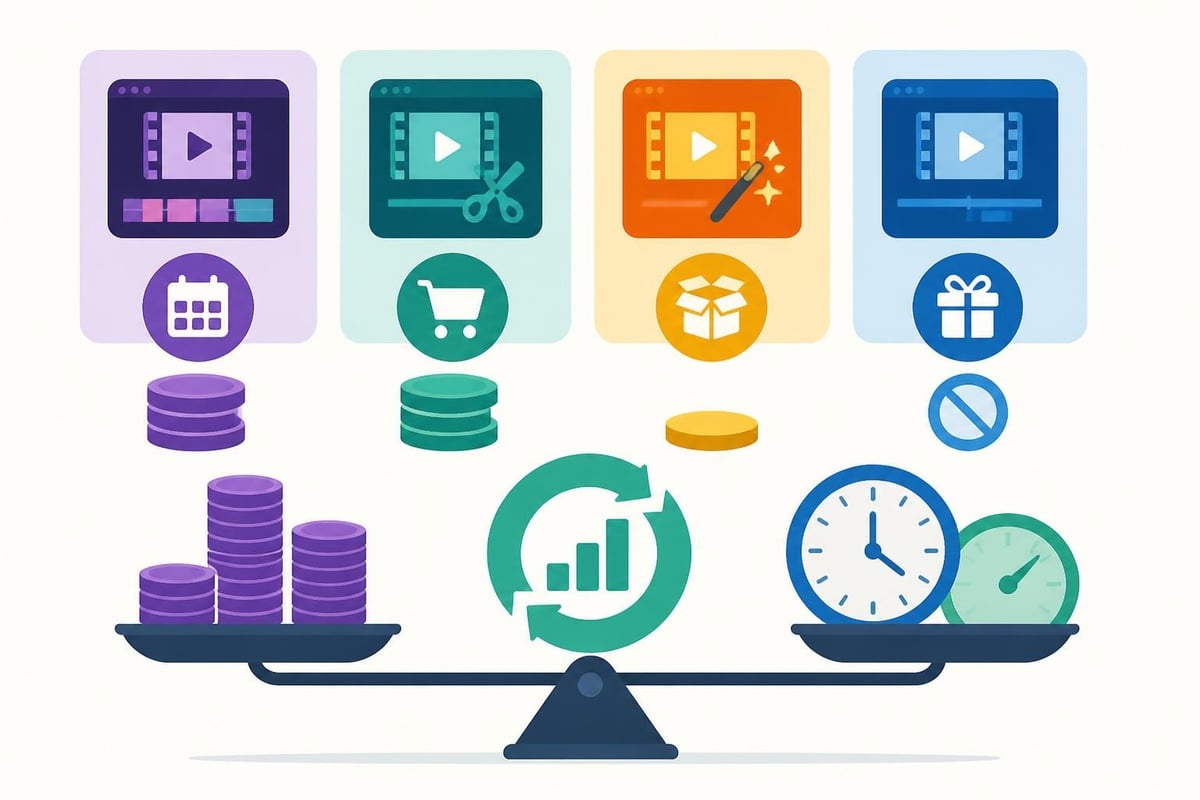
If you're creating content professionally or for business purposes, paid software becomes a no-brainer. The time you save with better tools, the professional polish of the effects, and the peace of mind from proper licensing all justify the cost.
However, there's a third option that many successful creators choose: using easy film editing software for basic assembly and rough cuts, then outsourcing the final polish to professional editors. This hybrid approach gives you creative control while saving time on the tedious technical work.
Making the Learning Curve Less Painful
Even with easy film editing software, you'll face a learning period. Here's how to make it suck less.
Start with one project type and master it completely before branching out. If you create talking-head videos, perfect that workflow before attempting complex multi-camera edits or motion graphics. Professional editing courses can accelerate this process, but YouTube tutorials work fine if you're patient.
The 80/20 Rule for Video Editing
Focus on the 20% of features that handle 80% of your needs:
- Basic cuts and trims
- Simple transitions (cross dissolve is your friend)
- Audio level adjustments
- Text overlays
- Color correction presets
- Export settings for your main platforms
Everything else is bonus. You don't need to know every feature to create professional-looking content.
Create keyboard shortcut cheat sheets for your chosen software. Speeding up your workflow is less about knowing every feature and more about eliminating repetitive mouse clicking. The difference between a 3-hour edit and a 1-hour edit is often just efficient keyboard use.
Platform-Specific Considerations You Can't Ignore
Different platforms have different technical requirements, and your easy film editing software needs to handle them smoothly.
YouTube Optimization
YouTube wants high bitrate exports with specific metadata. Your software should have YouTube presets that handle this automatically. Both beginner-friendly editing tools and professional software include these, but verify before committing.
Instagram and TikTok Requirements
Vertical video, maximum file sizes, specific frame rates, these platforms are picky. Software with social media presets saves you from constant troubleshooting about why your video looks pixelated or won't upload.
For creators focusing heavily on short-form content, consider whether a dedicated short-form video editor service might streamline your entire workflow better than DIY software.
LinkedIn and Professional Content
LinkedIn video content demands a different approach. The editing style is typically cleaner, more corporate, with fewer flashy transitions. Make sure your easy film editing software includes professional templates that don't look like they belong on TikTok.
The Software Nobody Talks About: Your Editing Strategy
Here's the uncomfortable truth: the software doesn't matter nearly as much as your editing strategy and workflow.
You could have the easiest, most expensive software on the planet and still produce mediocre videos if you don't understand pacing, storytelling, and audience retention. Conversely, skilled editors can create compelling content with basic tools.
This is why many smart creators focus on content strategy rather than technical mastery. They understand their audience, know what performs well, and either keep editing simple or delegate it entirely.
The rise of AI-powered editing tools and automated editing workflows is making this decision even more relevant. Why spend weeks mastering software when AI can handle basic assembly, and professional editors can handle the creative polish?
When to Consider Outsourcing Instead
If you're spending more than 5 hours per week editing, run the math. Your time has value. Could those 5 hours generate more revenue doing what you're actually good at rather than fiddling with keyframes?
Professional video editing services often cost less than you'd think, especially when you factor in:
- Software subscription costs you eliminate
- Time saved on every project
- Higher quality output that performs better
- Reduced stress and decision fatigue
For creators producing sports highlight videos, fashion content, or video ads, the quality difference between DIY and professional editing directly impacts performance metrics and ROI.
Your Editing Software Decision Framework
Stop overthinking which easy film editing software to choose. Use this framework:
Step 1: Define your actual needs
- How many videos per month?
- What platforms?
- What complexity level?
- What's your honest technical skill level?
Step 2: Test before buying
Most software offers free trials. Actually use them. Edit a real project, not just explore the interface.
Step 3: Calculate total cost of ownership
Include subscription fees, learning time, ongoing editing time, and opportunity cost.
Step 4: Choose the minimum viable option
Don't buy more software than you need. You can always upgrade later.
Step 5: Set a 90-day review
After three months, honestly assess if the software is working or creating friction. Be willing to change if it's not the right fit.
The perfect easy film editing software for you might be completely wrong for another creator, even if they make similar content. Your technical comfort level, available time, and specific workflow needs matter more than any "best of" list.
Beyond Software: Building a Sustainable Video Production System
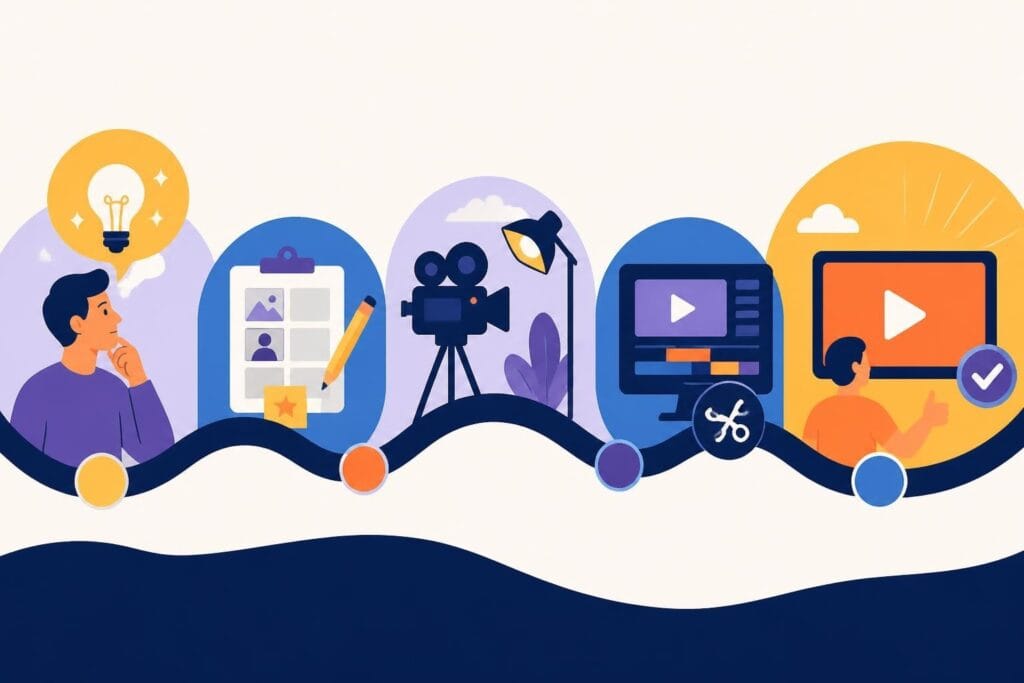
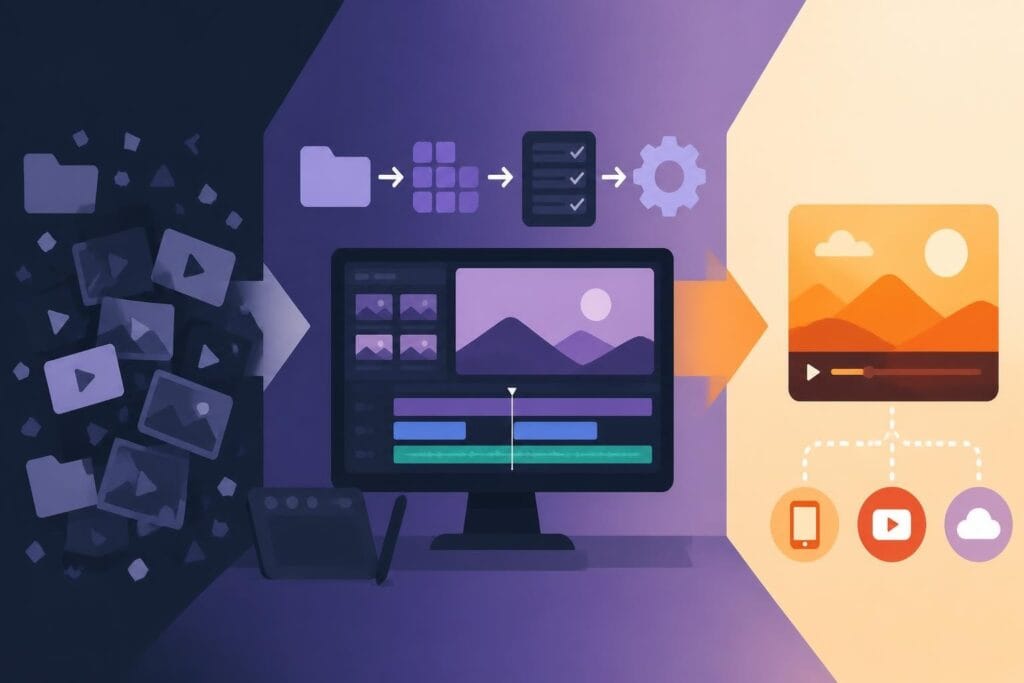
The most successful content creators in 2026 aren't necessarily the best editors. They're the ones who built sustainable systems for consistent content creation.
That system might include easy film editing software you use yourself. Or it might include professional editing support that handles the technical work while you focus on content strategy and audience building.
The key is removing friction from your workflow. Every extra hour spent wrestling with software is an hour you're not spending on the creative and strategic work that actually grows your brand.
Whether you choose Adobe Premiere Elements, DaVinci Resolve, PowerDirector, or any other option, remember that the software is just a tool. Your creativity, consistency, and understanding of your audience matter infinitely more than which buttons you click to add transitions.
Finding the right easy film editing software comes down to matching tools with your actual workflow and being honest about where your time creates the most value. While user-friendly software has never been better, the smartest creators focus on their unique strengths rather than becoming software experts. If you'd rather spend your time creating content and building your brand instead of mastering editing tools, beCreatives offers unlimited professional video editing with dedicated editors who handle the technical work while you focus on what you do best.