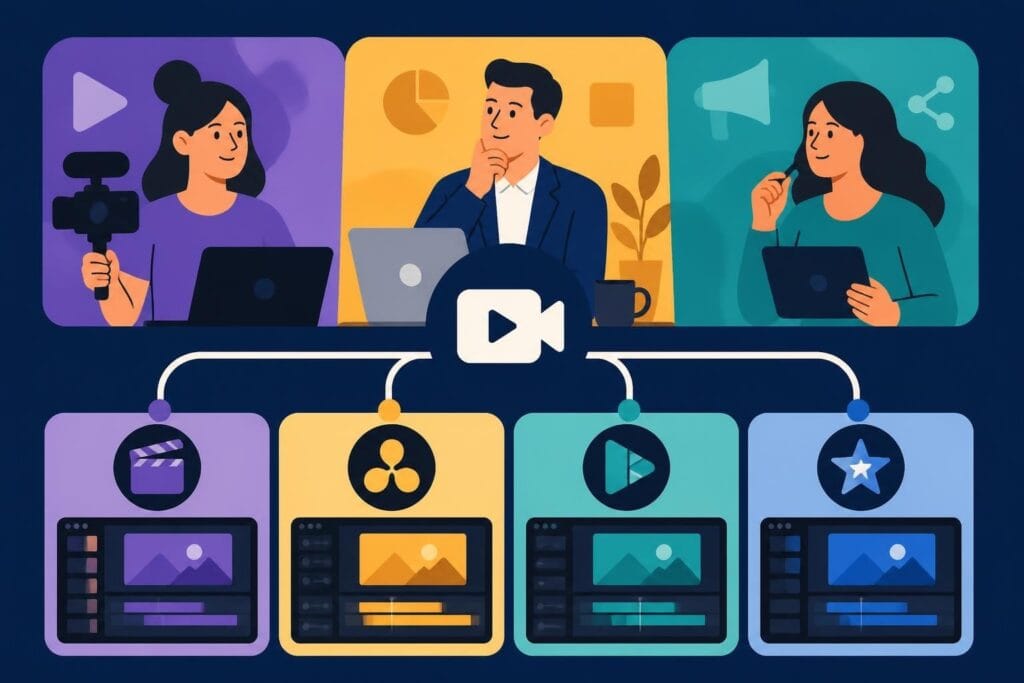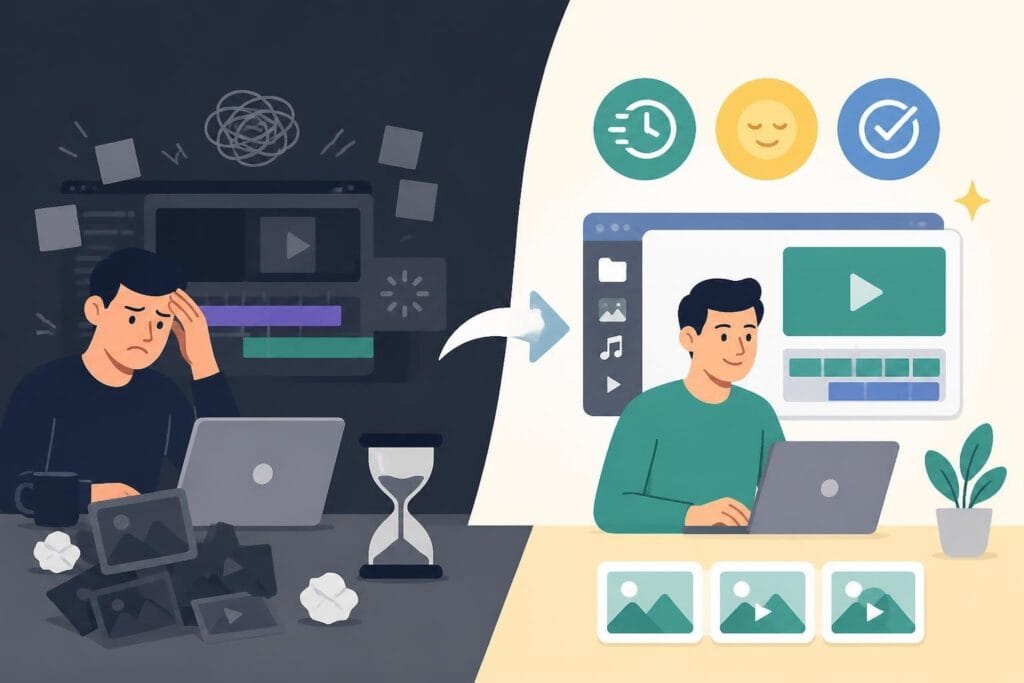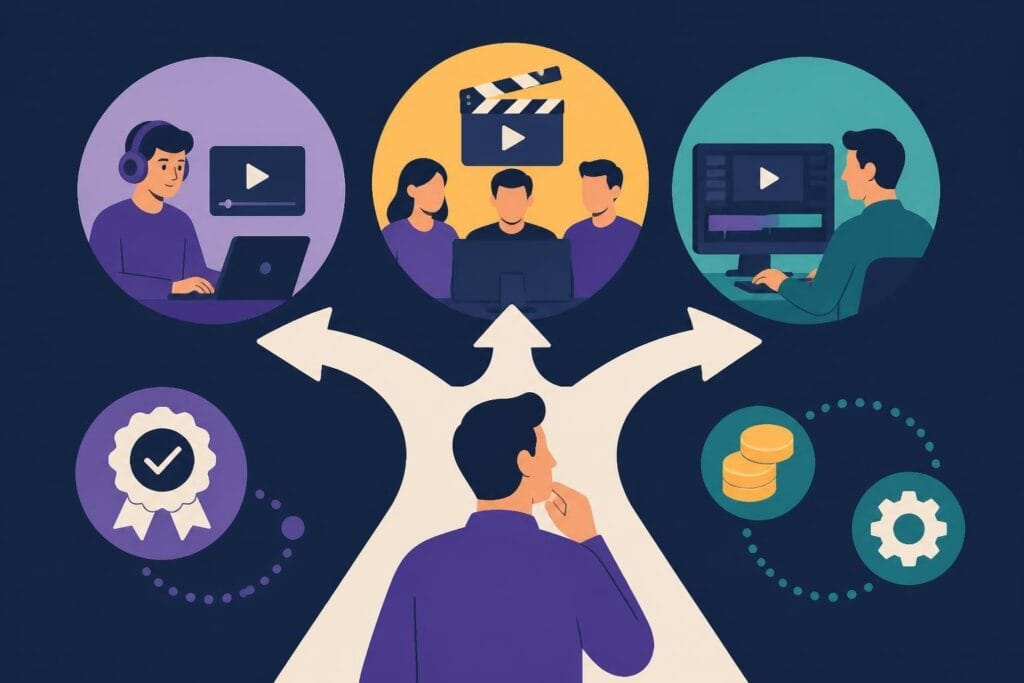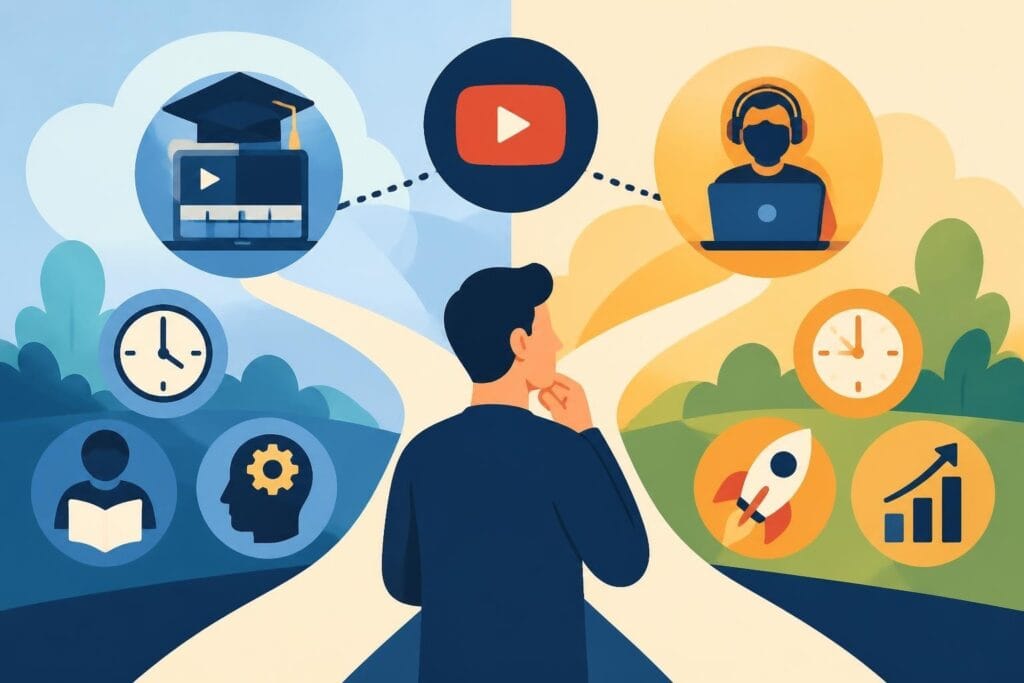
Creating scroll-stopping YouTube content in 2026 means understanding editing, whether you're doing it yourself or handing it off to professionals. A YouTube editing course promises to teach you the skills behind viral videos, polished vlogs, and engaging content that keeps viewers watching. But here's the real question: should you invest time learning to edit, or focus on what you do best while someone else handles the timeline? Let's explore what these courses offer, who benefits most, and when outsourcing becomes the smarter play for busy creators.
What a YouTube Editing Course Actually Teaches You
Learning video editing isn't just about cutting clips together anymore. A comprehensive YouTube editing course covers everything from basic trimming to advanced motion graphics that make your content pop.
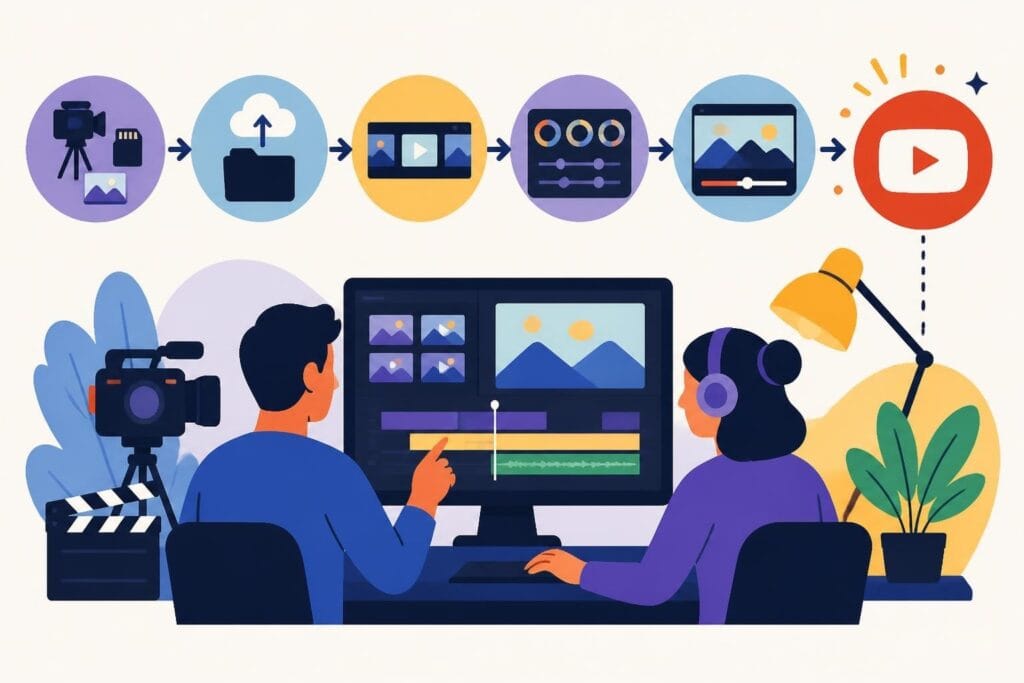
Most courses start with software fundamentals. You'll learn the interface of programs like Adobe Premiere Pro, Final Cut Pro, or DaVinci Resolve. These platforms power most professional editing, and understanding them takes dedicated practice. The learning curve can feel steep at first, but structured courses break down complex tools into digestible lessons.
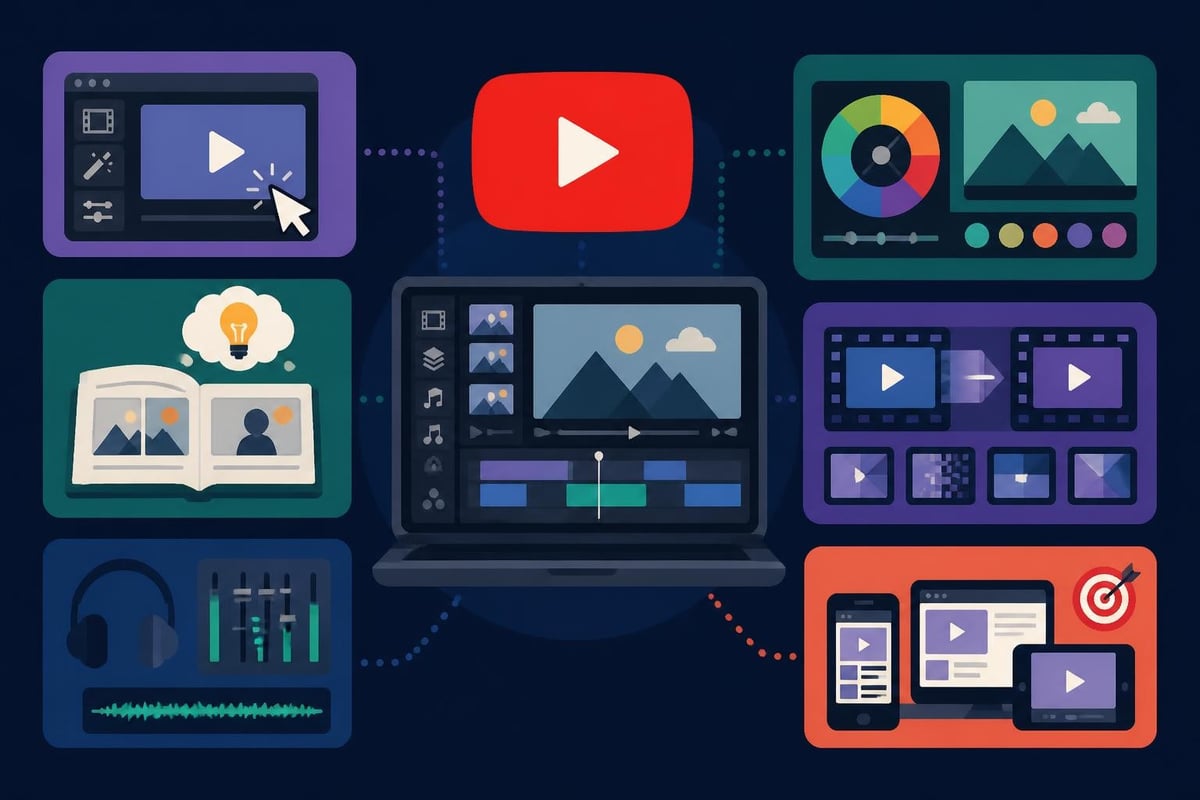
Beyond the technical basics, quality courses dive into storytelling through editing. This includes:
- Pacing and rhythm to maintain viewer attention
- Audio mixing to balance dialogue, music, and sound effects
- Color grading to create mood and visual consistency
- Transition techniques that feel natural, not gimmicky
- Thumbnail integration to match your video's visual style
Platform-Specific Skills That Matter
YouTube has specific requirements that differ from other platforms. A targeted youtube editing course teaches you to optimize for YouTube's algorithm and viewer behavior patterns.
You'll learn about retention-focused editing where every cut serves a purpose. The first 30 seconds matter most, so courses emphasize hook creation and pattern interrupts that stop the scroll. This means understanding when to use jump cuts, when to let moments breathe, and how to build momentum that carries viewers to the end.
Sound design gets special attention too. YouTube viewers often watch with sound on, unlike platforms like TikTok where silent viewing dominates. You'll study how to layer audio, use music strategically, and create soundscapes that enhance your message without overwhelming it.
| YouTube-Specific Skill | Why It Matters | Time to Learn |
|---|---|---|
| Retention editing | Keeps viewers watching past crucial thresholds | 2-3 months |
| End screen creation | Drives channel growth and watch time | 1-2 weeks |
| Chapter markers | Improves SEO and viewer experience | 1 week |
| YouTube Shorts formatting | Captures mobile-first audiences | 2-4 weeks |
Who Benefits Most from Taking an Editing Course
Not everyone needs to become an editor. Understanding who gains the most from a youtube editing course helps you make smarter decisions about where to invest your time.
Solo creators in their first year often benefit because they're building foundational skills. When you're testing content ideas and finding your voice, editing your own work teaches you what resonates. You learn by doing, discovering which cuts feel right and which transitions distract from your message.
Creators with specific artistic visions also value hands-on editing control. If your content style depends on precise timing, unique effects, or experimental storytelling, learning to edit gives you creative independence. You won't need to explain your vision to someone else because you're executing it directly.
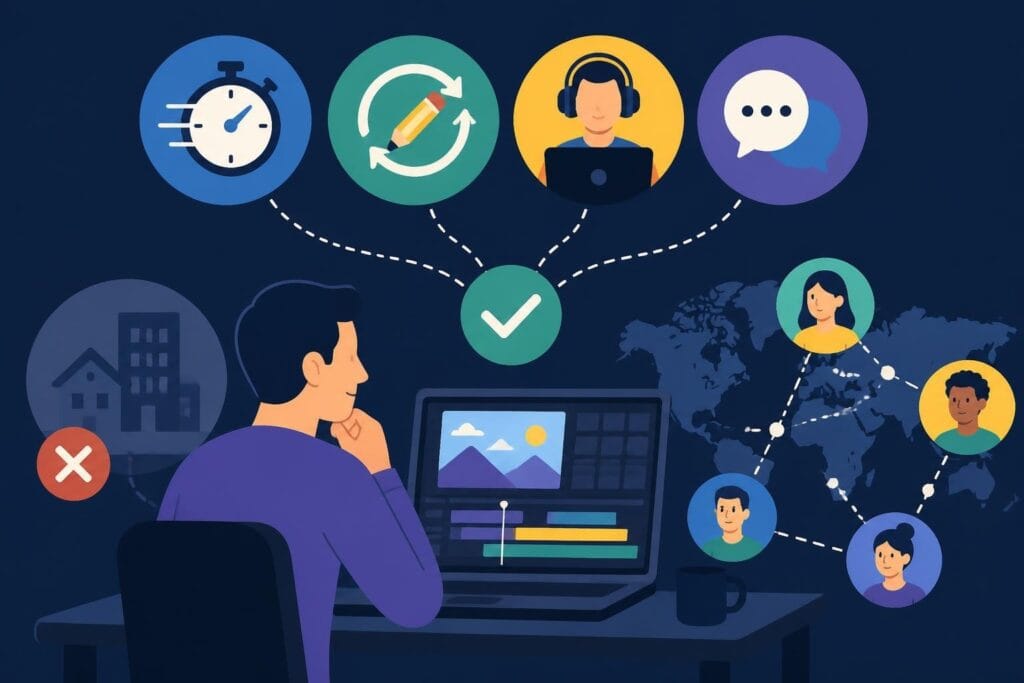
However, there's a crucial flip side. Busy entrepreneurs, coaches, and agency owners often discover that a youtube editing course becomes a time trap. Learning professional editing takes hundreds of hours, and that's time away from revenue-generating activities like client work, strategy, or content creation itself.
The Real Cost of DIY Editing
Let's talk numbers that matter for your business. A comprehensive youtube editing course typically requires:
- 50-100 hours for basic proficiency
- 200-400 hours to reach professional quality
- Ongoing practice to maintain and improve skills
That's roughly 3-6 months of consistent learning before you're producing polished content efficiently. For someone billing at $150 per hour for coaching or consulting, those 200 hours represent $30,000 in opportunity cost.
Compare that to working with a service like beCreatives, where you get dedicated editors who've already mastered these skills. They handle revisions, storage, and communication while you focus on showing up on camera and growing your audience.
Top Learning Resources Beyond Traditional Courses
The landscape of video editing education has exploded beyond structured courses. Free and premium resources now offer quality training that rivals expensive programs.
YouTube channels dedicated to video editing provide accessible starting points for beginners. Creators like Justin Odisho break down complex techniques into digestible tutorials, while Peter McKinnon combines technical instruction with creative inspiration. These channels let you learn specific skills without committing to full courses.
For more structured approaches, platforms like Brooker Films offer extensive libraries with both free and premium content. Their systematic approach guides you through fundamentals to advanced techniques, creating clear learning paths that build on each skill progressively.
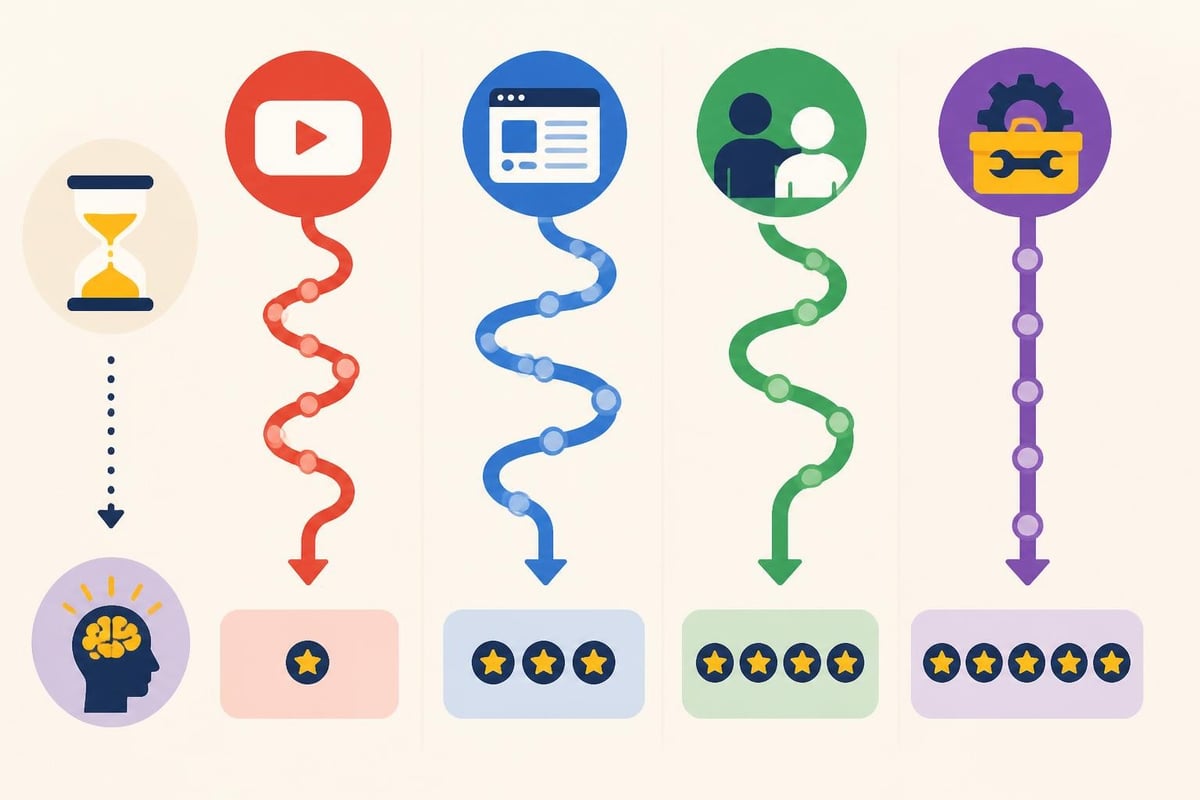
Learning Versus Doing: The Creator's Dilemma
Here's where it gets interesting. Many creators start a youtube editing course with enthusiasm, then realize editing is a skill they respect but don't enjoy. The technical precision, the hours of timeline work, the endless tweaking-it's genuinely fulfilling for some and draining for others.
Understanding the editor’s role in filmmaking reveals why editing is its own specialized craft. Professional editors think differently than content creators. They see story structure, pacing, and emotional beats that come from dedicated practice and natural aptitude.
Signs you might not want to learn editing:
- You procrastinate on editing tasks
- The technical aspects frustrate rather than energize you
- You'd rather be creating new content than refining old footage
- Your editing sessions regularly stretch past midnight
- You feel stuck in production instead of growing your business
Signs editing might be worth learning:
- You genuinely enjoy problem-solving and technical work
- Your content style requires hands-on creative control
- You have time to practice regularly without sacrificing income
- You find satisfaction in the craft of post-production
- Budget constraints make outsourcing difficult right now
Software Options and Learning Curves
Choosing the right editing software shapes your entire learning journey. Different programs suit different needs, and your choice affects which youtube editing course makes sense for you.
Adobe Premiere Pro dominates professional editing with comprehensive features and industry-standard workflows. The subscription model keeps you updated with new features, but the learning curve is steeper. Most advanced courses focus on Premiere because of its widespread use.
Final Cut Pro offers a one-time purchase that appeals to Mac users. It's optimized for Apple hardware, delivering smooth performance even on older machines. The magnetic timeline feels intuitive to some editors but confusing to others. Fewer courses cover Final Cut compared to Premiere, which can limit learning resources.
DaVinci Resolve provides professional-grade editing with an incredibly generous free version. If budget is tight, Resolve offers the most capability without monthly fees. It excels at color grading, making it popular for creators who prioritize visual aesthetics. The learning resources have grown substantially, with numerous YouTube channels covering Resolve extensively.
| Software | Best For | Monthly Cost | Learning Difficulty |
|---|---|---|---|
| Premiere Pro | Professional creators wanting industry standard tools | $22.99 | High |
| Final Cut Pro | Mac users preferring one-time purchase | $0 after $299 purchase | Medium |
| DaVinci Resolve | Budget-conscious creators needing color grading | Free (Studio: $295) | High |
| CapCut | Quick edits and social media content | Free | Low |
The Skill Plateau Nobody Mentions
Here's something most youtube editing course promoters won't tell you: there's a massive skill gap between competent and excellent. You can learn functional editing in a few months, but developing the creative eye that makes content truly engaging takes years of practice.
Professional editors at agencies specializing in video editing have usually logged thousands of hours across hundreds of projects. They've seen what works, what fails, and what trends are emerging before they go mainstream. That institutional knowledge doesn't come from courses alone.
This doesn't mean learning is pointless. Understanding editing fundamentals makes you a better content creator even if you outsource the actual work. You'll communicate more effectively with editors, provide better feedback, and conceptualize content that's easier to edit well.
When Outsourcing Beats Learning to Edit
Let's get practical about when investing in a youtube editing course makes less sense than delegating the work entirely.
Time-to-income creators should seriously consider outsourcing. If your business model depends on consistent content output, spending six months learning to edit delays your growth trajectory. Every week you're learning instead of publishing is a week competitors are building their audiences.
Content creators making over $5,000 monthly from their channel face a clear opportunity cost calculation. Your time spent editing is time not spent on strategy, partnerships, product development, or creating more content. The math usually favors delegation at this revenue level.
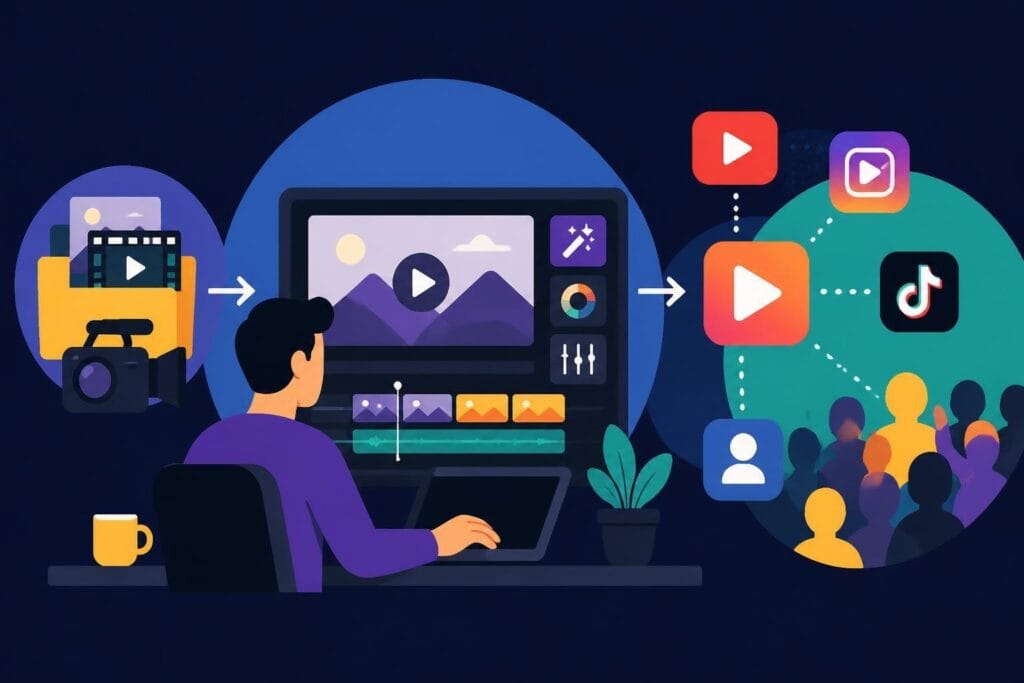
Multi-platform creators juggling YouTube, Instagram, TikTok, LinkedIn, and podcasts simply can't master editing for every format. Each platform has distinct editing styles and technical requirements. Trying to learn everything spreads you too thin and dilutes your creative energy.
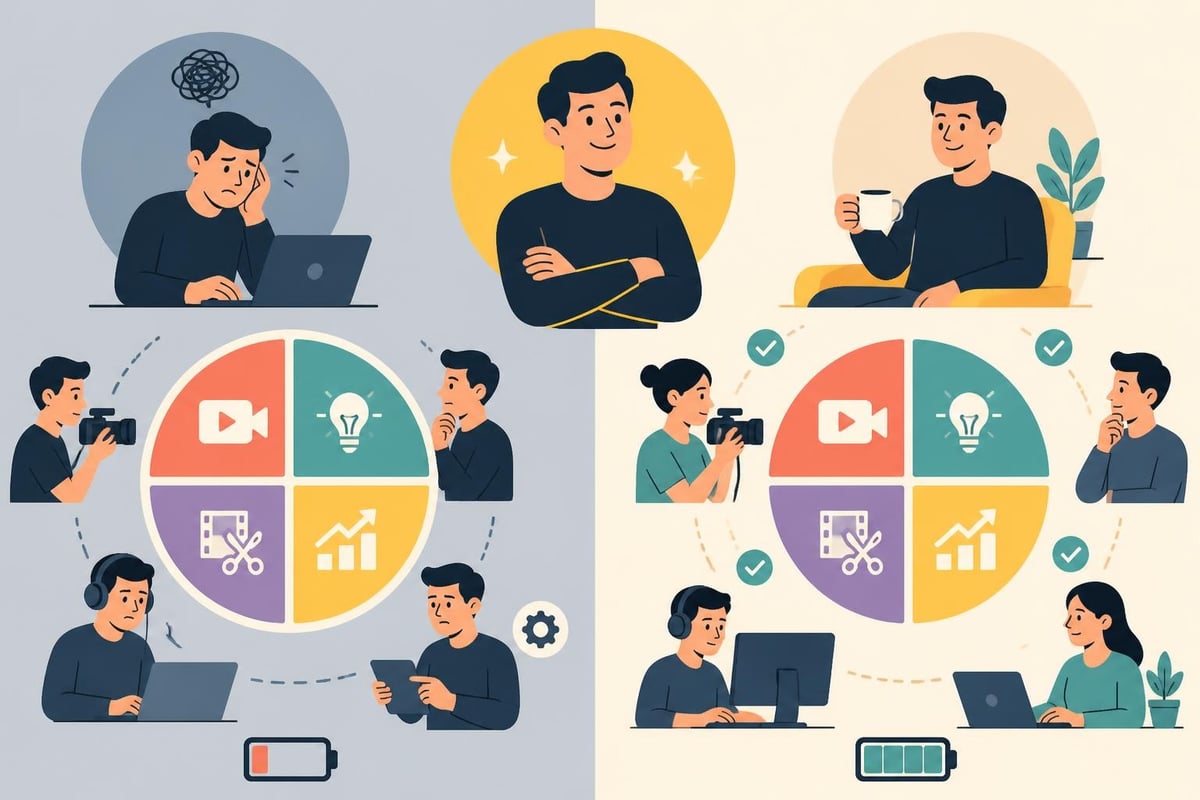
The Unlimited Editing Advantage
Traditional editing services charge per project, which creates financial stress when you're ramping up content production. You hesitate to experiment because each video adds costs. This constraint limits creativity and growth potential.
Unlimited editing services flip this model completely. You pay a flat monthly rate and submit as many projects as needed. This removes the financial barrier to experimentation and consistent posting schedules. Want to test three different intro styles? Go ahead. Need to create extra content for a product launch? No problem.
Services offering unlimited revisions eliminate another common pain point. You're not charged extra for tweaks, adjustments, or complete re-edits. This freedom lets you refine content until it matches your vision without watching revision fees pile up.
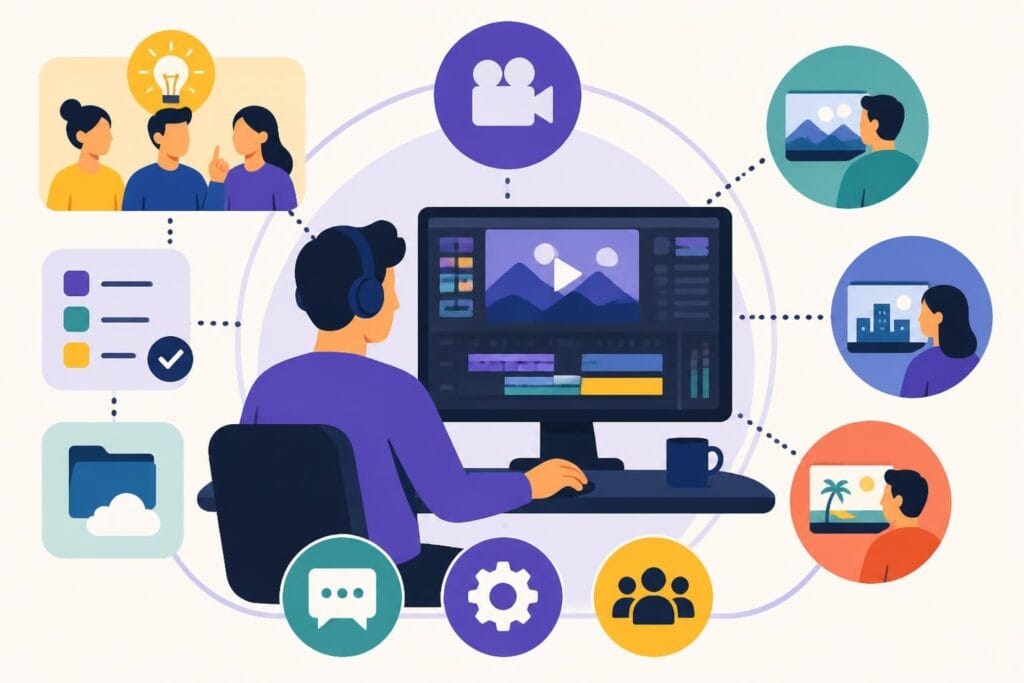
The dedicated editor model creates consistency across your content library. Instead of explaining your style to different freelancers for each project, one editor learns your preferences, brand guidelines, and creative quirks. Over time, they anticipate what you want, reducing feedback cycles and delivery times.
Making the Right Choice for Your Content Business
Decision paralysis often hits when comparing learning options versus outsourcing solutions. Breaking down your specific situation clarifies the best path forward.
Start by auditing your current time allocation. Track where your hours actually go for two weeks. Most creators discover they're spending 40-60% of their time on editing and production tasks, leaving inadequate time for the strategic work that drives growth.
Calculate your effective hourly rate. What do you earn per hour when doing your highest-value activities? Compare that to both the time investment required for a youtube editing course and the monthly cost of professional editing services. The numbers often reveal surprising insights.
Consider your growth stage honestly. Are you in exploration mode, testing ideas and finding your voice? DIY editing might serve you well temporarily. Are you past product-market fit, with proven content that needs scaling? Outsourcing likely accelerates your trajectory more than learning advanced editing techniques.
Questions to Ask Before Committing
If considering a youtube editing course:
- Do I genuinely enjoy technical creative work?
- Can I dedicate 10-15 hours weekly to practice without affecting income?
- Will editing skills directly contribute to my revenue goals?
- Am I willing to continue learning as software and techniques evolve?
If considering outsourcing:
- Am I creating enough content to justify monthly editing costs?
- Do I have clear brand guidelines to communicate to editors?
- Can I articulate what good editing looks like for my content?
- Would I rather spend time creating or refining?
The honest answers guide your decision better than generic advice. Some creators thrive in the technical details of post-production. Others come alive in front of the camera but dread opening editing software.
The Hybrid Approach That Works
You don't have to choose between all-or-nothing options. Many successful creators blend learning with outsourcing strategically.
Learn the fundamentals through a basic youtube editing course so you understand workflows and can communicate effectively with editors. This knowledge helps you provide better feedback, approve edits confidently, and understand what's possible within realistic timeframes.
Handle simple edits yourself when time permits, like quick social clips or behind-the-scenes content. Outsource your main YouTube videos, polished productions, and time-intensive projects that demand professional quality.
This hybrid approach gives you creative control while protecting your time for high-value activities. You're not completely dependent on editors for every piece of content, but you're also not drowning in timeline work when you should be strategizing or creating.
Hybrid workflow example:
- Create main YouTube videos with professional editing support
- Edit quick response videos or timely content yourself
- Outsource thumbnail creation and channel maintenance
- Keep simple social repurposing in-house
- Delegate complex projects like mini-documentaries or branded content
Platform-specific services like those for TikTok editing let you outsource selectively based on platform complexity and business priority. Maybe you handle YouTube Shorts yourself but get help with long-form content that requires more sophisticated editing.
Skills That Transfer Beyond YouTube
Whether you take a youtube editing course or work closely with professional editors, certain transferable skills benefit your entire content business.
Visual storytelling applies everywhere. Understanding how to structure narratives, create emotional arcs, and pace information helps with everything from email sequences to sales presentations. These skills transcend any single platform or medium.
Attention management learned through editing makes you better at all communication. You understand hooks, retention techniques, and how to maintain engagement. This knowledge improves your writing, speaking, and even one-on-one conversations.
Technical fluency with creative tools gives you flexibility across your business. Even if you don't become a professional editor, understanding file formats, resolution, aspect ratios, and export settings prevents costly mistakes and miscommunications.
The decision ultimately comes back to your unique situation, goals, and working style. Accessing professional video editing services works best when content creation is central to your business model and your time is better spent on strategy, partnerships, and growth activities. Learning through a youtube editing course makes sense when you're starting out, have genuine interest in the craft, or need specific creative control that's difficult to delegate.
Your content deserves professional quality regardless of the path you choose. The question isn't about taking shortcuts-it's about optimizing where you invest your limited time and energy for maximum impact and sustainable growth in your business.
Learning to edit has value, but becoming a professional editor might not be your best use of time. If you'd rather focus on creating content, building your audience, and growing your business while someone else handles the editing timeline, beCreatives offers unlimited video editing with dedicated editors who learn your style and deliver consistent quality. You create, we edit, and your content stays on schedule without the learning curve or late-night editing sessions.