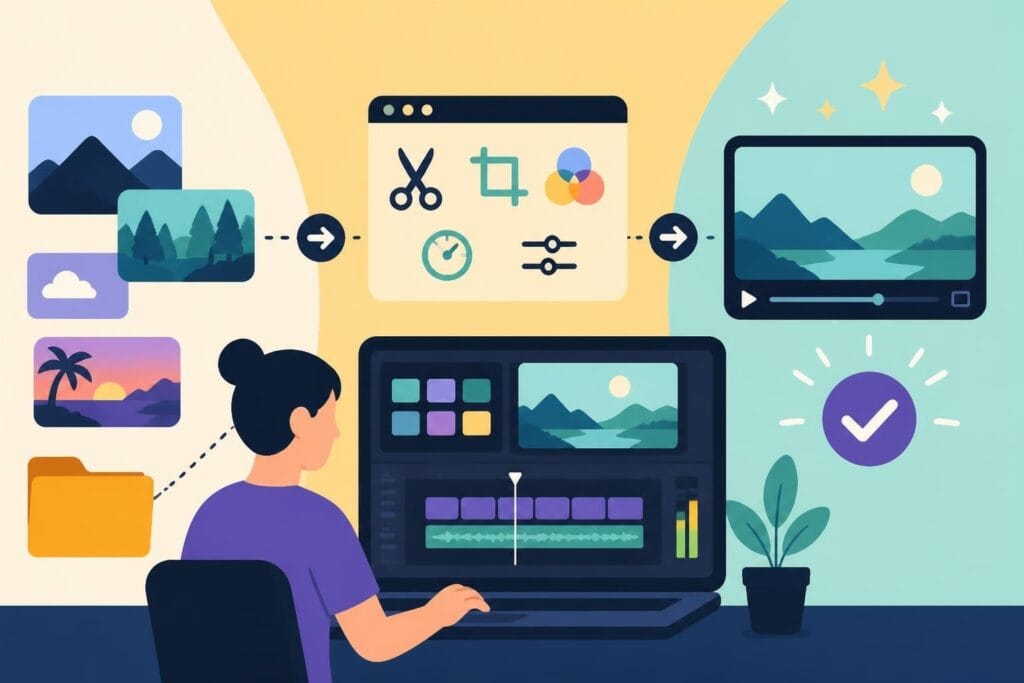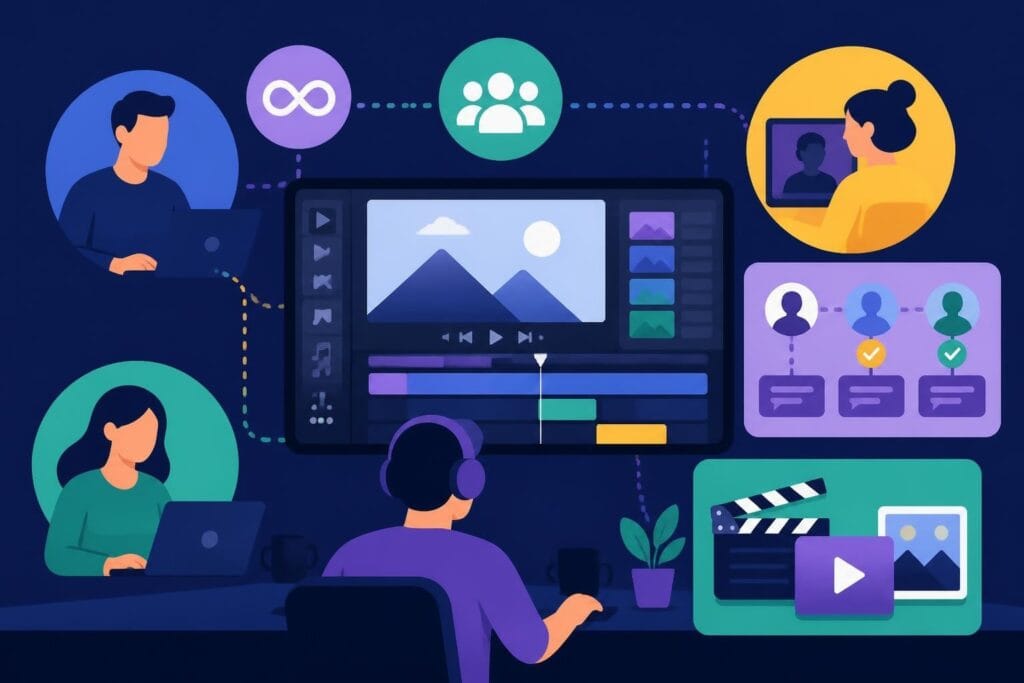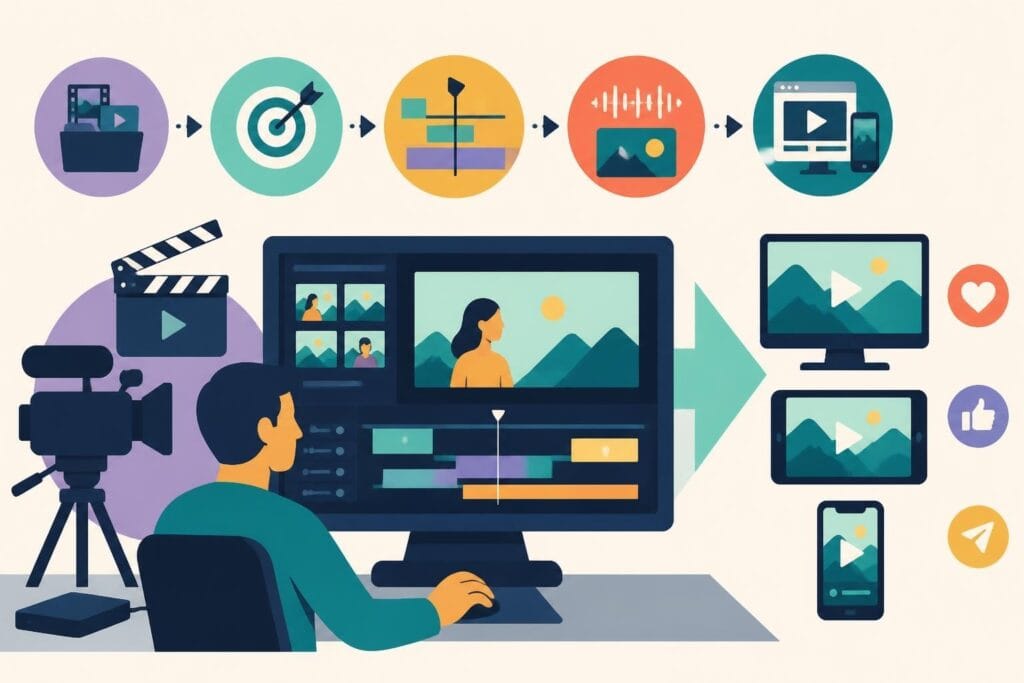
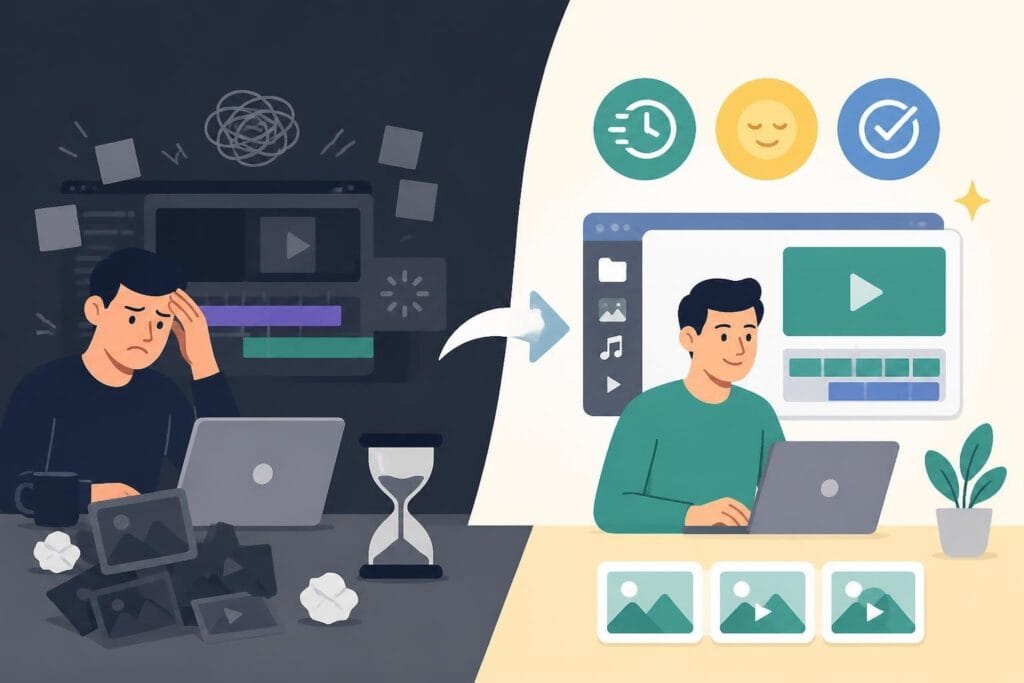
You've got the footage. The vision is clear. But somehow, what should take an hour stretches into three, then five, then suddenly it's midnight and you're still tweaking transitions. Sound familiar? The editing process can drain your energy faster than any other part of content creation. But here's the thing: fast editing isn't about rushing through your work or sacrificing quality. It's about working smarter, building systems, and knowing when to delegate so you can actually enjoy running your business again.
Why Speed Actually Matters in Video Editing
Let's be real: content moves fast in 2026. Your audience scrolls past videos in seconds. Algorithms favor consistency. And your competitors? They're posting daily while you're stuck in editing purgatory.
Fast editing gives you a competitive edge that goes beyond just finishing projects quickly. When you can turn around content faster, you stay relevant. You capitalize on trends before they die. You respond to your audience in real-time instead of weeks later.
The real benefits of speed:
- Post consistently without burning out
- Test more content variations to find what works
- Respond to trending topics while they're hot
- Free up mental space for strategy and growth
- Actually enjoy the creative process again
But here's what most people get wrong: they think fast editing means sloppy work. Wrong. Professional video editing tips prove that speed and quality aren't opposites. They're partners when you have the right systems in place.
The Hidden Cost of Slow Editing
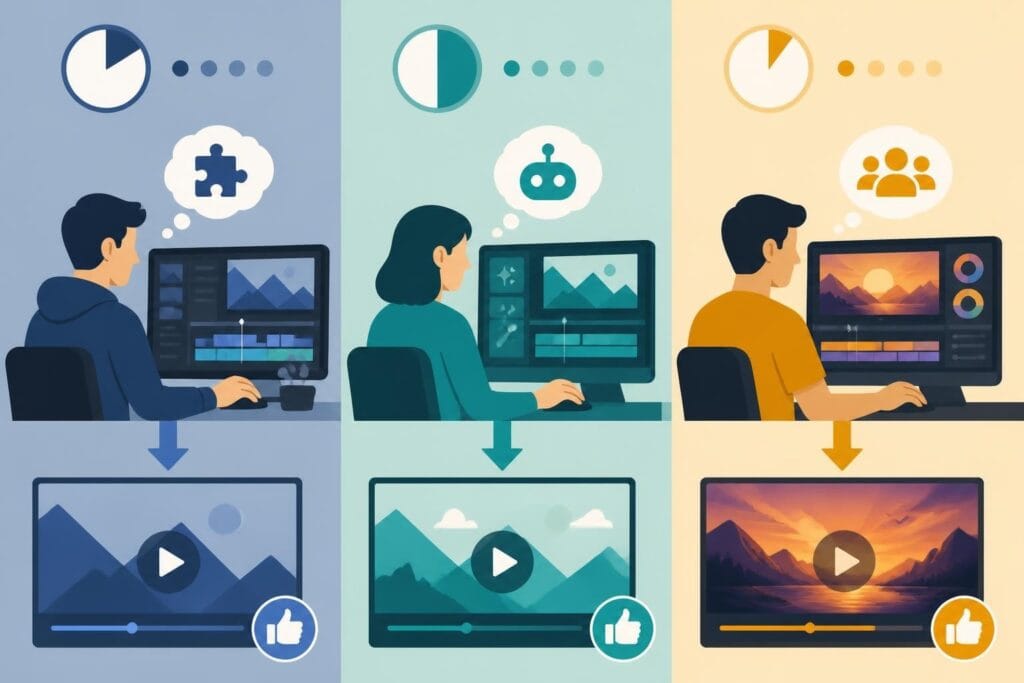
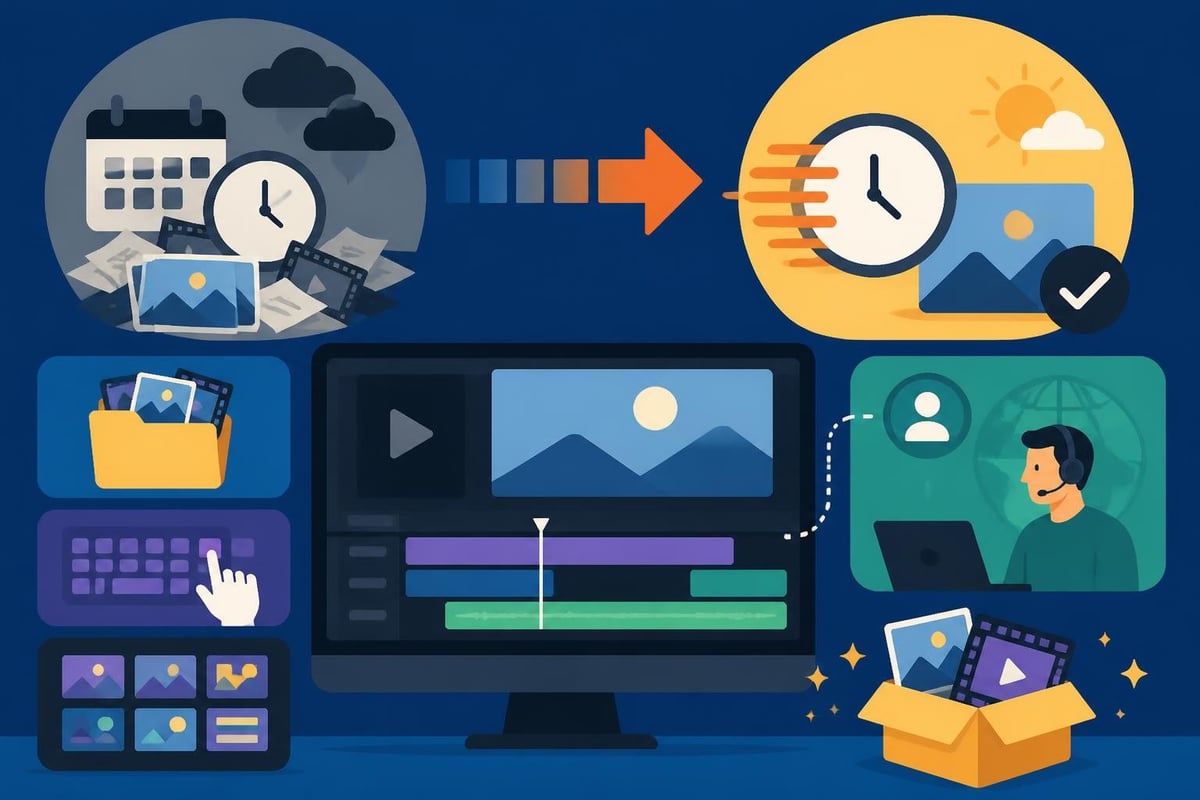
Every hour you spend editing is an hour you're not spending on revenue-generating activities. Let's do some quick math that might sting a little.
If your time is worth $100 per hour and you spend five hours editing a single video that could take two hours with better systems, you've just lost $300. Do that weekly, and you're looking at $15,600 per year disappearing into inefficient workflows.
Time Drain Breakdown
| Task | Slow Method | Fast Method | Time Saved |
|---|---|---|---|
| Organizing footage | 45 min | 10 min | 35 min |
| Basic cuts and assembly | 2 hours | 45 min | 1 hr 15 min |
| Color correction | 1 hour | 20 min | 40 min |
| Audio cleanup | 45 min | 15 min | 30 min |
| Revisions | 1.5 hours | 30 min | 1 hour |
That's nearly four hours saved on a single video. Multiply that across your content calendar and you've just bought yourself back weeks of your life.
The emotional cost hits harder than the financial one. Slow editing kills momentum. You dread starting the next video because you remember how long the last one took. Your content calendar slips. You post less frequently. Engagement drops. And the cycle continues.
Building Your Fast Editing System
Systems beat willpower every single time. You can't hustle your way to faster editing, but you can systematize your way there.
Pre-Production Sets the Pace
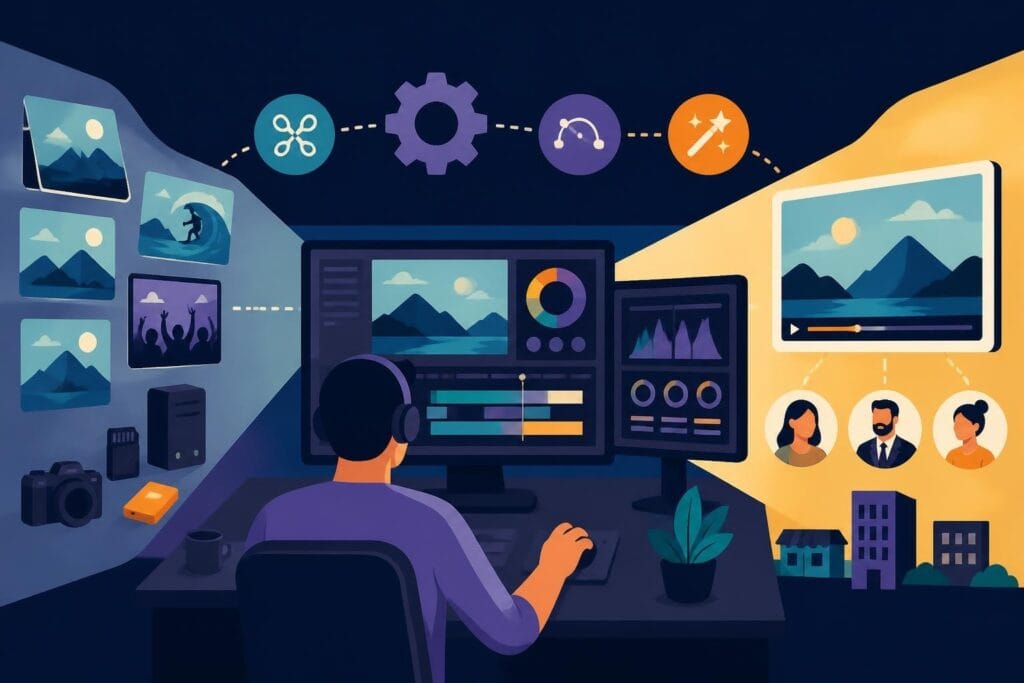
Fast editing actually starts before you hit record. When you plan your shots with editing in mind, you cut your post-production time in half.
Pre-production checklist for faster editing:
- Script with specific shot sequences
- Record multiple takes of key moments
- Use consistent lighting and audio setups
- Label files with clear naming conventions
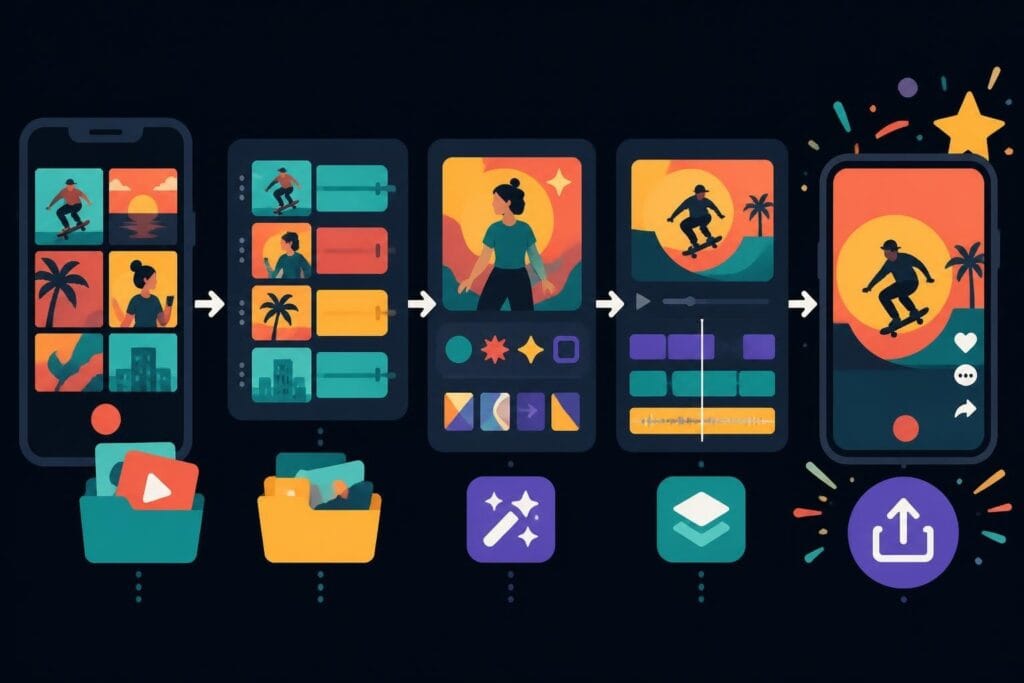
- Back up footage to organized folders immediately
Expert video editing tips emphasize that organization saves more time than any fancy software trick. A messy file structure adds hours to every project.
Template Everything You Can
If you're creating the same type of content regularly, templates are your secret weapon. Social media intros, lower thirds, transitions, color grades-build these once, reuse forever.
What to template:
- Opening and closing sequences
- Text animations and graphics
- Brand-specific color correction presets
- Audio mixing settings
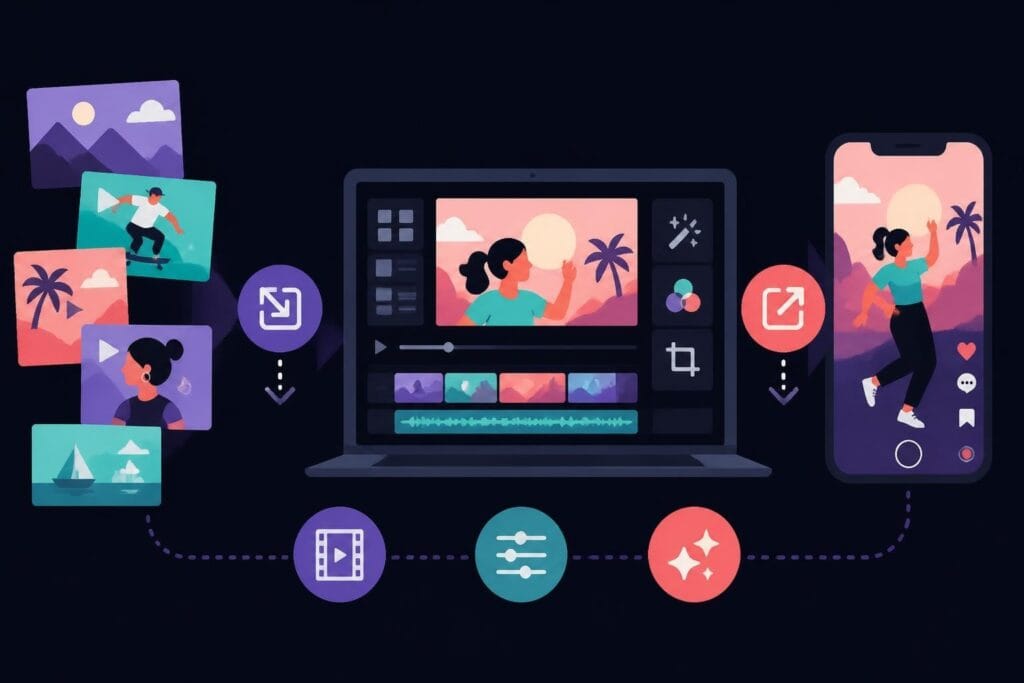
- Export settings for different platforms
This is where specialized editing services like TikTok editing shine. They've already built these systems and can replicate your brand style across unlimited videos without starting from scratch each time.
The Outsourcing Advantage
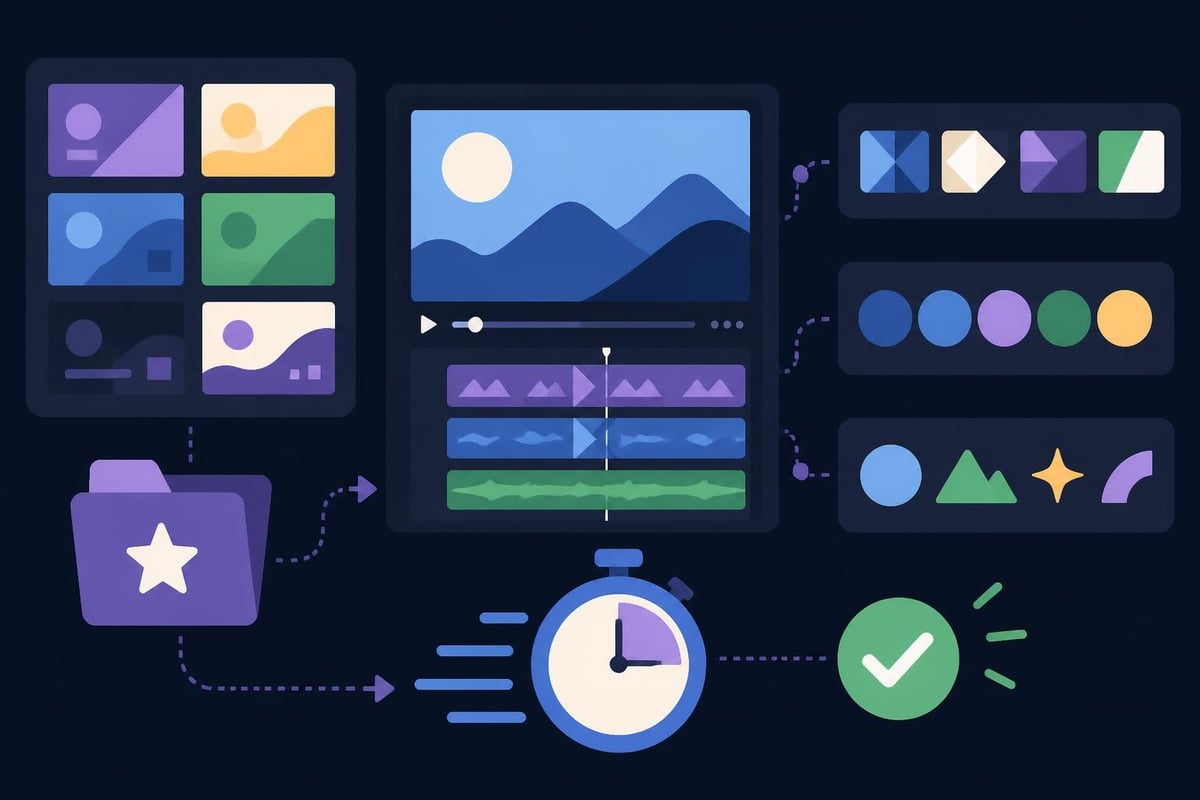
Here's a truth bomb: you don't have to do everything yourself. In fact, trying to do everything yourself is probably what's slowing you down.
Professional editors work faster than you because it's literally all they do. They've edited thousands of videos. They know the shortcuts. They've made all the mistakes already. They can spot issues before they become problems.
When to Outsource vs. DIY
Not every video needs your personal touch from start to finish. Strategic outsourcing means keeping the creative decisions while delegating the time-consuming technical work.
| Keep In-House | Outsource |
|---|---|
| Strategic planning | Rough cuts and assembly |
| Final creative approval | Color correction |
| Script and concept development | Audio cleanup and mixing |
| Brand guidelines | Transitions and effects |
| Performance analysis | Platform-specific formatting |
Video editing workflow techniques from experienced professionals show that the fastest editors know their strengths and delegate the rest.
When you work with dedicated video editors, you're not just buying back time. You're accessing systems, experience, and speed that would take years to develop on your own.
Fast Editing for Different Content Types
Not all videos need the same approach. A TikTok requires different speed strategies than a YouTube tutorial or a client testimonial.
Short-Form Content Strategies
Short-form video moves at internet speed. Your editing needs to match. Editing tips for short-form video focus on hooks, pacing, and platform-specific requirements that grab attention in seconds.
Short-form fast editing priorities:
- Hook in the first second
- Cut every unnecessary frame
- Use jump cuts to maintain energy
- Add captions for sound-off viewing
- Vertical format optimization
The beauty of short-form content is that small improvements compound quickly. Shave two minutes off your editing process, and across twenty videos per month, you've saved forty minutes.
Long-Form Content Efficiency
Long-form videos require different speed strategies. You can't just cut everything aggressively. The pacing needs to breathe. But you can still work fast.
- Multi-cam angles: Record with multiple cameras to give yourself editing options without reshoots
- Strategic B-roll: Shoot generic B-roll in batches to use across multiple videos
- Chapter markers: Add these during recording to speed up organization
- Batch similar tasks: Do all your color correction at once, all your audio work together
- Revision rounds: Set specific review checkpoints instead of constant tweaking
Professional video editing services in Australia and globally have mastered these techniques across different content formats, applying best practices that independent creators often discover through painful trial and error.
Technology That Actually Speeds Things Up
Software can accelerate your workflow, but only if you actually learn to use it. Too many creators collect plugins and presets without mastering the fundamentals.
Tools Worth Your Time
The right tools eliminate bottlenecks. The wrong tools create new ones.
Essential speed-boosting technology:
- Proxy workflows: Edit with low-res files, export with high-res
- Keyboard shortcuts: Learn at least twenty shortcuts for your main software
- Speech-to-text: Auto-generate captions instead of manual typing
- AI color matching: Consistent looks across clips in seconds
- Cloud collaboration: Review and approve edits from anywhere
Modern professional video production teams leverage these tools as force multipliers, not replacements for skill.
Quality Control at Speed
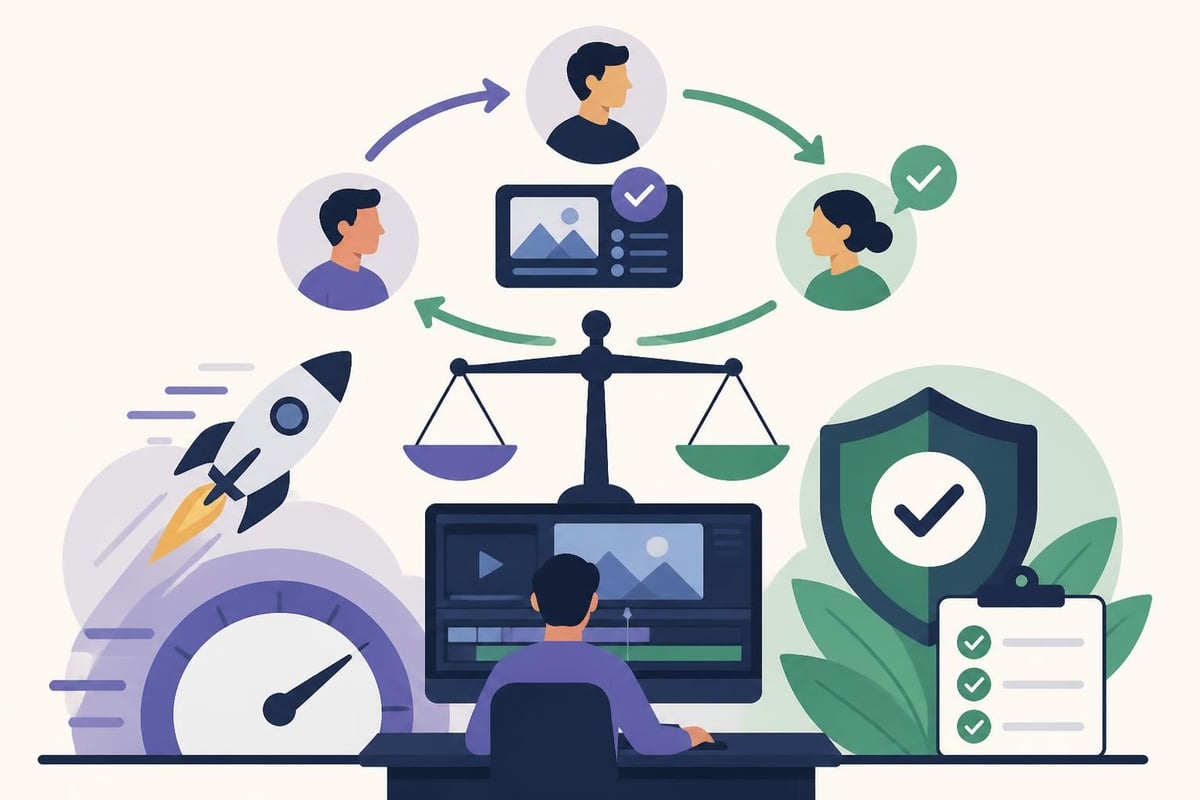
Fast editing without quality control is just fast bad editing. The goal is to maintain standards while reducing wasted time.
The Two-Pass Review Method
Most people review their edits a dozen times, making tiny changes each pass. This kills momentum. Instead, use structured review passes.
Pass One – Technical
- Check for audio issues
- Fix color inconsistencies
- Remove obvious mistakes
- Verify all graphics appear correctly
Pass Two – Creative
- Does the story flow?
- Is the pacing right?
- Are there any boring sections?
- Does it match brand standards?
This focused approach prevents endless tweaking. You know exactly what to look for in each pass, making decisions faster and with more confidence.
Building Sustainable Speed
The fastest editing workflow is worthless if it burns you out. Sustainable speed means you can maintain your pace month after month without hitting a wall.
Workflow Optimization Strategies
Batch your work strategically:
- Film multiple videos in one session
- Edit similar content types together
- Schedule deep work blocks for editing
- Set realistic deadlines with buffer time
- Take actual breaks to maintain focus
Energy management beats time management. Edit when you're sharp, not when you're exhausted and likely to make mistakes that cost you revision time later.
Building Your Support System
Nobody builds a successful content operation alone. Whether it's freelancers, agencies, or in-house team members, surrounding yourself with skilled support accelerates everything.
Professional video editing teams show how dedicated editors who understand your brand can match or exceed your quality while working significantly faster through experience and specialized focus.
The revision system matters as much as the initial edit. Clear communication, organized feedback, and established approval processes prevent the endless revision loop that destroys speed.
The ROI of Fast Editing
Let's talk numbers. Faster editing directly impacts your bottom line in ways that compound over time.
Revenue Impact Calculation
Scenario: You currently publish two videos per week at five hours of editing each. That's ten hours weekly, forty hours monthly.
With optimized fast editing (or outsourcing), you cut that to two hours per video. Same two videos now take four hours. You've freed up six hours weekly, twenty-four hours monthly.
What could you do with twenty-four extra hours?
- Create one additional weekly video (50% more content)
- Spend time on client acquisition and sales
- Develop new products or services
- Actually rest and avoid burnout
- Engage with your audience and build community
More content typically means more visibility, more engagement, and more revenue. But even if you just take that time back for strategy and sales, the ROI is massive.
The Consistency Multiplier
Algorithms love consistency. Your audience loves consistency. But consistency requires sustainable systems, not heroic effort.
Fast editing makes consistency achievable. When you know you can turn around content quickly, you actually post it. No more videos sitting 90% finished on your hard drive. No more skipped weeks because editing felt overwhelming.
Business and marketing focused video content performs better when published regularly, building momentum that sporadic posting can never achieve.
Common Fast Editing Mistakes to Avoid
Speed done wrong creates more problems than it solves. Watch out for these traps.
Mistake #1: Cutting corners on organization
Fast editing requires better organization, not less. Messy files destroy speed faster than any other single factor.
Mistake #2: Skipping the planning phase
Trying to save time by jumping straight into editing without a clear plan always backfires. You end up redoing work or making decisions under pressure.
Mistake #3: Using speed as an excuse for mediocrity
Your audience doesn't care how fast you edited. They care whether the video is valuable and engaging. Speed should enable quality, not replace it.
Mistake #4: Ignoring platform-specific requirements
Editing a YouTube video the same way as an Instagram Reel wastes time. Each platform has different optimization needs that should be built into your workflow from the start.
Mistake #5: Trying to do everything yourself
The fastest path forward often involves strategic delegation. Professional editing services can handle technical execution while you focus on creative direction and business growth.
Fast Editing for Different Business Types
Your editing needs depend on your business model and content goals. Course creators need different speed strategies than agencies or e-commerce brands.
For Course Creators and Educators
Course creator video content requires clarity and engagement, but doesn't always need flashy effects. Your fast editing system should prioritize:
- Clear audio and well-placed captions
- Simple, clean graphics that don't distract
- Chapter markers for student navigation
- Consistent branding across all lessons
- Quick turnaround for timely content updates
For Agencies and Marketing Teams
Agency work demands speed without sacrificing client standards. Multiple projects, different brand guidelines, tight deadlines-it all adds up.
Successful agencies build:
- Client-specific templates and style guides
- Streamlined approval workflows
- Dedicated team members for specific editing tasks
- Scalable systems that work for one client or twenty
The case studies from marketing agencies using professional editing support show dramatic improvements in turnaround time and client satisfaction.
For Personal Brands and Entrepreneurs
When you're the face of your brand, editing can feel deeply personal. But personal doesn't mean you have to do it all yourself.
Focus your energy on what only you can do-being on camera, developing strategy, engaging with your audience. The technical editing work can be systematized and delegated while maintaining your unique voice and style.
Making the Shift to Fast Editing
Transitioning from slow, painful editing to streamlined fast editing doesn't happen overnight. But it also doesn't have to take months.
Week 1: Audit your current process
- Track exactly how long each editing task takes
- Identify your biggest time drains
- Note what you enjoy vs. what feels tedious
Week 2: Implement quick wins
- Learn ten keyboard shortcuts
- Create three templates you use repeatedly
- Organize your file structure
Week 3: Test optimization strategies
- Batch similar tasks together
- Try the two-pass review method
- Experiment with proxy workflows
Week 4: Evaluate and adjust
- Measure your time savings
- Identify remaining bottlenecks
- Decide what to keep doing yourself vs. outsource
This methodical approach builds sustainable habits instead of temporary bursts of motivation that fade.
Fast editing isn't about rushing through your content or accepting lower quality-it's about building systems that let you work smarter, not harder. When you combine strategic planning, the right tools, and optimized workflows, you create space for the creative and business growth work that actually matters. If you're ready to reclaim your time and scale your content without the editing burnout, beCreatives offers unlimited video editing with dedicated editors who understand your brand, handle unlimited revisions, and deliver consistently fast turnarounds so you can focus on what you do best.