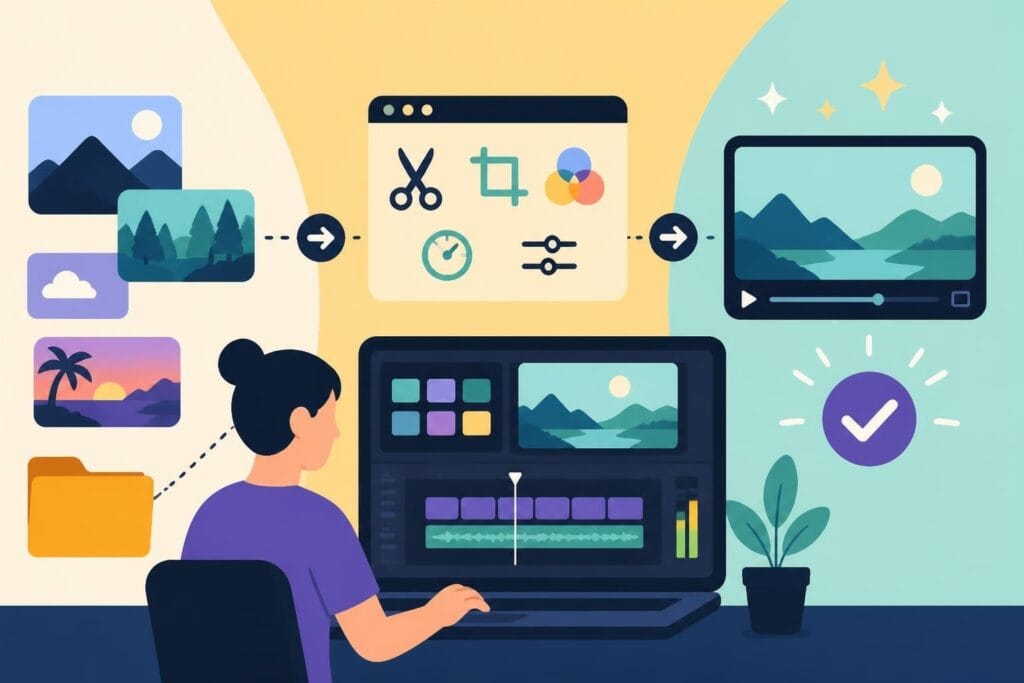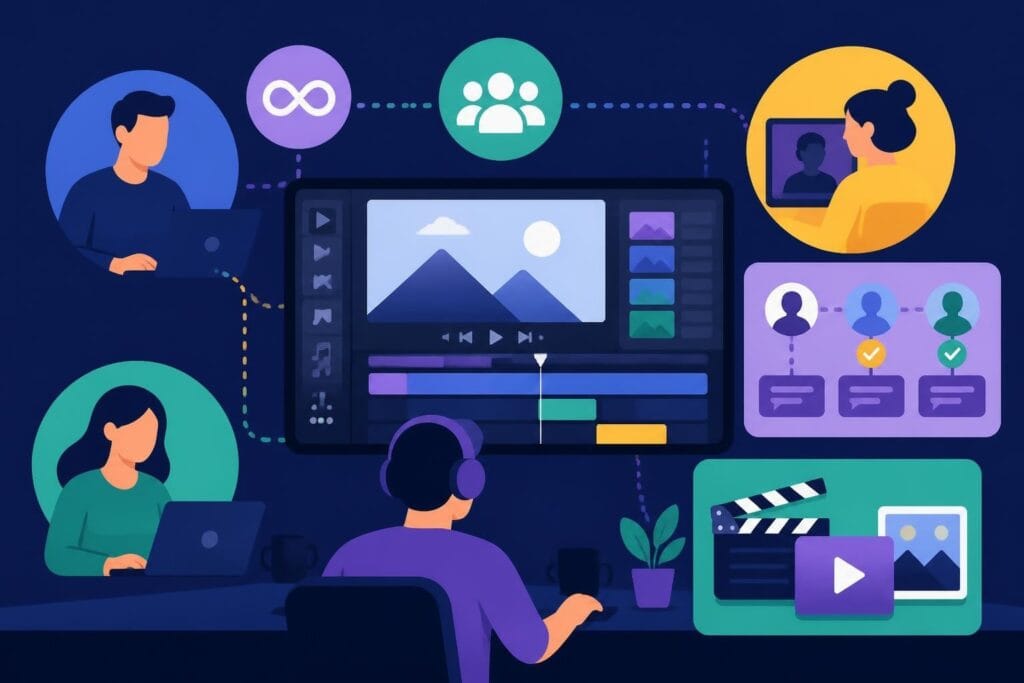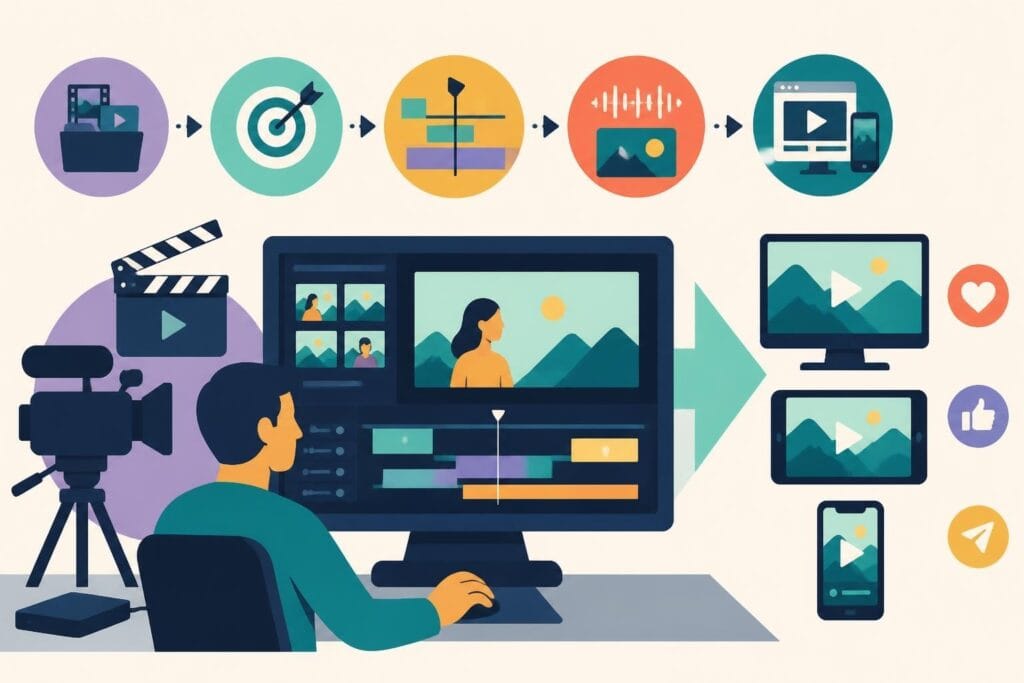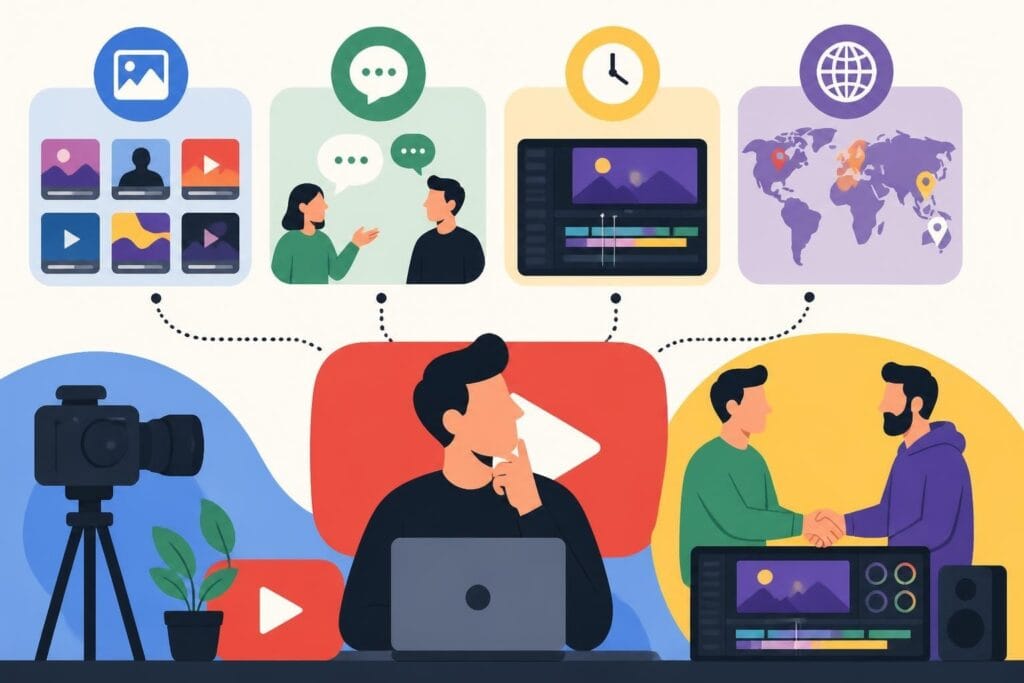
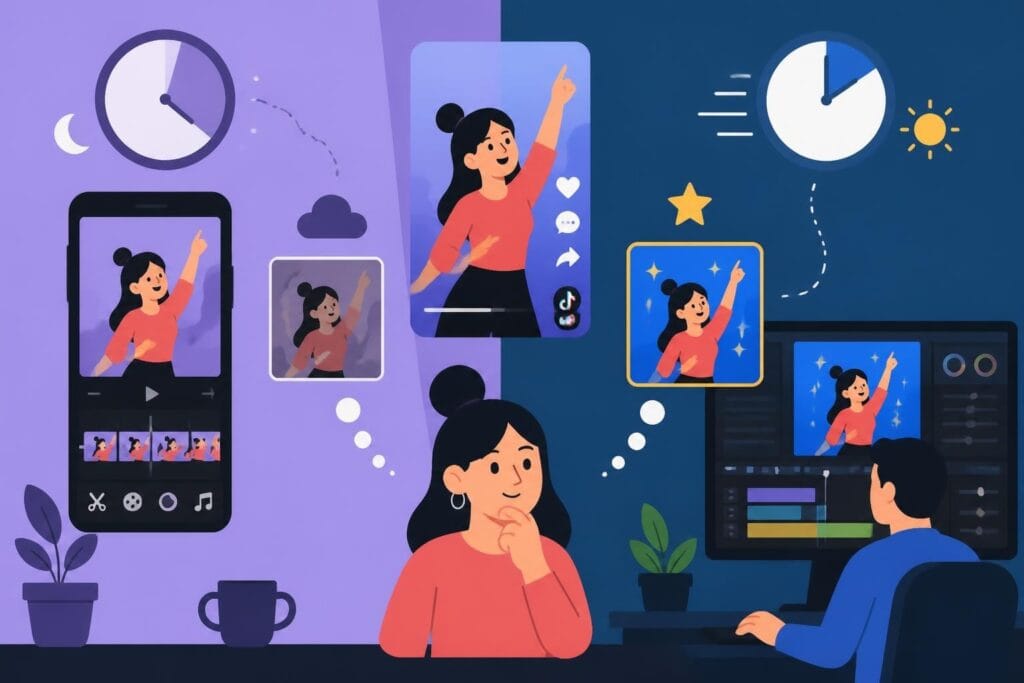
Creating scroll-stopping TikTok content isn't just about having a great idea anymore. In 2026, the difference between a viral video and one that flops often comes down to editing. Whether you're a creator building your personal brand, a business owner trying to reach new customers, or a marketing agency managing multiple clients, choosing the right video editor can make or break your TikTok strategy. The best video editors for TikTok combine speed, creative flexibility, and features specifically designed for short-form content that keeps viewers hooked from the first frame to the last.
Why TikTok Editing Is Different From Traditional Video Editing
TikTok videos live in a fast-paced ecosystem where attention spans are measured in seconds, not minutes. Your editing needs to match that energy.
Traditional video editing software was built for long-form content like films, documentaries, or YouTube videos. But TikTok demands something different entirely. You need:
- Quick turnaround times because trends move at lightning speed
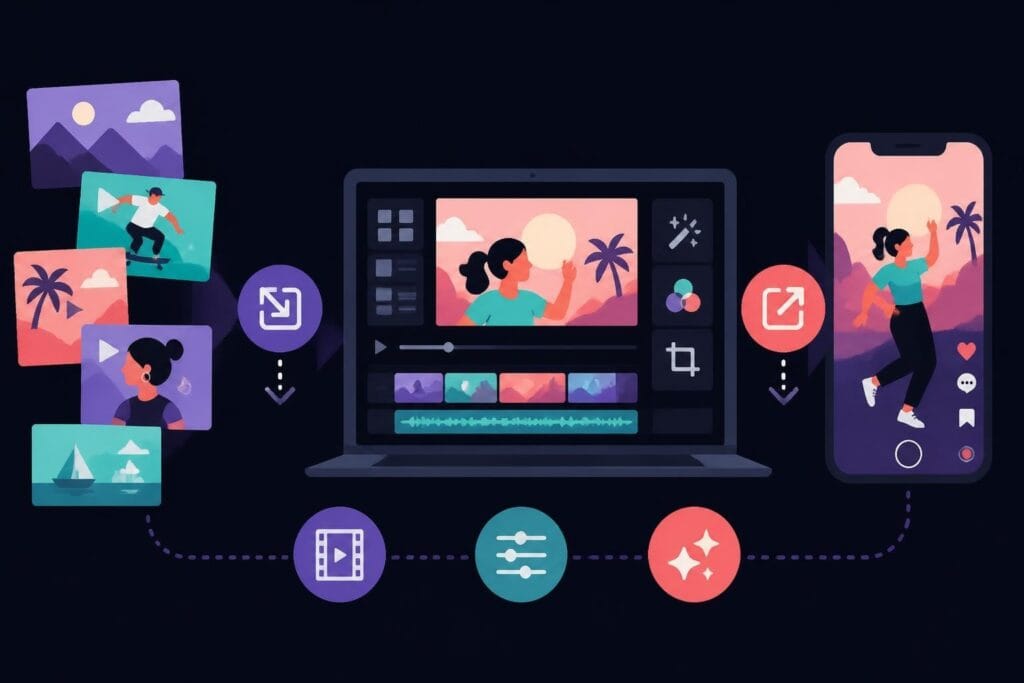
- Vertical video formatting optimized for mobile viewing
- Built-in effects and transitions that match current platform trends
- Audio syncing tools that make lip-syncing and music transitions seamless
- Text overlay features for captions and hooks
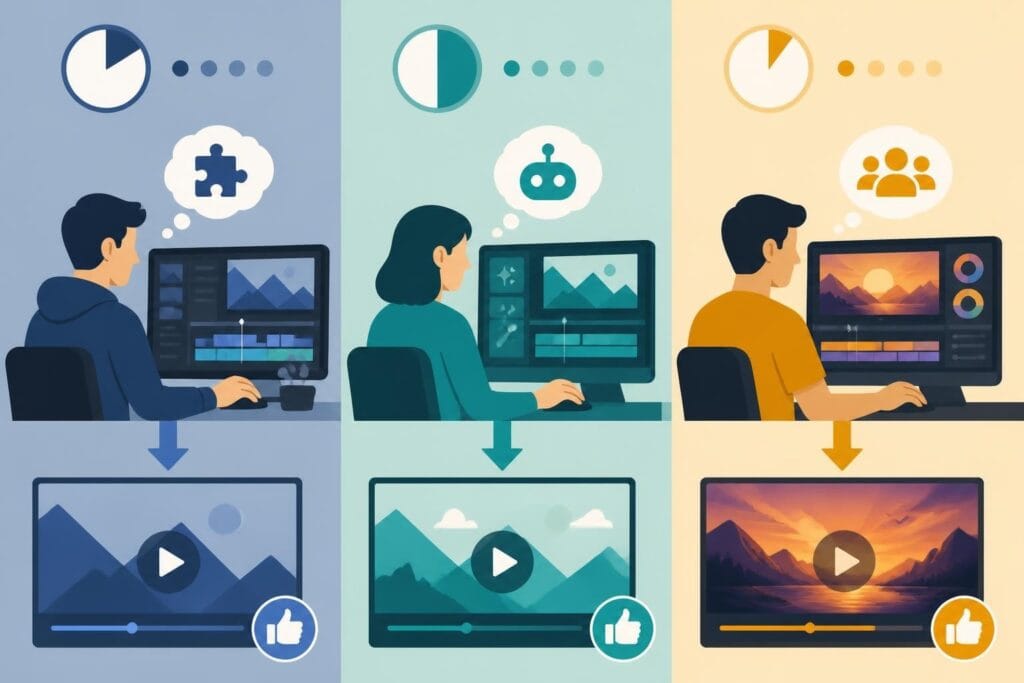
The editing style that works on TikTok emphasizes fast cuts, dynamic transitions, and rhythm that matches the audio. A single three-second lag can cost you thousands of views. That's why many creators and businesses are moving away from doing everything themselves and exploring professional video editing services that understand platform-specific requirements.
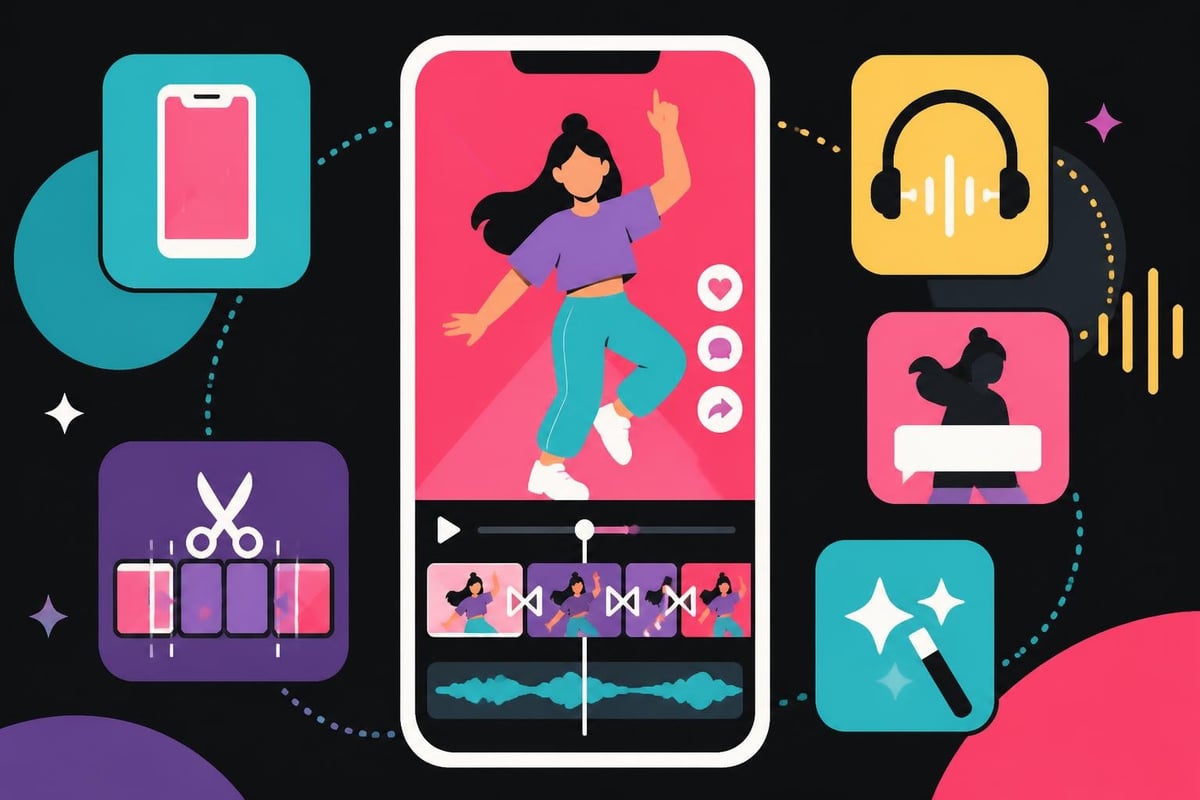
Mobile Apps vs Desktop Software: Which Route Should You Take?
Your choice between mobile and desktop editing depends on your volume, quality standards, and how much time you're willing to invest.
Mobile Editing Apps
Mobile apps offer convenience and speed, perfect for creators who film and edit on the go. According to comprehensive mobile editing app reviews, the top mobile editors in 2026 include:
CapCut remains the frontrunner for TikTok creators. ByteDance (TikTok's parent company) owns it, so the integration is seamless. You get:
- Pre-built TikTok templates that update with trending formats
- One-tap transitions and effects
- Auto-captions with high accuracy
- Direct export to TikTok in the correct format
InShot works well for beginners who want more control than CapCut without the learning curve of professional software. The interface feels intuitive, and the free version includes most essential features.
VN Video Editor appeals to creators who want desktop-level control on their phones. The timeline editing feels more precise, and the keyframe animation tools let you create custom movements and effects.
Desktop Editing Software
Desktop software gives you more power and precision but requires more time to learn and use. Professional editing software options include:
| Software | Best For | Learning Curve | Price Range |
|---|---|---|---|
| Adobe Premiere Pro | Professional creators | Steep | $22.99/month |
| Final Cut Pro | Mac users | Moderate | $299 one-time |
| DaVinci Resolve | Color grading focus | Steep | Free – $295 |
| Filmora | Quick TikTok edits | Gentle | $49.99/year |
Desktop editing makes sense when you're batch-creating content, need advanced color correction, or want to maintain a consistent brand look across dozens of videos. But here's the reality: most creators don't need this level of complexity for TikTok content.
The time investment rarely justifies the output unless you're running a large-scale operation. That's where dedicated editing teams become valuable.
Top Features to Look for in the Best Video Editors for TikTok
Not all editing tools are created equal when it comes to short-form vertical video. Focus on these must-haves.
Template Libraries That Actually Match Current Trends
Static template libraries feel outdated within weeks on TikTok. You need editors that update their template collections to match what's actually performing on the platform right now. The best TikTok video editors include AI-powered template suggestions based on your niche and trending formats.
Templates should cover:
- Trending transition styles
- Popular text animation formats
- Current caption placement strategies
- Audio-reactive editing patterns
AI-Powered Editing Tools
AI isn't just a buzzword anymore. In 2026, AI editing features save creators hours per video. Look for:
- Auto-captioning that doesn't require manual corrections
- Scene detection that identifies optimal cut points
- Beat matching that syncs your cuts to music automatically
- Smart cropping that keeps subjects centered in vertical format
- Background removal without green screens
These features transform a two-hour editing session into a twenty-minute process. When you're creating daily content, that time savings compounds quickly.

Seamless Audio Integration
Audio drives TikTok content. Your editor needs tight integration with TikTok's sound library and the ability to:
- Preview how your edit sounds with different trending audio
- Sync visual cuts to beat drops automatically
- Adjust audio levels without quality loss
- Layer multiple audio tracks for complex edits
Poor audio editing shows immediately on TikTok. Viewers will scroll past within seconds if the audio feels off-beat or the volume levels are inconsistent.
Browser-Based Editors: The Rising Middle Ground
Cloud-based editing platforms are gaining serious traction in 2026 because they combine desktop power with mobile convenience.
These editors run entirely in your web browser, meaning you can start editing on your laptop, continue on your phone, and finish on a tablet without installing anything. Your projects sync automatically across devices.
Advantages of browser-based editing:
- No software downloads or updates
- Works on any device with internet
- Collaboration features built-in
- Lower hardware requirements
Limitations to consider:
- Requires stable internet connection
- Sometimes slower rendering than native apps
- May have file size restrictions
- Limited offline functionality
For teams and agencies managing multiple creator accounts, browser-based editors with collaboration features make workflow management significantly easier. Multiple editors can work on different sections of the same video simultaneously, which is impossible with traditional desktop software.
The Hidden Cost of DIY Editing for Business Owners
Here's what nobody talks about: editing your own TikTok videos as a business owner often costs more than you think.
Let's do the math. If you spend two hours editing each video and post five times per week, that's 40 hours per month. If your time is worth $100 per hour (a conservative estimate for most business owners), you're spending $4,000 per month in opportunity cost.
Compare that to outsourcing. Professional editing services designed for high-volume content creation typically run $500-2,000 per month depending on your needs. You're not just saving money – you're freeing up 40 hours to focus on strategy, sales, or actually showing up on camera.
Many business owners fall into the trap of thinking they need to learn editing software from scratch. But unless video editing is your core business, that time investment rarely pays off. Your expertise lies elsewhere.
Editing Services vs Software: What Makes Sense for Your Volume?
The best video editors for TikTok might not be software at all – they might be people.
When Software Makes Sense
Choose editing software if you:
- Create fewer than 10 videos per month
- Enjoy the creative process of editing
- Have time to learn and troubleshoot
- Need complete creative control over every frame
- Work with simple, templated formats
When Editing Services Make More Sense
Consider professional editing when you:
- Post daily or multiple times per week
- Run multiple TikTok accounts
- Need consistent brand quality across videos
- Want faster turnaround than you can achieve alone
- Would rather focus on content strategy and filming
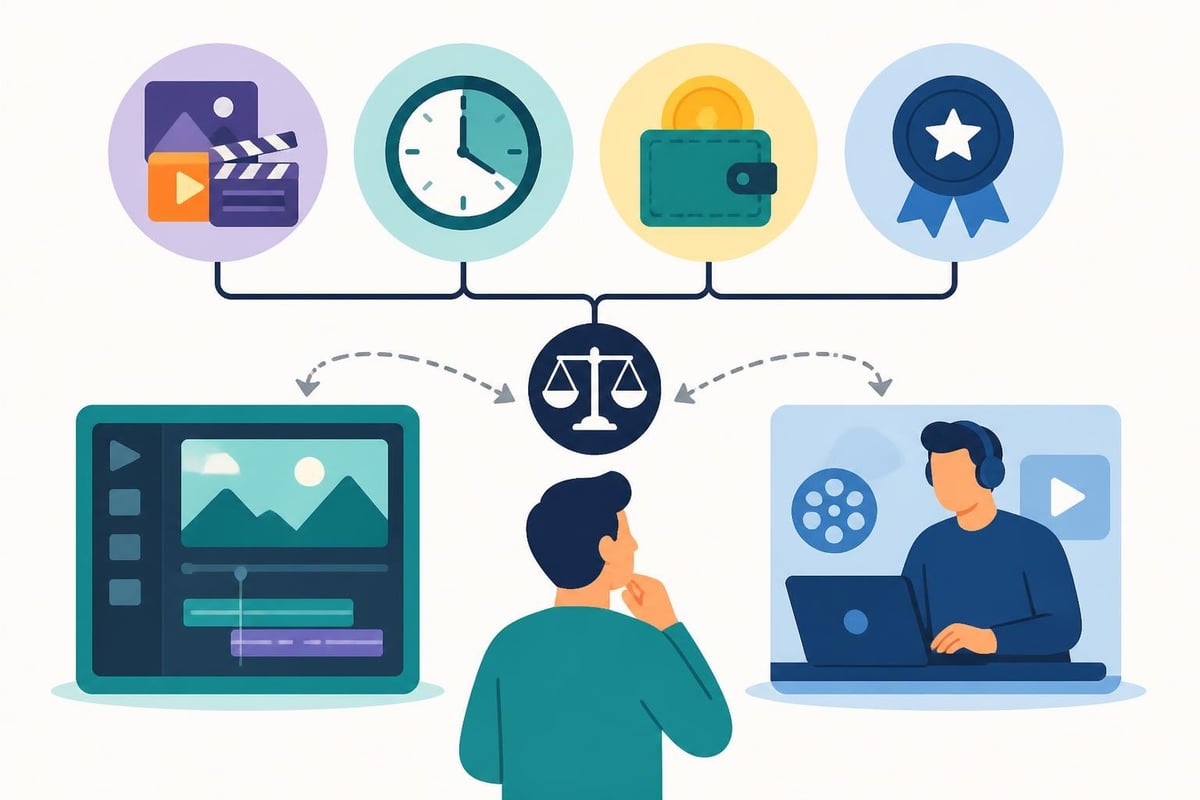
The volume question matters most. One video per week? Software works fine. Five videos per day across three accounts? You need a team. Understanding how to effectively repurpose content for TikTok also changes the equation – if you're adapting existing long-form content, professional editors can handle the entire workflow.
Platform-Specific Considerations That Impact Editor Choice
Different creators have different needs based on their TikTok strategy and content type.
For Personal Brands and Influencers
Personal brands need consistency and efficiency. Your editing style becomes part of your brand identity, so maintaining that look across hundreds of videos matters.
Look for editors (software or service) that can:
- Save custom presets for your brand colors and fonts
- Apply consistent filters across all content
- Batch process similar video types
- Maintain a library of your frequently-used elements
For E-commerce and Product Brands
Product-focused TikTok content has different requirements. You need editors that excel at:
- Showcasing product details clearly
- Creating compelling before/after sequences
- Adding effective call-to-action overlays
- Maintaining professional polish while staying trend-relevant
The essential guides for TikTok editing emphasize how product videos need tighter editing than entertainment content – every second must drive toward conversion.
For Agencies Managing Multiple Clients
Agencies face the most complex requirements. You're juggling different brand voices, multiple posting schedules, and varying quality standards across clients.
Agency needs include:
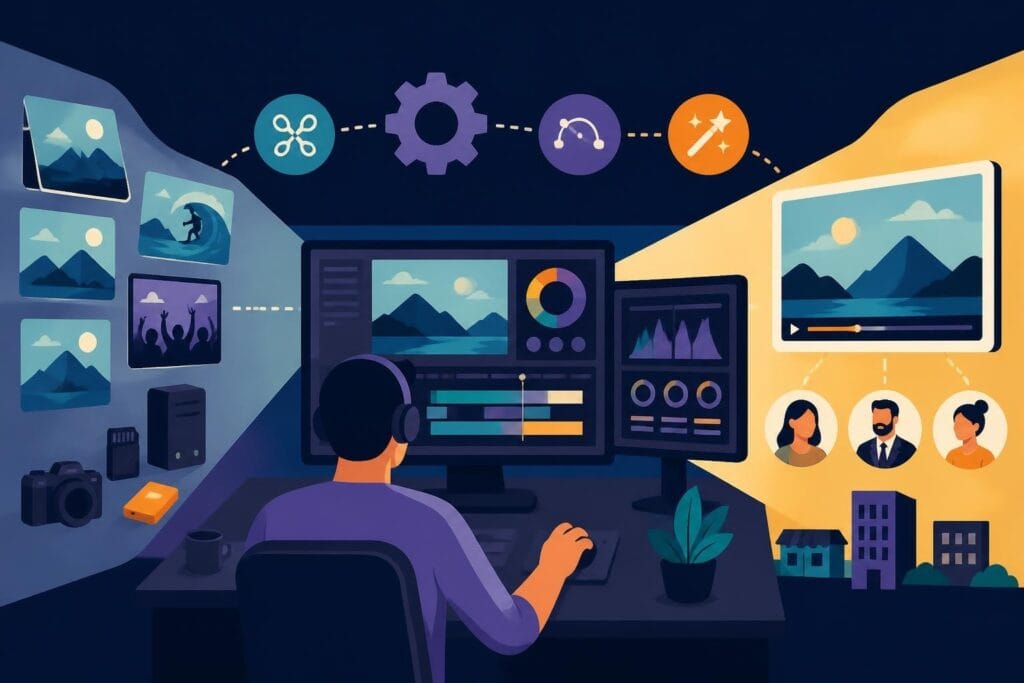
- Project organization across dozens of active videos
- Approval workflows that track client feedback
- Asset management for hundreds of clips and graphics
- Team collaboration without version control nightmares
- Scalable workflows that maintain quality as you grow
Most editing software wasn't designed for this complexity. That's why many successful agencies partner with specialized video production services rather than trying to scale an in-house editing team.
The Real ROI Calculation for TikTok Editing Investment
Let's talk about return on investment because that's what actually matters for your business.
Every hour you spend editing is an hour you're not spending on activities that directly generate revenue. The question isn't "Can I edit this myself?" – it's "Should I edit this myself?"
Consider these scenarios:
Scenario A: DIY Editing
- Time per video: 90 minutes
- Videos per week: 7
- Total editing time: 10.5 hours/week
- Monthly editing time: 42 hours
- Opportunity cost at $75/hour: $3,150
Scenario B: Outsourced Editing
- Monthly service cost: $1,500
- Your time reviewing/approving: 3 hours/week
- Monthly time investment: 12 hours
- Time saved: 30 hours
- Value of time saved at $75/hour: $2,250
- Net benefit: $750 plus 30 hours back
The numbers shift based on your hourly value, but the principle holds: at a certain volume, outsourcing becomes more profitable than DIY. Plus, professional editors typically deliver higher quality work because they specialize in it.
Workflow Integration: The Often-Overlooked Factor
The best video editors for TikTok integrate smoothly with your existing content creation workflow.
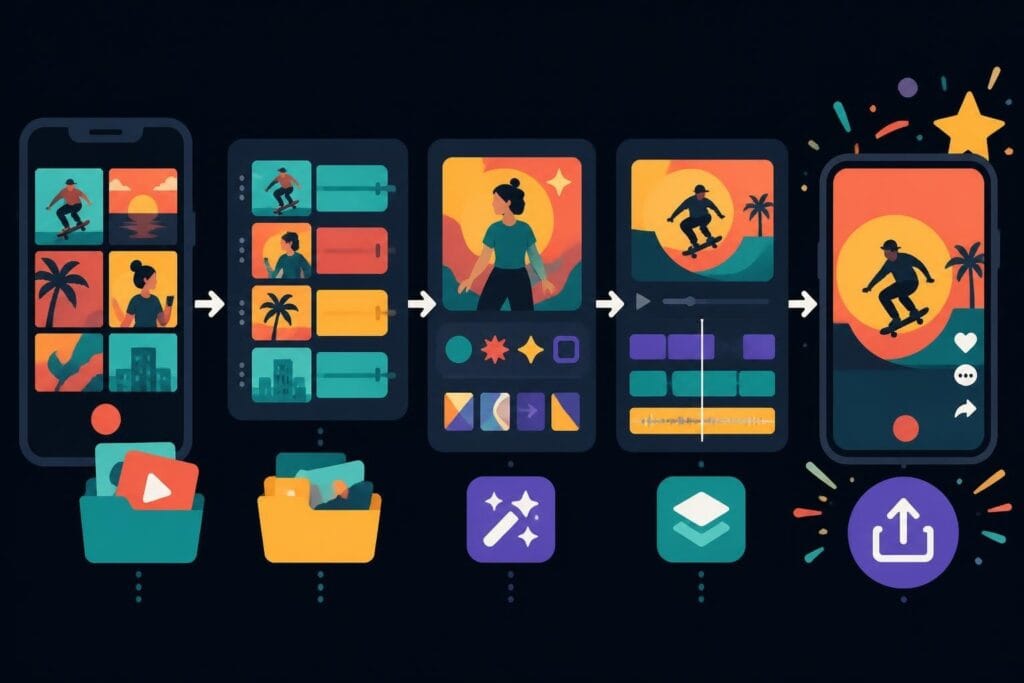
Think about your full process:
- Content planning and scripting
- Filming or recording
- File organization and storage
- Editing
- Review and revisions
- Publishing and scheduling
- Performance tracking
Your editing solution should plug into this workflow seamlessly. If you're using project management tools like Notion or Asana, communication platforms like Slack, or storage solutions like Dropbox, your editing workflow needs to connect.
Desktop software often creates bottlenecks in collaborative workflows. Files live on one person's computer. Sharing raw footage requires uploading and downloading gigabytes. Version control becomes a nightmare when multiple people are involved.
Modern editing services solve this with cloud-based systems that handle file management, communication, and revisions in one place. You upload raw footage once, provide feedback through an integrated system, and receive final videos without touching a timeline yourself.
Common Editing Mistakes That Tank TikTok Performance
Even with the best tools, certain editing choices consistently hurt performance. Avoid these pitfalls.
Over-Editing That Feels Inauthentic
TikTok audiences have sharp filters for content that feels too produced or fake. Heavy color grading, excessive effects, and overproduced transitions can actually hurt performance compared to simpler, more authentic edits.
The sweet spot is professional polish without losing the genuine, spontaneous feel that makes TikTok content engaging. This balance is tricky – it's one reason why experienced editors deliver better results than beginners using the same software.
Ignoring the First Three Seconds
If your edit doesn't grab attention immediately, nothing else matters. Common mistakes include:
- Starting with slow intros or logos
- Burying the hook after setup
- Using generic opening shots
- Poor first-frame thumbnail selection
Your edit should treat the first three seconds as the most important part of the entire video. That's where you win or lose viewers.
Inconsistent Audio Levels
Nothing screams "amateur" like wildly inconsistent volume. Viewers will scroll immediately if they have to constantly adjust their volume or if dialogue is drowned out by background music.
Professional audio mixing requires attention and skill. It's one of those elements that's invisible when done well but instantly noticeable when done poorly.
Testing and Iterating Your TikTok Editing Style
Your first editing approach probably won't be your best. Plan to test and evolve.
What to test:
| Element | Variables to Test | What to Measure |
|---|---|---|
| Pacing | Quick cuts vs. longer takes | Average watch time |
| Text overlays | Placement, size, style | Completion rate |
| Transitions | Type and frequency | Engagement rate |
| Hook style | Question, statement, visual | Click-through rate |
| Call-to-action | Timing and format | Conversion rate |
Track which editing choices drive better performance metrics. The data will guide your evolution much better than assumptions about what "should" work.
Many creators get stuck using the same editing template because it's comfortable, even when the data shows it's not performing. The best editors stay current with what's actually working on the platform right now.
Making Your Final Decision on TikTok Editing
You've got options ranging from free mobile apps to premium desktop software to full-service editing teams. Your decision should align with your specific situation.
Choose mobile apps if:
You're just starting out, creating casually, or prefer editing on your phone. Apps like CapCut offer enough features for most casual creators.
Choose desktop software if:
You create fewer than 10 videos monthly, enjoy editing as a creative outlet, or need specific advanced features. The investment in learning curve makes sense at lower volumes.
Choose professional editing services if:
You're posting frequently, running a business through TikTok, managing multiple accounts, or want to focus your time on strategy rather than technical execution. The time savings and quality consistency outweigh the cost.
According to analysis from video editing experts, most successful TikTok businesses eventually move to professional editing services as they scale. The transition point typically happens around 15-20 videos per month when DIY editing becomes unsustainable.
The question isn't which editor is objectively "best" – it's which solution best matches your current needs and future growth plans. A solo creator just starting out has completely different requirements than an e-commerce brand pushing daily content across five accounts.
Finding the best video editors for TikTok comes down to matching the right tool to your specific needs, volume, and goals. Whether you choose mobile apps, desktop software, or professional editing services, the key is maintaining consistency while keeping up with TikTok's fast-moving trends. If you're ready to stop spending hours in editing software and start focusing on what actually grows your business, beCreatives offers unlimited video editing with dedicated editors who understand exactly what makes TikTok content perform. Upload your raw footage, share your vision, and get scroll-stopping videos back without touching a timeline yourself.