So you're thinking about taking a course on video editing. Maybe you've been watching creators on YouTube, TikTok, or Instagram and thinking, "I could do that." Or perhaps your business needs video content, and you're wondering if you should learn to edit yourself. Before you dive into tutorials and spend weeks mastering timeline tools, let's talk about what actually makes sense for your goals, your time, and your sanity. The truth is, video editing courses can be incredibly valuable, but they're not always the best investment for everyone. Let's break down what you need to know.
Why Everyone's Talking About Video Editing Education
Video editing has become one of the most in-demand skills of 2026. Content creators need it. Marketers need it. Small business owners need it. The explosion of short-form video across every platform means everyone's scrambling to either learn editing or find someone who can do it for them.
That's where the course on video editing trend comes in. Educational platforms are packed with options, from free YouTube tutorials to university-level programs. The University of Colorado Boulder offers comprehensive video editing fundamentals that cover everything from basic cuts to the historical context of editing as an art form.
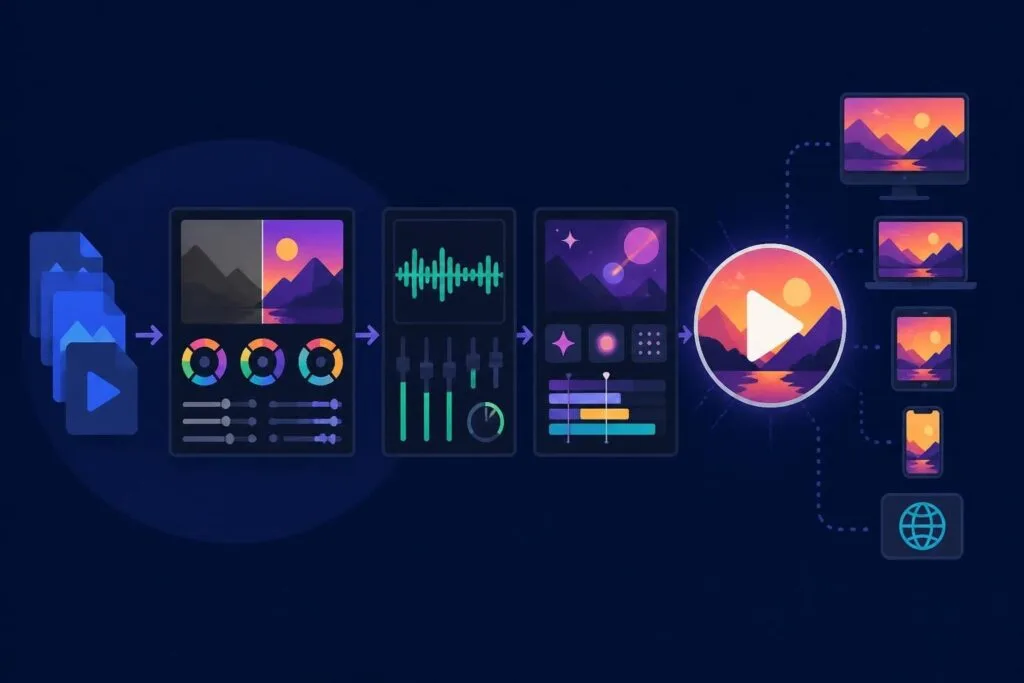
What You Actually Learn in a Video Editing Course
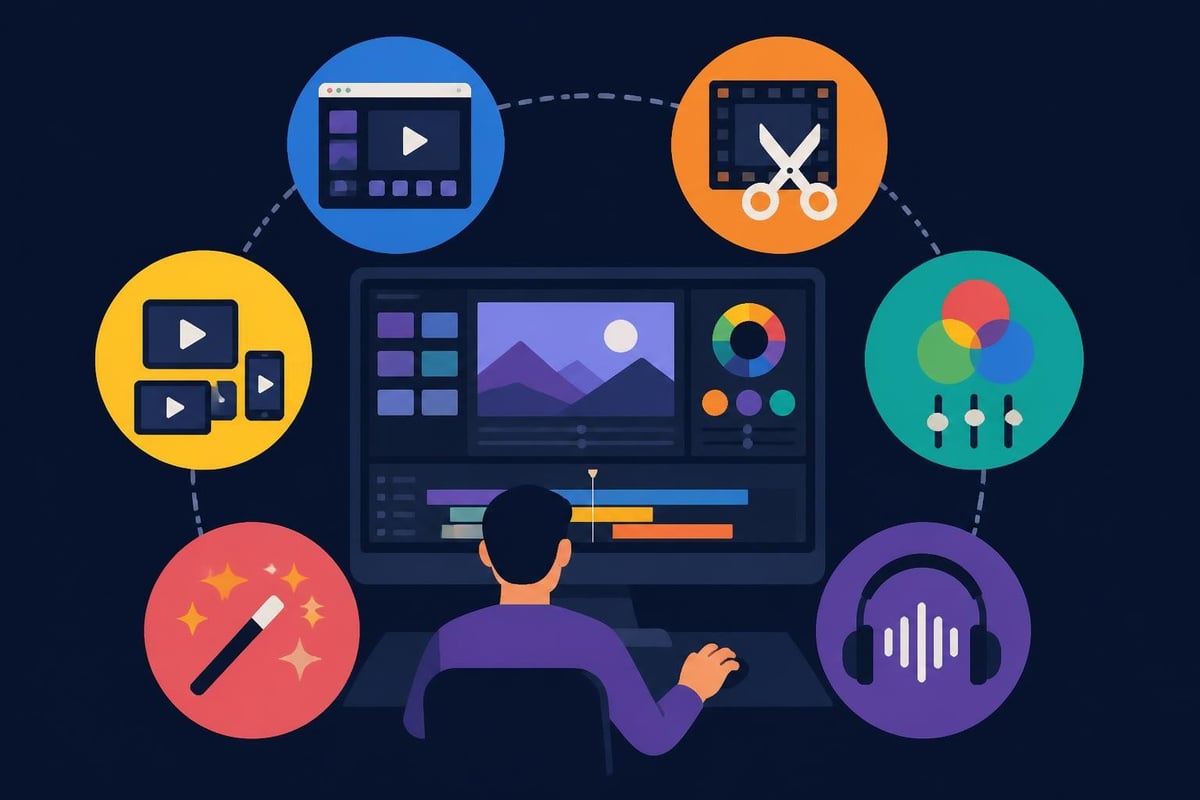
Most structured programs cover similar ground, but the depth varies wildly:
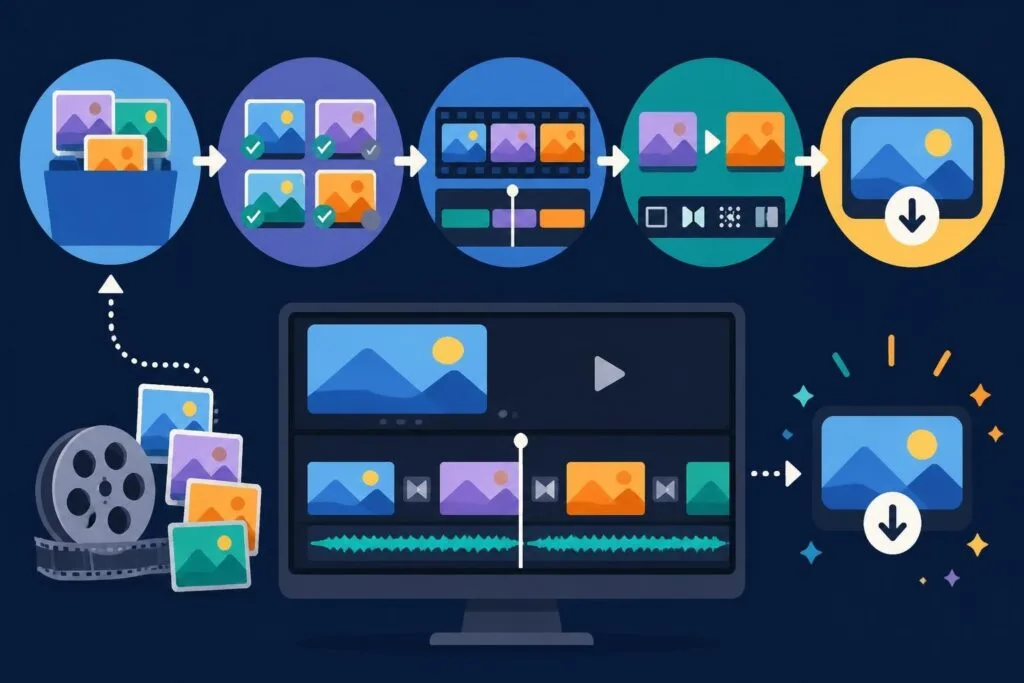
- Software basics: Interface navigation, importing footage, organizing media libraries
- Cutting techniques: J-cuts, L-cuts, jump cuts, match cuts
- Color correction and grading: Making your footage look professional and consistent
- Audio editing: Balancing levels, removing background noise, adding music
- Effects and transitions: When to use them (and when not to)
- Export settings: Optimizing files for different platforms
Harvard Extension School's program digs into post-production workflows using Adobe Premiere and After Effects, focusing on how editing choices impact storytelling. That's where things get interesting, because editing isn't just technical. It's creative decision-making at every frame.
The Real Cost of Learning Video Editing Yourself
Here's what most course descriptions won't tell you: learning to edit well takes hundreds of hours. Not just taking the course, but practicing, making mistakes, watching your work back, and doing it all over again.
Time Investment Breakdown
| Learning Stage | Estimated Hours | What You're Actually Doing |
|---|---|---|
| Basic software skills | 20-40 hours | Figuring out where tools are, keyboard shortcuts, basic cuts |
| Intermediate techniques | 60-100 hours | Color grading, audio mixing, understanding pacing |
| Platform-specific optimization | 30-50 hours | Learning export settings for YouTube, Instagram, TikTok, LinkedIn |
| Developing your style | 200+ hours | Finding what works, experimenting, getting faster |
That's 310-390 hours minimum before you're creating content that looks professionally polished. For business owners and entrepreneurs, that's roughly two full months of full-time work. Can you afford that?
The video editing courses available through edX emphasize both technical skills and creative storytelling, which sounds great until you realize you're committing to a multi-month learning curve while your competitors are already posting daily.
Who Actually Benefits from Taking an Editing Course
Let's be honest about who should invest time in a course on video editing:
You're a good candidate if you:
- Want to become a professional video editor
- Enjoy the technical and creative challenge
- Have 10-15 hours per week to dedicate to learning
- Plan to edit regularly as part of your core business
- Actually like sitting at a computer for hours perfecting transitions
You're probably not a good candidate if you:
- Just need videos for your business or personal brand
- Have limited time and want fast results
- Would rather focus on content creation than technical skills
- Need consistent output without the learning curve
- Value your time at more than $20-30 per hour
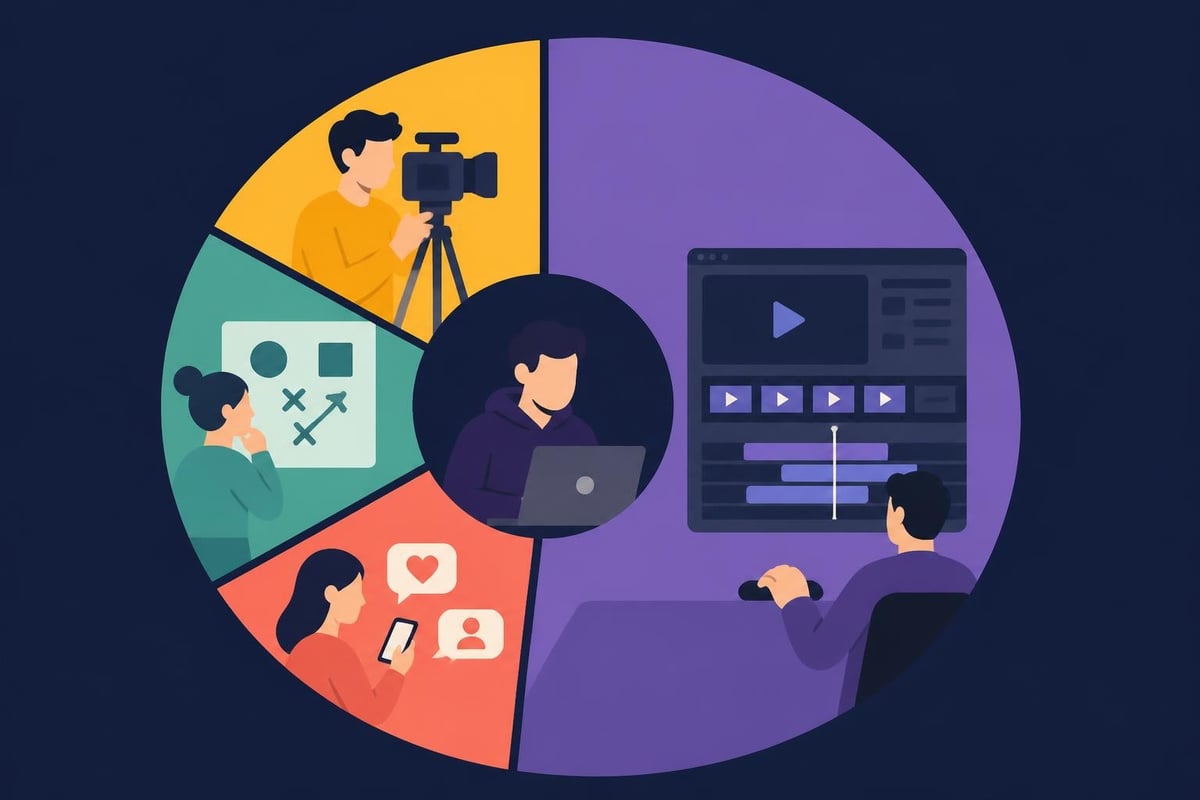
Here's the thing: most content creators don't need to be editors. They need to be on camera, connecting with their audience, developing ideas, and building their brand. The editing part? That's support work.
The Skills Gap Problem
Even after completing a comprehensive course, you'll face challenges that courses don't prepare you for:
- Keeping up with software updates: Adobe releases major updates constantly
- Platform algorithm changes: What worked on Instagram last month might not work now
- Trend awareness: Knowing what editing styles are current vs. dated
- Efficiency workflows: Courses teach skills, not speed
- Creative burnout: Editing your own content gets exhausting
The New York Film Academy's workshops teach industry-standard software like Premiere Pro and Avid, which is fantastic for aspiring editors. But if you're a business owner trying to maintain a content calendar, you're solving the wrong problem.
What the Pros Know That Courses Don't Teach
Professional editors develop instincts that come from repetition, not instruction. They know when a cut feels wrong before they can explain why. They anticipate audio issues before they happen. They build templates that save hours on every project.
The Template Advantage
Experienced editors create systems:
- Color grading presets for consistent brand looks
- Motion graphics templates for lower thirds and callouts
- Audio mixing chains that work across projects
- Export presets optimized for each platform
- Asset libraries of music, sound effects, and transitions
Building these systems takes months or years. You can learn the techniques in a course on video editing, but developing the workflow efficiency? That's a different game entirely.
Many creators explore software review comparisons trying to find the "easiest" option, when the real issue isn't the software. It's the time commitment regardless of which tool you choose.
The Outsourcing Alternative Nobody Talks About
Here's a perspective shift: what if instead of spending 300+ hours learning to edit, you spent that time creating more content, developing your business, or actually enjoying your life?
The math is pretty simple. If your time is worth $50/hour and you spend 300 hours learning to edit reasonably well, you've invested $15,000 in opportunity cost. Even paying a professional editor $100 per video, you'd need to edit 150 videos to break even on that time investment.
What Professional Services Actually Provide
When you work with dedicated editors (like those at beCreatives), you get more than just technical skills:
- Consistent brand styling across all content
- Fast turnaround times without your involvement
- Platform optimization expertise updated constantly
- Unlimited revisions until it's perfect
- Storage and organization of all your footage
The real advantage isn't just saving time. It's getting professional-level results from day one, while you focus on what actually grows your business: showing up, connecting with your audience, and creating more content.
Some creators check out video editing examples to understand the quality difference between DIY edits and professional work. The gap is immediately obvious.
When Learning Makes Sense vs. When It Doesn't
There's a strategic question here that most people skip: what's your actual goal?
Learning to edit makes sense when:
- Video editing is your career path
- You have specific creative visions that require technical control
- You're building an agency that needs in-house editing capacity
- You genuinely enjoy the craft of editing
- You have months to invest before seeing returns
Outsourcing makes sense when:
- You need consistent content output now
- Your time is better spent on strategy or filming
- You want professional results without the learning curve
- You're scaling content across multiple platforms
- You value work-life balance over technical mastery
Looking at production workflow options can help clarify which path actually matches your goals and resources.
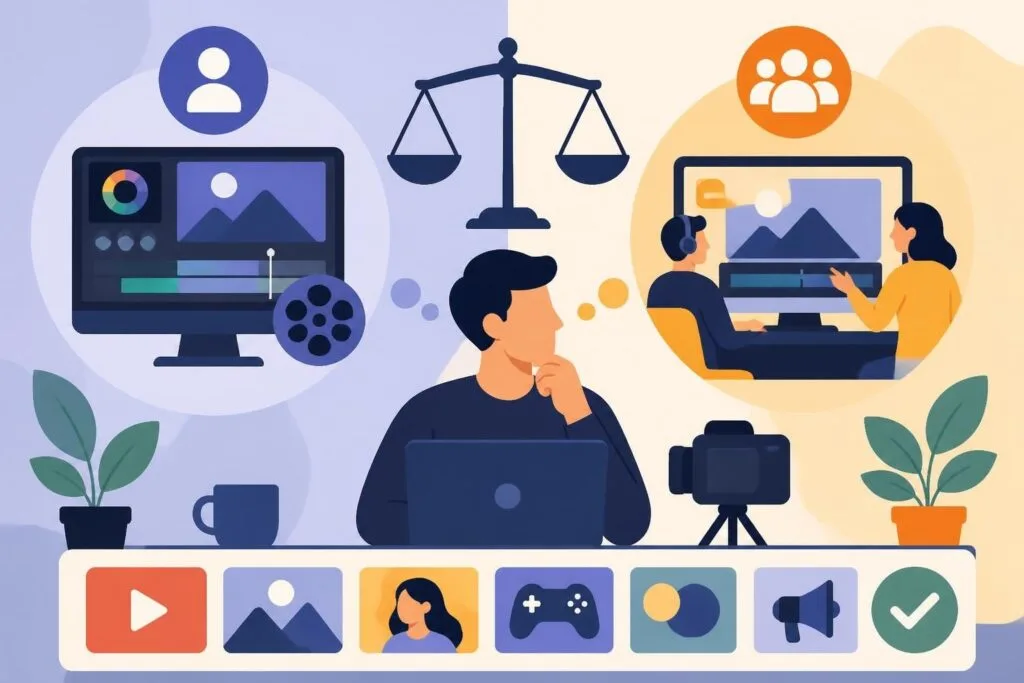
Decision tree comparing DIY video editing versus professional services, showing time investment, skill development, output quality, and business impact for each path
The Hidden Costs of DIY Video Editing
Beyond the time investment, there are costs that catch new editors off guard:
| Expense Category | DIY Editing | Professional Service |
|---|---|---|
| Software subscriptions | $55-85/month | Included |
| Computer upgrades | $1,500-3,000 | Not needed |
| External storage | $200-500/year | Unlimited included |
| Stock footage/music | $30-200/month | Library included |
| Learning resources | $200-2,000 | Not needed |
| Revision time | Your hours | Unlimited |
The financial investment adds up quickly. Professional editing services often cost less than maintaining your own editing setup, especially when you factor in the opportunity cost of your time.
Platform-Specific Skills That Courses Often Miss
Here's where general video editing courses fall short: they teach universal principles but miss platform-specific optimization that actually matters in 2026.
What Works on Each Platform
YouTube requires different pacing than TikTok. Instagram Reels have different ideal lengths than LinkedIn videos. Facebook prioritizes different engagement signals than Twitter. A comprehensive course on video editing might cover export settings, but knowing which editing style performs on which algorithm? That's constantly changing insider knowledge.
Professional editors stay current on these nuances because it's their job. When you're learning solo, you're always playing catch-up with algorithm changes and trend shifts.
The AI-Assisted Editing Revolution
Here's something most traditional courses haven't caught up with: AI is radically changing video editing. Tools now offer automatic caption generation, background removal, and even scene detection that speeds up rough cuts.
But here's the catch: knowing which AI tools to use, when to use them, and how to polish their output still requires editing knowledge. You're not eliminating the skill requirement; you're changing which skills matter most.
For creators exploring editing service options, many professional platforms now integrate AI tools into their workflows, giving you the speed benefits without needing to learn the technology yourself.
Making the Right Choice for Your Situation
If you've read this far, you probably fall into one of these categories:
The Aspiring Editor: You love the craft and want to make editing your profession. Take the course. Invest the time. Build your portfolio. Check out programs like Videomaker’s free resources to supplement paid courses.
The Content Creator: Your value is in front of the camera, not behind it. Your audience connects with your personality, expertise, or story. Outsource the editing and focus on creating more content. Your time is better spent filming, engaging with comments, and developing your brand.
The Business Owner: You need video content for marketing but editing isn't your core business. The ROI calculation is simple: will learning to edit generate more revenue than investing that time in your actual business? Probably not.
The Agency: You're managing multiple clients and need scalable video output. Building an in-house editing team requires hiring, training, managing, and providing software and equipment. Partnering with an unlimited editing service gives you capacity without the overhead.
What Actually Matters for Content Success
Here's the truth that gets lost in discussions about editing courses: technical editing skills are table stakes, not competitive advantages. What actually grows channels, builds audiences, and drives business results?
- Consistency: Posting regularly beats perfect editing every time
- Authentic connection: Your on-camera presence matters more than transitions
- Strategic content: Knowing what your audience wants to see
- Platform optimization: Understanding each algorithm's preferences
- Speed to market: Publishing while topics are relevant
You can have perfectly edited videos that nobody watches, or rough-cut authentic content that goes viral. The editing quality is rarely the determining factor.
Building a Sustainable Content Creation System
The best content creators in 2026 have figured out something important: they focus on their unique strengths and outsource everything else. They show up on camera. They develop ideas. They engage with their community. They build partnerships and opportunities.
The editing? That's handled by professionals who do it faster, better, and more consistently than they ever could after months of courses. It's not about lacking skills or being lazy. It's about strategic resource allocation.
When you look at successful YouTube channels, Instagram influencers, or content marketing operations, very few are led by people who edit their own content. They recognized early that scaling content output requires delegation.
Some creators worry that outsourcing editing means losing creative control. In reality, working with professional editors often means better execution of your vision, because they understand pacing, color, and audio in ways that take years to develop naturally.
Learning video editing can be incredibly valuable if you're pursuing it as a career or genuinely love the craft. But if you're a content creator, business owner, or marketer who just needs great videos consistently, a course on video editing might be solving the wrong problem. The most successful creators in 2026 aren't spending hundreds of hours behind editing software. They're creating more content, connecting with their audience, and growing their businesses while professional editors handle the technical work. If you're ready to scale your content without the learning curve, beCreatives offers unlimited video editing with dedicated editors, unlimited storage, and a streamlined revision process that keeps you focused on what you do best: creating content that connects.