Post Production Video Editing: Complete Guide for 2026
Discover how post production video editing transforms raw footage into professional content. Learn workflows, tools, and outsourcing tips.
10 Min. ReadRead More
5 dedicated editor spots open this week. Book a call to reserve →
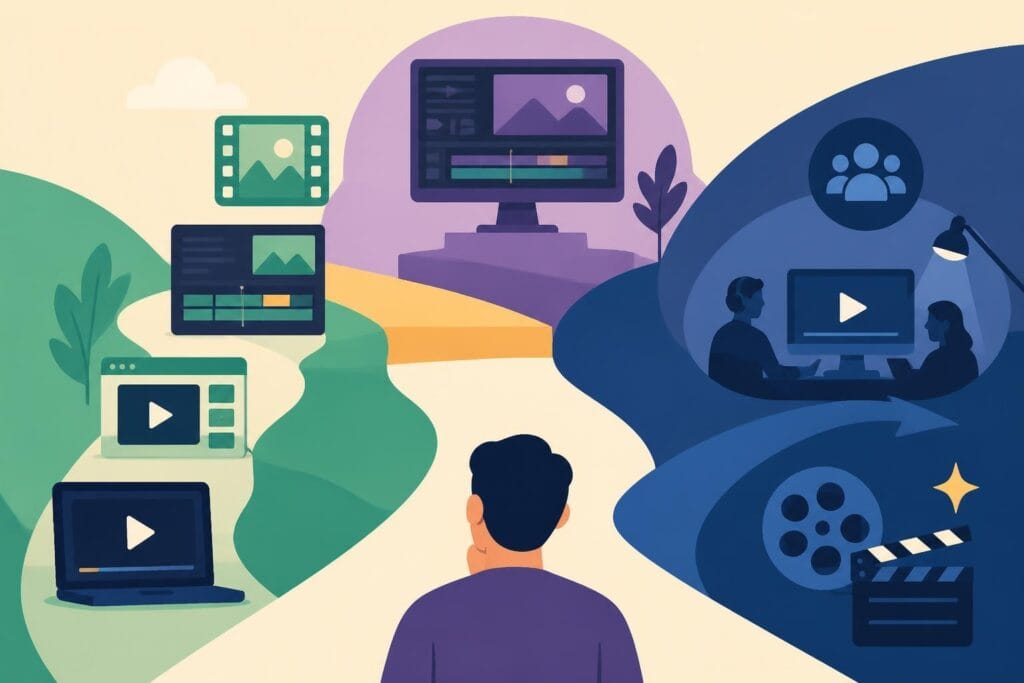
Discover how to learn video editing online in 2026, from free courses to pro-level skills. Plus, why outsourcing beats DIY for busy creators.
 Knowledge Base
June 1, 2026
Video content isn't going anywhere. In fact, it's taking over every corner of the internet. Whether you're running a business, building a personal brand, or managing a marketing agency, video is how you stay visible. But here's the thing: creating great video content requires serious editing skills. The good news? You can absolutely learn video editing online, and there are more resources available in 2026 than ever before. The even better news? You might not need to become an expert editor yourself. Let's explore both paths and help you figure out which one makes sense for your goals.
Video editing is no longer just for filmmakers and YouTubers. Business owners use it for product demos. Marketers need it for ads. Agencies depend on it for client deliverables. Personal brands rely on it to stay consistent across platforms.
The demand for video content has exploded. Social media algorithms favor video. Email campaigns with video get higher click rates. Landing pages with video convert better. If you want to compete online, you need video content that looks polished and professional.
Here's what makes editing skills valuable:
But learning to edit well takes time. Like, a lot of time. And if you're already juggling a business, a team, or multiple clients, that time might be better spent elsewhere.
The internet is packed with courses, tutorials, and workshops. Some are free. Some cost thousands. Some teach you the basics in a weekend. Others take months to complete.
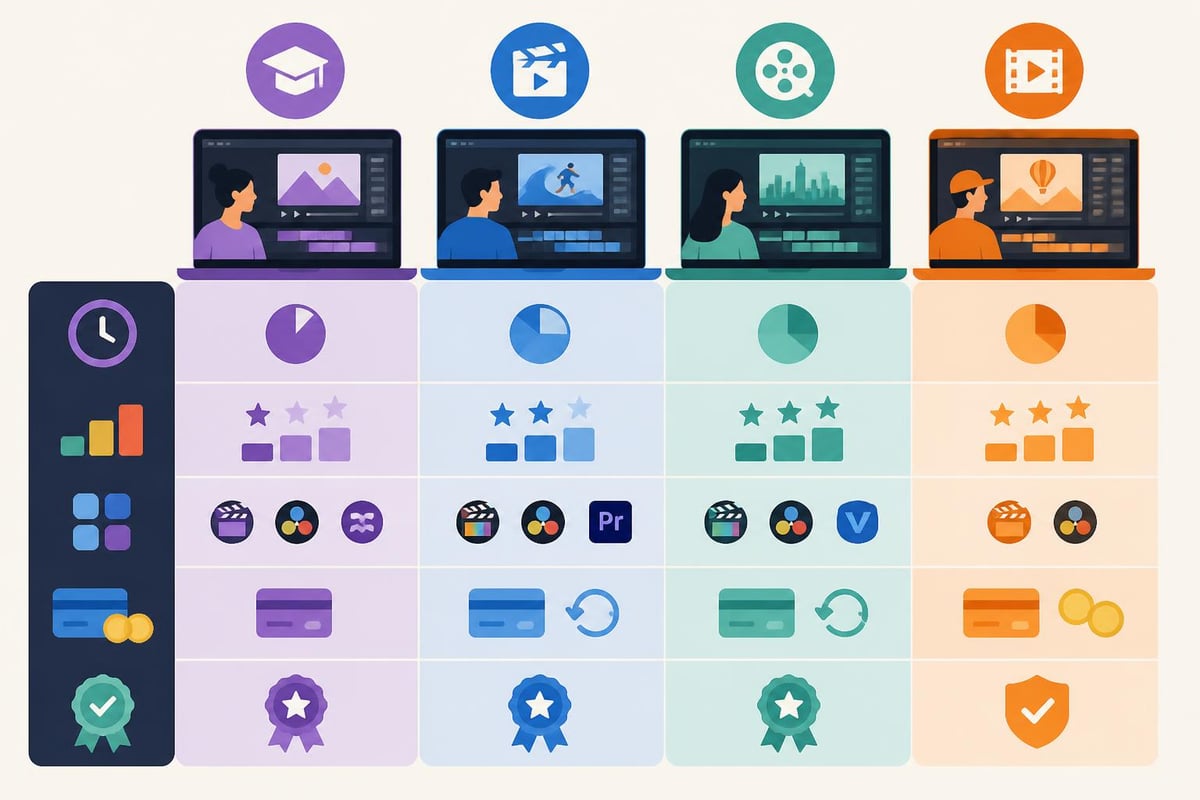
If you're just starting out, edX offers a variety of online courses covering everything from basic cuts to advanced color grading. You'll find programs from actual universities, which means the instruction is solid.
For more structured learning, Coursera’s foundation course walks you through editing terminology, software features, and core techniques. It's a great starting point if you've never opened editing software before.
YouTube remains the most accessible option. You can find tutorials on literally any editing technique, effect, or software feature. The downside? Information is scattered, quality varies wildly, and there's no clear learning path.
When you're ready to level up, LinkedIn Learning provides structured courses on industry-standard tools like Adobe Premiere Pro, Final Cut Pro, and DaVinci Resolve. Their library is massive, and the courses are taught by actual professionals.
The New York Film Academy’s online workshops take a more intensive approach. You'll work with Premiere Pro and Avid Media Composer through interactive sessions that simulate real production environments.
| Platform | Best For | Price Range | Time Commitment |
|---|---|---|---|
| YouTube | Quick tips, specific techniques | Free | 10 min – 1 hour |
| edX | University-level courses | Free – $300 | 4-12 weeks |
| Coursera | Structured beginner programs | Free – $500 | 4-8 weeks |
| LinkedIn Learning | Software-specific training | $30/month | Self-paced |
| NYFA Workshops | Professional techniques | $500-$2000 | 2-6 weeks |
Video editing isn't one skill. It's a collection of skills that work together. When you learn video editing online, you're really learning multiple disciplines at once.
First, there's the software itself. You need to understand:
Then there's the hardware side. You need a computer that can handle video files (they're massive). You need storage (lots of it). You need to understand codecs, frame rates, and aspect ratios.
The technical stuff is only half the battle. Great editing requires:
According to Coursera’s guide on learning video editing, these creative skills often take longer to develop than technical ones. You can learn keyboard shortcuts in a week. Developing a good sense of timing takes months of practice.
Let's be honest about what it actually takes to become proficient when you learn video editing online.
Most courses estimate 40-100 hours to reach basic competency. But basic competency isn't the same as being good. To create professional-quality content, you're looking at 6-12 months of consistent practice.
That breaks down to:
Professional editing software isn't cheap:
Then there's the computer. You need serious processing power. A decent editing setup runs $1,500-$3,000. Storage drives add another $200-$500.
This is the big one. Every hour you spend learning to edit is an hour you're not spending on your actual business. If you're a business owner billing $100/hour for your services, that 100-hour learning curve just cost you $10,000.
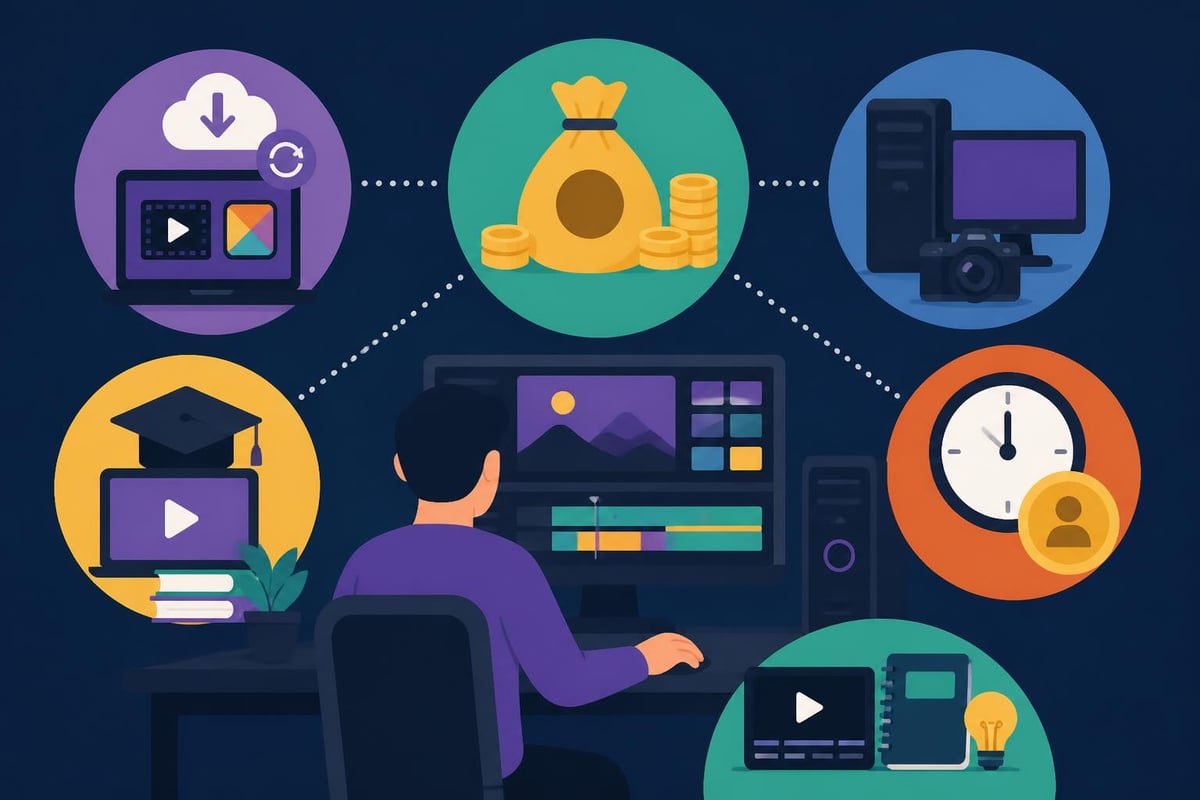
Learning video editing online isn't always the wrong choice. For some creators, it's actually the perfect move.
You should learn to edit if:
You're building a personal brand and want complete creative control. Some creators find editing meditative. They enjoy the process. For them, outsourcing would remove one of the parts they actually like.
You have time to invest in skill development. Maybe you're early in your career. Or you're between projects. Or you genuinely want editing to be part of your skillset.
Your content needs are minimal. If you're posting one video per month, learning basic cuts and transitions makes sense. The ROI on outsourcing isn't there yet.
You're creating highly specific content that requires intimate knowledge of your subject matter. Sometimes you need to be hands-on because no one else understands the nuances.
Here's the truth that nobody wants to admit: most people who learn video editing online end up frustrated. They spend months developing skills they'll rarely use. They create content that's "good enough" but not great. And they burn hours they should spend growing their business.
The opportunity cost kills you. Every hour editing is an hour not creating more content, serving clients, or building relationships. If you're running a business or agency, editing becomes a bottleneck.
Plus, editing technology changes constantly. New features drop every month. Trends shift. What worked in 2025 looks dated in 2026. Staying current requires ongoing education, which means more time investment.
Even after learning the basics, there's a massive gap between amateur editing and professional work. Professionals understand:
These refinements take years to master. Most business owners and content creators never get there because it's not their core competency.
In 2026, the smartest creators aren't trying to do everything themselves. They're focusing on what they do best and outsourcing the rest.
Think about it: you wouldn't learn graphic design to create your logo. You wouldn't learn accounting to file your taxes. Why spend hundreds of hours learning video editing when professionals can do it better, faster, and more consistently?
Modern video editing services have eliminated the traditional barriers. You don't need to find freelancers on sketchy platforms. You don't need to manage multiple vendors. You don't need to worry about turnover.
When you work with dedicated editors, you get:
You also get access to skills you'd never develop on your own. Professional editors know advanced techniques like motion graphics, complex color grading, and multi-camera syncing. These skills take years to learn but come standard with the right service.
Video editing services designed for creators and businesses solve the time problem while delivering professional results. You shoot your content. They handle everything else.
Whether you decide to learn video editing online or outsource it, the goal is the same: create consistent, high-quality video content that grows your audience and business.
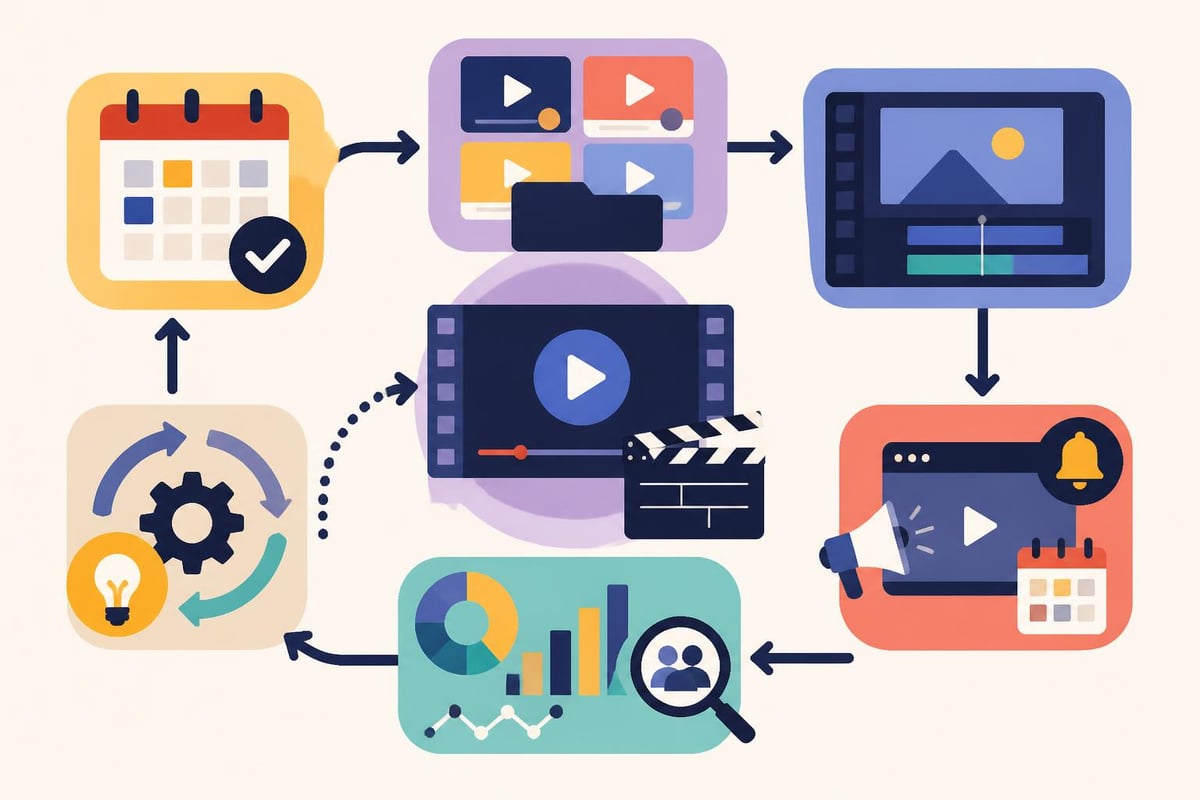
Film multiple videos in one session. This maximizes your time in front of the camera and gives you a backlog of content. Professional editing services can turn your batch filming into weeks of published content.
Each platform has different requirements:
Editing for each platform requires different skills and techniques. Most people who learn video editing online focus on one or two platforms. Professionals can optimize content for all of them.
Great editing is editing that performs. Track metrics like:
Use this data to refine your content strategy. Professional editors can adjust their approach based on what's working.
The video editing landscape is changing fast. AI tools are automating basic tasks like transcription, b-roll selection, and even rough cuts. According to research on AI-assisted video editing, we're moving toward systems that can automatically organize footage and assemble preliminary edits.
This technology makes learning traditional editing less valuable. Why spend months mastering manual techniques that AI will handle automatically? The real skill becomes creative direction and strategic thinking.
Professional editing services adopt these tools faster than individual creators. They test new features, optimize workflows, and pass the efficiency gains to their clients.
New tools are also making video editing more accessible to creators with disabilities. AVscript, an audio-visual script editor, enables blind and low vision creators to edit videos through text-based interfaces. As these tools mature, they'll change how we think about the editing process.
So should you learn video editing online? It depends entirely on your goals, resources, and business model.
Learn editing if you:
Outsource editing if you:
The math is simple. If your time is worth $75/hour and editing takes 3 hours per video, each video costs you $225 in opportunity cost. Professional services often cost less than that and deliver better results.
If you do decide to learn, SkillGuild’s curated resources provide solid starting points for different learning styles. Combine structured courses with YouTube tutorials for specific techniques.
For software recommendations and reviews, check out resources comparing different editing platforms and their capabilities. Understanding tool differences helps you choose the right software for your needs.
If you're leaning toward outsourcing, explore case studies of creators and businesses who've successfully scaled their video content through professional editing services.
The key is making an intentional choice. Don't drift into learning video editing because it seems like something you "should" know. And don't avoid it just because it seems hard. Evaluate based on your actual situation, goals, and resources.
The decision to learn video editing online isn't black and white. For some creators, it's the right investment. For most business owners and busy professionals, it's a time sink that pulls focus from higher-value activities. If you'd rather spend your time creating content, building relationships, and growing your business instead of wrestling with editing software, beCreatives provides dedicated video editors, unlimited storage, and streamlined revision processes that let you focus on what you do best while still producing professional video content consistently.
Discover how post production video editing transforms raw footage into professional content. Learn workflows, tools, and outsourcing tips.
Master video editing HD quality standards, encoding settings, and workflow best practices to deliver professional content in 2026.
Discover what makes a YouTube video editing course worth your time in 2026, plus smarter alternatives for busy creators and agencies.
Looking to hire video editor for YouTube? Discover the best hiring strategies, what to look for, and how to build a winning content team in 2026.
Discover the best music video editing software for 2026. Compare features, pricing, and workflow tools to create stunning music videos faster.
Looking for a video editing company near me? Learn how to choose the right partner, what to expect, and whether local is best in 2026.
Discover how video editing AI online is changing content creation in 2026. Explore smart tools, workflows, and what creators really need to know.
Master wedding videography editing with expert tips on storytelling, pacing, and delivery. Learn how to transform raw footage into cinematic films.
Choosing an HD video editing app in 2026? Discover features, performance tips, and how professionals handle high-definition content.
Discover the best free simple editing software for videos and photos in 2026. Compare features, learn what works, and decide when to DIY or outsource.

Editing videos yourself can take a lot of your precious time, but do not worry – we‘ve got you covered! Our highly skilled Video Editors are here to speed up the process and give you time to create more content.
What do you need edits for?


Scratch to see who you got
This is your match, not your assignment.
We confirm your editor once you subscribe.
Pick a time that works and we’ll take it from there.
Open the booking page15 minutes, free