Post Production Video Editing: Complete Guide for 2026
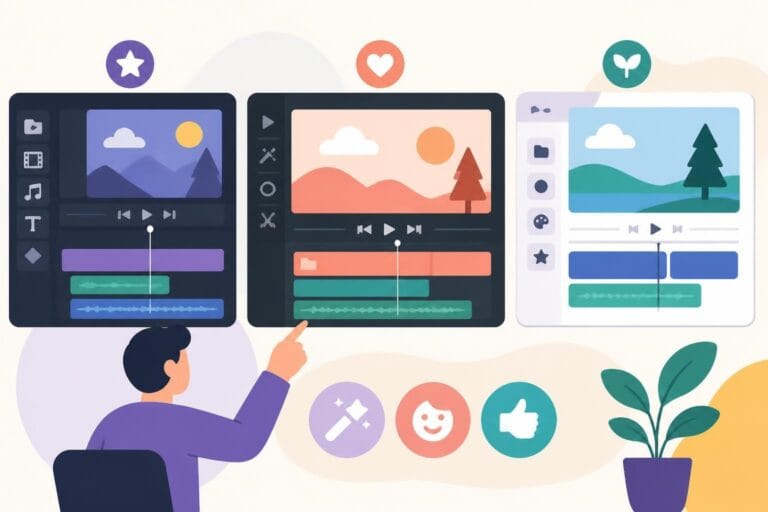
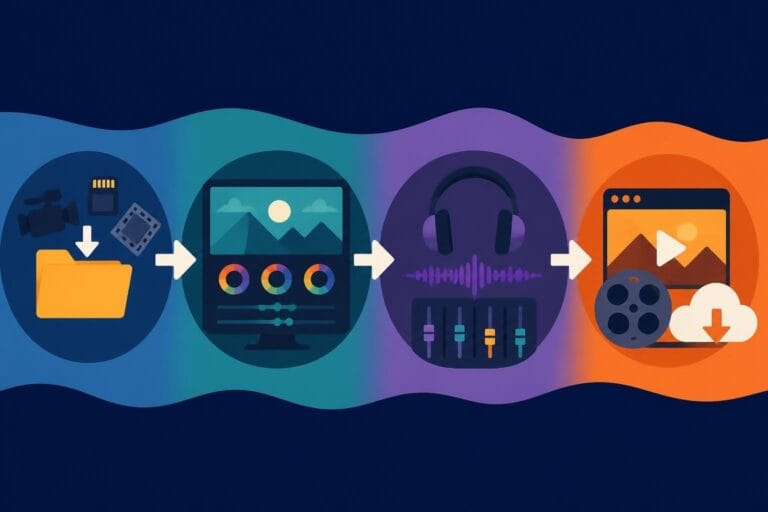
Discover how post production video editing transforms raw footage into professional content. Learn workflows, tools, and outsourcing tips.
10 Min. ReadRead More
5 dedicated editor spots open this week. Book a call to reserve →
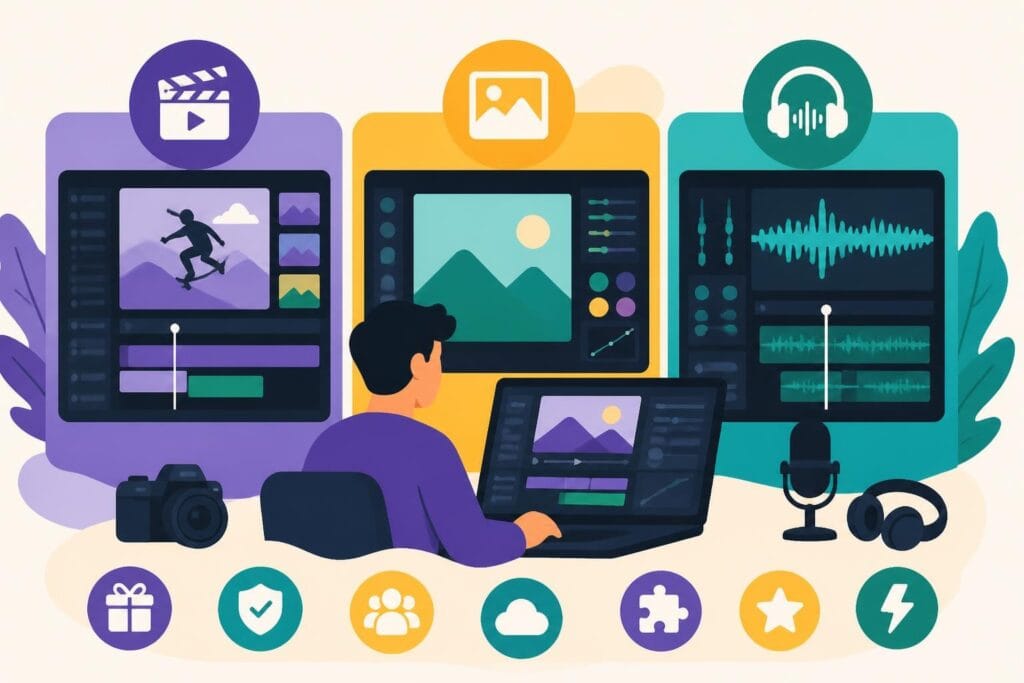
Discover the best free and easy editing software for video, photo, and audio. Compare features, pros, and cons to find your perfect tool.
 Knowledge Base
May 31, 2026
Creating killer content doesn't mean you need to drain your bank account on expensive software. Whether you're building a personal brand, running an agency, or creating content for your business, finding the right tools can feel overwhelming. The good news? There's a massive selection of free and easy editing software available right now that can help you produce professional-quality videos, photos, and audio without the hefty price tag. Let's dive into what's actually worth your time in 2026.
When we talk about "easy," we're not just talking about a simple interface (though that definitely helps). The best free and easy editing software combines intuitive design with powerful features that don't require a film degree to understand.
Here's what truly matters:
The reality is that most creators don't need every bell and whistle professional studios use. You need software that gets out of your way and lets you focus on the creative stuff. According to TechRadar’s comprehensive review of free video editing software, many of today's free options rival paid alternatives in terms of usability and output quality.
Free software often comes with strings attached. Some platforms watermark your exports. Others limit video length or resolution. A few bombard you with upgrade prompts every thirty seconds.
Before committing to any tool, check these potential limitations:
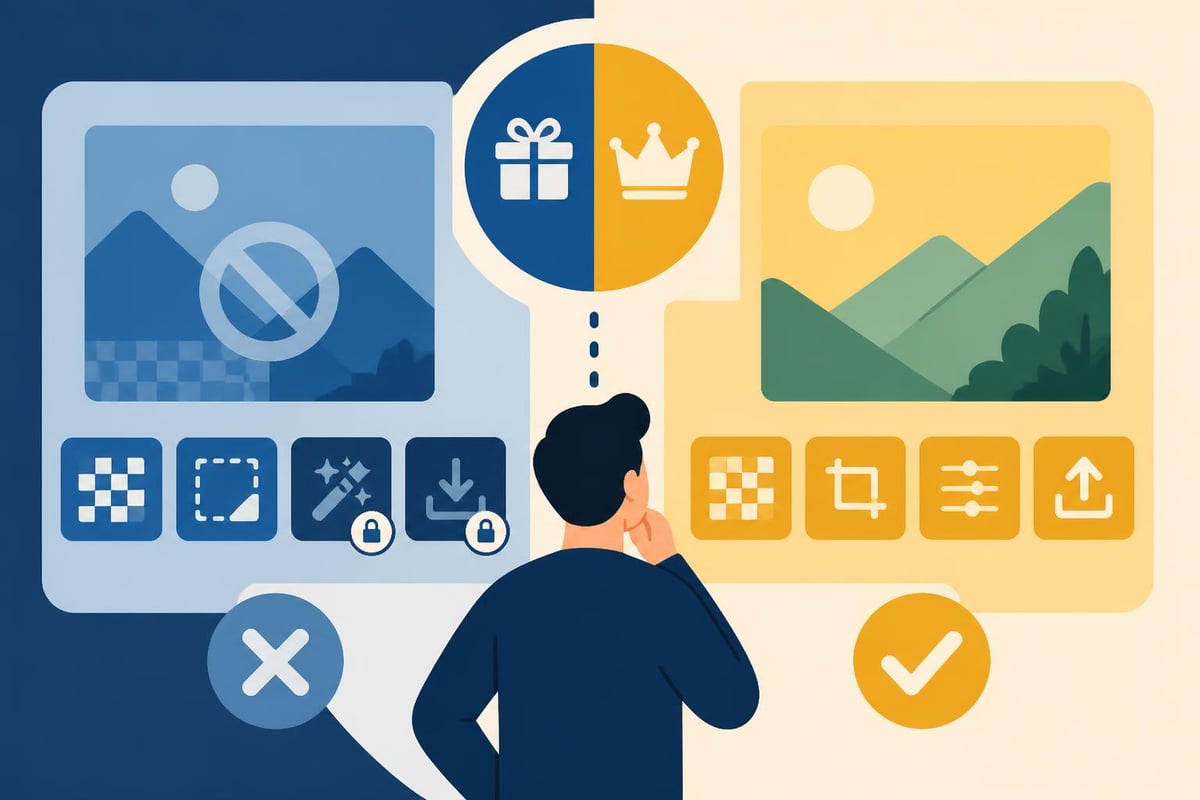
Video editing is where most creators spend their time, and finding free and easy editing software in this category can transform your content workflow. The landscape has changed dramatically over the past few years.
Top contenders for 2026 include:
| Software | Best For | Key Strength | Main Limitation |
|---|---|---|---|
| DaVinci Resolve | Color grading enthusiasts | Professional-grade color tools | Steeper learning curve |
| Shotcut | Cross-platform users | No watermarks, fully open-source | Less polished interface |
| Clipchamp | Quick browser edits | No download required | Limited offline capability |
| iMovie | Mac users | Seamless Apple ecosystem integration | Mac/iOS only |
Clipchamp has evolved significantly as a browser-based option, making it incredibly accessible for creators who work across multiple devices. You don't need to install anything, and your projects sync automatically.
DaVinci Resolve stands out as genuinely professional software that happens to be free. It's the same tool used in Hollywood productions, just without some advanced collaboration features. If you're willing to invest a few hours learning the basics, it's ridiculously powerful.
Your phone isn't just for scrolling anymore. Mobile editing apps have become legitimate production tools, especially for social media content. Creative Bloq’s roundup of mobile video editing apps showcases options that let you edit entire projects without ever touching a computer.
CapCut dominates the mobile space right now. It's free, packed with trending effects, and designed specifically for social platforms. InShot offers similar capabilities with a slightly different interface approach.
The beauty of mobile editing? You can knock out content during your commute, while waiting for coffee, or between meetings. It's the ultimate time-saver for busy creators who need to maintain consistent posting schedules.
Photos might seem simpler than video, but finding solid free and easy editing software for images requires the same careful consideration. You need tools that handle basic adjustments quickly while offering room to grow your skills.
MakeUseOf’s guide to free photo editing software breaks down options for different skill levels and needs. GIMP remains the heavyweight champion of free photo editors, offering capabilities that rival Adobe Photoshop.
For beginners, consider these accessible alternatives:
The recent news that Canva acquired Affinity and shifted it to a free model shook up the creative software world. This move puts professional-grade design and photo editing tools in reach for everyone, not just those with corporate budgets.
Not every photo requires intensive editing. Sometimes you just need to crop, adjust brightness, or remove a distracting background element. For these quick fixes, lightweight options save massive amounts of time.
Fotor and Befunky excel at rapid adjustments. Both offer browser-based editing with one-click enhancements that improve most photos instantly. They're perfect for business owners who need decent product photos or social media images without becoming photography experts.
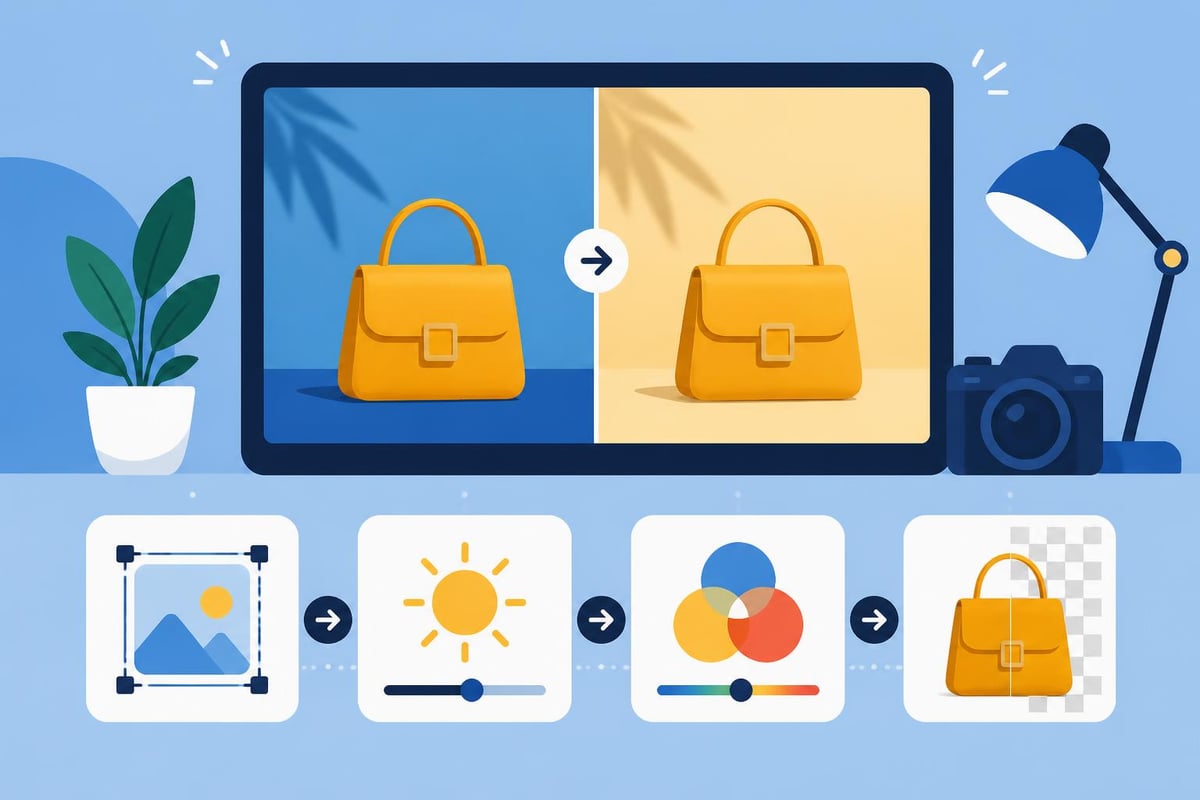
Audio often gets overlooked, but poor sound quality kills even the most beautifully shot video. Finding free and easy editing software for audio ensures your content sounds as good as it looks.
TechRadar’s best free audio editors list highlights tools that range from simple noise removal to full music production. Audacity has been the go-to free audio editor for years, and for good reason.
What Audacity does well:
The interface looks dated compared to modern software, but functionality matters more than aesthetics when you're cleaning up podcast audio or syncing voiceovers.
Background music transforms video content from amateur to professional. If you're creating original music or need to edit tracks to fit your videos, TechRadar’s guide to free music-making software showcases digital audio workstations (DAWs) that won't cost you a dime.
GarageBand (Mac only) and Cakewalk by BandLab (Windows) both offer surprisingly deep music production capabilities. They're overkill if you just need to trim a music track, but invaluable if you want custom intros, outros, or background scores.
For simpler audio work, Ocenaudio provides a streamlined interface focused on editing rather than creation. It's perfect for adjusting audio levels, cutting segments, or applying basic effects to narration tracks.
With so many options available, picking the right free and easy editing software comes down to understanding your actual needs versus aspirational goals. Be honest about what you'll really use.
Different content requires different tools. A YouTube vlogger needs different features than a real estate agent creating property tours or a fitness coach filming workout tutorials.
Consider these workflow questions:
If you're publishing daily Instagram Reels, mobile apps with built-in social media optimization make more sense than desktop powerhouses. If you're creating weekly YouTube videos with complex edits, investing time in learning more robust software pays off quickly.
The team at beCreatives works with creators across every niche, and we've noticed that most people overcomplicate their software choices. Start simple, master the basics, then expand your toolkit as your needs grow.
Here's something nobody talks about: free software costs you time. Learning new tools, troubleshooting bugs, working around limitations, and figuring out workarounds for missing features all eat into your creative time.
| Time Investment | Free Software | Professional Services |
|---|---|---|
| Learning curve | 10-40 hours | Zero (experts handle it) |
| Weekly editing | 3-8 hours | Delegated completely |
| Troubleshooting | 1-3 hours monthly | Handled by your team |
| Software updates | Self-managed | Seamless transitions |
This isn't to discourage using free tools. They're genuinely valuable, especially when you're starting out or testing content strategies. But understanding the time trade-off helps you make smarter decisions about where to invest your energy.
Many successful creators we work with started with free software, grew their channels, then realized their time was better spent creating content than editing it. That's exactly when exploring options like beCreatives’ video editing services makes strategic sense.
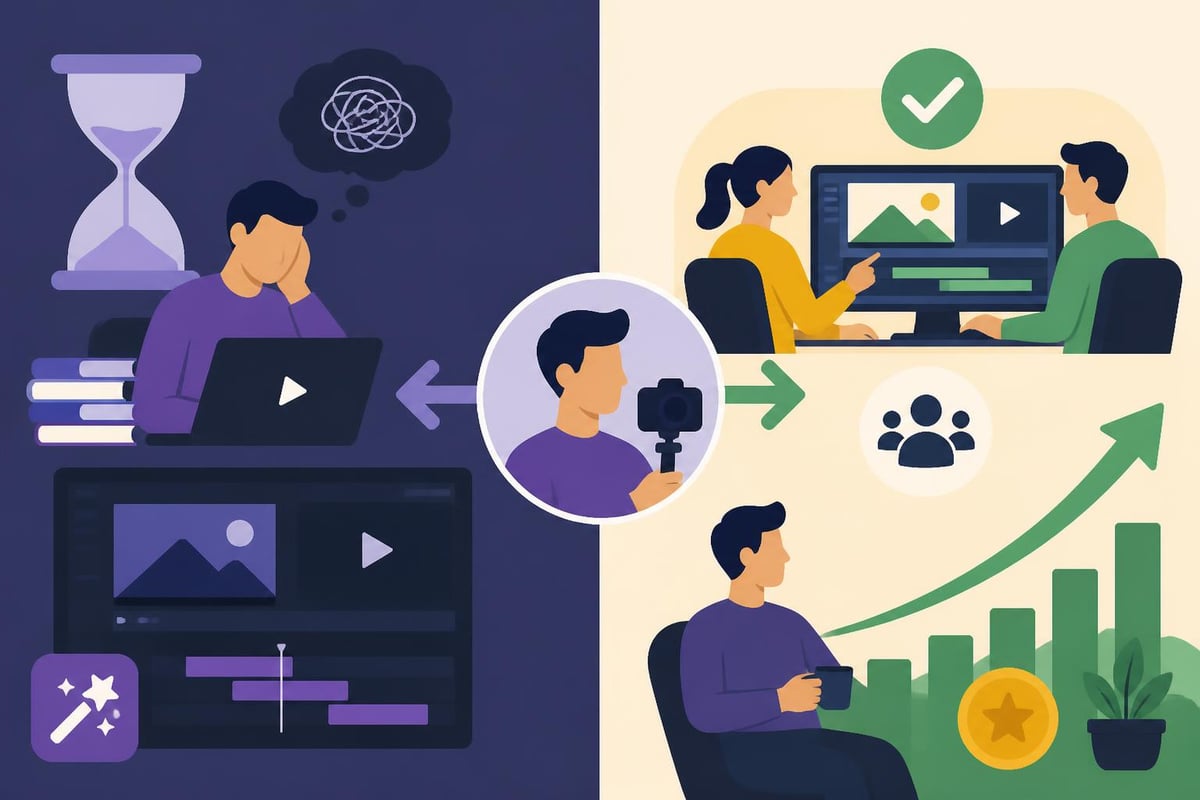
One surprise for many creators: some free and easy editing software includes genuinely advanced features that used to require expensive professional tools. The gap between free and paid has narrowed significantly.
Premium features now available for free:
VideoProc Vlogger offers an interesting middle ground, combining beginner-friendly design with advanced capabilities. It's designed specifically for content creators rather than film professionals, which means the features you actually use are front and center.
ACDSee Luxea Video Editor takes a similar approach, focusing on streamlining common creator workflows rather than offering every possible feature. Sometimes less is genuinely more.
Despite improvements in free options, paid software still offers advantages. Better performance with large files, priority customer support, regular updates, and commercial use rights all matter depending on your situation.
Signs it might be time to upgrade:
The decision isn't all-or-nothing. Many creators use free and easy editing software for certain projects while using paid tools for others. A photographer might use GIMP for personal work but subscribe to Lightroom for client galleries.
Maximizing free tools means learning shortcuts, using templates, and building efficient workflows. Small optimizations compound into massive time savings over months of regular content creation.
Most free editing software supports custom presets or templates. Creating reusable intros, outros, lower thirds, and color grades means you're not starting from scratch every time.
Spend one afternoon setting up your brand templates, and you'll save hours on every future project. Export settings, favorite effects, standard transitions, and audio levels can all be saved for one-click application.
Build your preset library:
This systematic approach transforms free software from basic to powerful. You're essentially creating your own customized editing suite tailored perfectly to your needs.
The internet overflows with tutorials, courses, and communities for every piece of free software imaginable. YouTube alone offers thousands of hours of training for tools like DaVinci Resolve, Audacity, and GIMP.
Reddit communities provide quick answers to specific problems. Discord servers connect you with other creators using the same tools. Many software developers offer official documentation and video tutorials that cover everything from basic operations to advanced techniques.
Taking advantage of these free learning resources accelerates your skills dramatically. Check out discussions about video editing approaches on Reddit to see how other creators solve common challenges.
Here's the uncomfortable truth many creators discover: having access to free and easy editing software doesn't automatically mean you should be doing all your editing yourself. Your time has value, and spending eight hours editing a video might not be your best business decision.
Think about it this way. If you bill $100 per hour for your core services (coaching, consulting, freelancing, whatever), spending eight hours on editing costs you $800 in opportunity cost. That's money you didn't earn because you were adjusting transitions instead of serving clients.
The math gets worse when you factor in:
Smart business owners recognize that downloading free software isn't the same as getting free editing. The software costs nothing, but using it definitely isn't free when you calculate the real costs.
Many creators reach a tipping point where their time becomes more valuable creating content than editing it. That's when professional editing services transform from expense to investment.
Our case studies showcase creators who made this shift and saw their content output, quality, and business growth all improve simultaneously. When you're not buried in editing software, you have energy for the creative work that actually grows your brand.
The best part? Professional editors already know every piece of software inside and out. They've spent thousands of hours mastering tools, so your videos benefit from expertise that would take you years to develop.
Different social platforms favor different content styles, and your choice of free and easy editing software should align with where you're publishing. Aspect ratios, length restrictions, and trending effects vary wildly across platforms.
Platform optimization requirements:
| Platform | Optimal Format | Priority Features | Typical Length |
|---|---|---|---|
| YouTube | 16:9 landscape | Strong intros, chapters | 8-20 minutes |
| 9:16 vertical | Quick cuts, captions | 15-90 seconds | |
| TikTok | 9:16 vertical | Trend effects, music sync | 30-60 seconds |
| 16:9 or 1:1 | Professional look, captions | 1-3 minutes |
Software that excels for YouTube might frustrate you for Instagram Reels. Mobile apps often handle vertical video and trending effects better than desktop programs, while desktop software offers more control for longer-form content.
Creating content for multiple platforms means either learning several tools or finding one flexible enough to handle everything. Many creators end up with a mixed toolkit, using different software depending on the project type and distribution platform.
Free software updates less predictably than paid alternatives. Some open-source projects release updates monthly, while others might go years between major versions. Staying informed about new features, bug fixes, and compatibility changes helps you avoid frustrating surprises.
Follow the official social media accounts or join user communities for your chosen software. When major updates drop, quick tutorial videos usually appear within days explaining new features and workflow changes.
Just remember that updates can sometimes break existing projects or change familiar interfaces. Before updating software in the middle of a big project, finish your current work or save backups that let you roll back if something goes wrong.
Most successful creators don't rely on a single piece of free and easy editing software. They build a toolkit of complementary tools that work together seamlessly, each handling specific tasks where it excels.
A balanced toolkit might include:
This approach gives you flexibility without overwhelming you with too many options. Each tool serves a clear purpose in your workflow, and you become proficient with a manageable set of applications.
The key is building your toolkit gradually. Start with one solid video editor, master its core features, then add complementary tools as specific needs arise. Trying to learn five programs simultaneously leads to surface-level knowledge of everything and mastery of nothing.
Looking for inspiration on how professionals structure their workflows? Explore various video editing ideas that showcase different approaches to common content challenges.
Finding great free and easy editing software is easier than ever in 2026, with options available for every skill level and content type. The real question isn't whether good free tools exist but whether spending your time editing is the smartest move for your business. If you'd rather focus on creating content while experts handle the editing, beCreatives offers unlimited video editing services with dedicated editors, unlimited storage, and streamlined communication. Let us handle the technical stuff while you do what you do best, creating amazing content that grows your brand.
Discover how post production video editing transforms raw footage into professional content. Learn workflows, tools, and outsourcing tips.
Master video editing HD quality standards, encoding settings, and workflow best practices to deliver professional content in 2026.
Discover what makes a YouTube video editing course worth your time in 2026, plus smarter alternatives for busy creators and agencies.
Looking to hire video editor for YouTube? Discover the best hiring strategies, what to look for, and how to build a winning content team in 2026.
Discover the best music video editing software for 2026. Compare features, pricing, and workflow tools to create stunning music videos faster.
Looking for a video editing company near me? Learn how to choose the right partner, what to expect, and whether local is best in 2026.
Discover how video editing AI online is changing content creation in 2026. Explore smart tools, workflows, and what creators really need to know.
Master wedding videography editing with expert tips on storytelling, pacing, and delivery. Learn how to transform raw footage into cinematic films.
Choosing an HD video editing app in 2026? Discover features, performance tips, and how professionals handle high-definition content.
Discover the best free simple editing software for videos and photos in 2026. Compare features, learn what works, and decide when to DIY or outsource.
Editing videos yourself can take a lot of your precious time, but do not worry – we‘ve got you covered! Our highly skilled Video Editors are here to speed up the process and give you time to create more content.
What do you need edits for?


Scratch to see who you got
This is your match, not your assignment.
We confirm your editor once you subscribe.
Pick a time that works and we’ll take it from there.
Open the booking page15 minutes, free