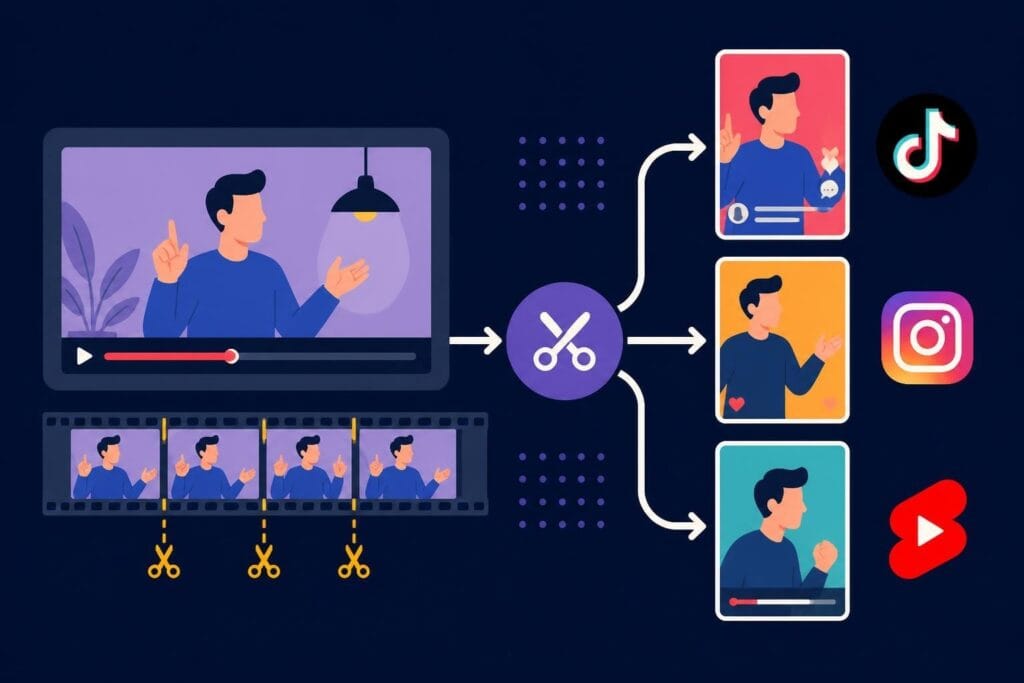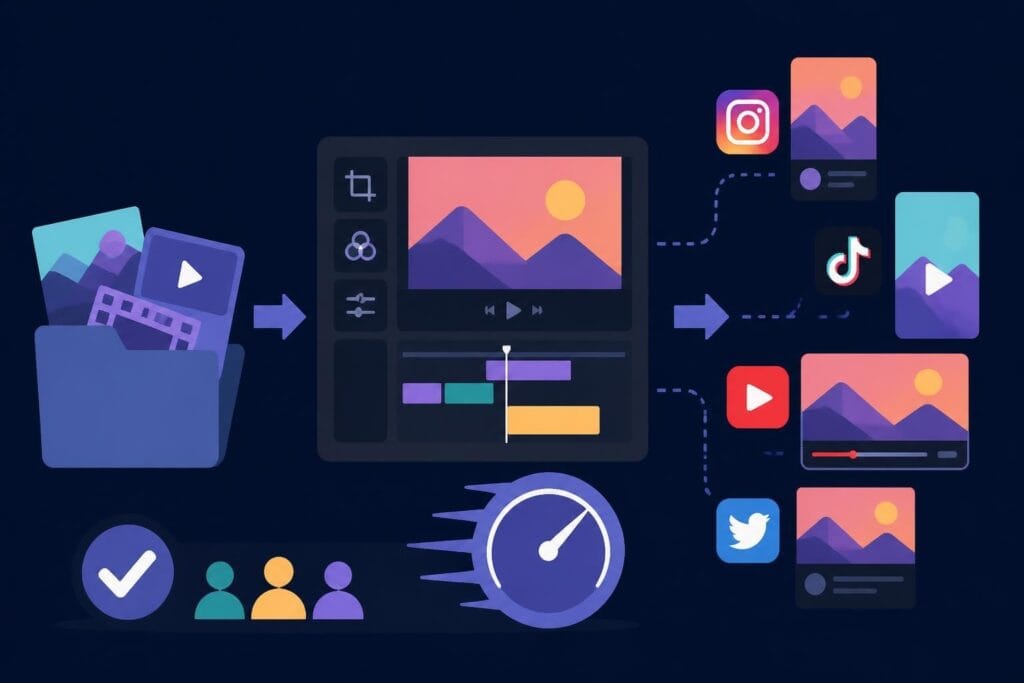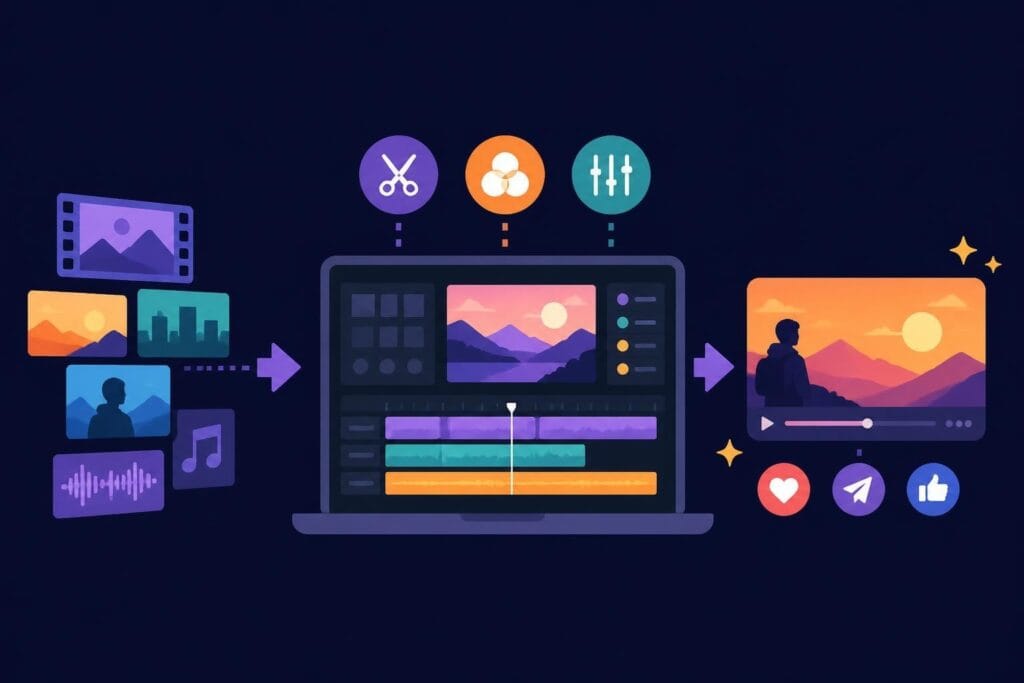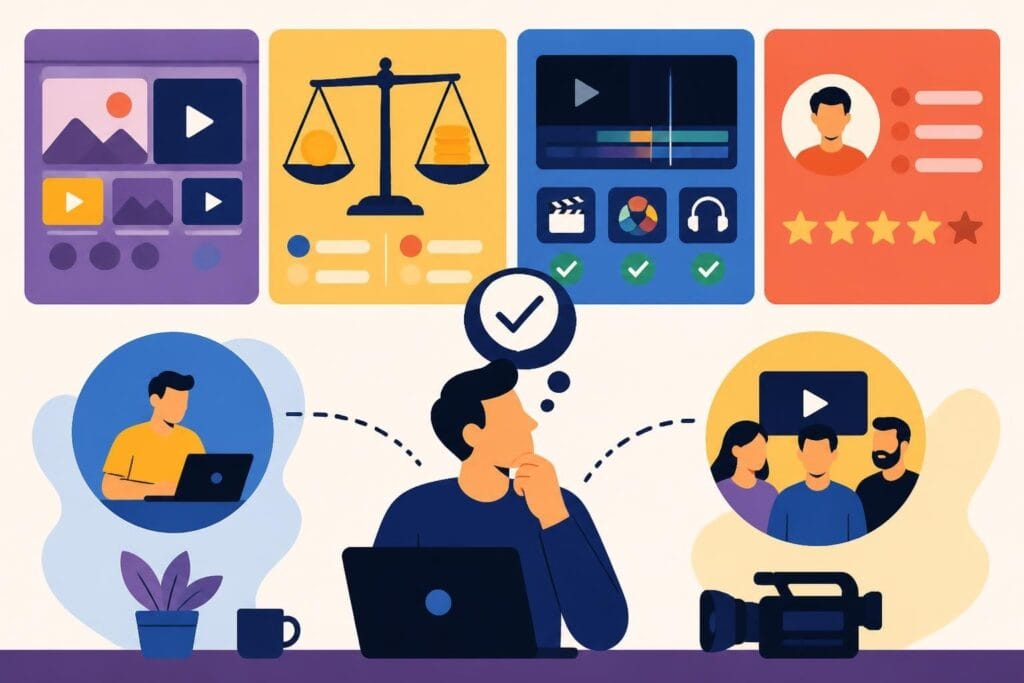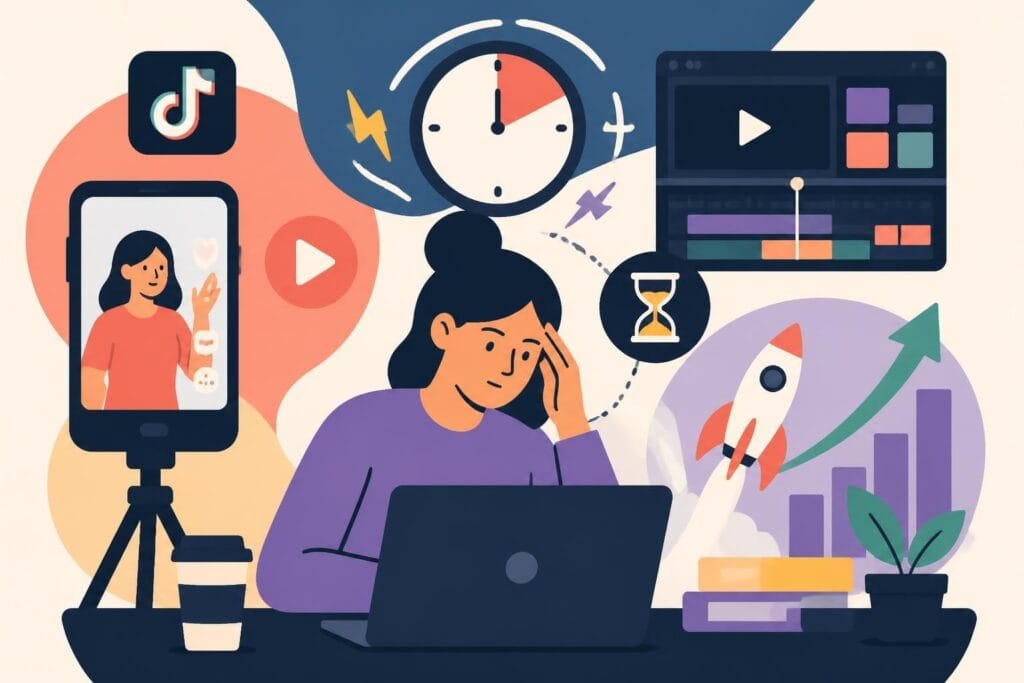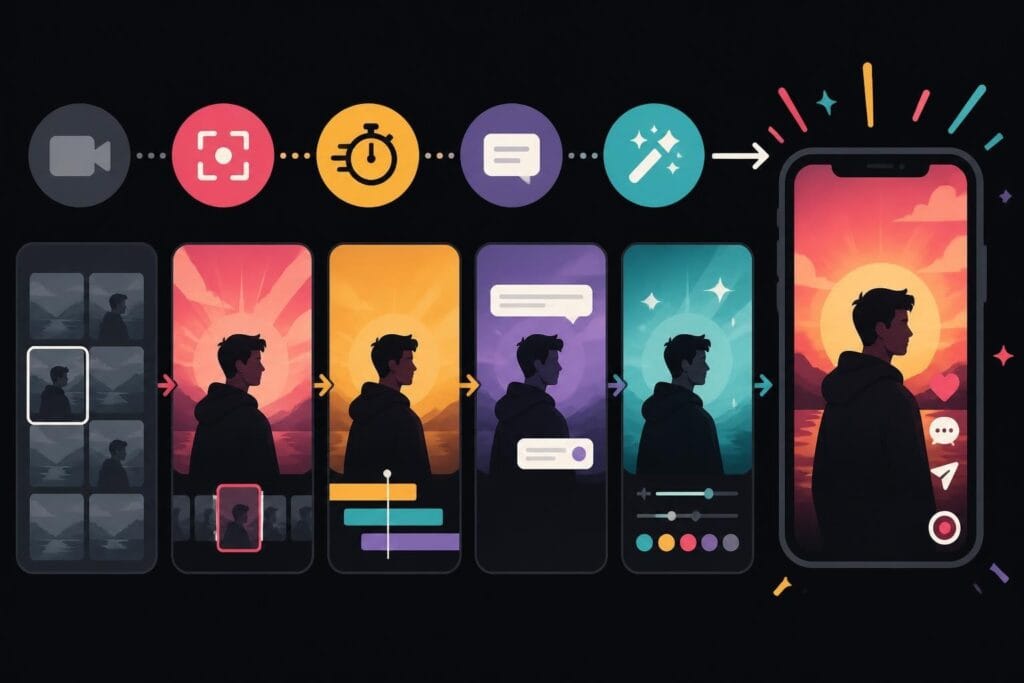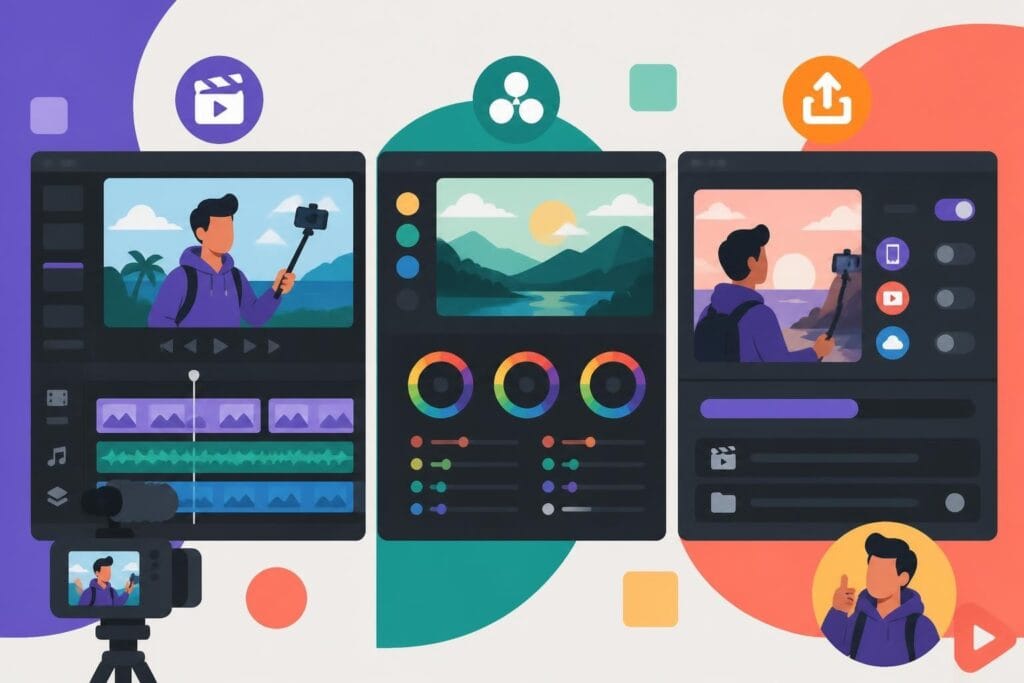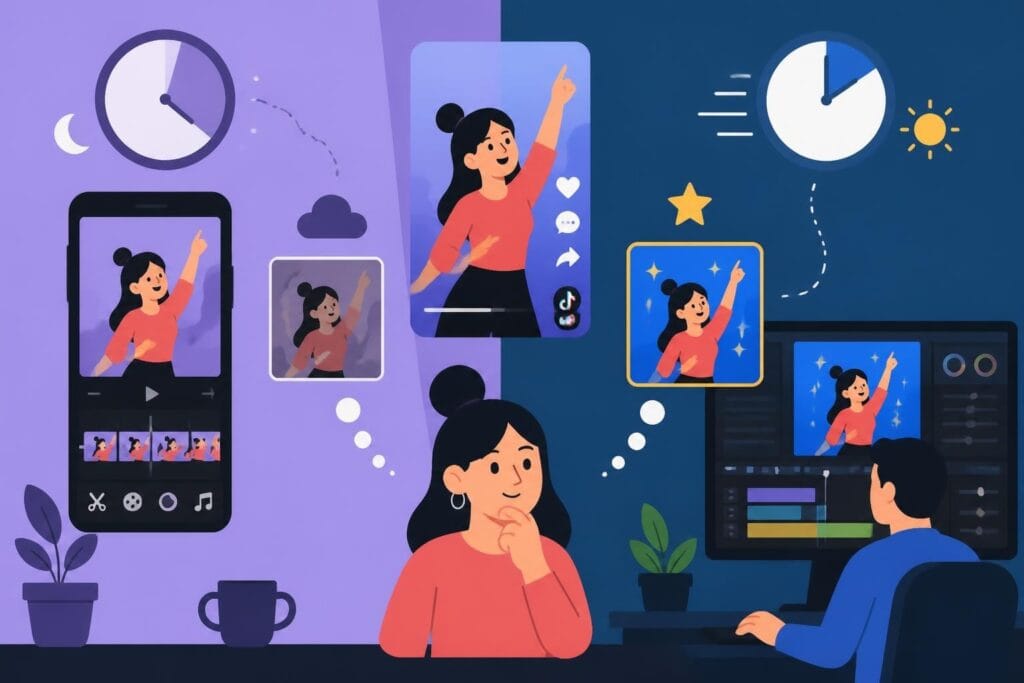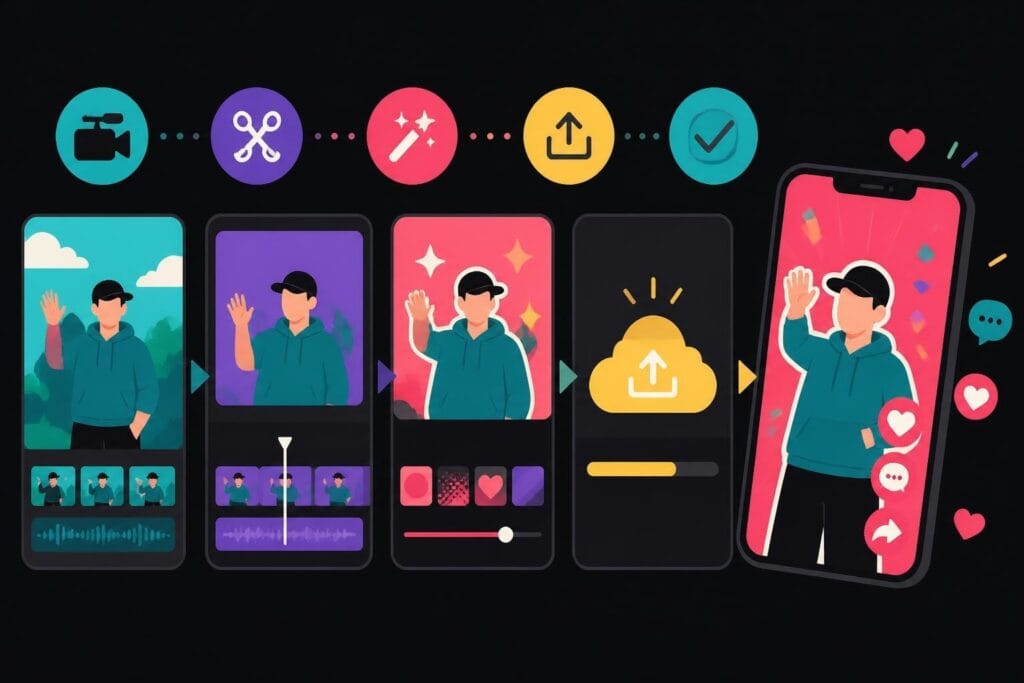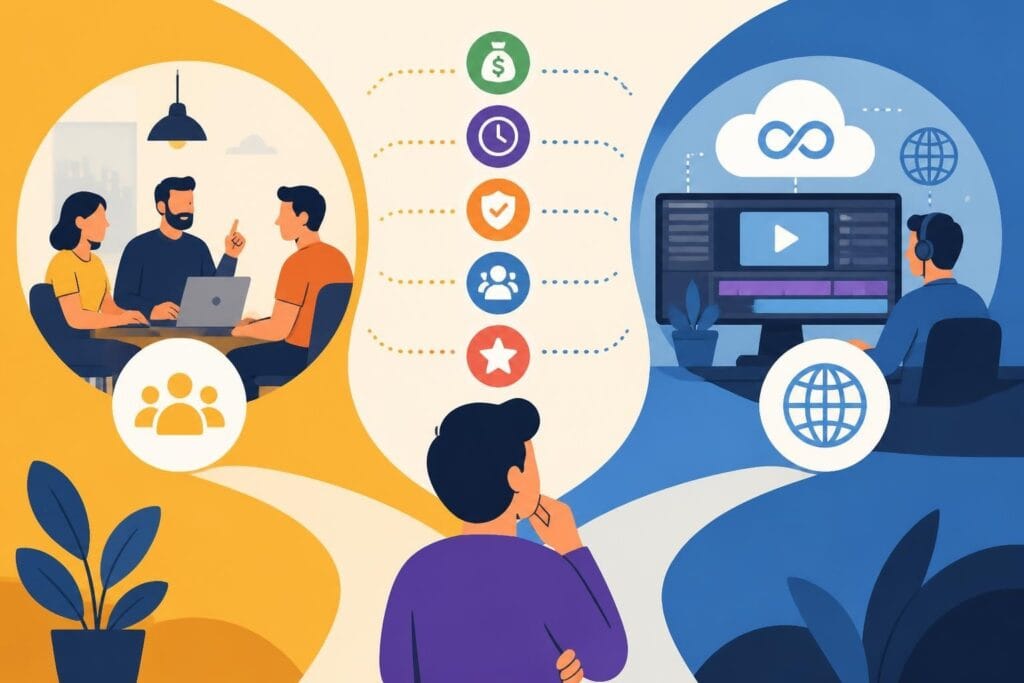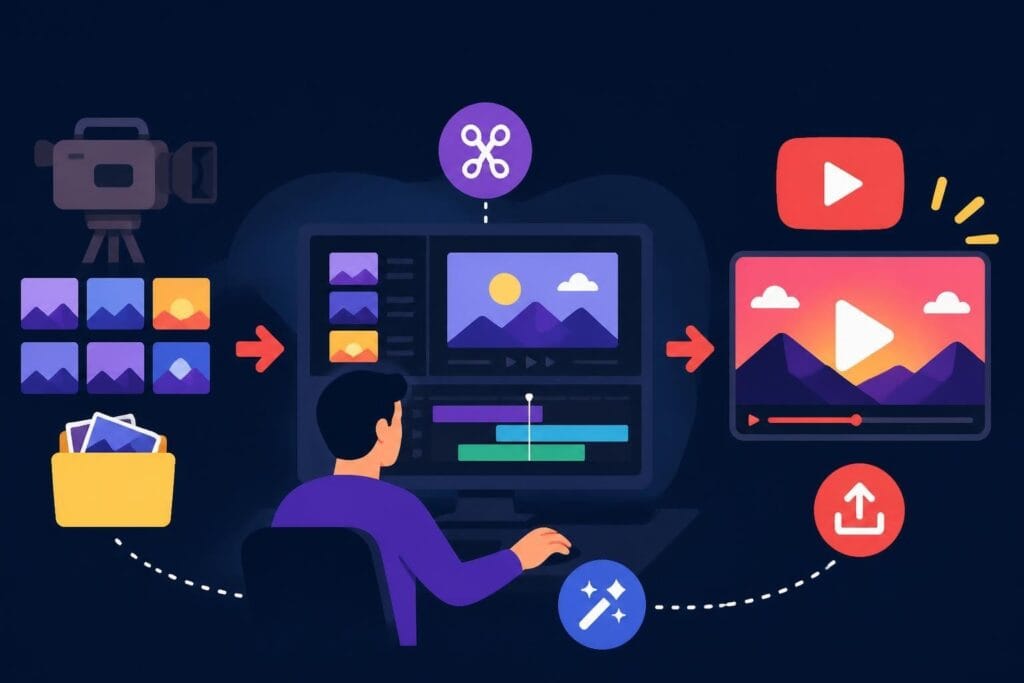
Creating consistent YouTube content in 2026 feels like running a marathon while juggling flaming torches. You're filming, scripting, engaging with comments, analyzing analytics, and somewhere in that chaos, you're supposed to edit videos that compete with professionally produced content. That's where a youtube video editing service becomes less of a luxury and more of a sanity-saver. Whether you're a solo creator building a personal brand or an agency managing multiple client channels, outsourcing your editing isn't just about saving time-it's about staying in the game without burning out.
Why YouTube Creators Are Ditching DIY Editing
The YouTube landscape has evolved dramatically. What worked in 2020-simple jump cuts and basic transitions-doesn't hold attention in 2026. Viewers expect dynamic pacing, engaging graphics, strategic sound design, and storytelling that hooks them in the first three seconds.
Learning professional editing takes months, even years. The editing techniques and best practices that drive engagement require constant updating as trends shift. Meanwhile, your actual expertise-whether that's fitness coaching, business consulting, or tech reviews-gets pushed to the back burner.
The Real Cost of Self-Editing
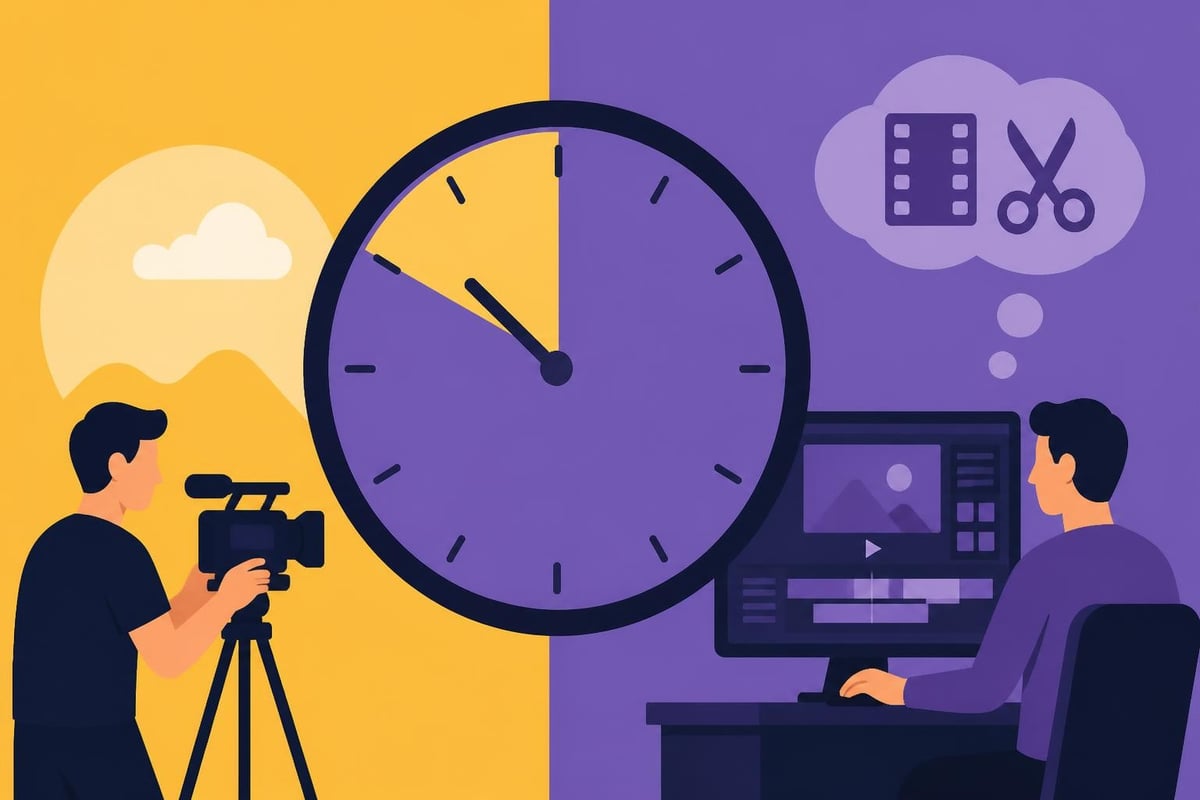
Let's talk numbers for a second. If you're spending 8-10 hours editing a single 15-minute YouTube video, that's time you're not spending on:
- Creating new content ideas that actually move the needle
- Building relationships with your audience through community engagement
- Developing products or services that generate revenue
- Networking with collaborators who could 10x your reach
- Living your actual life without feeling chained to your timeline
The opportunity cost is staggering. A youtube video editing service doesn't just buy back your time-it buys back your energy, creativity, and mental space for the work only you can do.
What Professional YouTube Editing Services Actually Include
Not all editing services are created equal. Some freelancers will do basic cuts and call it a day. Others provide comprehensive post-production that transforms raw footage into scroll-stopping content.
Here's what you should expect from a quality youtube video editing service:
Core Editing Features
- Strategic cuts and pacing that maintain viewer attention throughout
- Color correction and grading for a polished, professional look
- Audio mixing and enhancement so every word sounds crystal clear
- Custom graphics and lower thirds that reinforce your brand
- B-roll integration that adds visual interest and context
- Intro and outro sequences that boost brand recognition
Advanced Capabilities
The difference between good and great often comes down to the details. Premium services include motion graphics, animated text overlays, smooth transitions that don't feel dated, and strategic sound effects that enhance (not overwhelm) your content.
If you're creating educational or coaching content, your editor should understand how to structure information visually. For product reviews or tutorials, they need to know when to use zoom-ins, annotations, and comparison graphics.
| Service Level | Turnaround Time | Revisions Included | Best For |
|---|---|---|---|
| Basic Package | 5-7 days | 1-2 rounds | Simple vlogs, talking heads |
| Standard Package | 3-5 days | 3-4 rounds | Weekly content creators |
| Premium Package | 24-48 hours | Unlimited | Agencies, daily uploaders |
Finding the Right YouTube Video Editing Service
The internet is flooded with options. Freelance platforms, agencies, subscription services-each comes with different trade-offs. Understanding where to look and what to prioritize saves you from costly trial-and-error.
Freelance Platforms vs. Dedicated Services
Finding YouTube video editors through platforms like Fiverr or Upwork can work, but it's a gamble. You might score an amazing editor, or you might waste weeks on revisions with someone who doesn't understand YouTube-specific formatting.
Freelancer pros:
- Lower upfront costs for one-off projects
- Direct communication with the editor
- Flexibility to switch editors between projects
Freelancer cons:
- Inconsistent quality and availability
- No backup if your editor disappears mid-project
- You manage the entire relationship and workflow
Dedicated youtube video editing services like those offered at beCreatives solve the consistency problem. You get matched with editors who specialize in YouTube content, unlimited revisions, and systems that keep projects moving even during holidays or sick days.
Red Flags to Watch For
Some warning signs that an editing service might not deliver:
- Generic portfolio that looks identical across all clients
- Unclear pricing that balloons once you're committed
- Poor communication during the sales process (it only gets worse)
- No understanding of YouTube-specific requirements like safe zones or mobile viewing
- Overpromising on turnaround times (quality editing takes time)
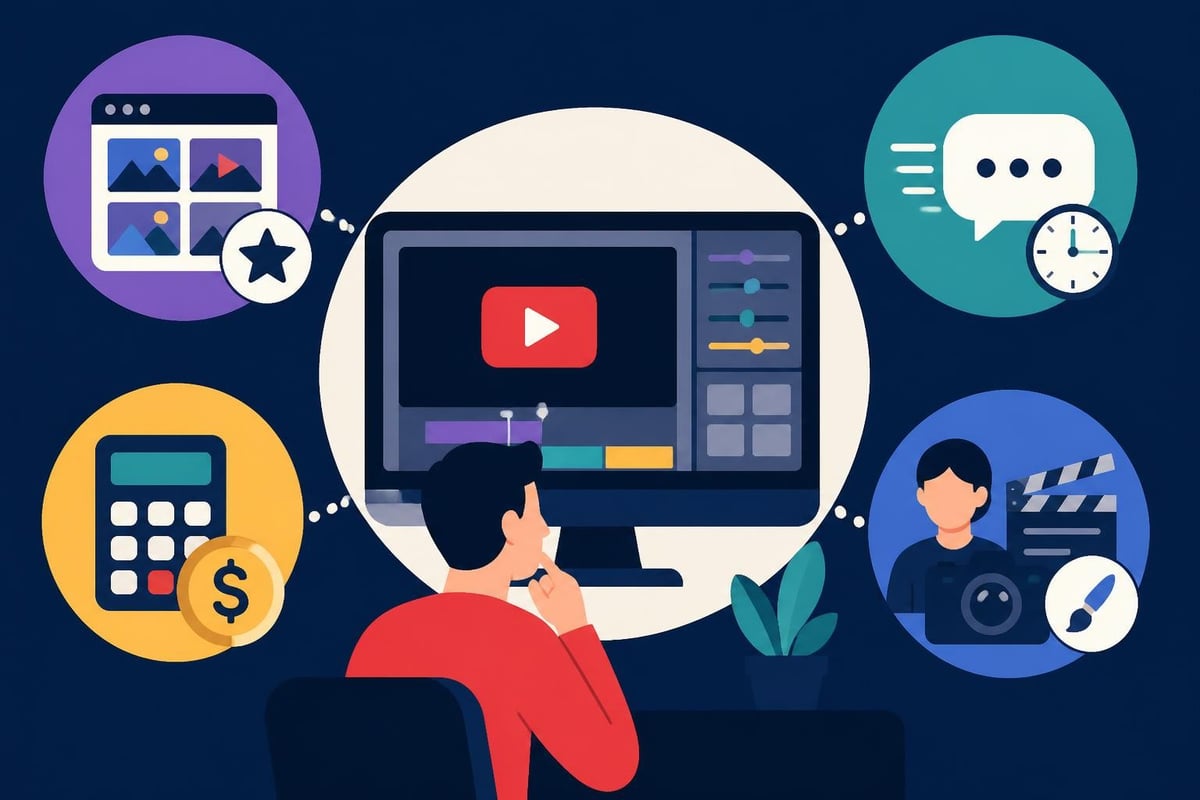
Software Doesn't Matter (But Understanding Tools Does)
Creators obsess over which software their editors use. Adobe Premiere? Final Cut Pro? DaVinci Resolve? Here's the truth: the software matters way less than the editor's skill with it.
A master editor working in any professional editing software will produce better results than a novice using the "best" program. What matters is whether your editor understands YouTube's technical requirements and creative trends.
Technical Requirements Your Editor Must Know
Your youtube video editing service should handle these specs without you having to explain them:
- Resolution and aspect ratios: 1920×1080 for standard uploads, vertical formats for Shorts
- Frame rates: Matching your camera settings (usually 24, 30, or 60 fps)
- Codec and compression: H.264 for upload, proper bitrate to maintain quality
- Thumbnail safe zones: Ensuring important elements aren't hidden by UI
- Accessibility features: Adding captions that actually sync properly
If you need specialized work like drone footage editing, make sure your service has experience with that specific content type. Aerial shots require different pacing and stabilization techniques.
The Business Case for Outsourcing Your Editing
Let's get practical about ROI. Hiring a youtube video editing service is an investment, not an expense-if you approach it correctly.
Calculating Your Break-Even Point
Say you charge $200/hour for consulting, or your YouTube ad revenue averages $150 per video. If editing takes you 10 hours per video, that's $1,500-$2,000 in opportunity cost.
A professional editing service might charge $200-$500 per video depending on complexity. The math is straightforward: you're either losing money by editing yourself, or you're gaining it by focusing on revenue-generating activities.
Plus these often-overlooked benefits:
- Faster publishing schedule means more consistent algorithm favor
- Professional quality typically increases watch time and subscriber conversion
- Mental energy saved reduces creator burnout and improves content quality
- Ability to batch-film content without worrying about the editing backlog
Scaling Beyond Your Personal Capacity
Here's where things get interesting. One person can maybe produce 2-3 high-quality YouTube videos per week while self-editing. With a youtube video editing service handling post-production, that same creator can film 5-7 videos in the same timeframe.
For agencies or business owners managing multiple channels, the multiplication effect is even more dramatic. Check out how agencies are scaling their video output without hiring full-time editors.
| Content Volume | DIY Editing Time/Week | With Editing Service | Reclaimed Hours |
|---|---|---|---|
| 1 video/week | 8-10 hours | 1-2 hours | 6-8 hours |
| 3 videos/week | 24-30 hours | 3-6 hours | 18-24 hours |
| Daily uploads | 56-70 hours | 7-14 hours | 42-56 hours |
Setting Up Your Editing Workflow for Success
Hiring an editing service isn't a "set it and forget it" solution. The most successful creators develop systems that make collaboration seamless.
Communication is Everything
Your editor can't read your mind. The clearer your creative direction, the closer the first draft gets to your vision.
What to include in your project brief:
- Target audience and video purpose
- Specific style references (link to examples you love)
- Brand colors, fonts, and graphic elements
- No-go zones (effects, music styles, or transitions you hate)
- Deadline and any time-sensitive elements
Some creators record a quick voice memo walking through their footage. Others use detailed timestamps in a shared document. Find what works for your communication style.
Organizing Your Raw Footage
Random file names like "IMG_4782.mov" make your editor's job harder and slower. A simple naming convention saves everyone time:
- ProjectName_SceneDescription_TakeNumber.mov
- Example: "Productivity_IntroTalk_Take03.mov"
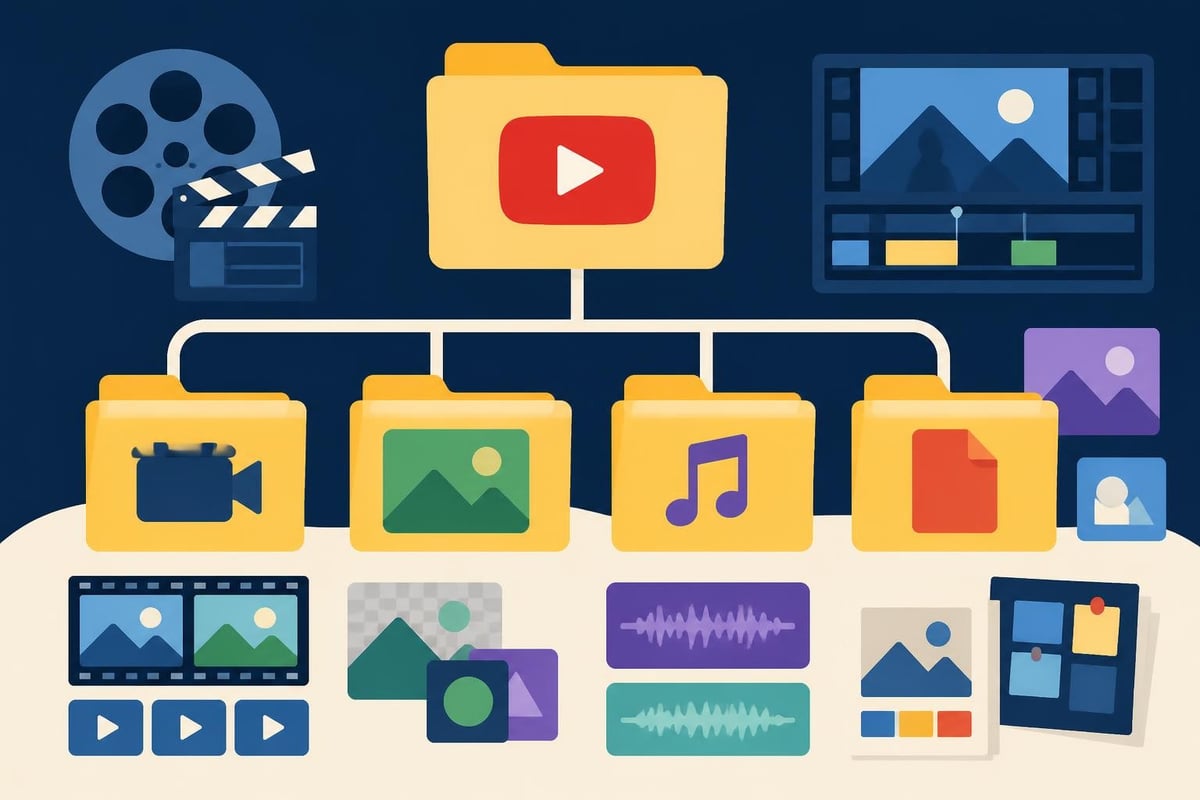
Upload everything to a shared drive (Google Drive, Dropbox, Frame.io) organized in folders: A-Roll, B-Roll, Graphics, Audio, Reference. Your editor will love you for it, and your turnaround time will improve.
Current YouTube Editing Trends in 2026
YouTube editing styles evolve faster than most creators realize. What looked fresh last year feels dated today. A quality youtube video editing service stays current so you don't have to.
What's Working Right Now
Fast-paced cuts are still king, but there's nuance. Educational content can slow down during key teaching moments. The rhythm should match your content purpose, not just chase attention.
Animated captions aren't optional anymore-they're expected. Not the auto-generated kind, but properly timed, strategically emphasized text that reinforces your message. Many YouTube editing tutorials now focus on caption animation as a core skill.
Strategic sound design separates amateur from professional. Well-placed whooshes, subtle ambience, and music that actually enhances (instead of distracts) from your message.
What's Falling Flat
Heavy vignetting and overly stylized color grades feel try-hard in 2026. Viewers want authentic, well-lit content-not music video aesthetics on a product review.
Transition effects that call attention to themselves (spinning cubes, we're looking at you) break immersion. The best transitions are invisible or motivated by movement in the frame.
Generic stock music that every creator uses gets skipped immediately. Your youtube video editing service should have access to diverse music libraries or work with what you provide.
Managing Multiple Editors and Maintaining Consistency
As you scale, you might work with different editors for different video types. A TikTok editor has different skills than a long-form YouTube specialist.
Creating a Brand Style Guide
Document everything about your visual brand:
- Color values (exact hex codes, not "kind of blue")
- Font choices for titles, lower thirds, and captions
- Logo placement and minimum safe sizes
- Music mood and energy level preferences
- Example videos that nail your vibe
Update this guide as your style evolves. Share it with every editor before they start their first project.
Quality Control Checkpoints
Even with great editors, review processes matter:
- First cut review: Focus on structure and pacing, not tiny details
- Revision round: Address specific timing, graphics, and audio issues
- Final polish: Catch any remaining typos or technical glitches
- Pre-upload check: Verify thumbnail safe zones and end screen elements
The unlimited revision model at services like beCreatives means you're never stuck with "close enough" work. You iterate until it's right.
When to Consider an Unlimited Editing Service
Project-based pricing makes sense when you post sporadically. But if YouTube is central to your business strategy, unlimited models offer better value and peace of mind.
The Unlimited Advantage
Pay one monthly rate, submit as many videos as you need (within reason-most services handle 4-8 per month comfortably). No surprise invoices. No negotiating prices for each project.
This model works brilliantly for:
- Content agencies managing multiple client channels
- Personal brands publishing 3+ times weekly
- Course creators needing consistent educational video editing
- Marketing teams producing various video types for campaigns
You also get dedicated editors who learn your style over time. The tenth video they edit for you requires minimal direction compared to the first.
Cost Comparison Reality Check
| Approach | Monthly Cost | Videos Produced | Cost Per Video | Consistency |
|---|---|---|---|---|
| Self-editing | $0 (time cost: high) | 2-4 | $0 (opportunity cost: massive) | Variable |
| Freelancer per project | $800-1,600 | 4 | $200-400 | Inconsistent |
| Unlimited service | $1,200-2,000 | 8-12 | $100-250 | High |
The numbers tell the story. At scale, unlimited youtube video editing service options deliver better quality per dollar while freeing you to focus on creation and strategy.
Creating great YouTube content shouldn't mean sacrificing your sanity or your schedule. Whether you're posting weekly or daily, a professional youtube video editing service transforms video production from overwhelming to manageable. Ready to reclaim your time and boost your content quality? beCreatives offers unlimited video editing designed specifically for creators, marketers, and agencies who need consistent, professional results without the editing headaches.