Choosing the right video editing tool can make or break your vlogging workflow. The best editing software for vlogs should feel like an extension of your creative brain, not a roadblock between you and publishing. Whether you're filming daily vlogs, travel content, or product reviews, your editing software needs to handle everything from quick cuts to color grading without making you want to throw your laptop out the window. Let's break down what actually matters when picking editing software for vloggers in 2026.
What Makes Software Perfect for Vlogging
Vlogging isn't the same as feature film editing or corporate video production. Your needs are different, your timelines are tighter, and your content volume is probably way higher than you'd like to admit.
The best editing software for vlogs needs specific features that align with how vloggers actually work. You're not spending three weeks on a single video. You're probably editing multiple times per week, exporting to different platforms, and doing it all while managing a hundred other tasks.
Speed and Performance Matter More Than You Think
Quick rendering saves you literal hours every week. When you're publishing daily or multiple times per week, a render time difference of 10 minutes versus 45 minutes adds up fast.
- Proxy editing lets you edit smoothly even with 4K footage
- Background rendering means you can keep working while exports happen
- Hardware acceleration uses your GPU to speed up effects and exports
- Multi-core support actually uses your computer's full power
TechRadar’s review of DaVinci Resolve 21 highlights how modern editing software has evolved to handle intensive vlog workflows with features like non-destructive color grading that speeds up your creative process.
Top Software Options Compared
Different vloggers need different tools. Your setup, budget, skill level, and content type all influence which software works best. Here's the real breakdown of what's actually worth considering.
| Software | Best For | Price Range | Learning Curve | Export Speed |
|---|---|---|---|---|
| Adobe Premiere Pro | Professional vloggers | $22.99/mo | Steep | Fast with GPU |
| Final Cut Pro | Mac users | $299 one-time | Moderate | Very fast |
| DaVinci Resolve | Color-focused content | Free – $295 | Steep | Fast |
| CapCut | Beginners, vertical video | Free | Easy | Fast |
| iMovie | Casual vloggers on Mac | Free | Very easy | Moderate |
Adobe Premiere Pro: The Industry Standard
Premiere Pro dominates because it does basically everything. The real question is whether you need all that power.
Key vlogging features:
- Auto-reframe for vertical video versions
- Speech-to-text for auto-captions
- Seamless integration with After Effects
- Preset export settings for every platform
The downside? It's expensive, requires a subscription, and can feel overwhelming when you just want to cut together a day-in-the-life vlog. Many creators find themselves using maybe 20% of the available features.
Final Cut Pro: Speed Champion for Mac Users
If you're on Mac and value speed above everything else, Final Cut Pro might be your answer. The magnetic timeline takes getting used to, but once it clicks, you can edit incredibly fast.
Why vloggers love it:
- Background rendering means exports happen while you work
- Optimized specifically for Apple hardware
- One-time purchase instead of subscription
- Incredibly stable, rarely crashes
The catch is it's Mac-only, and if you switch to Windows later, you're starting over with a new tool. For those exploring comprehensive video editing courses, understanding platform-specific tools helps make informed decisions.
Free Options That Don't Suck
Not everyone needs to drop hundreds of dollars on editing software. Some free tools are genuinely excellent for vlogging, especially when you're starting out.
DaVinci Resolve: Professional Features, Zero Cost
The free version of DaVinci Resolve includes about 90% of what the paid version offers. For vloggers, that's more than enough.
What you get for free:
- Professional color grading tools
- Multi-cam editing for multiple camera angles
- Fusion effects for motion graphics
- Fairlight audio editing
The interface looks intimidating at first, but once you learn the basics, you have access to genuinely professional-grade tools. Flixier’s comprehensive guide breaks down how different free options compare for various vlogging styles.
CapCut: Mobile-First, Desktop-Ready
CapCut started as a mobile app but now has a solid desktop version. It's designed specifically for social media content, which means it understands vlogger needs.
The auto-caption feature alone saves hours per week. The templates are actually useful, not cheesy. And the learning curve is basically flat, you can figure it out in an afternoon.
Features That Actually Save Time
Let's talk about what separates useful software from frustrating software when you're editing multiple vlogs per week.
Auto-Captions and Transcription
Manually adding captions is soul-crushing work. Software with built-in auto-caption features saves ridiculous amounts of time.
Look for:
- Accurate speech recognition
- Easy editing of generated captions
- Style customization options
- Multi-language support if you need it
Most platforms now require captions for accessibility and algorithm preference. This feature isn't optional anymore; it's essential. When you're managing how many words should fit in a 60-second video, accurate transcription becomes even more critical.
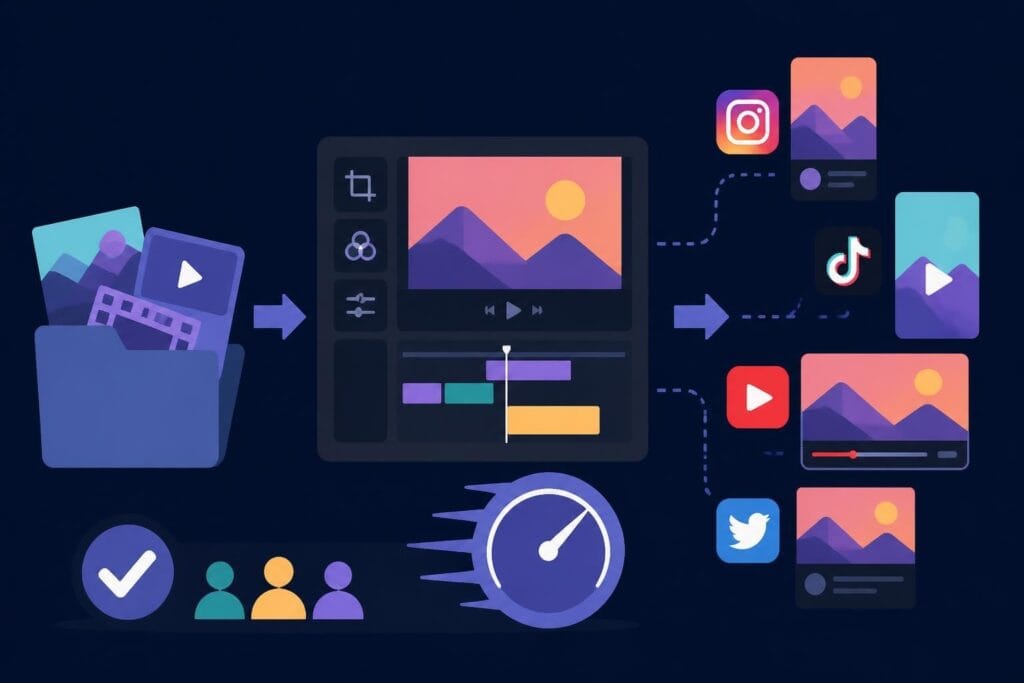
Batch Exporting and Presets
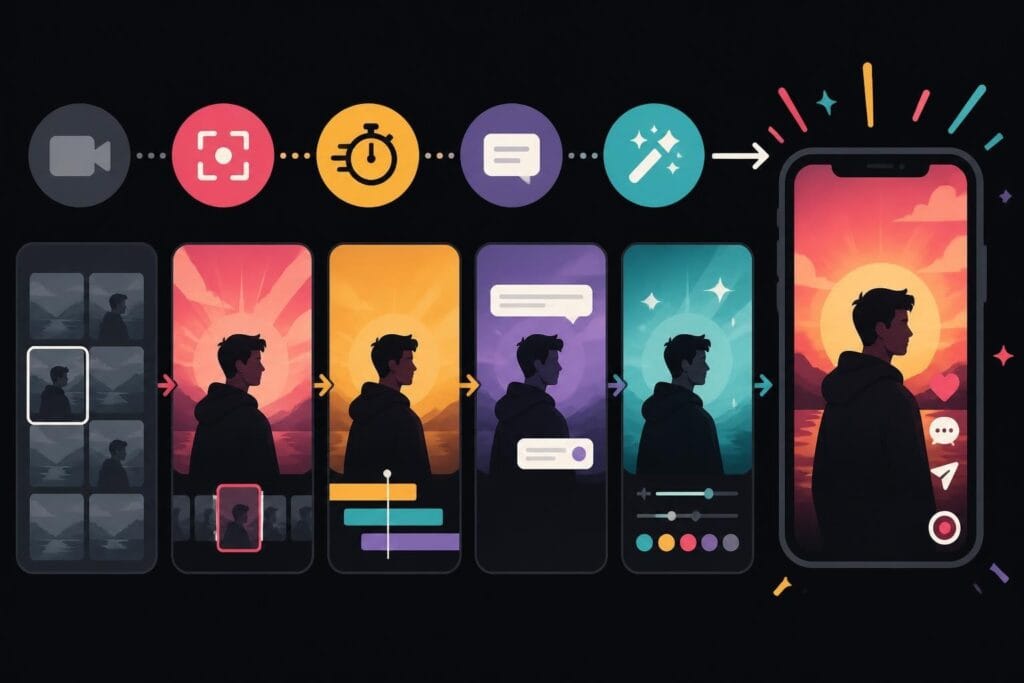
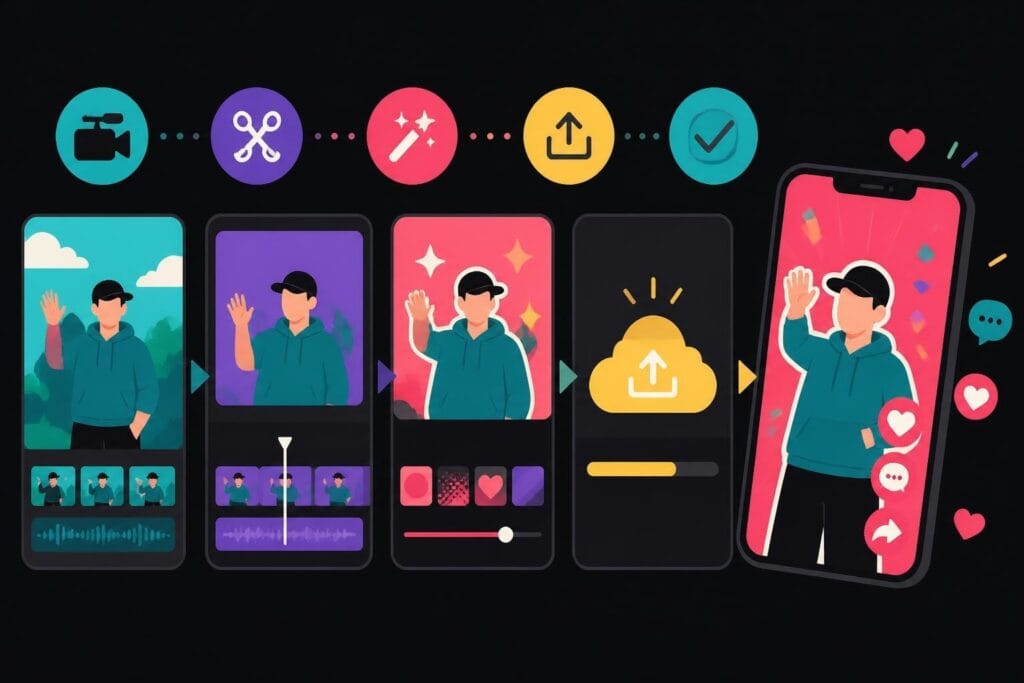
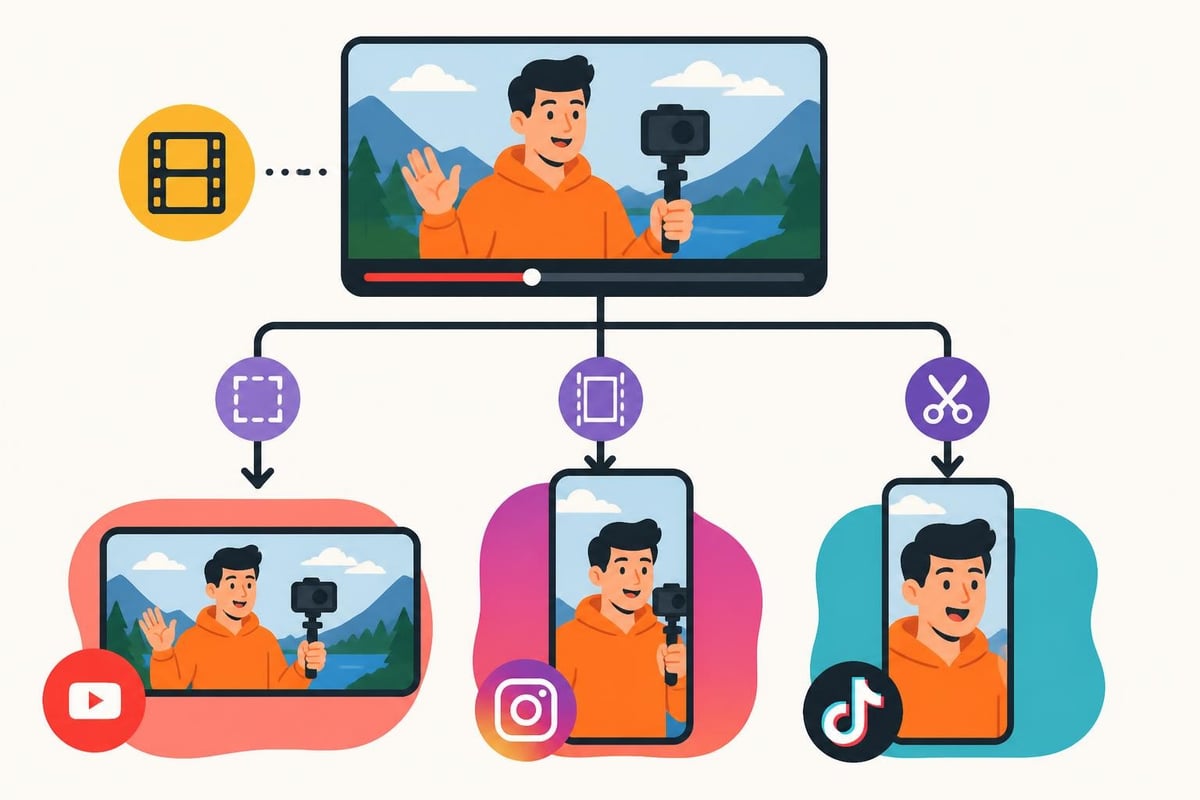
When you need to export the same vlog in three different formats for YouTube, Instagram, and TikTok, batch export features become your best friend.
- Create custom presets for each platform
- Queue multiple exports to run overnight
- Auto-name files based on templates
- Save render settings for consistent quality
Without these features, you're manually configuring exports multiple times per video. That's time you could spend filming, planning, or literally anything else.
Platform-Specific Considerations
Where you publish changes what you need from your editing software. YouTube vlogs need different optimization than TikTok content.
YouTube Vlogging Requirements
Critical features for YouTube:
- 4K export capability (even if you shoot 1080p)
- Chapter markers for longer videos
- End screen templates
- Thumbnail export functionality
YouTube rewards watch time, so your editing software should help you create engaging content that keeps viewers watching. Smooth transitions, good pacing tools, and easy audio ducking all contribute to better retention.
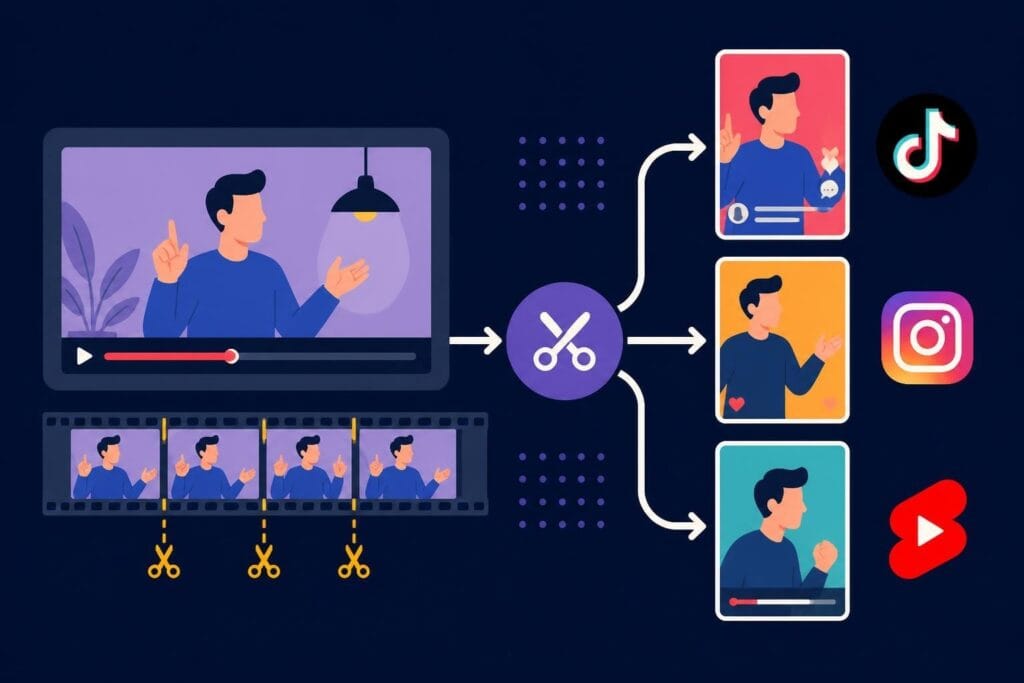
Vertical Video Optimization
Instagram Reels and TikTok dominate vlogging growth in 2026. Your software needs to handle vertical video as a first-class format, not an afterthought.
| Feature | Why It Matters | Best Tools |
|---|---|---|
| Auto-reframe | Converts horizontal to vertical intelligently | Premiere Pro, CapCut |
| Portrait templates | Pre-built vertical layouts | CapCut, InShot |
| Safe zones | Shows how content appears in different apps | Final Cut Pro, Premiere |
| Multi-format export | One timeline, multiple aspect ratios | DaVinci Resolve, Premiere |
Learning how to repurpose YouTube videos for TikTok requires software that makes multi-format workflow efficient, not painful.
The Subscription Versus Purchase Debate
Software pricing models impact your long-term costs more than you might realize. A $20 monthly subscription becomes $240 per year, $2,400 over ten years.
When Subscriptions Make Sense
Monthly subscriptions work well if:
- You need constant updates for new camera formats
- You use cloud collaboration features
- You want access to stock libraries
- You're testing different software options
Adobe Creative Cloud makes sense for professional vloggers who use multiple apps. The integration between Premiere, After Effects, and Audition creates a powerful ecosystem.
One-Time Purchase Benefits
Final Cut Pro's one-time $299 cost means you own it forever. After three years, you've saved money compared to Premiere Pro subscriptions. DaVinci Resolve Studio costs $295 once and includes lifetime updates.
Consider one-time purchases when:
- You've settled on your preferred workflow
- You don't need bleeding-edge features immediately
- You want predictable costs
- You prefer owning your tools outright
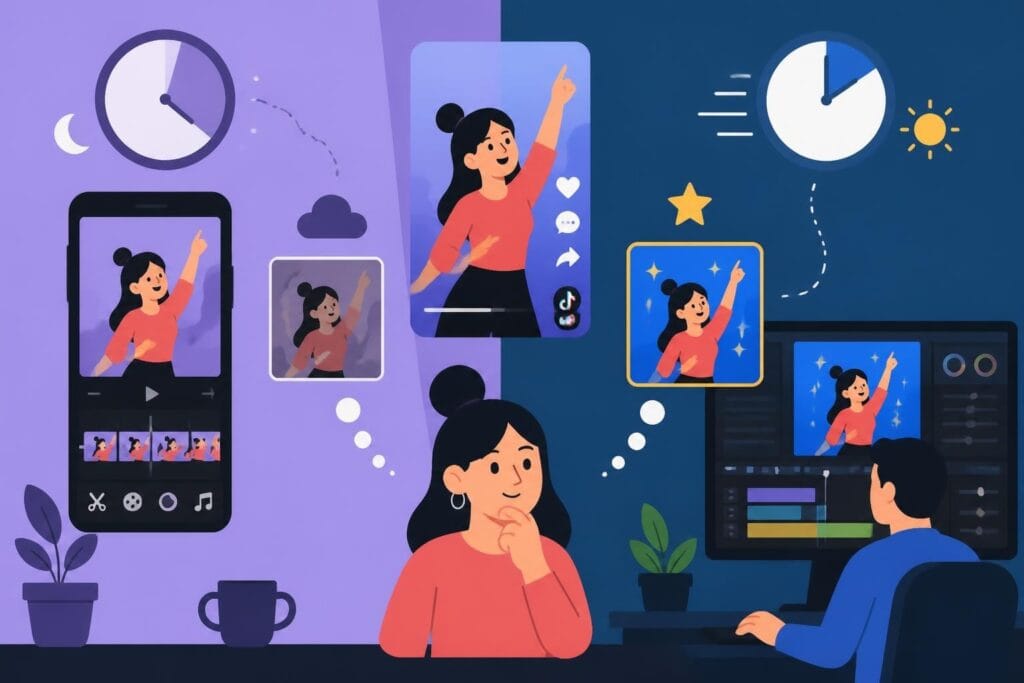
Mobile Editing for On-the-Go Vloggers
Sometimes you need to edit and publish from your phone. Travel vloggers, daily vloggers, and anyone without constant laptop access needs solid mobile options.
Top mobile editing apps in 2026:
- CapCut – Free, powerful, social-media optimized
- LumaFusion – $29.99, professional features on iPad
- Adobe Premiere Rush – $9.99/month, syncs with desktop
- InShot – Free with ads, simple and quick
Mobile editing isn't as precise as desktop work, but it's better than not publishing at all. Many successful vloggers do rough cuts on mobile and final polish on desktop.
Audio Editing Integration
Bad audio kills vlogs faster than average video quality. Your editing software needs solid audio tools or seamless integration with audio editing apps.
Essential Audio Features
Must-have audio capabilities:
- Visual audio waveforms for precise cutting
- Multi-track mixing (at least 8-12 tracks)
- Noise reduction and audio cleanup
- Auto-ducking for background music
DaVinci Resolve includes Fairlight, which is basically professional audio software built in. Premiere Pro integrates with Adobe Audition. Final Cut Pro has excellent built-in audio tools that handle most vlogging needs.
For vloggers working with professional video editing services, understanding audio requirements helps communicate needs more effectively to editors.
Color Grading Capabilities
Your vlog's visual signature comes from consistent color grading. Software with good color tools helps establish your brand look.
Basic color tools every vlogger needs:
- White balance adjustment
- Exposure correction
- Saturation and vibrance controls
- LUT support for quick color grades
DaVinci Resolve dominates color grading, but it's overkill for many vloggers. Most software includes good enough color tools. The key is learning to use them consistently across videos.
Making the Final Decision
The best editing software for vlogs is the one you'll actually use consistently. A simpler tool you understand beats powerful software that frustrates you.
Ask yourself:
- What's my actual budget (including long-term costs)?
- How much time can I invest in learning?
- What platforms am I publishing to?
- Do I need mobile editing capability?
- How often am I editing and publishing?
Start with free options if you're unsure. DaVinci Resolve or CapCut cost nothing to try. You can always upgrade later if you need more features.
For creators managing TikTok video editing workflows, the right software dramatically impacts how quickly you can produce content. Speed matters when algorithms reward consistent posting.
Beyond Software: The Real Bottleneck
Here's the uncomfortable truth: software isn't usually the bottleneck in your vlogging workflow. Time is.
The best editing software for vlogs won't help if you don't have time to use it. Most creators spend 3-5 hours editing per published vlog. If you're posting three times per week, that's 15 hours in editing alone.
Common time drains:
- Organizing and reviewing footage
- Creating multiple versions for different platforms
- Adding captions and descriptions
- Thumbnail creation and upload process
- Revision requests if working with clients or sponsors
Professional vloggers often realize that their time is worth more than editing software costs. Whether you choose Premiere Pro, Final Cut, DaVinci Resolve, or CapCut, the real question becomes how much of your week you can afford to spend editing.
CyberLink’s software comparison guide offers additional perspectives on choosing tools that match your specific vlogging style and requirements.
Choosing the best editing software for vlogs comes down to matching tools to your actual workflow, not just picking the most popular option. Start with free software to learn the basics, then invest in paid tools when you know exactly what features you need. If you'd rather focus on filming and growing your channel while someone else handles the editing grind, beCreatives offers unlimited video editing services with dedicated editors who understand vlog workflows, unlimited storage for all your footage, and a revision system that actually works-so you can spend your time creating content instead of sitting behind a timeline.