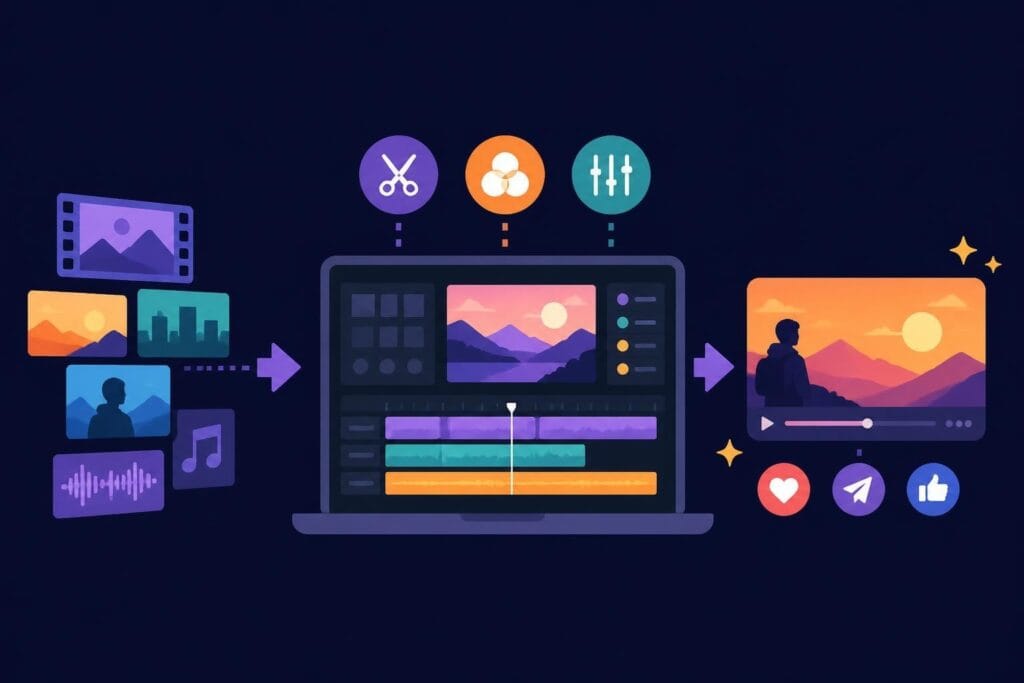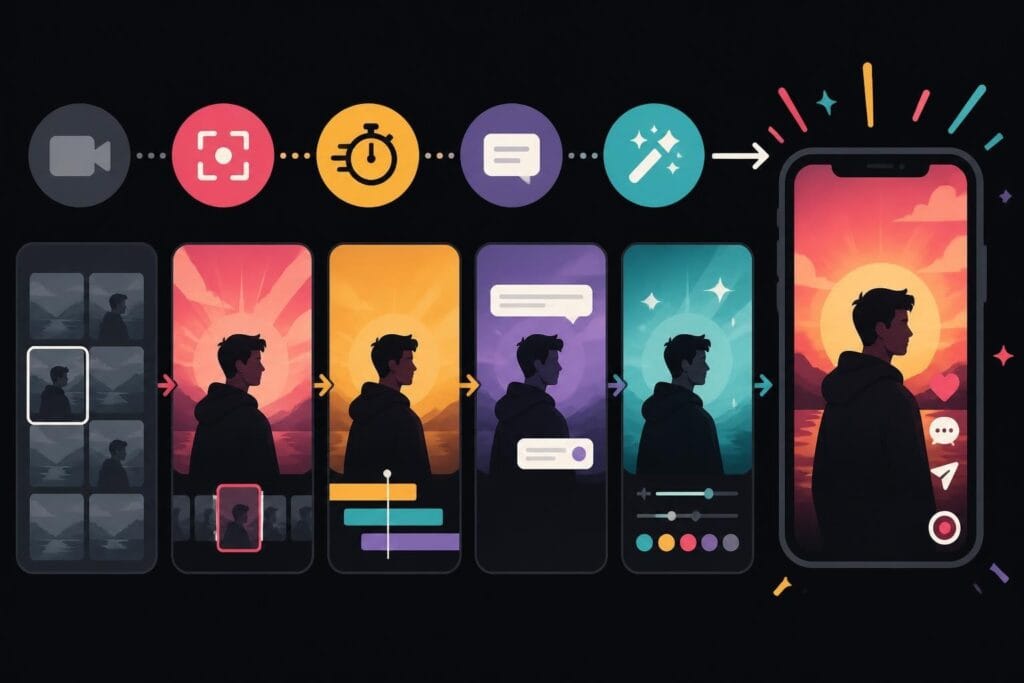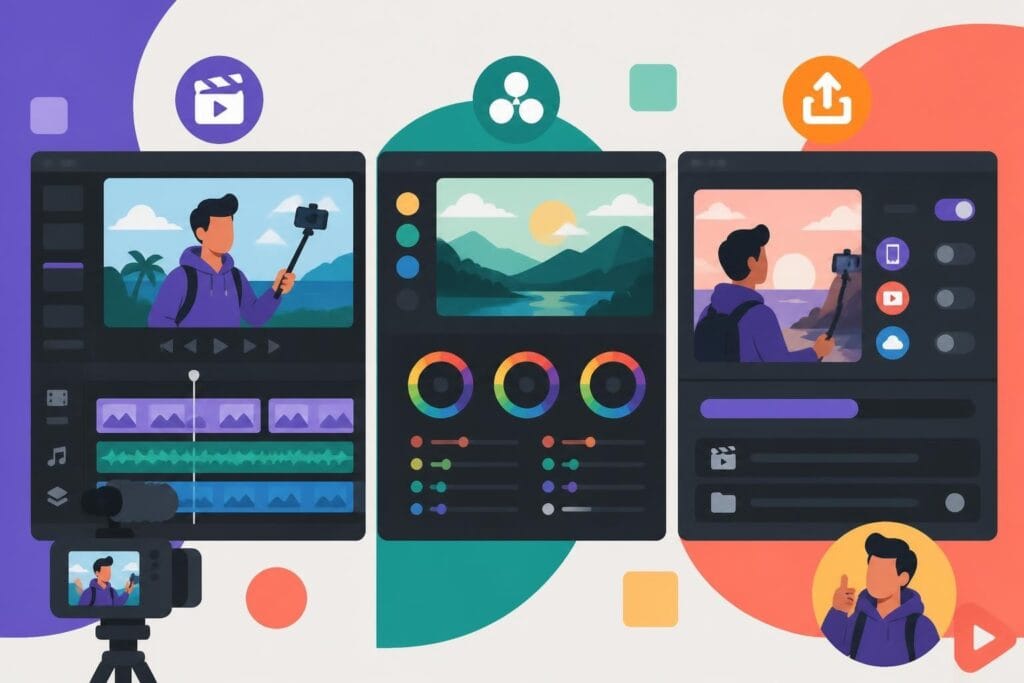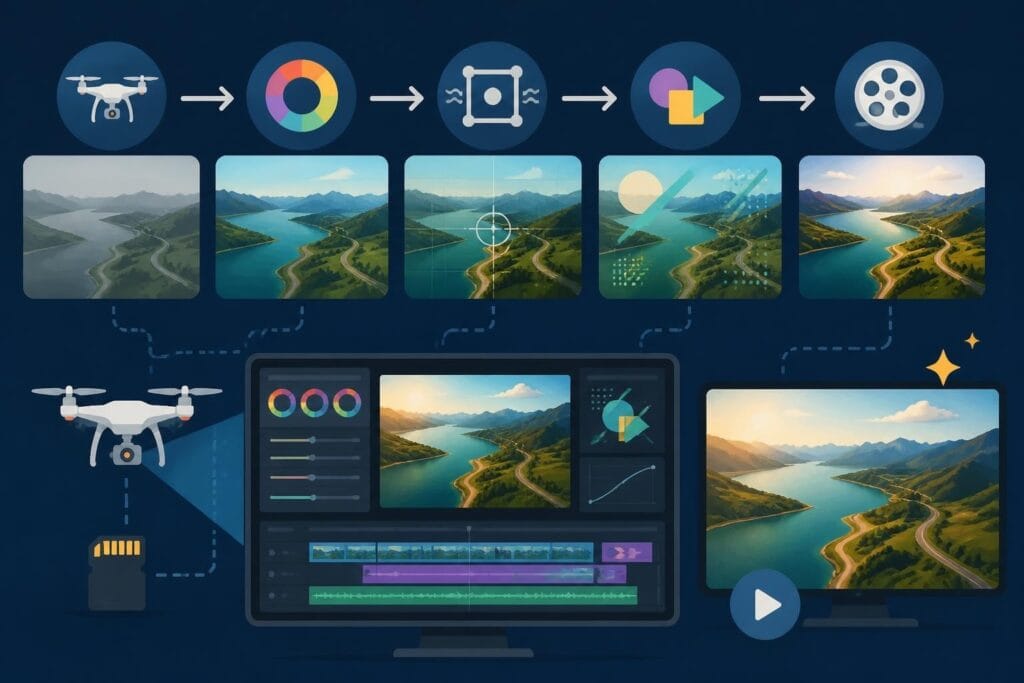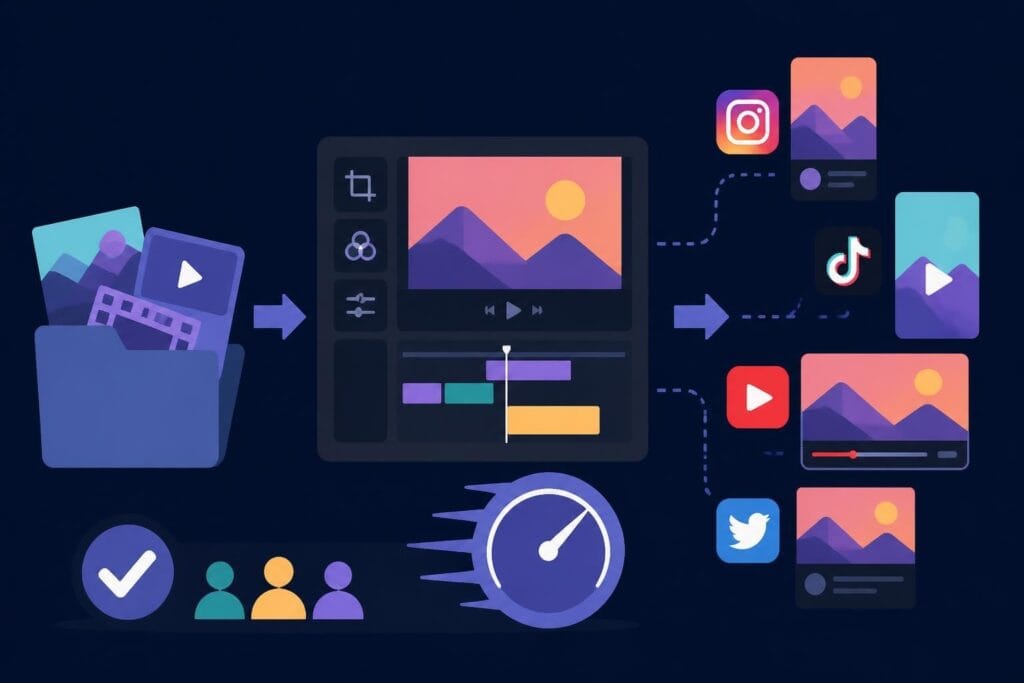
Social media editing isn't just about cutting clips anymore. It's about staying visible, staying relevant, and staying sane while everyone else drowns in revision requests and algorithm changes. In 2026, the creators and brands winning on social platforms aren't the ones with the fanciest transitions or the most expensive cameras. They're the ones who've figured out how to publish consistently without losing their minds. Because here's the truth nobody wants to admit: your audience cares more about showing up regularly than they do about that perfect color grade you spent three hours tweaking.
The platforms have spoken loud and clear. TikTok rewards daily posting. Instagram punishes inconsistency. YouTube Shorts demands volume. And if you're trying to edit every single piece of content yourself, you're already behind. Smart social media editing means building systems that let you focus on what you're actually good at while someone else handles the timeline.
Why Social Media Editing Is Different From Everything Else
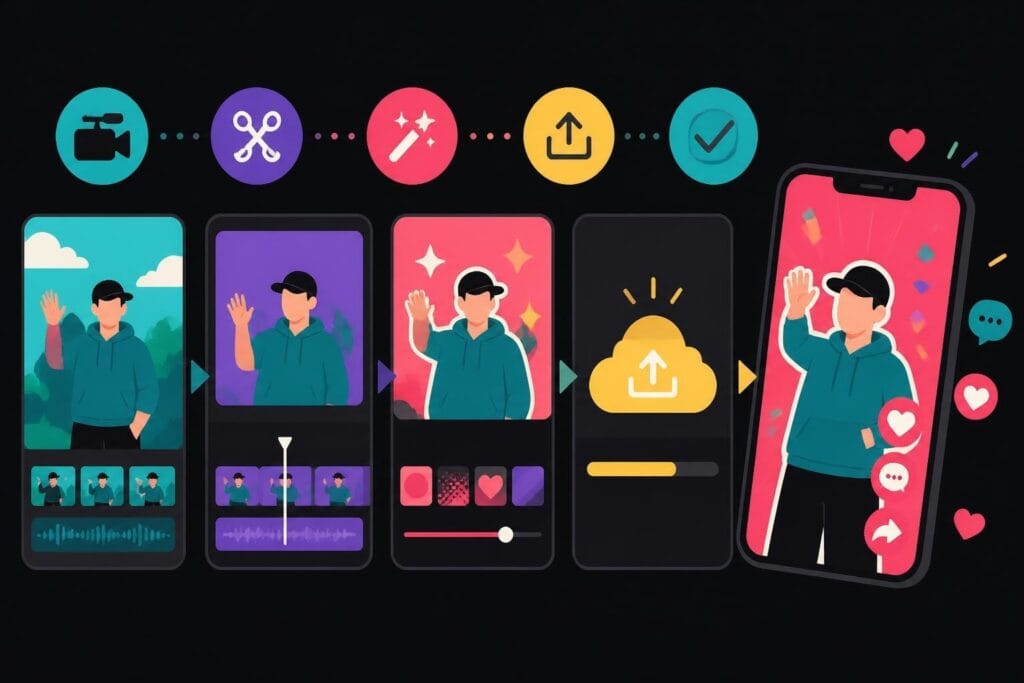
Traditional video editing follows a predictable rhythm. You shoot, you edit, you deliver, you wait for feedback, you revise. Social media editing throws that entire workflow out the window.
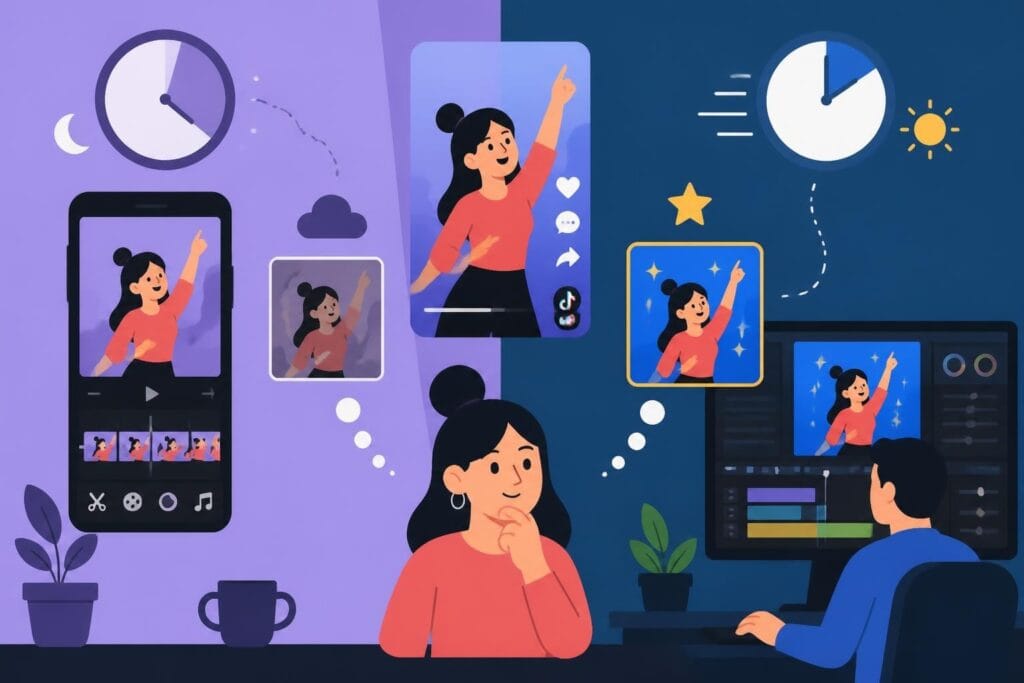
Speed matters more than polish. When a trending sound has a 48-hour shelf life, spending a week on edits means missing the wave entirely. Your competitors aren't waiting for perfect. They're publishing while you're still organizing your project files.
Here's what makes social media editing unique:
- Platform-specific aspect ratios that change with every update
- Real-time trend cycles that expire before you finish rendering
- Audience expectations for authenticity over production value
- Multiple content versions from a single shoot
- Same-day turnaround requirements that would make traditional editors laugh
The tools content creators use have evolved to match these demands, but tools alone won't save you. The real bottleneck is decision-making bandwidth.
The Three Types of Social Media Edits You Actually Need
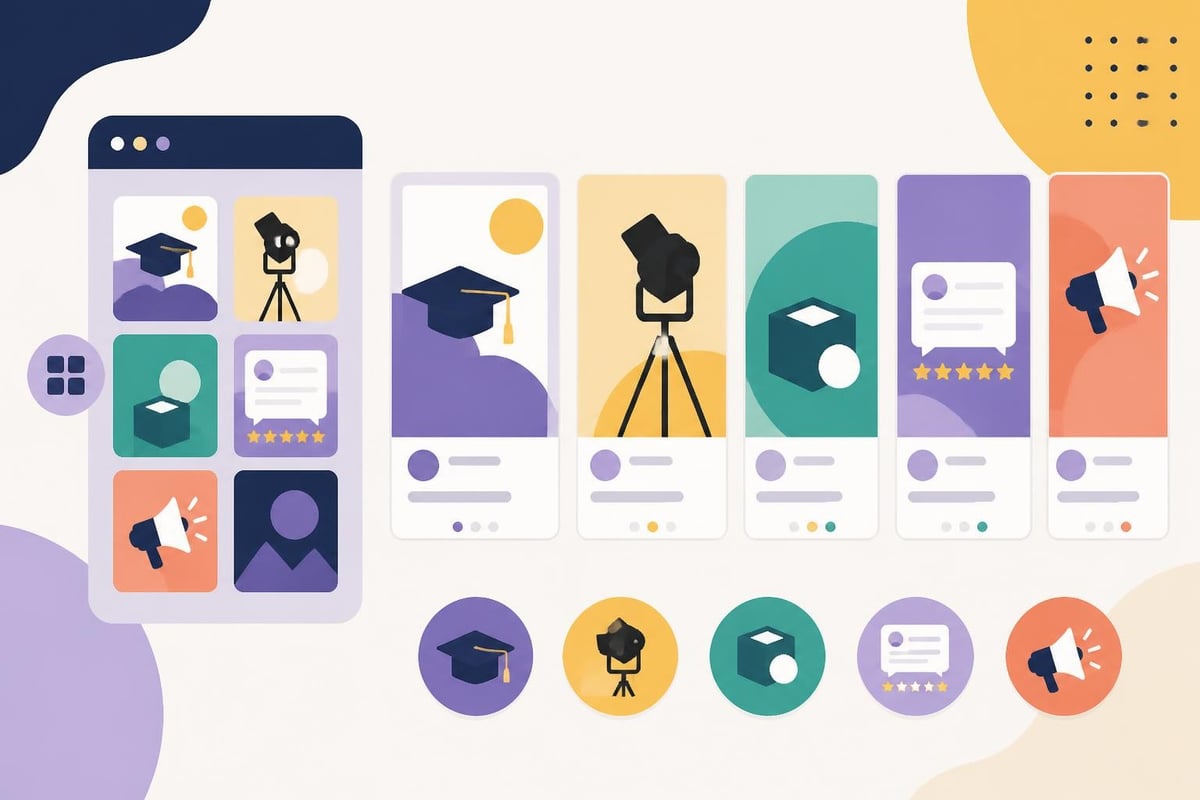
Stop trying to create cinematic masterpieces for every post. Break your social media editing into three categories based on effort and impact.
Quick cuts are your bread and butter. These are simple edits: trimmed talking heads, basic captions, maybe a transition or two. They should take minutes, not hours. If you're spending more than 20 minutes on a 60-second Instagram Reel, you're overthinking it.
Mid-tier edits get slightly more polish. Add B-roll, overlay graphics, color correction, strategic music cuts. These work for announcement videos, product features, client testimonials. Budget 1-2 hours max.
Hero content deserves the full treatment. This is your flagship content that gets repurposed across platforms. Think campaign launches, brand stories, course promos. These might take a day or two, but you should only create one piece of hero content per week at most.
Most creators mess up by treating everything like hero content. Your Tuesday morning coffee chat doesn't need the same editing depth as your quarterly product launch.
Building a Social Media Editing Workflow That Actually Scales
Consistency beats quality in the attention economy. Harsh? Maybe. True? Absolutely.
The creators pulling six figures from social platforms aren't the ones agonizing over every frame. They've systematized their social media editing so thoroughly that content flows like an assembly line. Here's how they do it.
Batch Recording Saves Your Sanity
Record 4-6 pieces of content in a single session. Same setup, same lighting, same energy. This gives your editor (or yourself, if you're still doing this the hard way) consistent footage to work with.
When you batch record, you also batch your creative energy. Getting into "content mode" takes mental effort. Do it once and maximize the output instead of restarting that engine every single day.
| Editing Approach | Time Per Video | Videos Per Week | Total Weekly Hours |
|---|---|---|---|
| Edit as you go | 2-3 hours | 3-4 | 6-12 hours |
| Batch editing | 45 minutes | 7-10 | 5-7 hours |
| Outsourced editing | 15 minutes review | 10-15 | 2-3 hours |
The math doesn't lie. Every hour you spend in editing software is an hour you're not spending on strategy, networking, or actually creating new content.
Template Everything That Repeats
Your intro sequence? Template. Your outro CTA? Template. Your lower thirds with your name and title? You guessed it-template.
Mobile video editing apps have made templates incredibly accessible, but here's the trap: spending three hours building the perfect template you'll use twice isn't productivity. It's procrastination with extra steps.
Build templates for your three most common content types. Stop there. You can always add more later when you've actually published 50 pieces of content using the basics.
The Technical Stuff You Can't Ignore (But Also Can't Obsess Over)
Platform specs change faster than you can update your bookmarks. But some principles remain fairly stable.
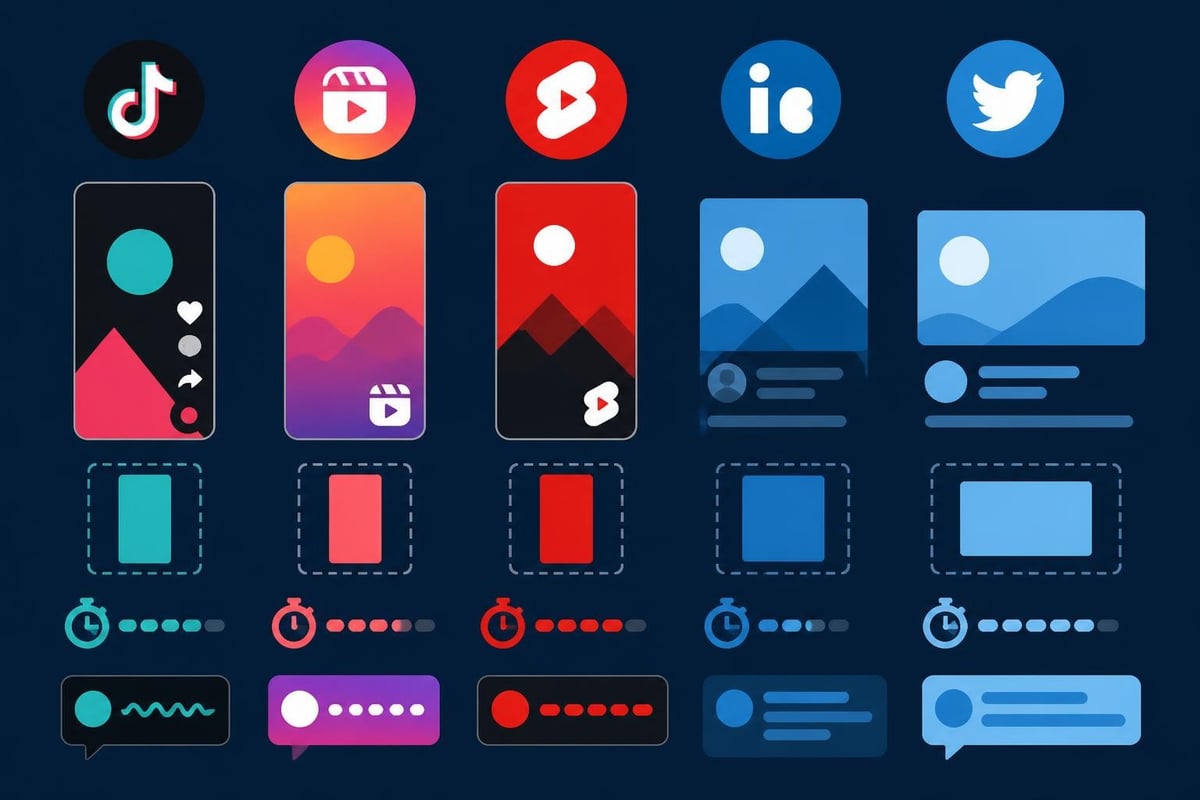
Aspect ratios are non-negotiable. Vertical (9:16) dominates TikTok, Instagram Reels, and YouTube Shorts. Square (1:1) still performs well on Instagram feed posts. Horizontal (16:9) belongs on YouTube and LinkedIn. Trying to force horizontal content into vertical spaces by adding blurry backgrounds? Your engagement rate already told you how well that's working.
Captions aren't optional anymore. About 85% of social videos get watched without sound. If your message depends on audio alone, you've lost most of your audience before the three-second mark. Social media editing in 2026 means captions are part of the edit, not an afterthought.
File sizes matter more than resolution. Uploading massive 4K files to platforms that compress everything to 1080p anyway just slows down your workflow. The University of Houston's social media graphics guidelines emphasize optimization alongside design-a principle that applies equally to video.
The Resolution Reality Check
Shoot in 1080p unless you have a specific reason not to. The quality difference on a phone screen is invisible, but the editing speed difference is massive. Smaller files mean faster imports, faster previews, faster exports, faster uploads.
Your audience is watching on cracked iPhone screens during their commute. They're not pixel-peeping your color grades.
What Most Creators Get Wrong About Social Media Editing
The biggest mistake? Treating social media editing like a creative pursuit instead of a production system.
Sure, creativity matters. But if your creative process means you only publish once a week because you're "waiting for inspiration," you've already lost to the creator who publishes daily with 70% of your production value.
Perfectionism is the enemy of presence. Every minute you spend tweaking that transition is a minute your competitor spends building their audience. This isn't about lowering standards-it's about understanding where standards actually matter.
Another trap: learning every new editing technique instead of mastering the basics. You don't need to know advanced motion tracking for social content. You need to be able to cut dead air, add captions, and export in the right format. That's it. That's the list.
The creators who repurpose YouTube videos for TikTok successfully aren't creating entirely new edits from scratch. They're strategically trimming and reformatting existing content. Smart social media editing is about efficiency, not starting over every time.
The Outsourcing Math That Changes Everything
Let's talk numbers because feelings don't pay bills.
If you bill at $150/hour for your actual expertise (coaching, consulting, photography, whatever), but you're spending 10 hours per week on social media editing, that's $1,500 of lost income. Every single week. That's $78,000 annually you're leaving on the table.
Even if you hire a dedicated editor for $2,500/month, you're still ahead by over $60,000 per year. And that's assuming you only replace 10 hours of editing time with revenue-generating activities.
When DIY Editing Actually Makes Sense
Here are the only scenarios where editing your own social content is genuinely the right move:
- You're genuinely learning the skill because editing is part of your business offering
- You have literally zero income and eating matters more than scaling
- You're in the first 30 days of content creation and still finding your style
Notice what's not on that list? "I'm a perfectionist and nobody else gets my vision." That's not a reason. That's a limitation you're choosing to keep.
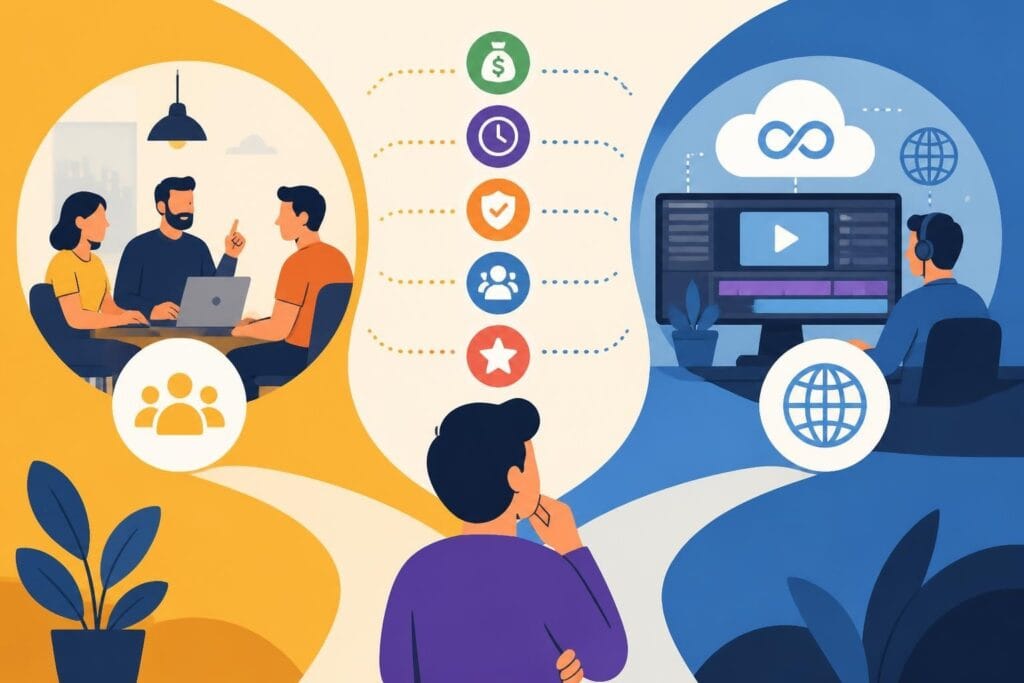
| Cost Factor | DIY Editing | Freelance Editor | Unlimited Service |
|---|---|---|---|
| Monthly time cost | 40-50 hours | 10-15 hours | 5-8 hours |
| Monthly financial cost | $0 direct | $800-2000 | $495-995 |
| Scalability | Limited to your time | Limited to editor availability | Unlimited requests |
| Learning curve | Steep and ongoing | One-time onboarding | Minimal |
The pricing models for video editing services have evolved dramatically. Unlimited editing subscriptions eliminate the "hours worked" anxiety and let you focus on what actually grows your business.

Platform-Specific Social Media Editing Strategies
Each platform speaks its own language. Your editing style should translate accordingly.
TikTok Editing: Fast, Raw, Real
TikTok punishes overproduction. The content that performs best often looks like it was edited in under 10 minutes-because it was. Quick cuts, trending sounds, text overlays that mimic the native TikTok style.
Don't try to import your YouTube editing style here. TikTok audiences can smell overproduction a mile away, and they'll scroll past faster than you can say "engagement rate." The best editing approaches for TikTok embrace the platform's authentic, casual nature rather than fighting against it.
Instagram Reels: Polished But Approachable
Instagram sits between TikTok's rawness and YouTube's polish. Your Reels should feel intentional without feeling corporate. Smooth transitions matter here more than on TikTok. Color grading can help, but don't go full cinematic.
The first three seconds determine everything. Hook immediately or lose them forever. This means your social media editing needs to prioritize those opening frames above everything else.
YouTube Shorts: Horizontal Content Goes Vertical
The biggest challenge with Shorts is that most creators are repurposing horizontal YouTube content into vertical format. This works, but only if you edit strategically.
Punch in on the speaker. Add dynamic text to fill the vertical space. Don't just export with black bars-you're wasting premium screen real estate. Google’s recent video editing features make creating mashups easier, but strategic framing still matters.
LinkedIn: Professional Doesn't Mean Boring
LinkedIn video performs absurdly well, yet most creators ignore it. The editing bar is lower here than anywhere else, but you still need clean audio and clear messaging.
Skip the trendy transitions. Keep text overlays professional. Focus on value over entertainment. Your LinkedIn social media editing should enhance credibility, not showcase editing skills.
The AI Editing Revolution You're Probably Ignoring
AI tools have moved beyond gimmick territory into genuinely useful territory. Google Vids now converts images into videos, which sounds wild until you realize it's perfect for quick social content when you don't have video footage.
Auto-captioning has reached near-perfect accuracy. Auto-reframing intelligently crops horizontal videos to vertical. Background removal happens in real-time. These aren't future features-they're available now in free video editing software.
But here's the thing about AI editing tools: they're accelerators, not replacements. They speed up the technical execution but can't replace strategic thinking about what to cut, where to emphasize, or how to structure your message.
The Hybrid Approach Wins
Use AI for the tedious stuff. Auto-generate captions, let algorithms remove background noise, apply auto-color to match your last video. Then apply human judgment to pacing, storytelling, and platform-specific optimization.
This hybrid approach to social media editing gives you speed without sacrificing the strategic choices that actually move metrics.
Why Nobody Talks About the Emotional Cost of Editing
Editing fatigue is real, and it's killing more content careers than algorithm changes ever will.
Staring at your own face for hours while trimming "ums" and awkward pauses? That's not creative work. That's digital self-torture. The psychological weight of being both creator and editor means you never fully leave either role.
Creators who edit their own content report higher burnout rates, more inconsistent posting schedules, and genuine dread around content creation. Not because creating is hard, but because the editing aftermath looms over every recording session.
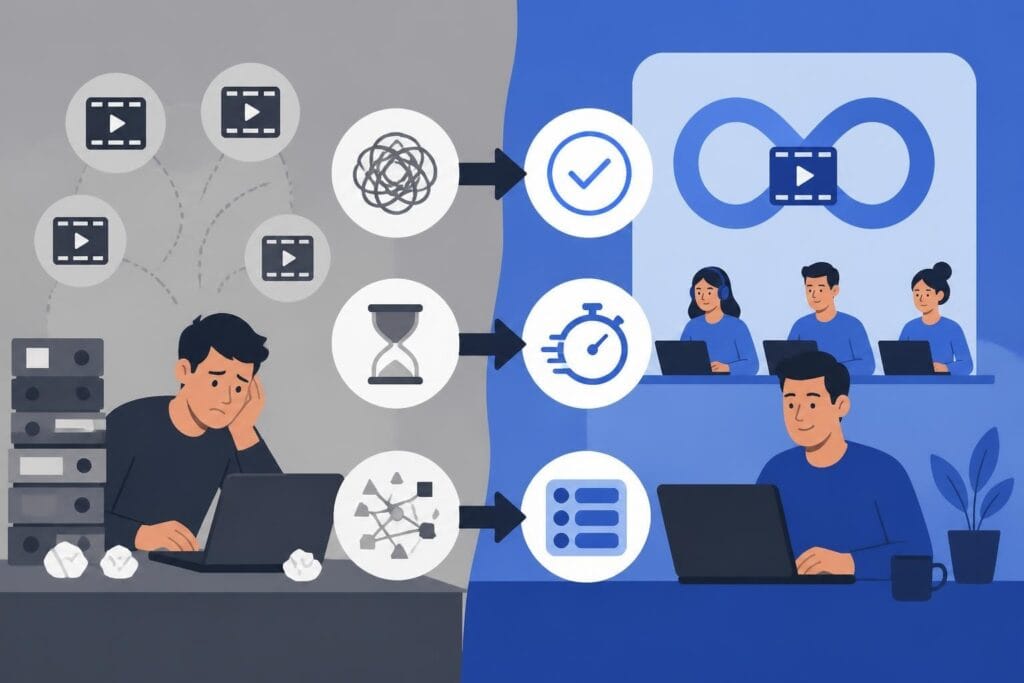
When you know you have 10 hours of editing waiting after a 30-minute recording session, suddenly that recording session feels less appealing. This is why hiring dedicated video editors isn't a luxury-it's a business sustainability strategy.
Building Your Social Media Editing Team (Even If You're Solo)
You don't need a full production company to scale your content. You need clear systems and the right support.
Start with one platform. Perfect your social media editing workflow for a single platform before expanding. Master TikTok editing, then add Instagram. Trying to optimize for five platforms simultaneously is a recipe for mediocre results everywhere.
Document your style preferences. Create a simple style guide covering your preferred pacing, caption style, music choices, and brand colors. This makes working with editors infinitely easier and ensures consistency across content.
Use project management tools. Buffer’s social media management platform handles scheduling and analytics, but you also need systems for communicating with editors. Shared drives, clear naming conventions, and simple approval processes eliminate the back-and-forth confusion that eats up time.
The goal isn't to remove yourself entirely from the editing process. It's to remove yourself from the execution while maintaining creative direction. Review and approve, don't rebuild and re-edit.
Social media editing doesn't have to be the bottleneck that kills your content dreams. The creators winning in 2026 have figured out that showing up consistently beats showing up perfectly, every single time. They've built systems, eliminated perfectionism, and focused their energy on what actually grows their business instead of what feels productive. If you're ready to stop trading your time for timeline adjustments and start publishing like your visibility depends on it (because it does), beCreatives offers unlimited video editing services designed specifically for creators and businesses who refuse to choose between quality and consistency. Your audience is waiting-stop editing and start publishing.